
Maybe you've heard of the Pomodoro technique? It's a time management method invented by Francesco Cirillo in the late 1980s that helps us (Erik, Marvin, Jan & me) to stay productive.
- Pomodoro in a nutshell: 4x (alternating 25min work / 5min break ) then 1x (20min break)
Normally we use a Pomodoro app but with it it's hard to keep everyone in sync. So we thought why not printing our own physical Pomodoro clock to stay in sync and let it be controlled within our Slack.
For those who want to rebuild the clock, you can download our print file containing all parts . Feel free to change the files to print your own logo. For the rebuild you basically need these remaining ingredients. Recipe:
- 3D Printer (Creality Ender-3)
- CAD software (e.g. Vusion 360)
- Filament
- Arduino (with WiFi module)
- LED stripe
- Usb A to Micro Usb
- Soldering device
- Some hot glue
A tiny hint before you start. Printing can take a very long time. Our longest print took about 28 hours.
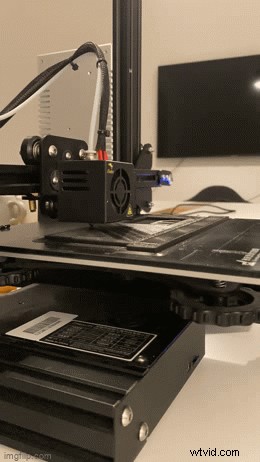
Step by step documentation
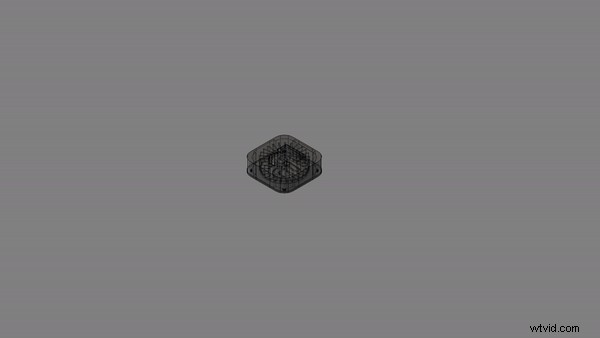
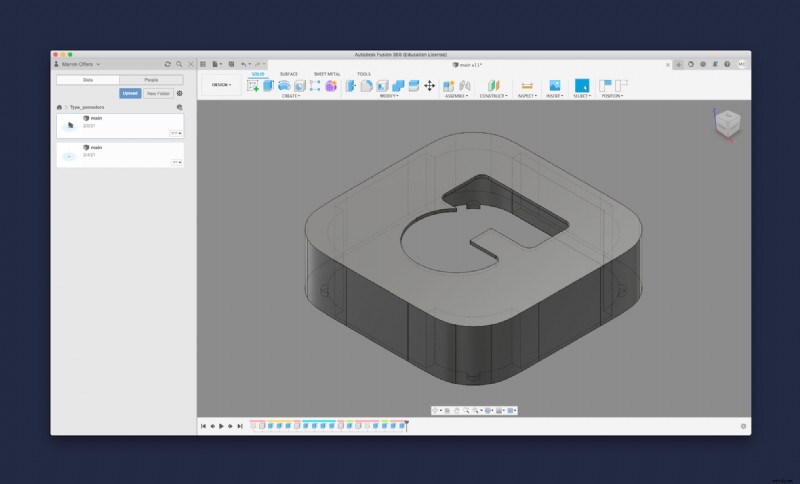
First of all, we designed the clock in Vusion 360. The individual components put together look like this:
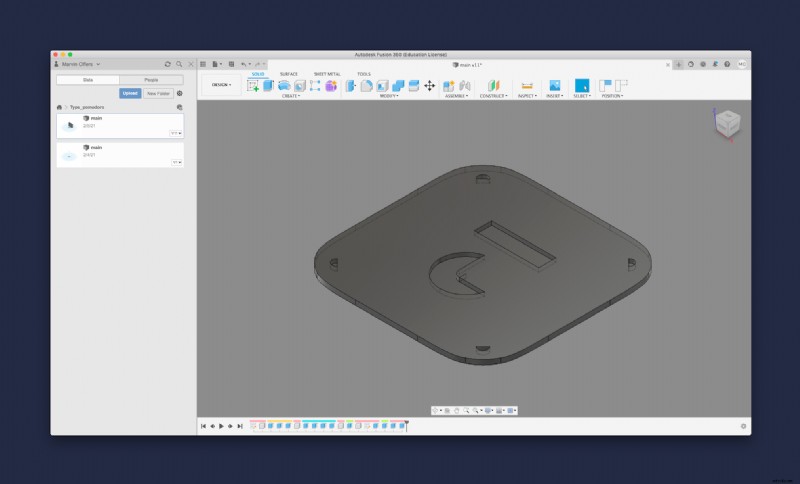
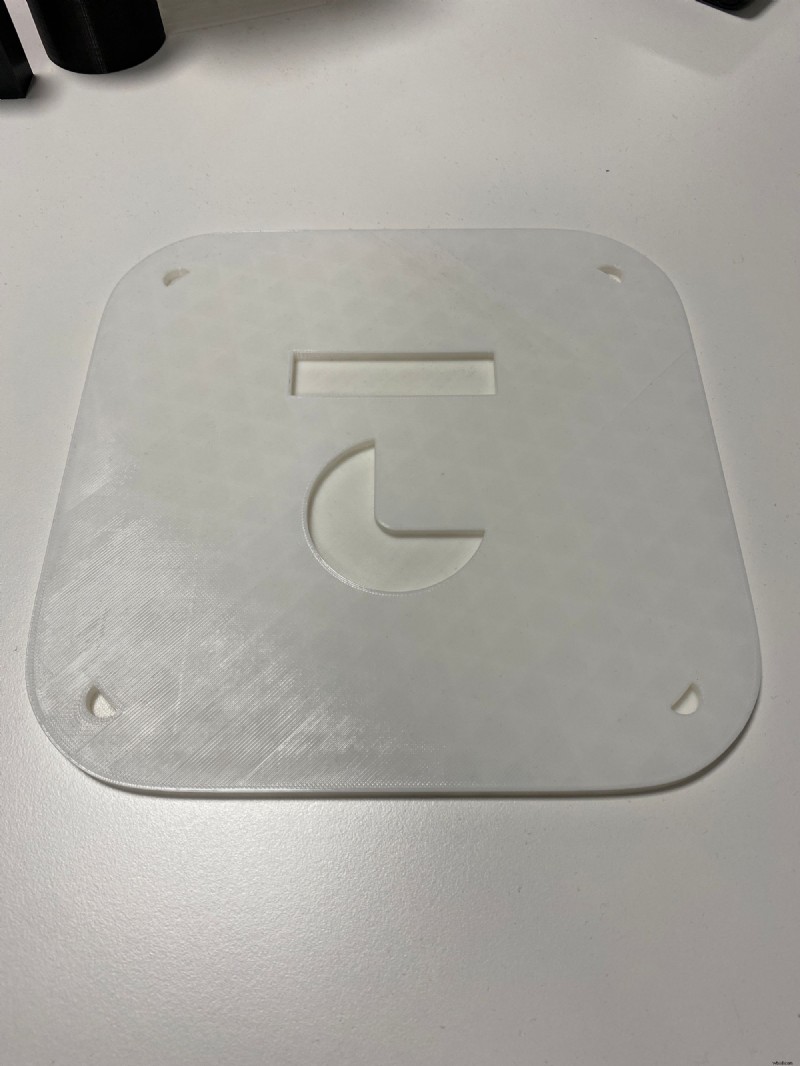
We started with the back side. On the bottom plate the clock is put together. Here is the print file. When we started the project, we only had filament for the first two parts, so all the parts after that were printed with another filament, which unfortunately wasn't as good.
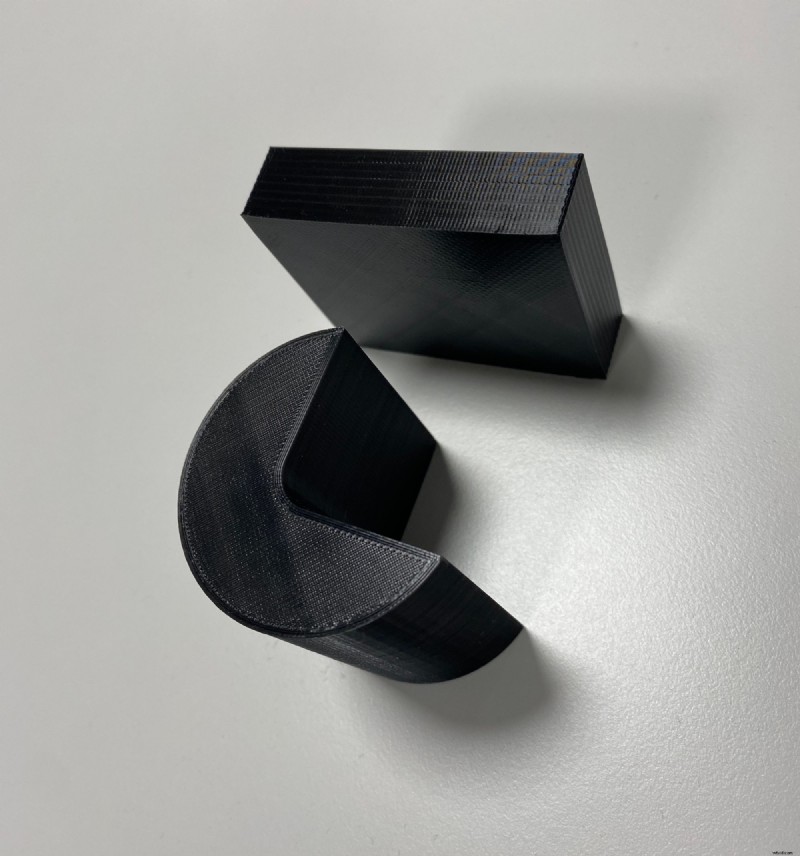
The next part is the inner ring that delimits with its compartments the 25 time units. Each segment is illuminated by two LEDs.
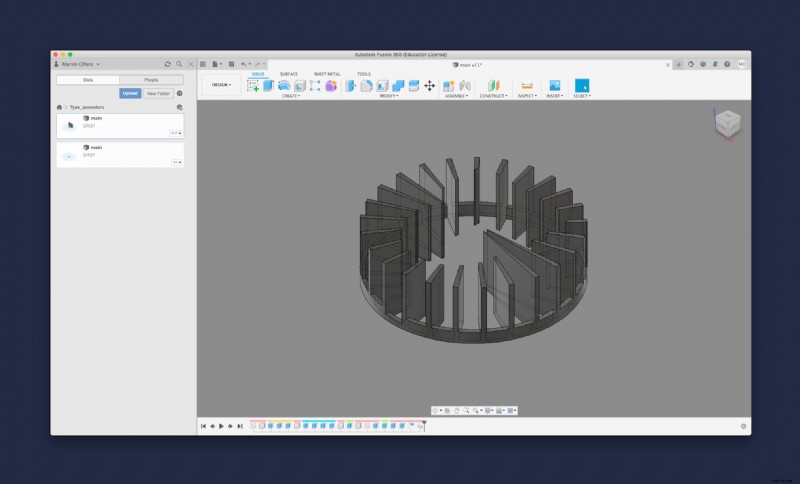
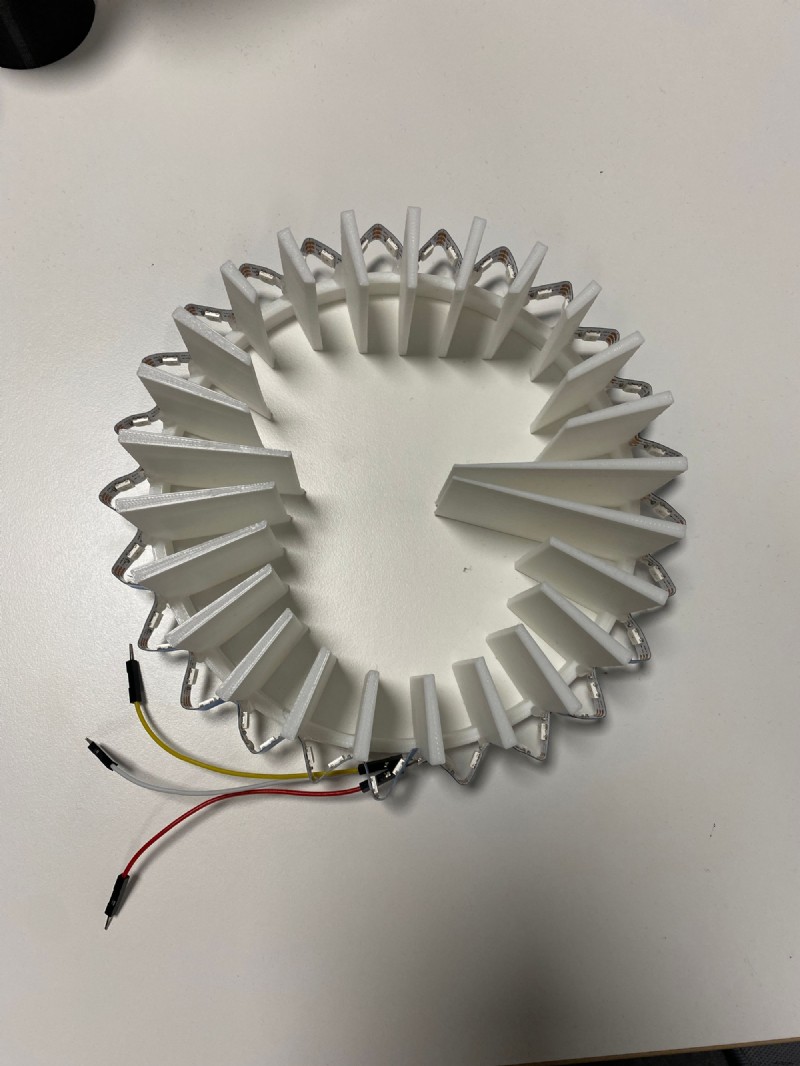
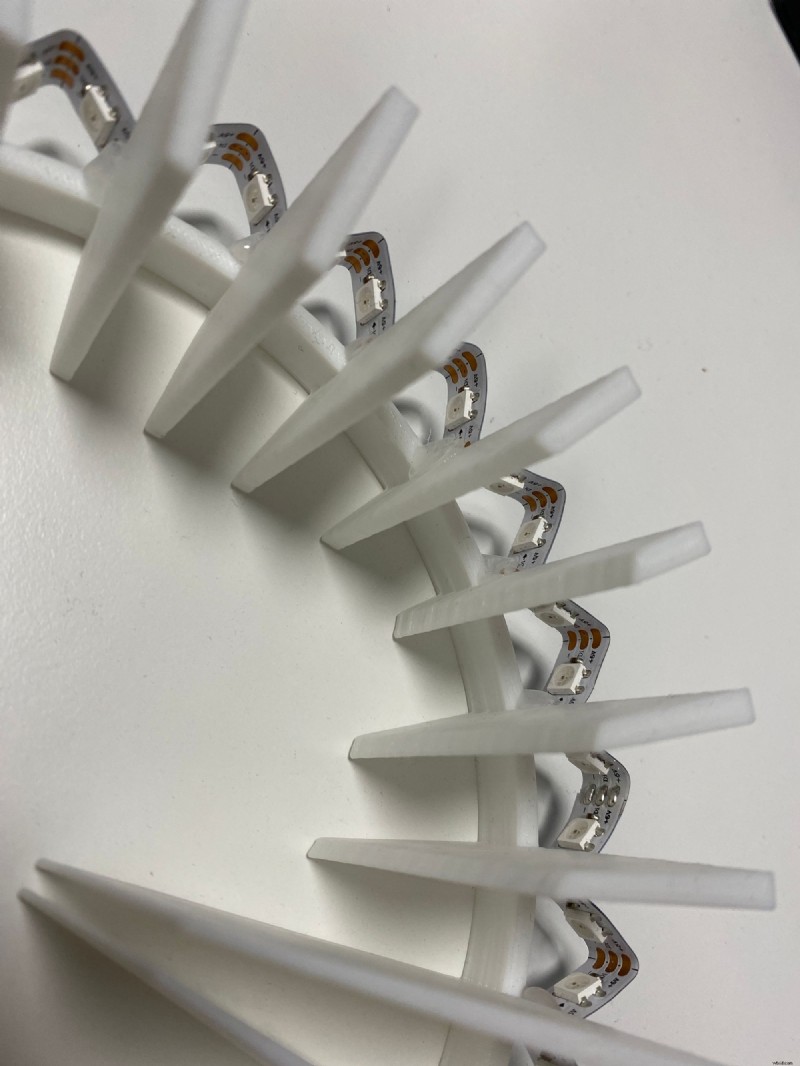
We used some hot glue to fixe the LED stripe around the construction part.
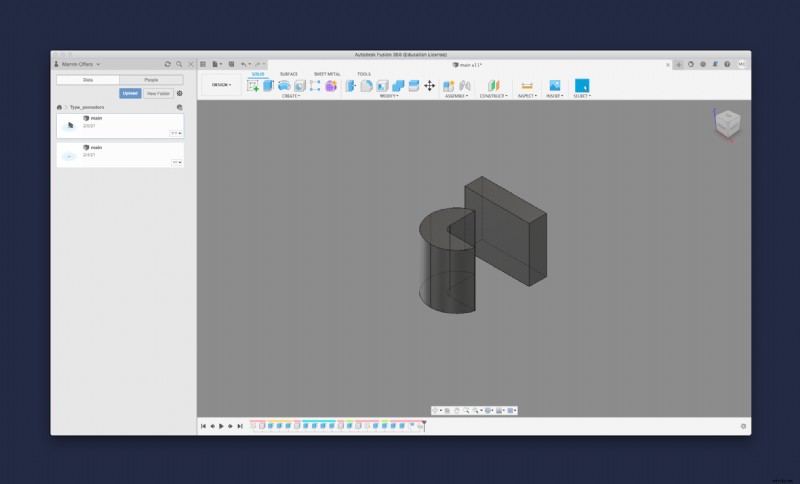
To complete our logo we need the inner line elements. The small components turned out reasonably well even with the new filament.
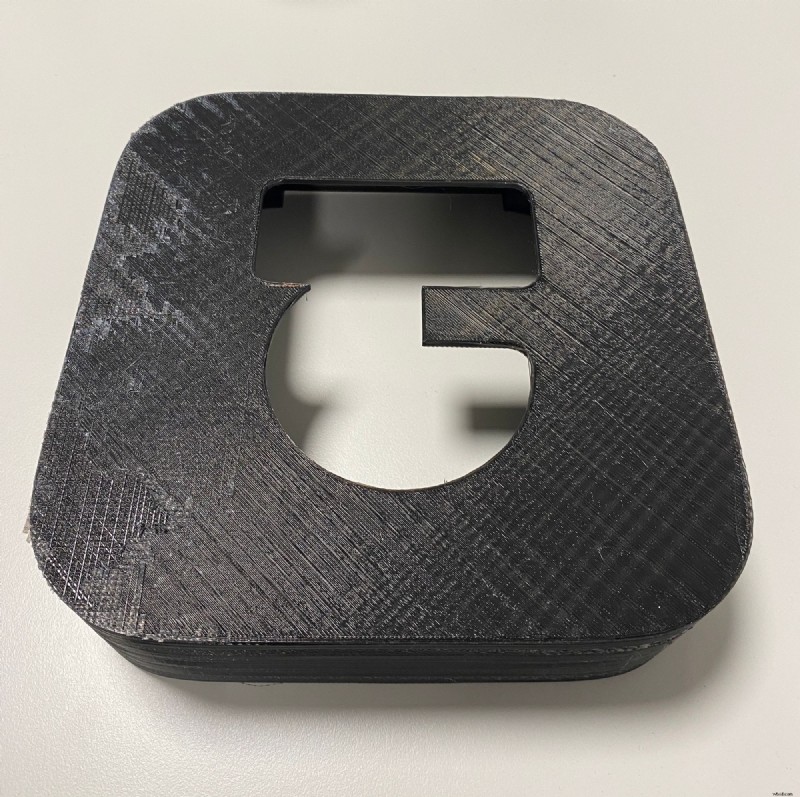
The largest component is the cover, which is plugged onto the underbody. Unfortunately, the print did not turn out well, as you can see on the top left side. But we have subsequently smoothed the surface with a little sandpaper. In addition the filament is not fused together well enough and some light comes through the case.
Unfortunately we didn't take any pictures of how we put everything together, but it's actually quite simple. Even if this picture suggests otherwise.😅
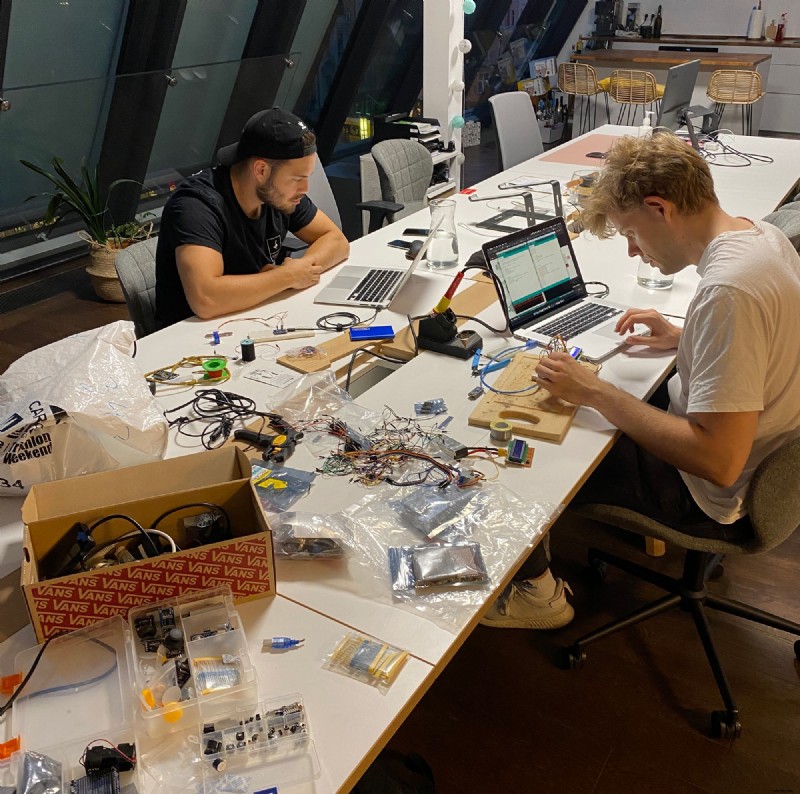
A USB connector is soldered to the three ends of the LED stripe, which is then plugged into the Arduino. Here is the source code you need to play on the Arduino. Note: We've a Firebase cloud function running that allows us to control the Pomodoro lamp via our Slack bot. But you can of course use the clock without Firebase and Slack.

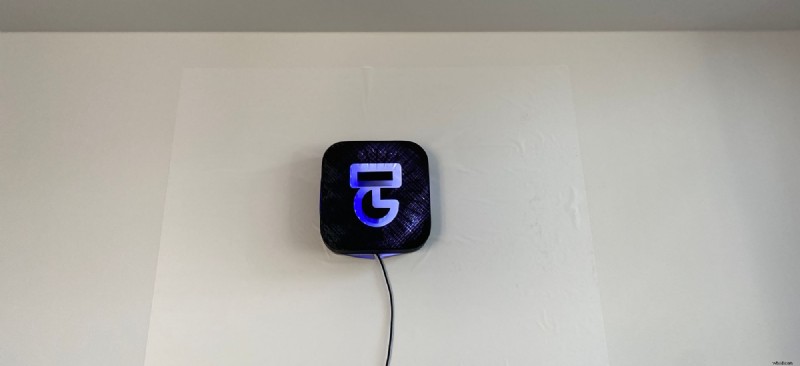
This is how the result looks when a little more than half has passed. The lamp is set to blue by default. The white ring gradually builds up and illuminates our Type Studio logo. When the pause starts, the lamp turns red, as you saw in the first picture above. Feel free to choose the colors you like best.✌️
If you have any questions feel free to send me a message: michael@typestudio.co