
M4A is an audio format. It has a smaller file size and better audio quality than MP3. Most programs support M4A playback. In this post, I’ll show you the 6 best M4A players for computers and mobile devices. Check out this post right now!
Want to play M4A files without quality loss? Try the following M4A players! If you need to add an M4A file to the video, try MiniTool MovieMaker.
6 Best M4A Players for Computers and Mobile Devices
- Winamp
- MusicBee
- KMPlayer
- iTunes
- VLC
- Poweramp
Best M4A Players for Computers
This part gives you the 4 best M4A players for Windows and Mac, including Winamp, MusicBee, KMPlayer, and iTunes.
Winamp
Platform: Windows, Mac, Android, DOS
Winamp is a free M4A player. It also supports playing MP3, AAC, FLAC, WAV, WMA, MIDI, etc. It’s popular and available in 18 languages.
Features
- Play most popular audio files free of charge.
- Fully control the music playback.
- Edit music tags and add cover art to music.
- Offer a variety of skins.
MusicBee
Platform: Windows
MusicBee is an M4A player for Windows that lets you manage and play music files. Except for M4A, the supported audio formats include MP3, WAV, AAC, OGG, FLAC, ALAC, WMA, MIDI, MOD, etc.
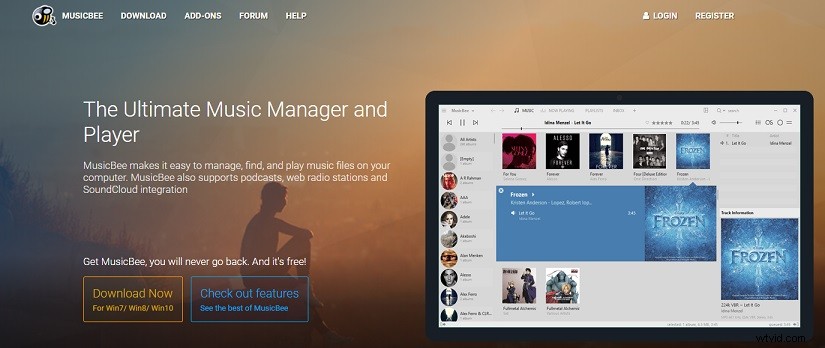
Features
- Support M4A and other popular audio formats.
- Stream podcasts and radio stations.
- Play music from Groove Music.
- Change the appearance of MusicBee.
- Sync music files with your devices.
KMPlayer
Platform: Windows, Mac, Android, iOS
KMPlayer is a powerful music player for M4A and other audio formats. It also can be used as a video player to play almost all video files.
Features
- Play M4A audio files with smooth playback.
- Support URL streaming.
- Adjust audio quality like normalizing audio.
- Play the video in the background.
- Download videos from various video-sharing platforms.
iTunes
Platform: Windows, Mac
iTunes is a media player developed by Apple Inc. With iTunes, you can play audio files in M4A, MP3, and AIFF as well as stream music, videos, podcasts, and audiobooks.
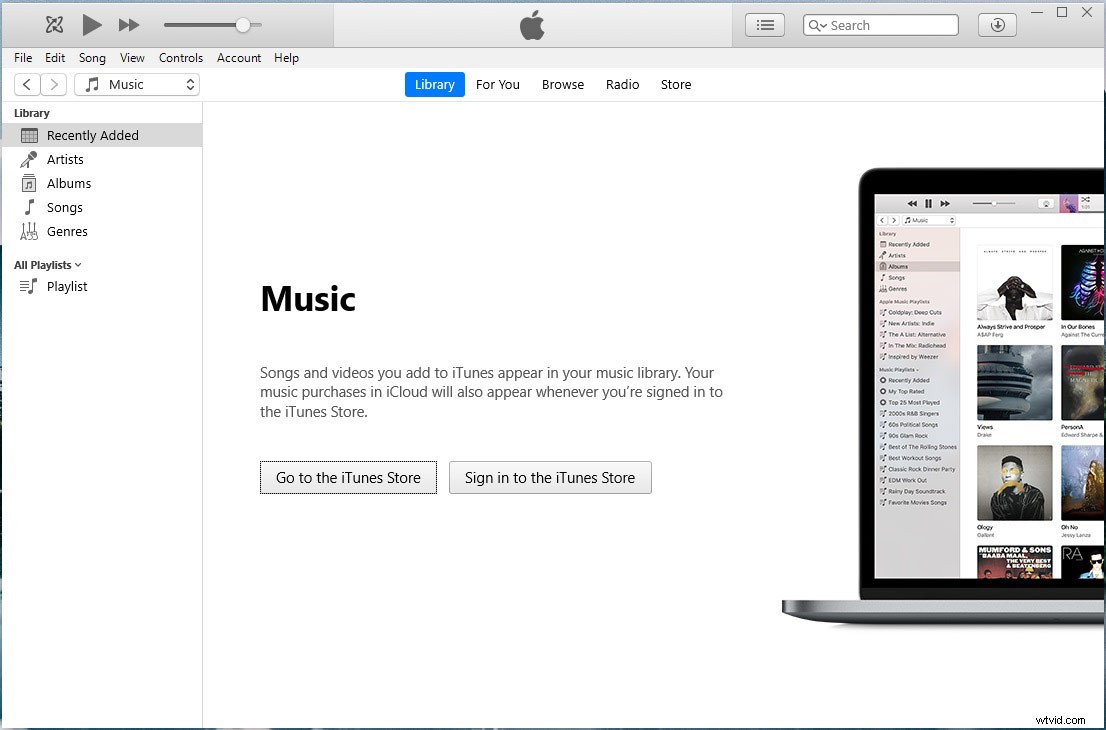
Features
- Support multiple audio formats.
- Offer tons of songs, podcasts, audiobooks, and videos.
- Can be used to edit metadata of songs.
Best M4A Players for Mobile Devices
This part offers you the 2 best M4A file players for Android and iOS.
VLC
Platform: Windows, Mac, Android, iOS, iPadOS, Apple TV, Linux, Xbox One
VLC, a free and open-source multimedia player, supports M4A, AAC, FLAC, MP3, WAV, OGG, and other formats.
Features
- Available on all operating systems.
- Support playing any audio and video.
- Control the playback of audio like speed up, slow down, and repeat.
- Stream music from other video sharing sites.
Poweramp
Platform: Android
Poweramp is an M4A player for Android that you can play local M4A audio files on your Android phone.
Features
- Support a wide range of audio formats.
- Able to download album art.
- Scan library at an ultra-fast speed.
Conclusion
The top 6 M4A players are listed in this post. Want to play M4A files with smooth playback? Pick an M4A file player and try it now!