
With the help of AI technologies, it’s extremely easy to create your own soundtracks with these AI music generators. And then you can add your music to your video without concerning copyright issues. What is the best AI music generator? This post picks some of the 4 best AI music makers.
We have already shared some of the easiest music software programs to help you produce music. Currently, everyone can make their songs with the help of AI music generators although they’re not musicians or sound designers. And in this post, we will provide 4 excellent AI music composers you should not miss.
If you want to add your soundtrack to a video, you can use MiniTool MovieMaker. This free video editor lets you add and edit the music in the video with ease.
#1. Boomy
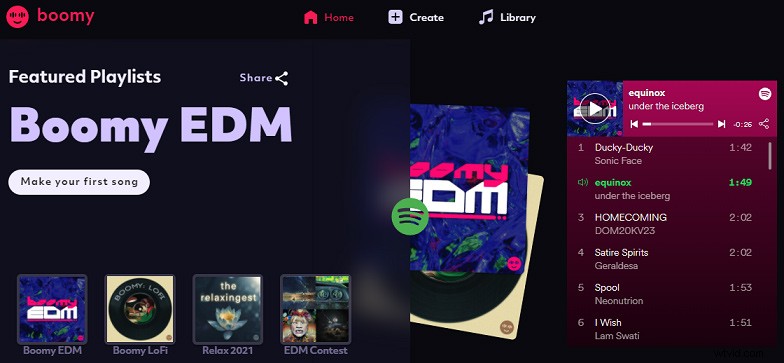
Boomy comes to the first recommended AI music generator. With music automation technology, this AI music composer permits you to create songs or releases in seconds. After signing in, you should choose a song style like electronic dance, rap beats, or choose any other custom settings, then Boomy will make considerable songs for you to save and customize.
Boomy also provides featured playlists for you to enjoy. It offers two subscription plans, Boomy Premium $2.99/month, Boomy Pro $9.99/month.
#2. Amper Music
Amper Music aims to empower everyone to express themselves and show creativity through music, and thus it’s also a good AI music maker to make original music. And first, you should create an account, then create a project. After that, choose the music duration, select a music genre, and then this AI music maker will start composing. Next, you can edit and download your music.
The free version of Amper Music has limited features. To unlock more, you should upgrade to a paid plan.
#3. AIVA
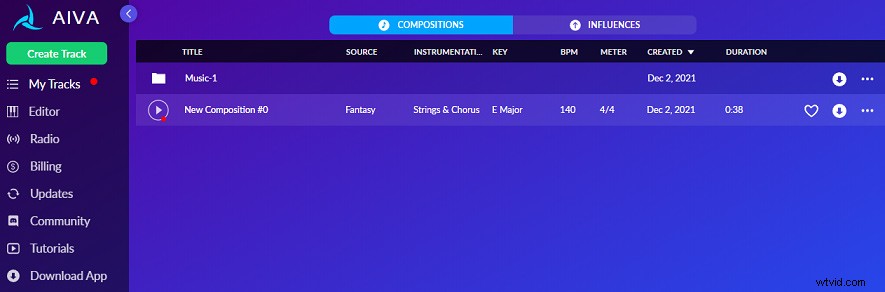
AIVA is another AI music generator and the way to create music is similar to the above ones. Just select a preset style and create. But it features an editor that lets you edit tempo, melody, chords, and bass. This AI music maker is designed for game developers, musicians, YouTubers and more to create amazing soundtracks. And it also offers radio stations to listen to music.
For users with a free account or paid plan, they’re allowed to download music in MP3 and MIDI formats.
To convert MIDI to MP3, check this post - Top 5 Best MIDI to MP3 Converters.
#4. Ecrett Music
Ecrett Music is also one of the best online AI music generators. With a simple interface, users can easily create stunning music for games, podcasts, ads, videos, and more. Just choose a scene, mood, genre, and generate your music, then you can customize it by changing the instrument and structure of the music. After that, you can upload a video to check if the music matches your video.
Next, you can manage your music and download it in WAV format. If you use the free version of Ecrett Music, you can only download preview music. If you want to download unlimited royalty-free music or use it for YouTube monetization, you should subscribe to it starting from $7.99/month.
Conclusion
This post introduces 4 online AI music generators and all of them are useful to generate original music with great ease whether you are a beginner or an experienced music creator.
And in addition to these applications, there are many other AI music composers like Musico, SOUNDRAW, AUDOIR’S SAM. What’s your favorite AI music maker? Share it with us in the below comments area.