
Online education does not mean perfection, find out why with Master Instructor, Instructional Designer, and an Expert in Customer Education, Jason Valade.
Current events have turned the world upside down for many people. Those in the education field have had to switch classrooms and lecture halls for virtual videos and remote teaching for the first time. Educators have had to swiftly learn how to educate virtually and effectively without traditional in-person instruction.
Transitioning to remote work and creating and sharing educational content virtually can be difficult. What you may not realize is that online education does not mean perfection.
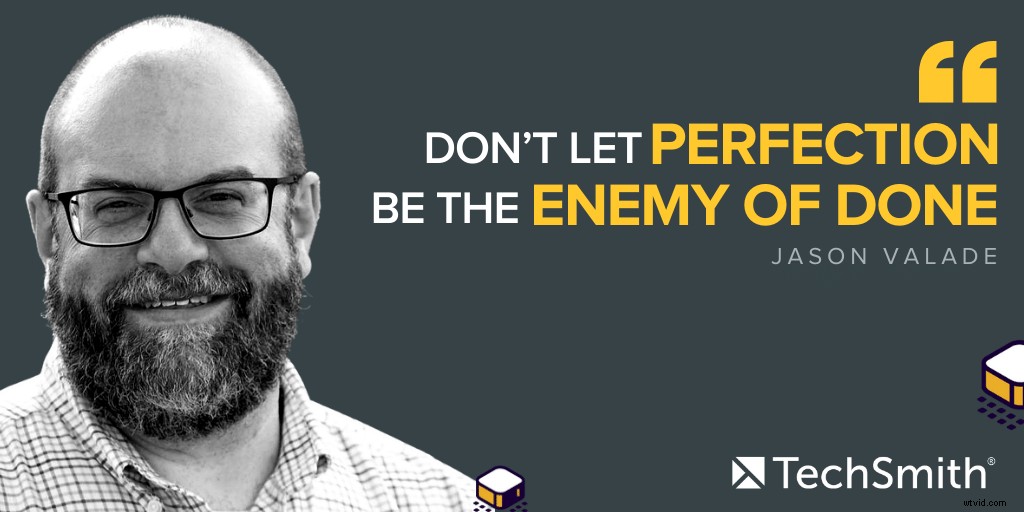
You don’t have to get it 100% perfect every time, but with our help, you can get pretty close.
[You can watch the video on this topic at the top of this post, to listen to the podcast episode, hit play below, or read on for more…]
The power of education
Jason Valade is an experienced Master Instructor, Instructional Designer, and an Expert in Customer Education. He has been on the TechSmith team for years but what you might not know about Jason is that he was once a third-grade to fifth-grade technology teacher.
Jason taught students how they could use technology as a toolkit in other fields of study such as math, science, and social studies.
His favorite thing about being a teacher was witnessing the students ‘aha moments.’ This usually happens when a student is struggling with something and then something just clicks. Jason describes this moment as “magical” because their confidence is boosted and they’re ready to tackle anything.
Since Jason has a lot of experience in the educational industry, we thought who better to talk about online education with than him! So, let’s get into it and explore how you can get better at remote education, whether you’re a beginner or a seasoned pro.
Can online education cultivate ‘aha’ moments?
Many people believe that digital teaching and educational experience lacks the same level of connection that can be experienced in a classroom. However, if you know how to create videos, it is very possible to cultivate a very authentic classroom experience (minus the classroom).
Creating a great experience for students relies heavily on the presenter or educator. Asking students questions and receiving their feedback via video can help build bonds and trust.
The truth is that educators were never taught how to teach students online. It’s no surprise that many are finding the transition overwhelming, so what can they do to make online education easier for both them and their students?
Why it’s okay to be ‘less than perfect’
Jason claims that ‘thievery is the ultimate form of flattery in education.’ If you are new to online education, don’t be afraid to learn from others, see what they’re doing and how they’re doing it, and replicate that.
You do not have to go from being brand-new to online teaching and education to a professional in a short space of time. Give yourself room to grow and improve.
Go out and find a mentor for yourself. It doesn’t have to be someone you know personally, it can be someone on YouTube. Whoever it is, be willing to learn and ask questions.
What NOT to worry about
If you’re new to online education and incorporating videos, screen recordings, images, and so on into your lessons or coaching sessions, you may think that you need a lot of equipment and software, etc., to get started. However, you do not need the latest or most expensive recording equipment to start teaching online.
Your laptop and webcam will work fine. You do not need to buy a fancy microphone, an expensive camera, or the best lighting equipment you can find. You don’t even need to buy a separate microphone. The microphone on your headphones or earphones will suffice and get the job done.
Here’s Jason’s advice to anyone who is just getting started with creating content for online education:
Focus on getting the content out there. Remember, you are the expert in your subject matter. You know what you’re talking about, so there’s no need to worry about your equipment. In time, you may be able to invest in higher-quality equipment if you want to, but in the meantime, all you need is a working camera, microphone, internet connection, and your powerful mind.
Tips to help improve your online education videos
If you have a smartphone, you probably have a camera too. But what you might not realize is that your camera comes with a range of different settings you can adjust to better to suit your environment.
You can even use apps to help improve your delivery or add to your videos without spending a lot of money on unnecessary tools, software, or equipment. There’s so much you can do to enhance what you’ve already had. You just need to invest some time to find out what those things are and how they can help you to improve.
📚 Recommended Reading: The Ultimate Guide to Easily Make Instructional VideosEditing videos for a classroom presentation
When it comes to editing, there is no need to add any fancy effects or transitions, etc. If you’re making short videos, it’s important to edit enough that the message is still clear. You might need to edit a conversation to tighten it up or cut out a lawnmower noise, etc., but make sure that you keep the good stuff.
However, you need to be careful that you don’t edit so much that the human experience of your video is reduced. People love authentic videos. If your dog happens to hop up on your lap during a video, don’t cut it. People connect with other people and if your video is too polished and ‘perfect,’ it might do you more harm than good. Don’t be afraid to be human in your online education videos.
Here are some of Jason’s top tips for making your videos better so that they require less editing later:
- Start your video with a closed door and your notes ready
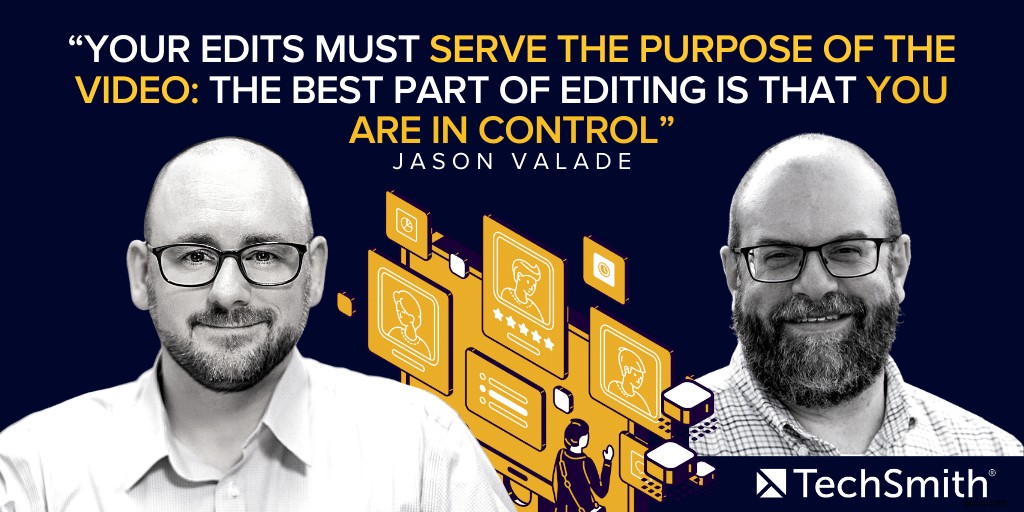
- When editing your videos, only take out parts that don’t serve the purpose of the video and/or parts that are distracting
- Try not to remove parts of your video that express your personality
- Set an idea of how long you want the video to be
- Find the right distance between you and your microphone
Overcoming common fears around creating videos
People usually avoid creating videos because of two prominent fears:
1. What they look like
2. What they sound like
The truth is that you can’t really do anything about what you look like. That’s just how you look and it’s the same thing with your voice. You look and sound like YOU. Embrace it, don’t shy away from it or be embarrassed by it.
Many people also fear that what they say may be misconstrued or misinterpreted. Again, this is out of your control. You never know how people are going to interpret what you say but you do have control over what you put out into the world. Make sure that you take the time to review your videos and have a second opinion if you think it will help.
How to avoid hesitation and speak fluently in videos
If you want to a great voice over with the least amount of hesitation and verbal mistakes, Jason recommends that you record standing up (if you can), and here’s why:
His next tip for a smooth vocal performance is to stay hydrated. Avoid gulping down a glass of water mid-sentence if possible and stay clear from drinking dairy products that can coach your vocal cords.
His third tip is a simple one – smile. When you smile as you’re talking (not in a creepy way), you will hear the difference it makes to your voice. Test it out yourself. Try talking without smiling and then compare it to how you sound when you say the same sentence while smiling. There is a huge difference!
Finally, Jason recommends that you take time to work on your pacing. If you talk too fast for people to keep up, try to slow down. If you talk too slow and robotic, speed things up. Keep the pacing interesting for your viewers and don’t be afraid to go off-script where possible.
Why it’s so important to know your audience
Knowing your audience is extremely powerful. If Jason is making a quick video answering someone’s question, for example, he will shoot a quick ‘off the cut video’ with no editing. When he is creating a video for a client, he spends more time on it. If the video is for the YouTube channel, he spends a lot more time on it because many people could potentially watch that video.
It is so important to know your audience very well and to create content that appeals to your audience.
How to save time when creating a video
Jason is a pro when it comes to not only recording and creating amazing videos but saving time in the process. If you want to save time when creating a video, something as simple as closing the door could do wonders.
If you’re in the middle of recording a live education video, make sure you turn off notifications on your Windows or Mac beforehand. The last thing you want is to be talking in-depth about an important topic only to be interrupted by email pings the entire time.
Try to keep your desktop clean and tidy and make sure your background is aesthetically pleasing. Have everything you need ready and within reach so that you don’t have to pause mid-way through the recording to go get something.
Test your equipment before recording the video. Make sure that the camera and microphone are both working. Having a glass of water handy helps if you need a drink during the recording. Think about other things that you might need during the video so that you can save time and focus on the content at hand.
Transitioning from real-life classrooms to virtual education videos doesn’t have to be difficult. If you need help creating educational videos, we have a range of tutorials and training videos to help you create and edit professional-quality videos for educational purposes.
Make sure to subscribe to our YouTube channel so you don’t miss any live content.