
Motion blur often frustrates new photographers who want sharp images. But understanding what causes it can also allow you to control it and use it for creative purposes.
Let’s learn the details of motion blur photography and find out how to apply it in various scenarios.
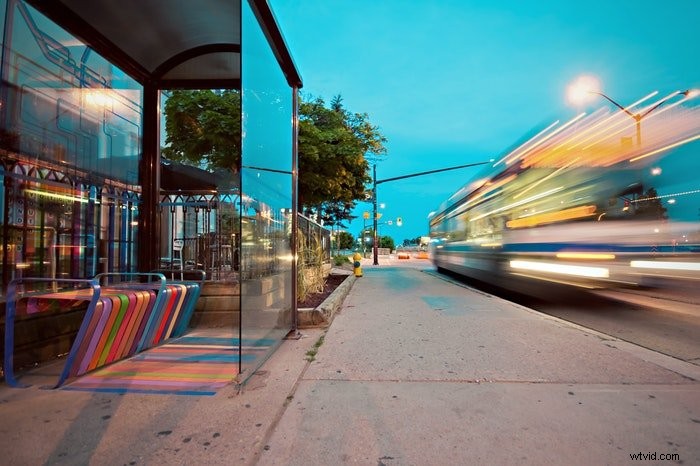
What Is Motion Blur?
Unlike background blur, the lens is not responsible for causing motion blur in photography.
Motion blurring happens when the shutter stays open for a long time. As the camera completes the exposure, every movement the sensor records will manifest as streaks and light trails.
Typically, photographers try to avoid blurred motion at all costs. But sometimes, they can use it to convey action, much like how cartoonists draw lines to indicate their characters are moving.
Better yet, photographers also use motion blur in photography to create surreal scenes. They use their cameras, much like artists would use their brush to paint abstract elements.
Gear for Motion Blur Photography
To blur motion, you need a camera with manual mode so you can keep the aperture open for a long time.
Capturing creative motion blur in photography also often requires a tripod. Using it to keep your camera steady will help you control the blurs in your image.
Take note that you don’t need a tripod every time. Tripods are a must in most situations, but just helpful in others. We’ll cover when and when not to use them.
In some blurred shots, the shutter speed simply cannot drop low enough to create the right level of blur without overexposing the image.
In these cases, you’ll need neutral density filters to cut the light coming into the lens. Doing so allows for longer exposures even in daylight.
Set the Shutter Speed to Create Intentional Blur
To create an artistic motion blur, you need to set the shutter speed low enough to blur the action in the image. Remember, the shutter is the part of the lens that opens and closes to expose the image.
Anything that moves while the shutter is open will blur. Fast shutter speed will freeze the action, while a slower shutter speed or longer exposure time will blur the movement.
You can set the shutter speed for motion blur shots using shutter priority or manual mode. The first is easier to learn, and the latter offers more control.
The best shutter speed to create motion blur depends on both how fast the action is moving and how much blur you want. A 1/60 shutter speed is often enough to create blur in the fastest subjects, like an athlete or a child playing.
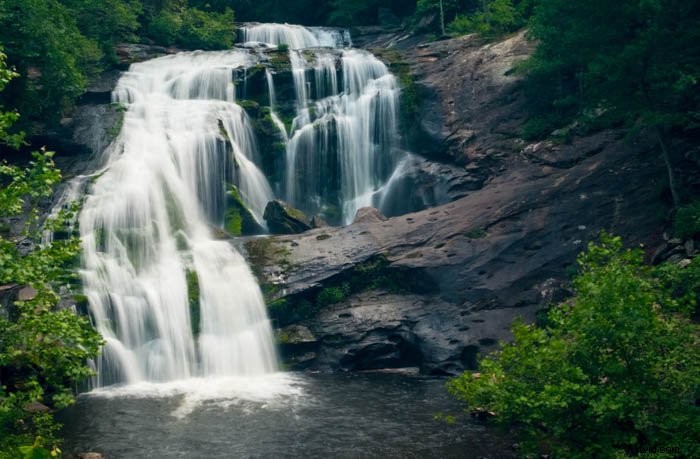
But you can also use longer exposures to create dreamy images. For instance, you can try an exposure for several seconds to display motion blur in a waterfall.
For the example below, I wanted maximum blur in the water. So I used a tripod and a shutter speed of 1/4 sec. Did you notice how creamy the water looks?
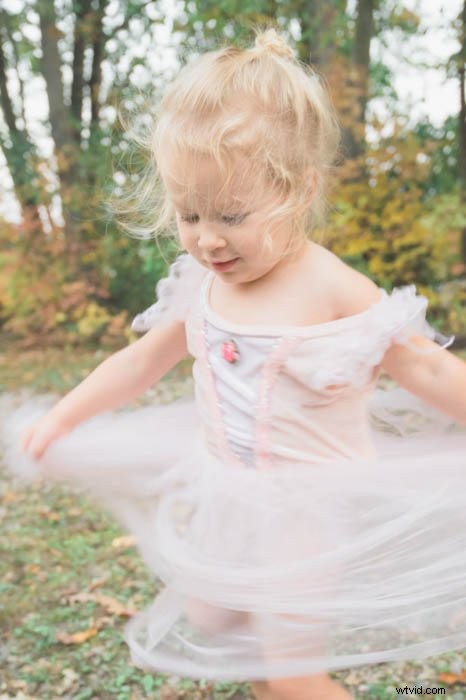
In this image of my daughter, I wanted to keep her face sharp while blurring the movement in her tutu. For this handheld shot, I used a shutter speed of 1/80.
Creating intentional blur through shutter speed often involves experimenting. If I’m shooting a subject with rapid movement, I will usually start with 1/60.
I will then view the shot, and adjust up or down from there. For a long exposure landscape, I will often begin with 20 seconds (if I can still get a proper exposure), then review the shot and adjust the time from there.
While setting the shutter speed is essential to creating intentional, artistic blur, there’s more to consider. Do you want to blur the moving subject, or blur the background?
Use Panning to Capture Motion Blur
Intentional camera movement (ICM) involves moving your camera in a particular direction to create a blur. Panning is the most famous example of this.
To execute a panning shot, all you have to do is follow the direction of a moving subject with your camera. In most situations, you only have to move horizontally. i.e., left to right or vice versa.
To accomplish panning, moving your camera isn’t enough. You have to set your shutter speed to 1/30th of a second or slower. If you do it correctly, your subject will be in focus and sharp. At the same time, the background will have an intense motion blur.
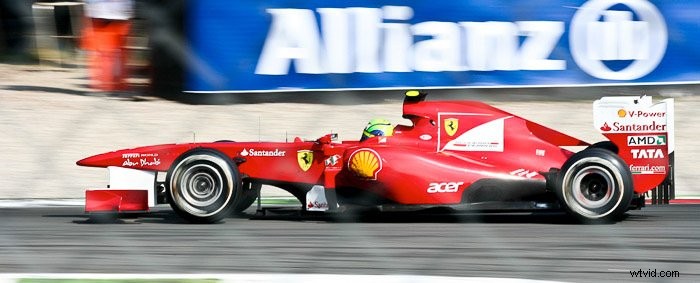
Long telephoto lenses are best for this kind of photography. They allow you to fill the frame with the subject while accentuating the motion blur.
You can also use ICM to create great abstract photos, such as the one below.
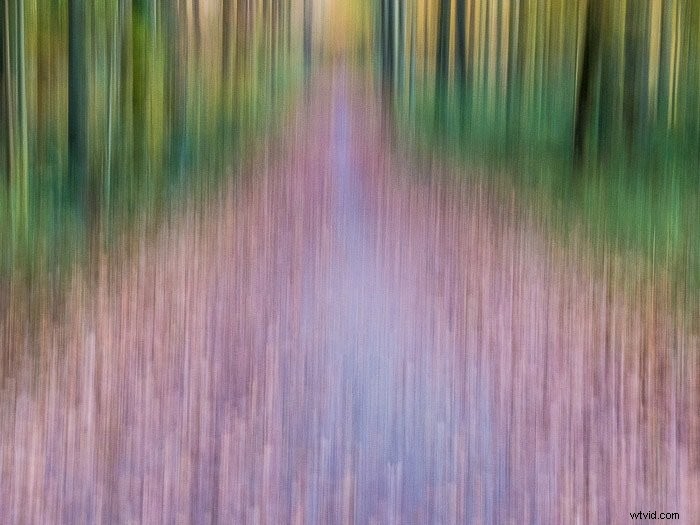 I took this in the Sonian Forest near Brussels (Belgium) with a Sony RX100 Mark II. I moved the camera up and down before pressing the shutter.
You can get this kind of abstract image using the motion blur filter in Photoshop. But the effect may appear less natural.
Capture the Movement of Clouds for Unique Motion Blur Images
Capturing clouds is another way to add movement to landscape and architectural scenes.
This technique often requires the use of neutral density (ND) filters to lower your shutter speed. That way, your camera can capture the clouds as blurry wisps as they move across the scene.
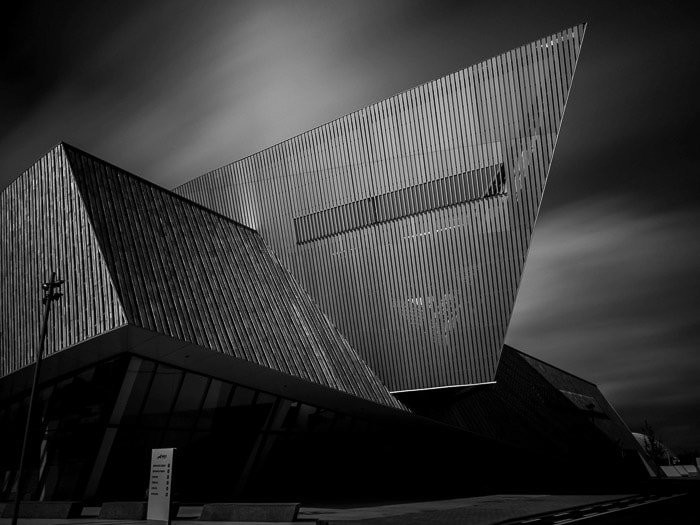
In the image above, I motion blurred the puffy clouds during midday light. I stacked together a 10-stop and 6-stop ND filter to achieve a 60-second exposure.
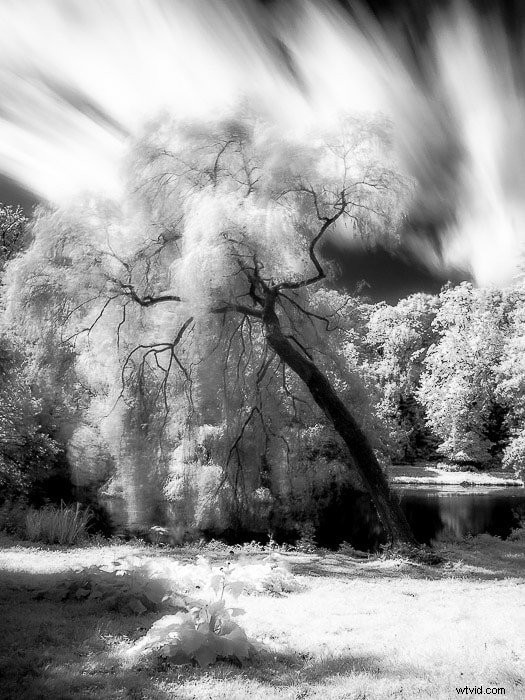 This infrared long exposure (about 20 seconds) was taken in a city garden with a Panasonic DMC-GF2, 12-42 kit lens and HOYA R-72 infrared filter.
Use Motion Blur for Nocturnal Landscape Photography
Stars, planets, and galaxies all move across the sky at a fast pace.
You can use long exposures to create star and Milky Way trails.
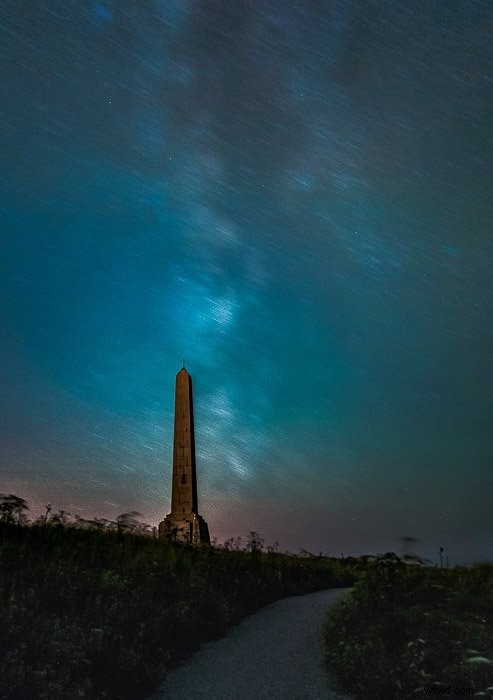
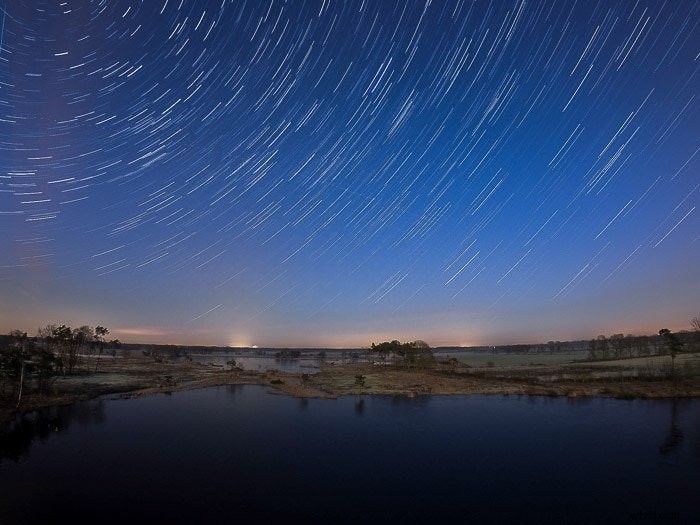
To create star trails, you’ll often need at least a shutter speed of 15 seconds or more. This process also requires a tripod since you only want certain elements to be blurry, but not the entire photo.
I recommended reading my how-to on night landscape photography here.
Experiment with Motion Blur for Bodies of Water
Try experimenting with your shutter speed while capturing waterfalls, rivers, and the sea.
You can use short shutter speeds to freeze the breaking of the waves on the shore.
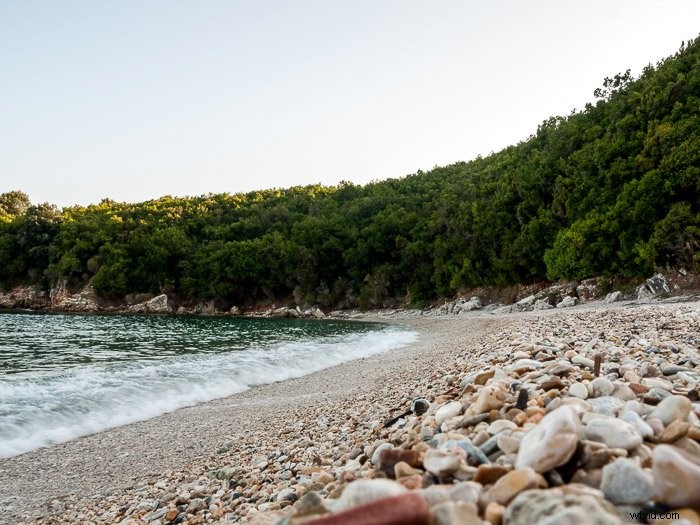
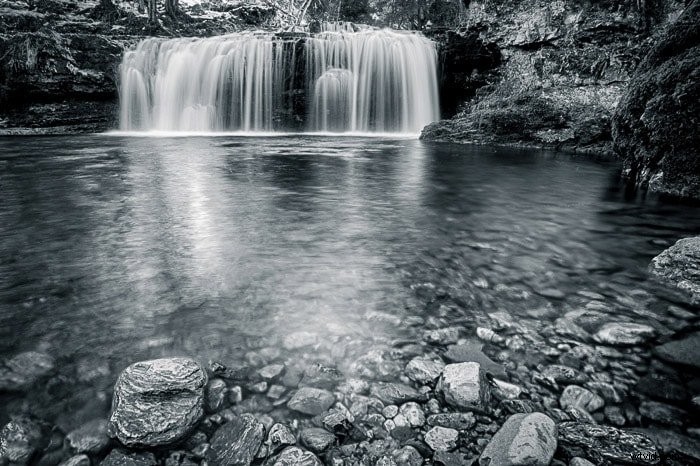
Or you can try a longer one to make them appear foamy and smooth, like in the photos below.
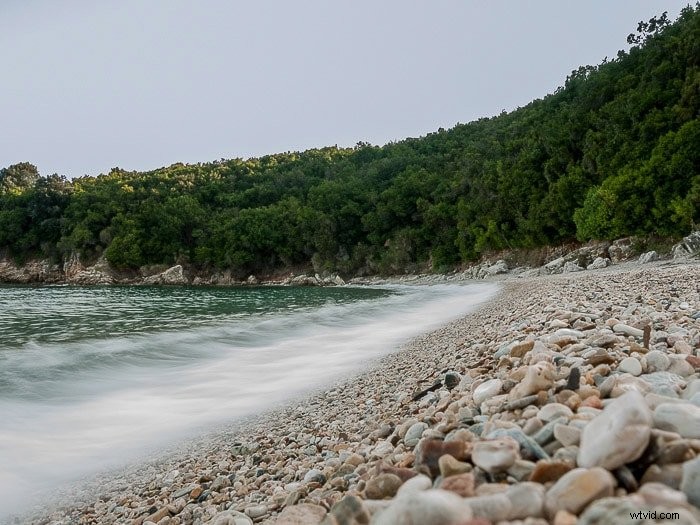
You can even use longer exposures to completely smooth the waves out to get a flat and static sea.
If you love this effect then check out our Infinite Exposures course to create awesome long exposure shots!
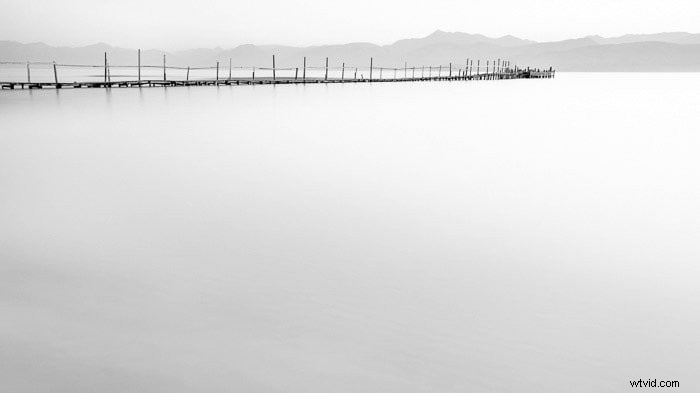 I used this technique at this dock in Kalamaki beach at dawn (Kerkyra, Greece). The waves got smoothed away by the long exposure. This resulted in a motionless, zen-like, minimalist image. I used a Canon 50D with Canon EF-S 10-22mm f/3.5-4.5 USM.
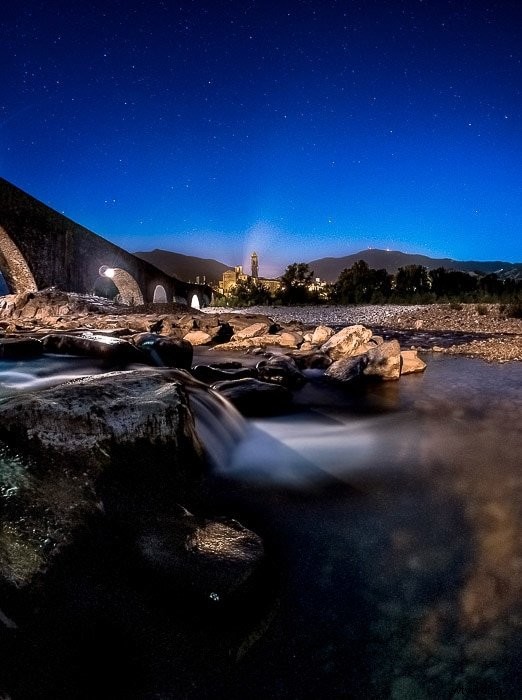
Fast-moving streams of water, like waterfalls and rivers, can also assume a silky appearance.
Capturing Motion Blur With Lights
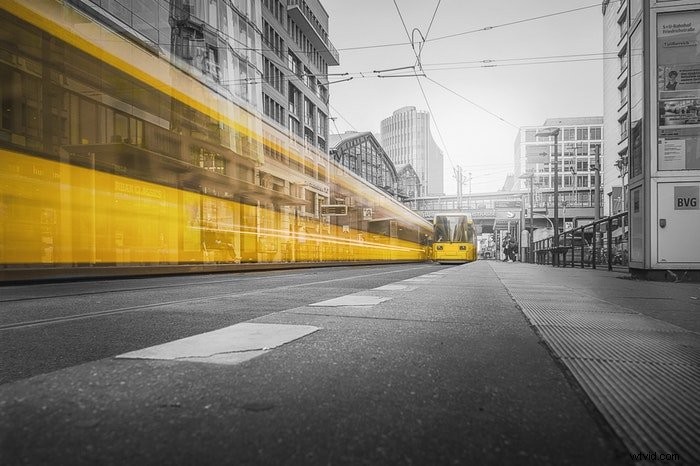
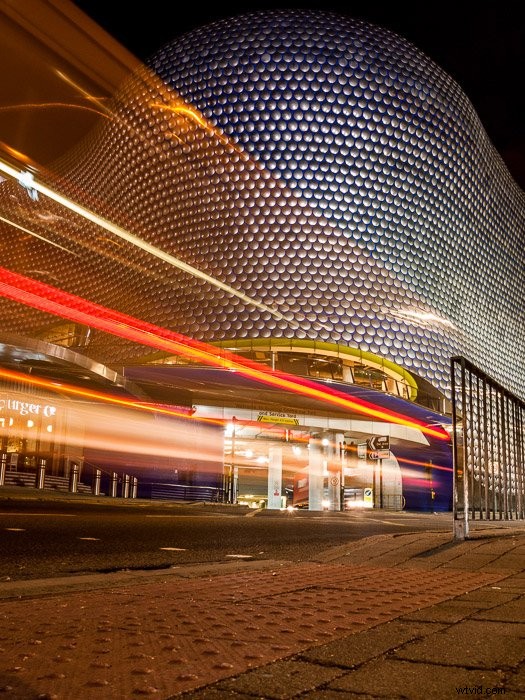
When moving elements such as cars move faster than the exposure time, they vanish in the final image and leave a trail of lights.
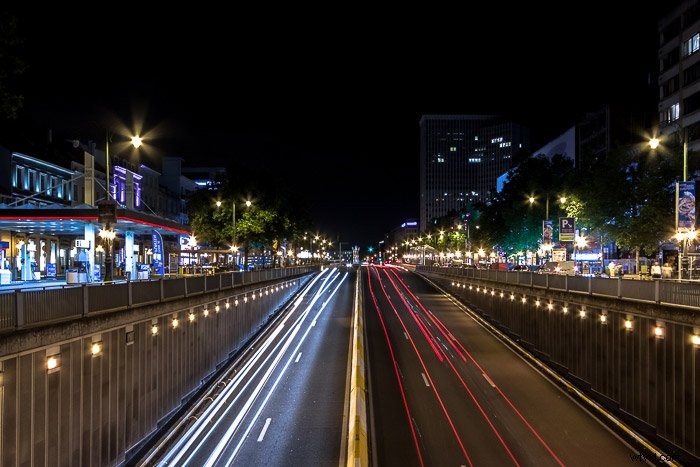
Try creating an urban carousel by capturing the passing traffic framing a roundabout.
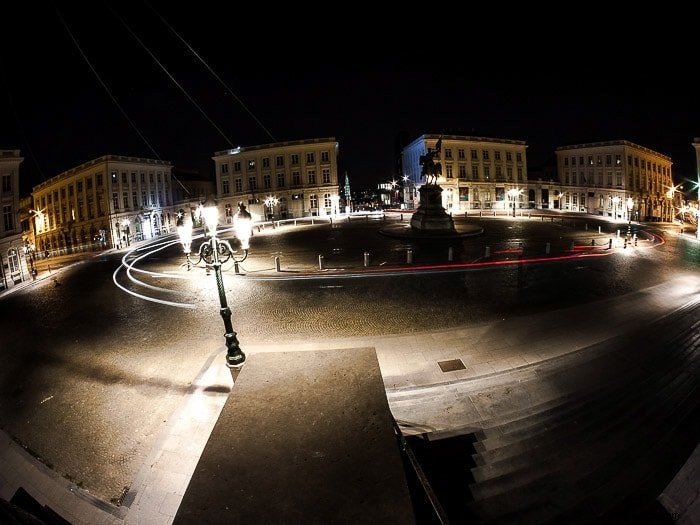
Present famous landmarks in an alternative way by capturing light trails in front of them.
Conclusion
Blur conveys a sense of motion inside still images. Put it to use to draw the eye, add interest or even jazz up a dull background.
If the techniques we just showed you still feel intimidating, you can also try it in Photoshop!