
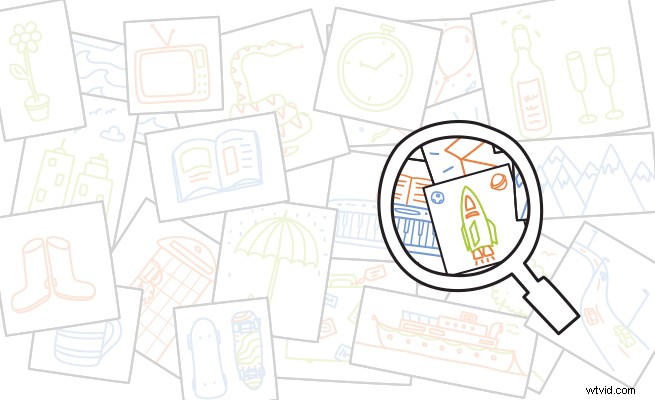
Looking to spice up your scribes with some unique artwork? VideoScribe Pro comes with thousands of free images. And if you're looking to import new content, here are our top tips for sourcing original images.
This is the sixth article in a series that teaches you how to make powerful and unforgettable scribe videos. See the end of the post for more.
Get Googling
If you have an idea of what you need for your scribe, start with a Google image search.
Once you've entered your search terms you can specify the size, color, image type (photo, drawing etc) and upload date to narrow down your search. This feature can save you a lot of time if you need your image to fit with a specific color scheme or be a certain size.
The one thing to be careful about is to make sure that you have permission to use the images you find online. Always check the source and contact the site owner if you're not sure.
If you already have an image you like but you're not sure where it's from, select the camera icon in the Google image search toolbar. You can upload your picture and search by image to find its source.
Make your own
Making images is not as difficult as you might think. The ones that will work best are simple SVGs (scalable vector graphics). The most popular programs for making SVGs are Adobe Illustrator and Inkscape. Illustrator has more options but Inkscape is free, so a good option if you're just starting out.
For an SVG to be recognized by VideoScribe, the brush definition needs to be set to basic. Also be aware that VideoScribe will recognize the layers in your drawing, and will draw them in the order that they were created (back layer first).
Using a fill tool to color in a section of your image will cause that color to pop up after the outline has been drawn. If you want the colored area to be drawn like the outline, you will need to fill it in yourself with lines.
Be sure to save your image in SVG (.svg) format so it can be read by VideoScribe. For more information, take a look at our tutorial below:
Savings at SVG Studio
SVG Studio is packed with brand new vector images purpose drawn for VideoScribe, Adobe Illustrator, Inkscape and similar programs. You'll find everything from 'animals' and 'food' to abstract concepts like ‘focus’, ‘energy’ or ‘creativity’.
These images have been drawn on commission so you can’t buy them anywhere else.
Single packs of 10 images cost only $9 each. Or you can steal the entire library of images for just $265.
Pick a Royalty Free stock image
Check out our top 5 favorite stock image sites here.
More expert advice from the Better Scribes series:
- How to give your scribe a heart
- Captivate your audience with these pro colour tips
- How to record a professional sounding voiceover
- The layout lowdown from a design expert
- Why forgetting fonts is a big mistake
- 4 Easy ways to find original images for VideoScribe
- Are you guilty of these amateur timing mistakes?
- The secrets to ridiculously persuasive scribing
- How to hit the right note with scribe music
- 7 Clever tricks seasoned scribers swear by