
One of the selling points of having a high end camera is having the ability to capture multiple exposures with one button hence ihitthebutton. On my Canon T1i I was stuck with only capturing three exposures at a time. Luckily with my Canon 6D I can capture up to seven, I normally do five though. When I first got this camera it took me a bit of going around the menus to figure out how to change it from three exposures to five so I present to you a short video on how to do it.
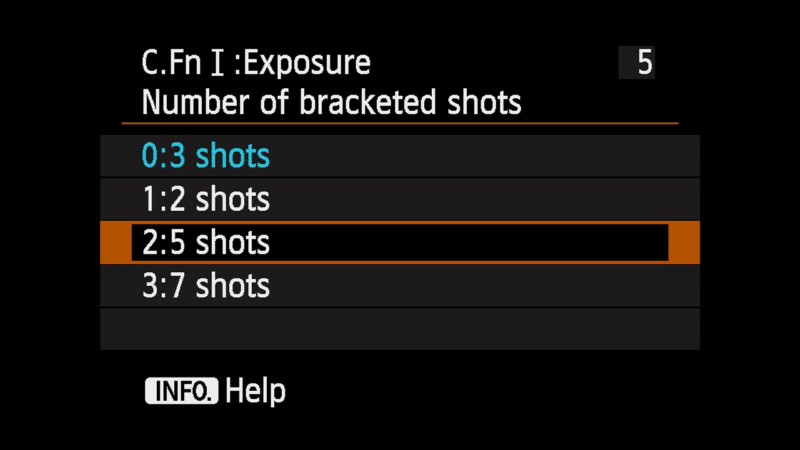
To sum up the video just head over to the custom menu tab (the last one with the star) and hit My Menu Settings then hit Register to My Menu. There you’ll have to scroll down until you see Number of Bracketed Shots which will allow the option to show up in your custom menu area, from there you’ll be able to select 3-7 shots for your bracketed shots.
Now you’ll be able to take more photos in your bracketed shots on your Canon 6D. Perfect for landscape photography for real estate photos!
If you have any questions or Canon tips of your own leave them in the comments.