
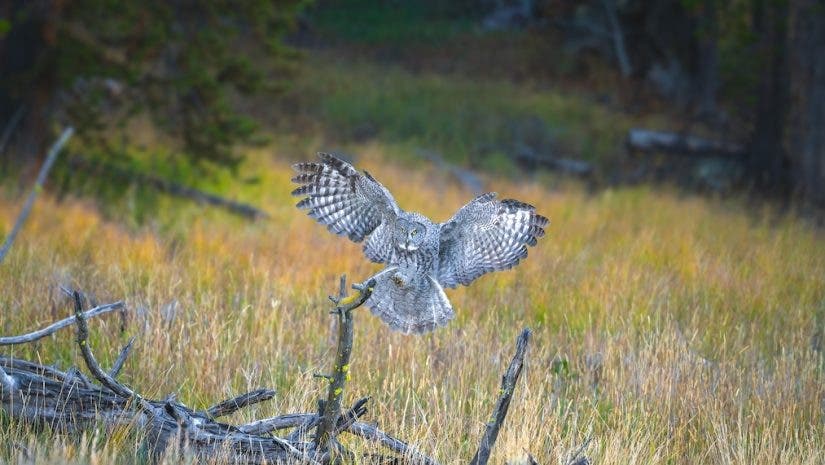
ISO is a key component of the exposure triangle, and selecting the right value is essential for properly exposed images. In fast‑changing light, however, choosing the optimal ISO can be difficult. Whether you’re tracking a moving subject or panning through scenes with shifting brightness, auto ISO can simplify the process. This guide explains what auto ISO is, how to use it, and when to prefer manual ISO.
What is Auto ISO?
Auto ISO lets the camera determine the sensor’s sensitivity based on the exposure value you set, whether you’re shooting in Aperture Priority, Shutter Priority, or Manual mode. By automatically adjusting ISO, the camera keeps exposures consistent across a series of shots without requiring you to tweak settings manually.
How to Use Auto ISO
To get the best results, start with a properly exposed base: choose a wide aperture and a shutter speed that lets in enough light. Then enable auto ISO and set sensible minimum and maximum limits so the camera doesn’t jump to extreme values. Keeping ISO as low as possible preserves image quality while still allowing the camera to adapt to changing light.
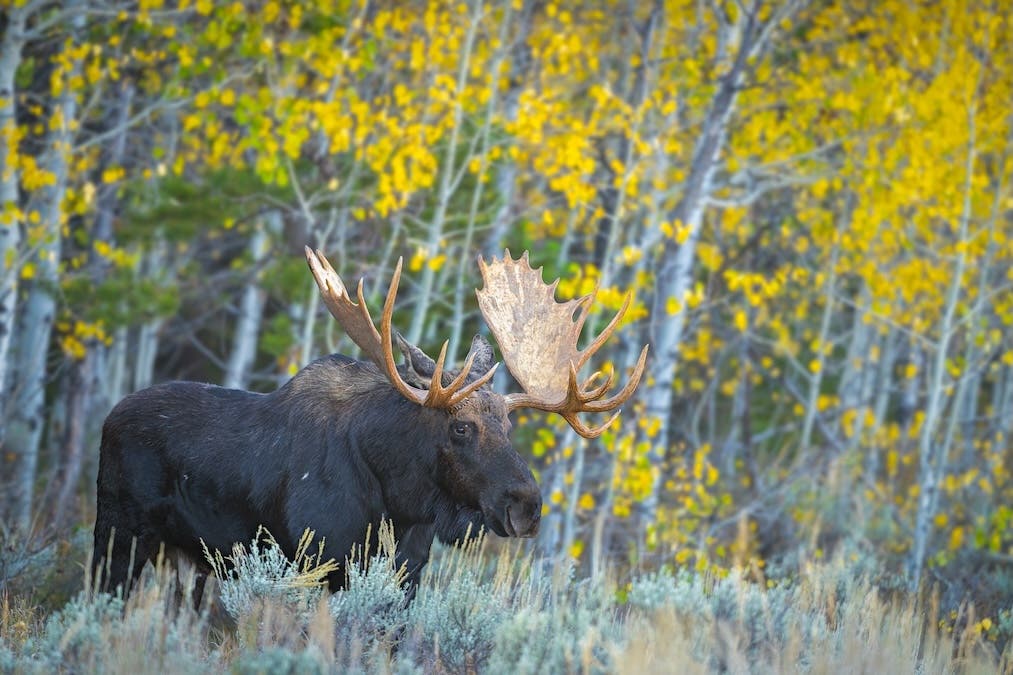 This image demonstrates auto ISO maintaining correct exposure while a moose moved through rapidly changing forest light. Auto ISO freed me to focus on composition, not settings.
 When to Use Auto ISO vs. Manual ISO
Auto ISO offers speed and convenience, but there are scenarios where manual ISO is preferable. If you’re still learning how shutter speed and aperture affect exposure, manual ISO forces you to understand the exposure triangle. Auto ISO can mask these relationships and may result in unnecessarily high ISO when the camera misjudges the scene, adding noise.
In controlled lighting environments, setting ISO once is fast and grants you precise control over the final image’s look. Conversely, in fast‑moving action or shifting light—sports, wildlife, or street scenes—auto ISO allows you to keep focus on the moment rather than on dial adjustments.
Customizing ISO limits lets you strike a balance: the camera adapts quickly while preventing extreme noise. Mastering when to rely on auto ISO and when to switch to manual empowers you to capture the perfect shot with confidence.
Austin James Jackson
Austin James Jackson is a landscape photographer and outdoor enthusiast based out of Portland, Oregon. He loves teaching others how to photograph landscapes and leads workshops in the western USA. Check out Austin's work in the links below.
YouTube channel Website Instagram TikTok