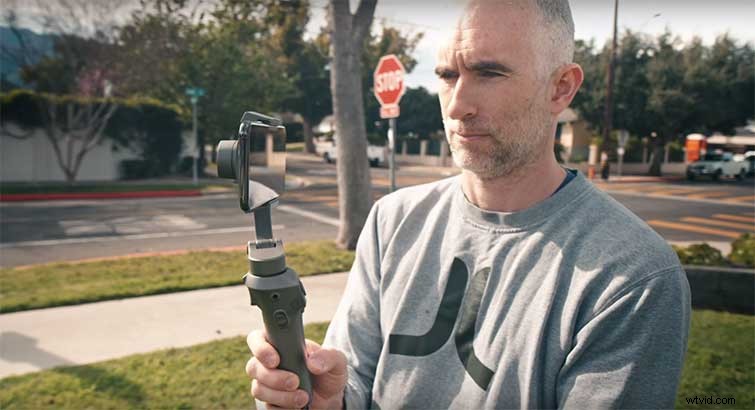
From footage to phone safety — we took a look at the capabilities of the iPhone gimbal, and how to incorporate it into your next project.
1. Get Smooth Footage
The iPhone X (and above) have stabilization built into their video modes. This smooths out bumps and judder by itself. So, slow walking and panning look far smoother than previous generations of Smartphones. If you want to do something dynamic, though, you’ll need to rig your phone with some extra hardware.
2. A Certain Kind of Shake
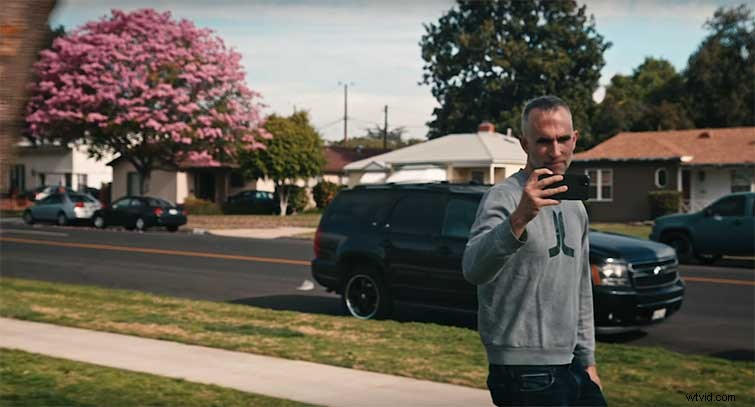
The three-axis motors in a gimbal, iPhone, or otherwise eliminate the shake that comes from humans made of soft, pliable material — like muscle. They don’t eliminate the up-and-down movement that comes from walking. We don’t usually notice this movement because our brain cancels it out. However, it shows up in footage — gimbal or not.
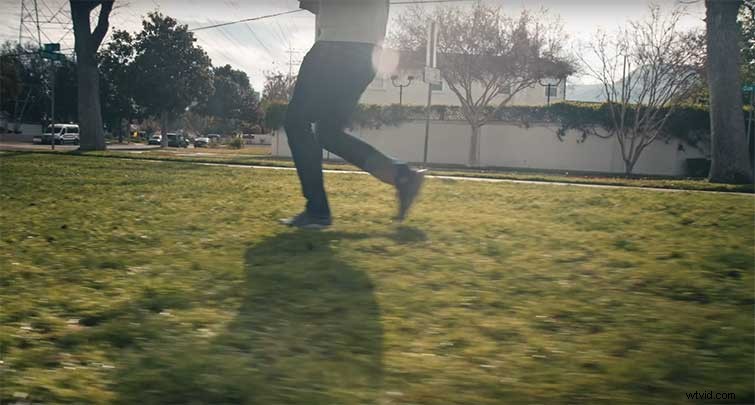
The only way to eliminate this bobbing is to use your legs in an unnatural way and try to mitigate the movement. This has been called the “duck-walk” or “ninja-walk,” which involves not straightening your legs when you take a step.
3. Different Levels
The most basic iPhone gimbal simply stabilizes the footage. More sophisticated versions give power to the camera, connect via Bluetooth, and use their own apps to shoot footage and communicate with the iPhone.
4. Varying Models
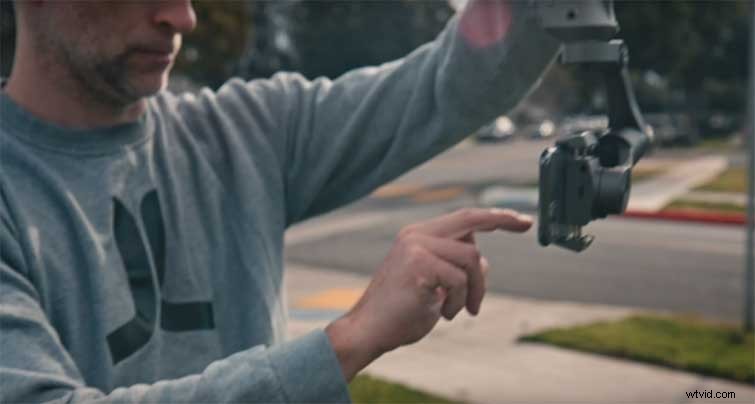
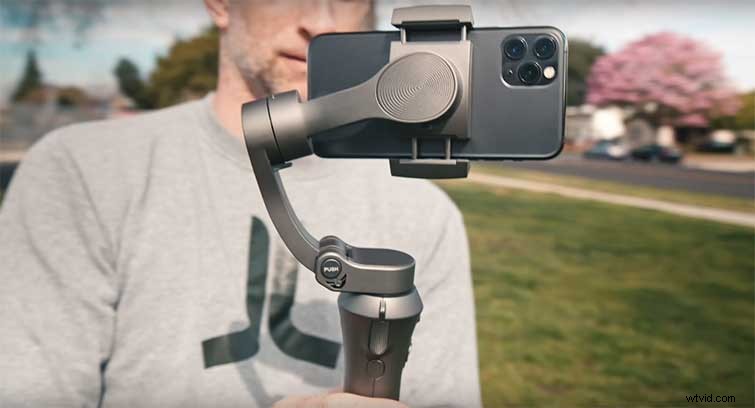
Newer phones won’t fit in some older gimbals because each one is designed for a specific iPhone and the position of its camera. The wide-angle lens on the iPhone 11 Pro is so wide, it catches the arm of some older gimbals in its field of view.
5. Live Dangerously
Most gimbals need a case-less iPhone for a proper fit. That means that when you’re doing the most adventurous things with your phone, it’s the most vulnerable. Be sure you have everything backed-up (and possibly insured) before you do anything too extreme.
Gimbals are a great way to get amazing footage with your iPhone. So, start small, keep refining your technique, and you’ll be duck-walking in no time.