
Editor Jin-mo Yang shares explains why he still uses Final Cut Pro 7, and he shares his approach to editing Parasite — winner of 2020 Academy Award for Best Picture.
It’s hard to explain the theater experience you get from watching Parasite. It’s an absolute roller coaster of genres, shifting from an energetic drama to a satirical take on class structure, then blasting you down a steep hill out of nowhere into terrifying thriller territory. It shifts, moves, bends, and weaves through traditional film-genre structures, leaving the audience with a dazzling yet confusing ending. But what else could we expect from master filmmaker Bong Joon-ho?
Parasite has dazzled audiences around the world, currently raking in $133 million worldwide, and securing both the Golden Globe Best Picture award and the Academy Award for Best Picture – The first foreign language film to do so. It also went for a historic sweep at this year’s Oscars – securing the awards for Best Picture, Best Director, Best International Feature Film, and Best Original Screenplay.
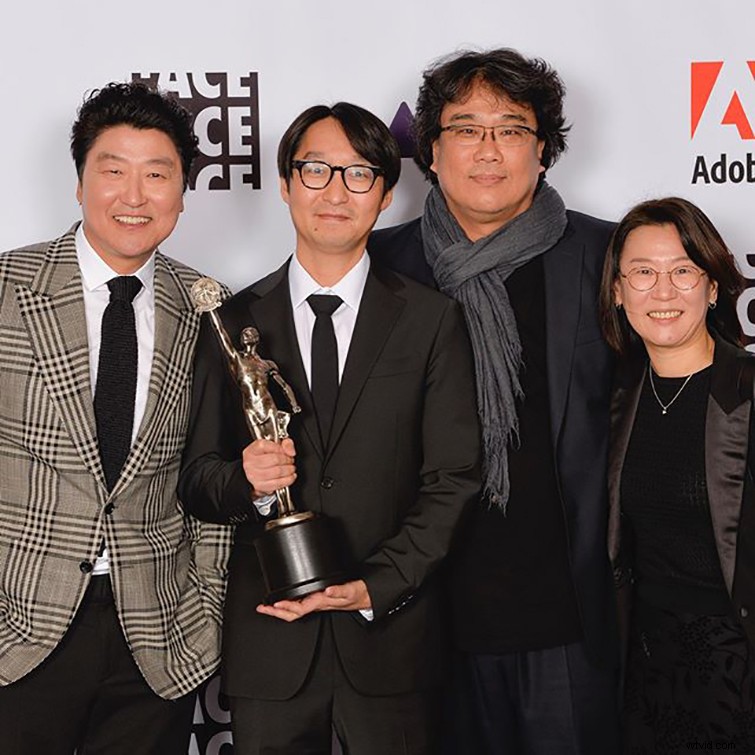
If we open the curtain behind the making of this incredible piece of filmmaking, there’s a lot of artistry that went along with Bong Joon-ho’s vision formed in the edit bay. That’s all thanks to Parasite‘s Academy Award-nominated editor, Jin-mo Yang. Jin-mo has collaborated with Joon-ho on some of his other famous works, such as Okja and Snowpiercer. We got to sit down with Jin-mo Yang to discuss his workflow for the film, and his process throughout post-production to deliver the final, fantastic result.
With a Little Help from On-Set Editing
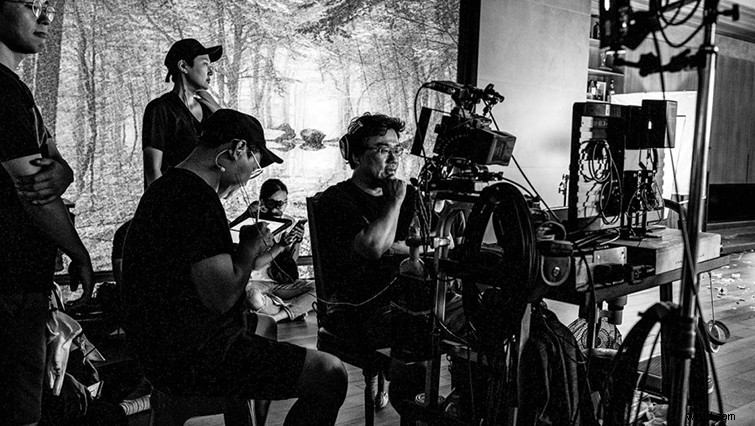
One of Jin-mo’s pocket tricks for capturing the energy during filming is by utilizing an on-set editor. His assistant would take the shots directly from the camera, then come up with a quick edit on-the-fly, so that the director and actors would have a solid reference to watch, while performing the scenes.
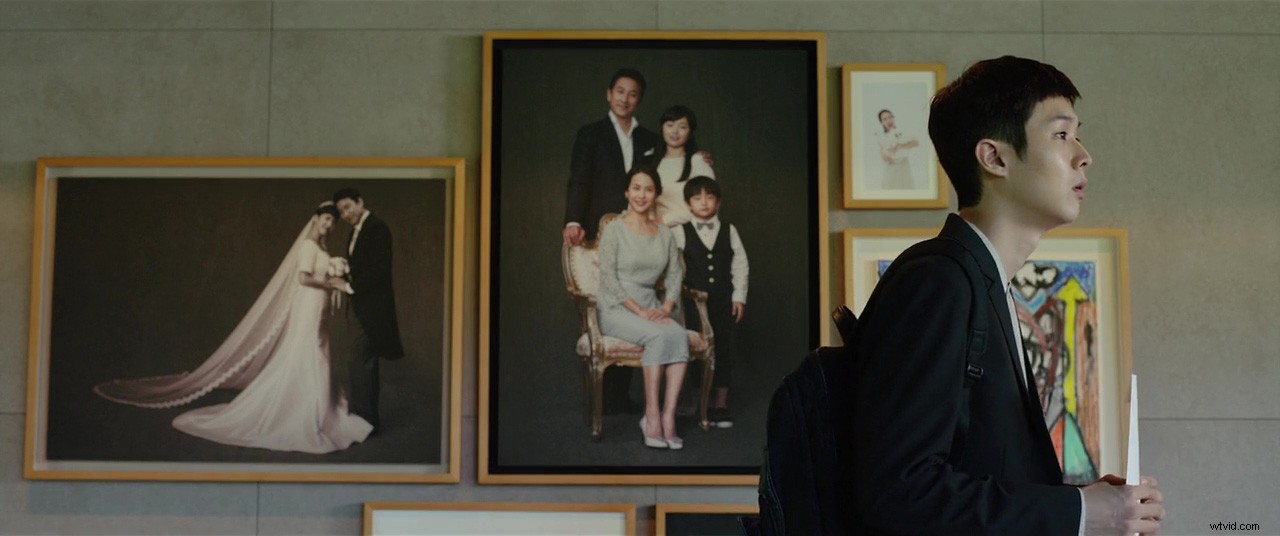
This on-set editing trick is extremely helpful in avoiding a missed shot. And, since Bong Joon-ho does not record coverage or even master shots for that matter, it’s a great way to prepare the editor when he starts his first pass-throughs in the edit bay.
Using Final Cut Pro 7 in 2019
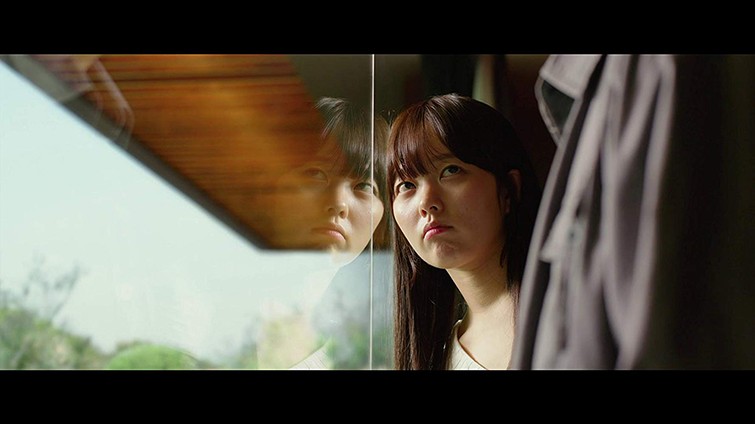
One of the most interesting bits to learn about Jin-mo (but not surprising to long-time seasoned editors) is his preference for Final Cut 7. Many old school editors know that the update from Final Cut 7 to Final Cut X was a drastic one, and turned off a lot of editors from Apple’s flagship NLE.
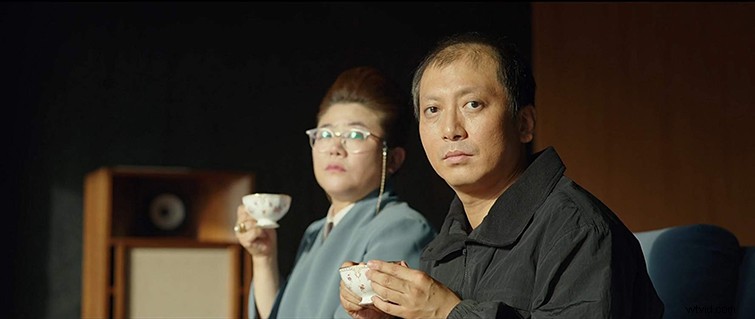
As it goes for most editors, once you’ve found your preferred editing software, it’s hard to switch off of it. Now, we just need Apple to release a legacy edition of Final Cut Pro 7, so we don’t have to keep our computers on Yosemite to access the program.
Using VFX Experience in the Edit Bay
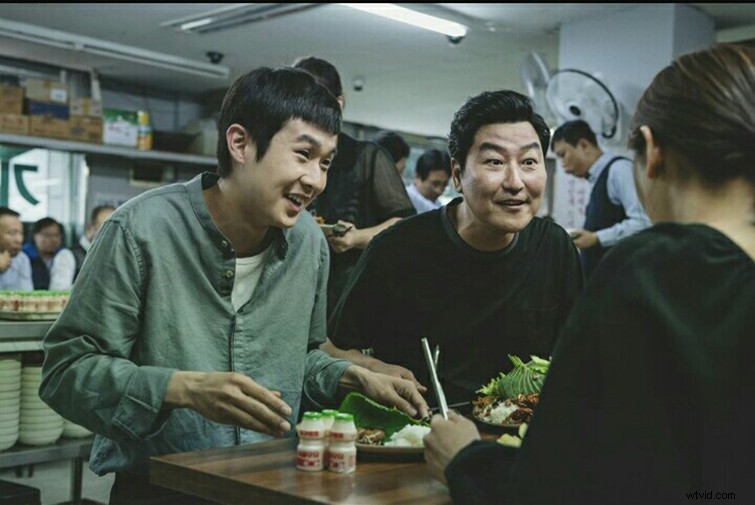
One of the most fascinating parts of Parasite was it’s stellar pacing, all thanks to the extremely detail-oriented montage shots and the masterful transitions from one genre to another. But, on first watch, it doesn’t seem like any VFX was used to create these sequences. Since Jin-mo Yang has a plethora of experience with VFX — such as being the VFX supervisor for Joon-ho’s Snowpiercer — he was able to stitch together shots to get that certain look he wanted from the shot, that wasn’t captured on set.
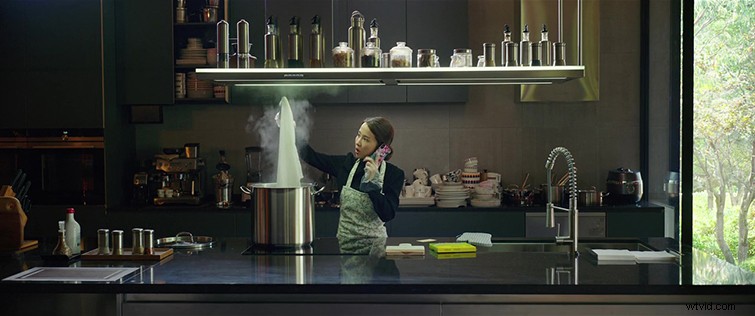
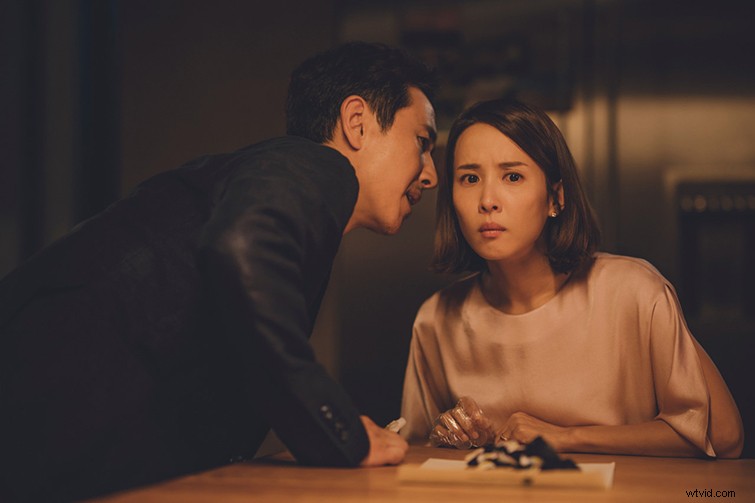
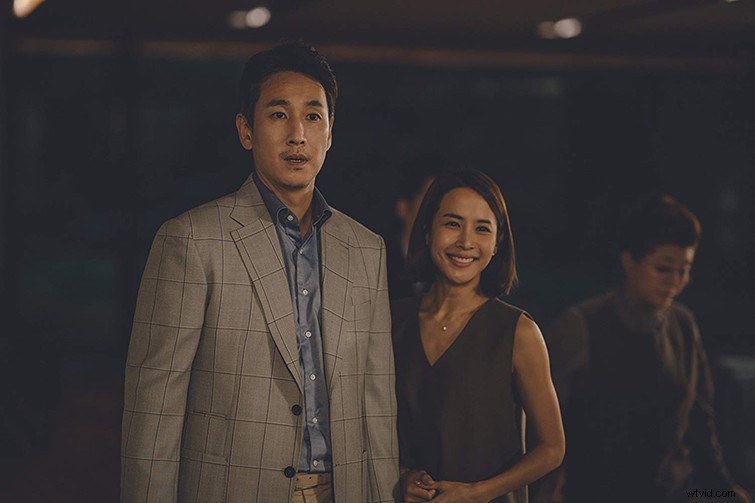
Editors know it can be a tedious process waiting for a VFX artist to get back to you with mock-ups, so having the ability to get the look you want on-the-fly, with your own experience, is a great way to get a rough cut looking the way you want before sending it out to get the VFX treatment.
Painting out the Rhythm of Pacing
WARNING: Spoilers ahead.
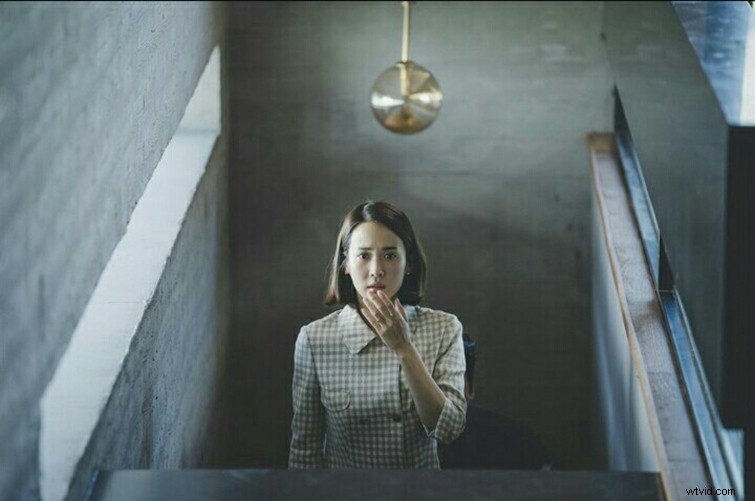
Since Parasite was formed mostly in the storyboards, with little room for improvisation, the full labor of editing was not as intense for Jin-mo as other projects he’s encountered. But, one of the hardest parts of the editing process was getting the right rhythm in some scenes. In the absolutely bonkers final scene of the film, there were a few moments that held extreme significance that needed to be examined and expertly tailored down to the very last frame.
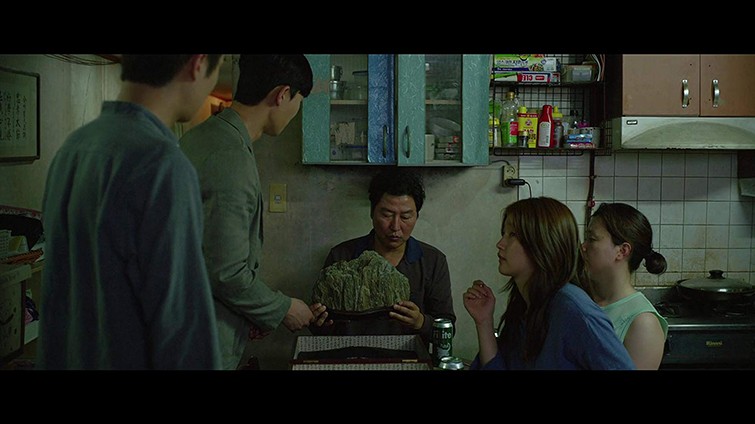
In the climax of the film, the patriarch of the Kim family, Ki-taek, takes a dramatic turn — in a chilling way — and stabs his boss, Mr. Park. This scene was a culmination of all of the events of the film coming together in an extremely chaotic way. Since the reveal is not explicitly told through dialogue, editing the takes preceding the stabbing took a keen eye, to look at the expressions the actors were displaying to get the message across.