
These four simple rules can help you capture the perfect slow-motion sequence for your next project — without overpowering the scene.
In this tutorial, we go over some simple rules to follow when capturing and creating slow-motion sequences. Slow-motion is a powerful tool, but if you don’t handle it properly, it can ruin your project.
Let’s take a look at some best practices to keep you on track.
1. Don’t Overuse It
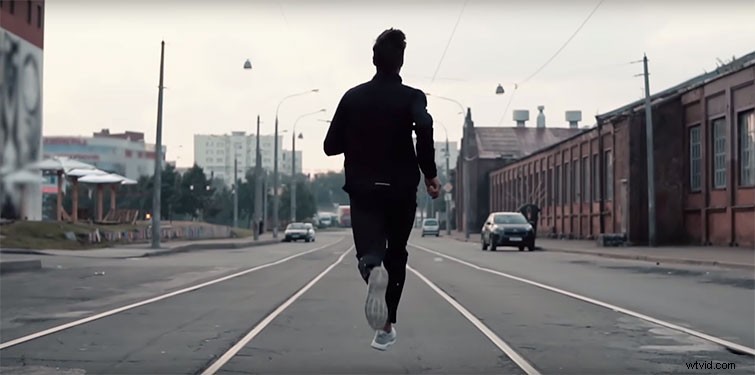
Far too many content creators use this tool as a cinematic crutch. The value of higher frame rates is in quality, not quantity. If you use this effect for every single moment in a scene, it will become dull. Save it for important moments.
2. Keep It Steady
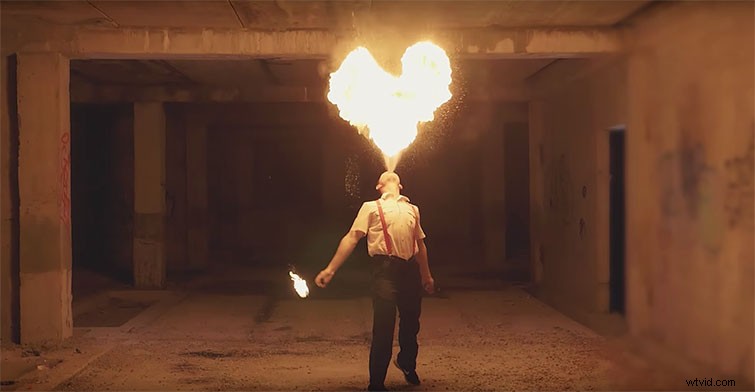
If you’re in a pinch, and you don’t have a stabilizer handy, shooting anywhere from 60 fps to 120 fps is a great way to smooth a handheld shot. This will allow you to capture more dynamic coverage that you can stabilize in post by slowing it down.
3. Motion and Emotion
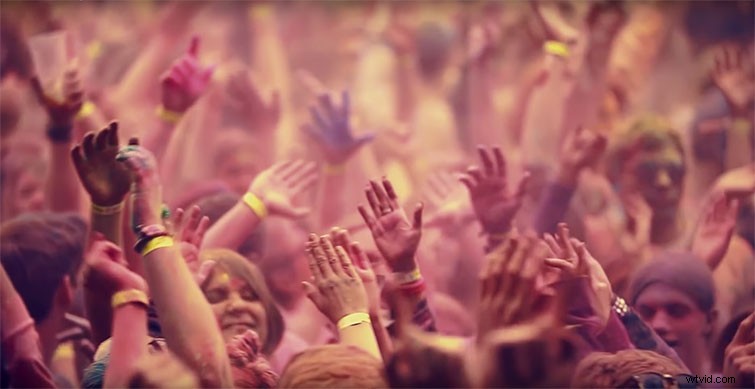
Slow-motion moments work best when there’s either fast motion or intense emotions. If someone laughs, cries, yells, or screams, chances are it will translate well in slow-motion. The same goes for anything with a lot of movement. Essentially, any detail that moves too quickly for the human eye — running, jumping, slapping, splashing — looks epic in slow-motion.
4. When and Where
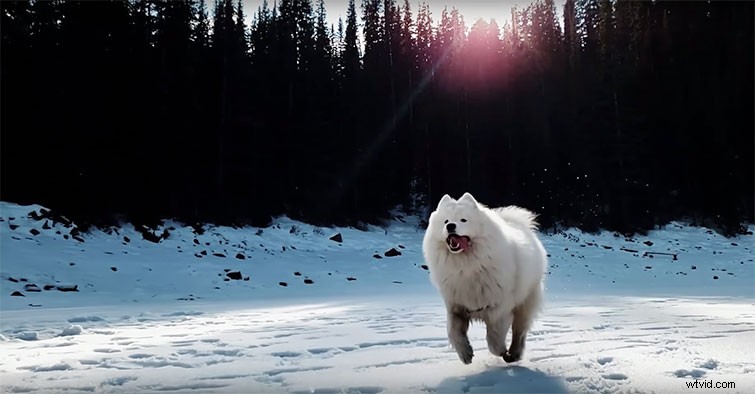
Slow motion should always enhance a moment. If there’s nothing to gain by changing the frame rate, then don’t do it. Clearly, slow-motion sequences are noticeable, but they shouldn’t pull the viewer out of the larger scene. Think about how, when, and for how long you can sustain a slow-motion sequence, and use it to enhance the scene, not draw it out.
Interested in the tracks we used to make this video?
- “Typewriter” by Wolves
- “Ear Candy” by Florian