

Shape how your story flows from one moment to the next with Animoto’s new transition library.
With more than 10 categories and dozens of styles, you can match every vision, highlight every message, and keep viewers glued from start to finish.
Not sure where to start? You’re in the right place. We’ll walk you through the 11 transition families and recommend the best fits for promos, explainer videos, real‑estate tours, social media clips, birthday celebrations, and more.
TLDR
Discover Animoto’s transitions and choose the right ones to make your next video shine.
Why Transitions Matter
Transitions are the connective tissue of a video. They guide the viewer’s emotions and help the story flow.
A slow fade invites reflection; a quick slide signals urgency. The right motion adds polish and keeps the audience engaged.
With Animoto’s library you have full control: mix, match, and fine‑tune transitions for each clip, giving you a fully customized experience.
At a glance:
- Meet the transition families
- Use‑case recommendations
Meet the Transitions
Below is a quick guide to each category and its typical feel.
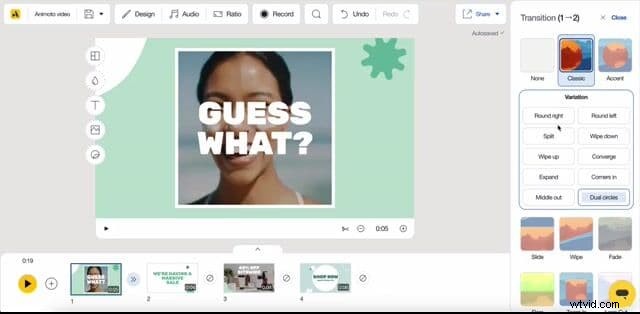
Classic
Clean geometric cuts that feel timeless. Versatile enough for any video, from corporate to lifestyle.
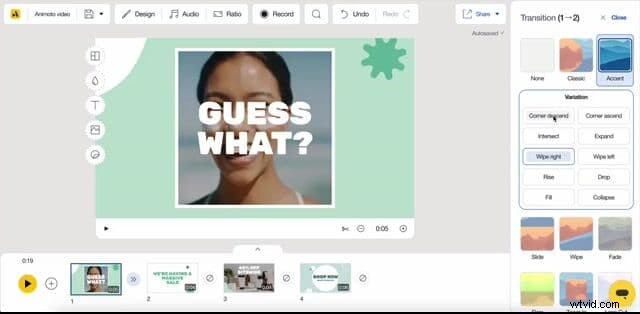
Accent
Minimal rectangular and circular reveals that add subtle energy without overpowering the content.
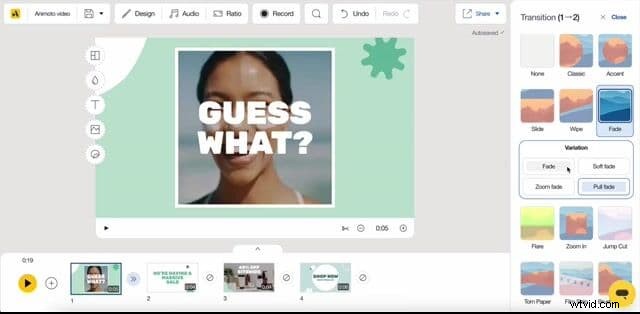
Fade
Gentle dissolves that keep focus on the content. Ideal for polished business videos and quiet moments.
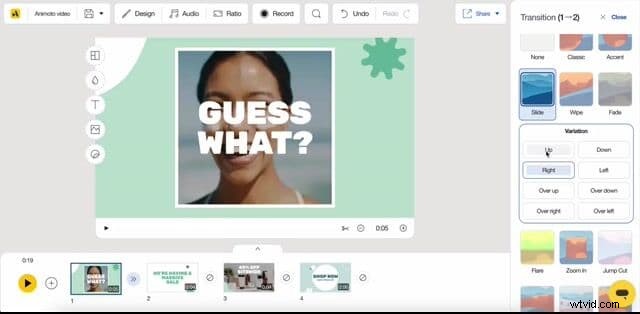
Slide
Directional cuts that create forward momentum—great for storytelling or walkthroughs.
Wipe
Structured, dynamic wipes that guide the viewer’s eye without distraction.
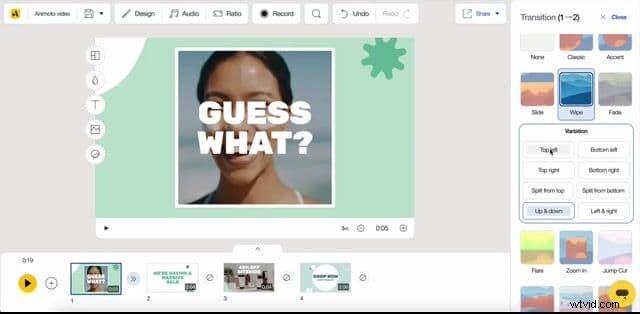
Torn Paper
A handmade, scrapbook feel that works wonderfully for personal or celebratory videos.
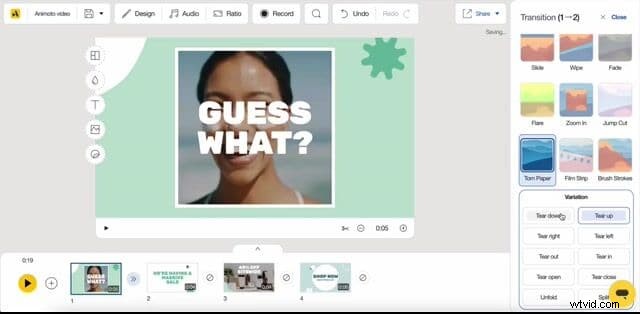
Film Strip
Classic film‑strip cuts that add a nostalgic, cinematic vibe—perfect for vintage themes.
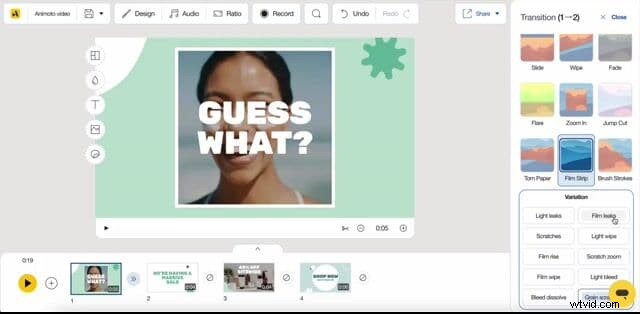
Brush Strokes
Artistic strokes that add flair—ideal for portfolios, art reveals, or high‑energy content.
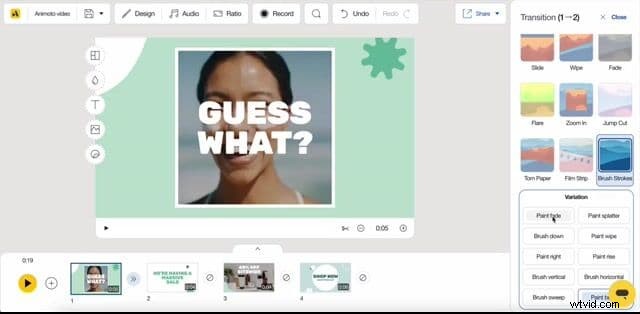
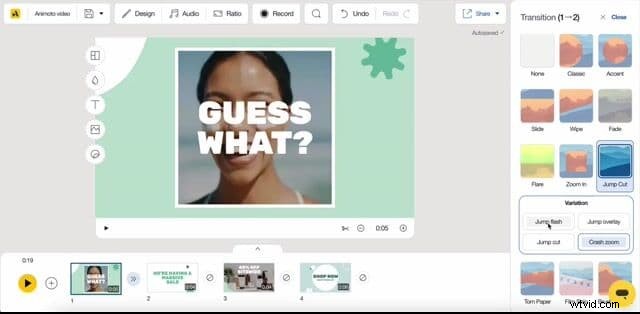
Jump Cut
Fast, punchy zooms and flashes that keep energy high—great for social media or action‑packed scenes.
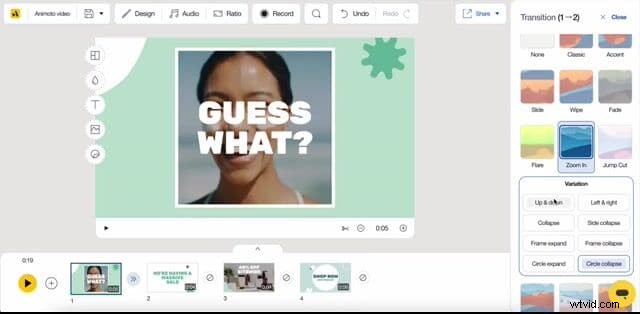
Zoom In
Pulls viewers into the next scene—useful for dramatic reveals or product close‑ups.
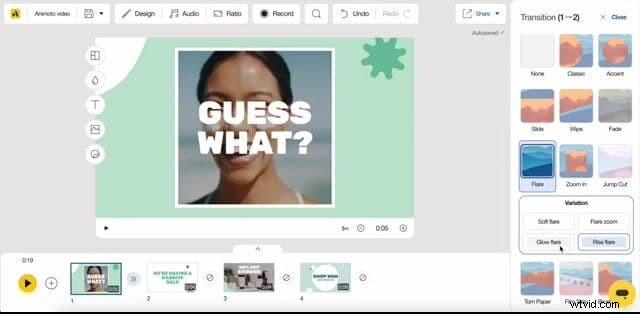
Flare
Soft light blooms that add a dreamy, cinematic touch—elegant without overpowering.
Choosing the Right Transition for Your Video
Here’s how to pair transition families with your project type.
Promo Videos
Fast‑moving, high‑impact transitions keep viewers engaged and drive the call to action. Reserve a bold transition right before the CTA to capture focus.
- Recommended families: Slide, Wipe, Zoom In, Accent
Explainer Videos
Directional cuts guide viewers through concepts. Consistency is key—use the same family throughout.
- Recommended families: Slide, Fade, Classic
About Us Videos
Build trust with confident, polished transitions that keep the focus on people and stories.
- Recommended families: Fade, Accent, Slide
Real Estate Videos
Professional, aspirational motion that transitions smoothly between rooms and properties. Use premium effects sparingly.
- Recommended families: Fade, Slide, Flare, Zoom In
Social Media Videos
Grab attention in seconds with bold, fast transitions that keep energy high from the first frame.
- Recommended families: Jump Cut, Brush Strokes, Wipe
Birthday & Celebration Videos
Have fun with expressive, handcrafted transitions—Torn Paper, Film Strip, and Brush Strokes add warmth and personality.
- Recommended families: Torn Paper, Film Strip, Brush Strokes
Personal Stories
Emotional, human transitions that evoke nostalgia and warmth.
- Recommended families: Film Strip, Torn Paper, Flare
Ready to Get Started?
Your videos are more customizable than ever, and your viewers will notice the difference. Dive into your next project today and create something that truly resonates.
At the end of the day, the video should reflect your unique voice. If you decide to deviate from our suggestions, that’s perfectly fine—make the video you want to share with those who matter most.
Make a video