
YouTube Shorts, together with Instagram Reels and TikTok, have become the go‑to format for short‑form video. These vertical clips, capped at 60 seconds, are ideal for quick tutorials, humor, or storytelling. As their popularity surges, mastering Short creation can significantly elevate your channel. This guide walks you through each step, enabling you to launch and differentiate your Shorts on YouTube swiftly.
What are YouTube Shorts?
YouTube Shorts are short, vertical videos that capture attention instantly. Designed for mobile consumption, they run up to 60 seconds and are easy to produce. Their viral potential makes them perfect for tutorials, comedic snippets, or narrative bursts.
The format’s simplicity and impact align perfectly with today’s fast‑paced digital culture. Creators can experiment with ideas—behind‑the‑scenes moments, trend‑based content, or skill demonstrations—without heavy production demands. Add a polished intro with our intro maker to give your Shorts a professional edge.
Understanding how to craft a YouTube Short unlocks a growing trend that can boost your channel’s visibility. Shorts are prominently featured on the homepage, increasing discoverability. For more on crafting engaging intros and outros, see our guide on intro and outro videos.
Why use YouTube Shorts?
Shorts can transform your channel’s reach, whether you’re new or seasoned. They deliver quick, engaging content that drives viewership and growth.
Boost engagement
Shorts’ brevity encourages full‑video viewing, increasing engagement metrics. Their vertical format is optimized for mobile, keeping audiences hooked on the go.
Increase visibility
YouTube actively promotes Shorts, positioning them on the homepage and in the app’s dedicated section. This prominence accelerates exposure to larger audiences.
Grow your audience
Shorts attract a broad demographic, converting casual viewers into subscribers. A compelling Short can introduce your channel to new fans. Start with our YouTube intro maker to capture attention.
Foster creativity
Experiment with trends, formats, and styles without committing extensive time. This flexibility nurtures fresh, engaging content that resonates with viewers.
Leverage algorithms
High‑engagement Shorts signal YouTube’s algorithm to recommend your channel more often, creating a virtuous cycle of growth.
Monetization potential
While Shorts lack traditional ads, YouTube’s Shorts Fund rewards creators for popular videos. Engaging Shorts can also drive traffic to your main channel, where ads, memberships, and other revenue streams apply. Join the YouTube Partner Program to unlock further earnings.
Explore our corporate and social‑media video templates for streamlined production.
How long are YouTube Shorts?
Shorts are capped at 60 seconds, but the most successful ones often run 15–30 seconds. Keeping content concise ensures viewers watch the entire clip and retain the message.
Whether you’re unboxing, sharing a moment, or promoting a product, every second counts. Shorter videos maintain focus and drive higher completion rates.
How to make Shorts on YouTube
Step 1: Download the YouTube App
Install the latest YouTube app from the App Store (iOS) or Google Play Store (Android). Sign in or create a YouTube account. The newest version unlocks all Short‑creation features.
Step 2: Open the YouTube App
Launch the app and ensure you’re logged in. On the homepage, locate the central plus button at the bottom center. This is your gateway to new content.
Step 3: Tap the Create button
Press the plus icon to open the menu. Select “Create a Short” to launch the dedicated camera interface.
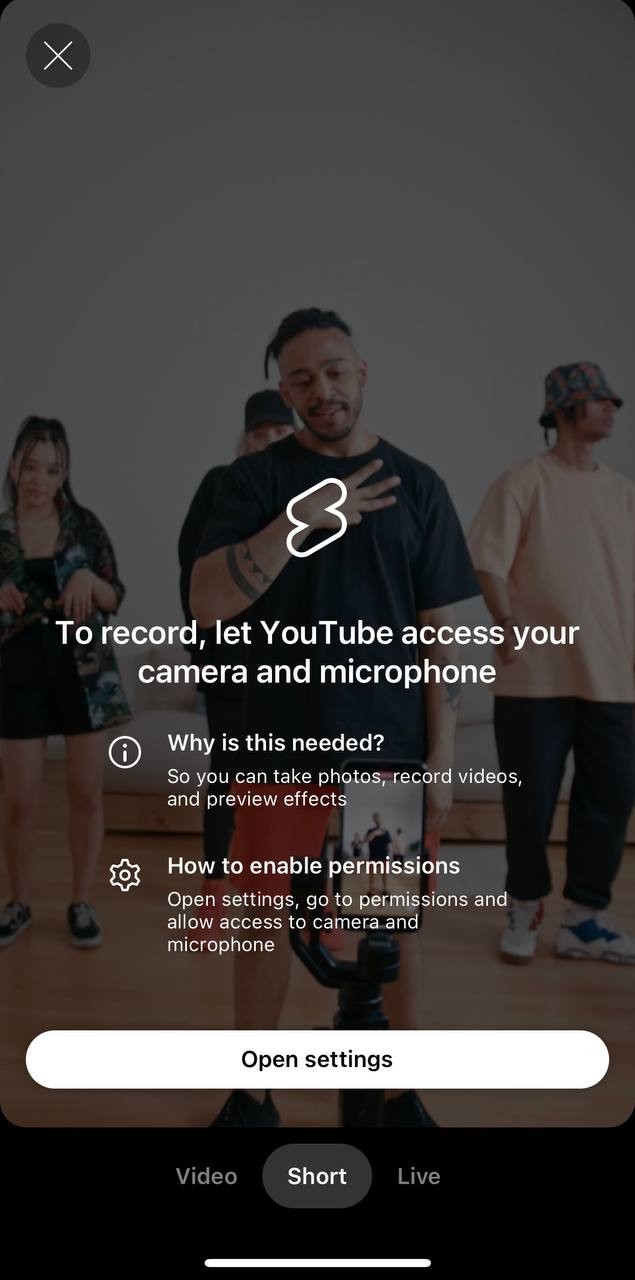
Step 4: Record your video
Hold the red record button to capture. Release and tap again to record multiple clips. Use the gallery icon to import pre‑recorded footage. Remember, keep the total length under 60 seconds.
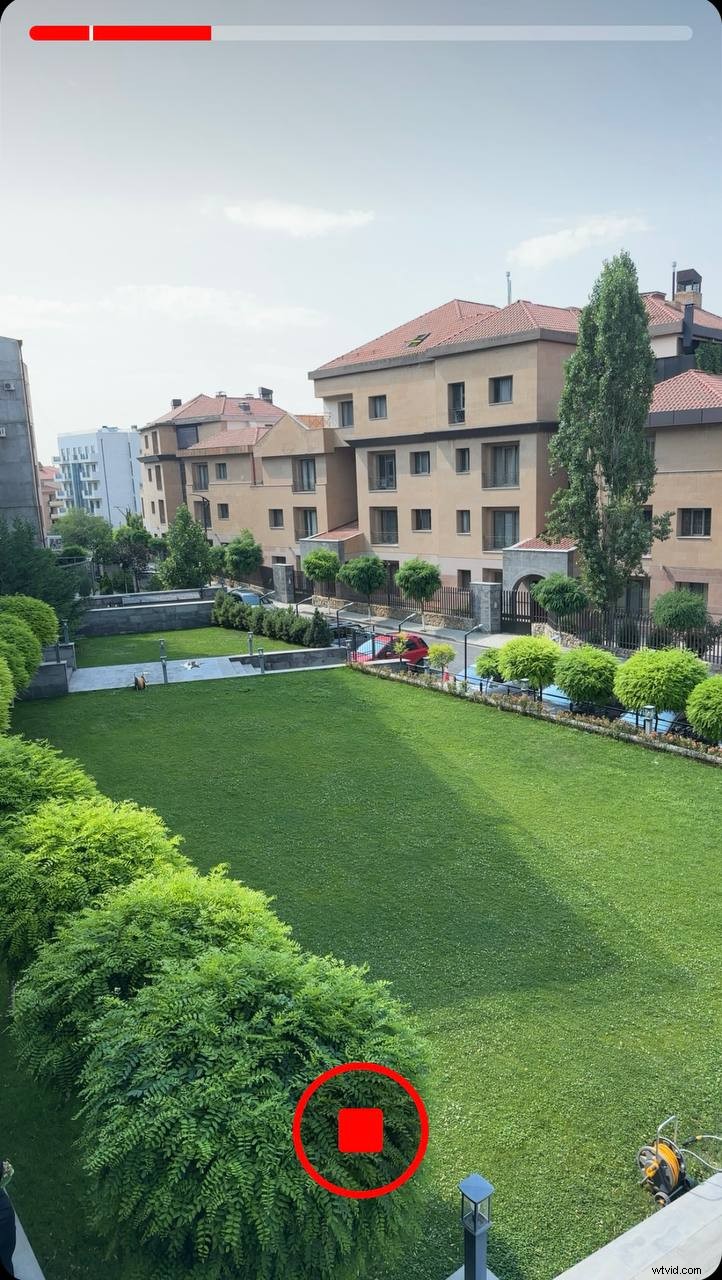
Step 5: Adjust recording settings
Fine‑tune your footage before recording:
- Speed control. Slow or fast motion adds flair.
- Timer and countdown. Enables hands‑free shooting.
- Filters and effects. Give your clip a distinct look.
Step 6: Edit your video
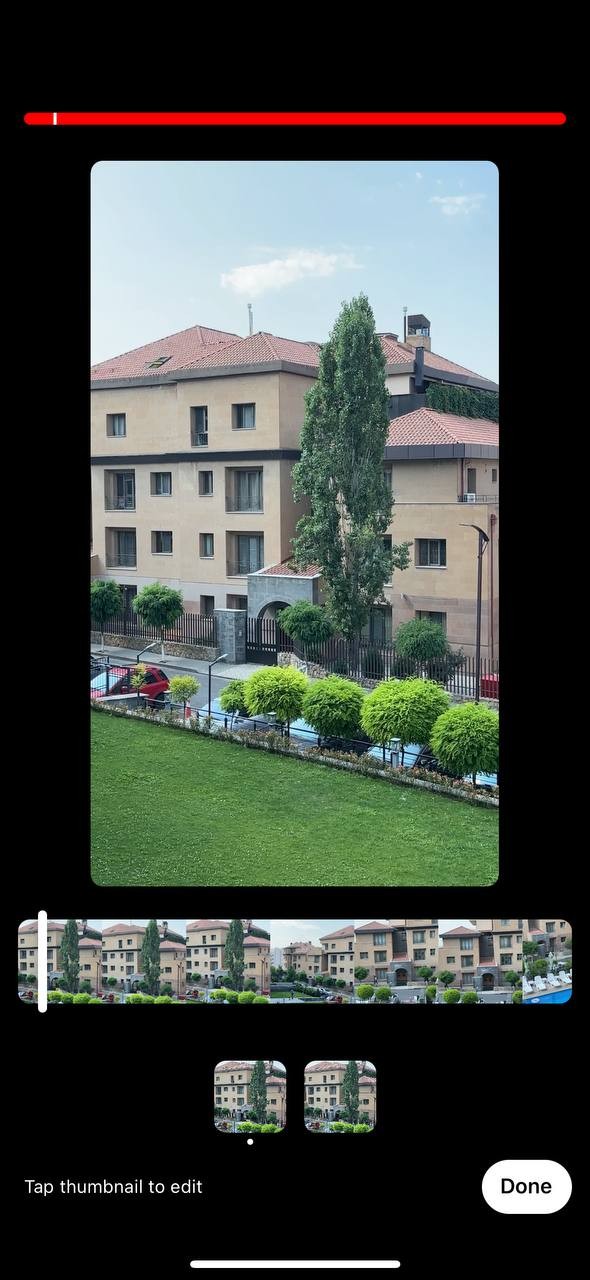
After recording, tap the checkmark to enter the editor. Trim clips with timeline sliders, add music, text, and filters to polish the final product.
Step 7: Add music
Tap the music icon to browse YouTube’s licensed tracks. Preview and select the perfect track. Adjust the start time for sync.

Step 8: Add text and effects
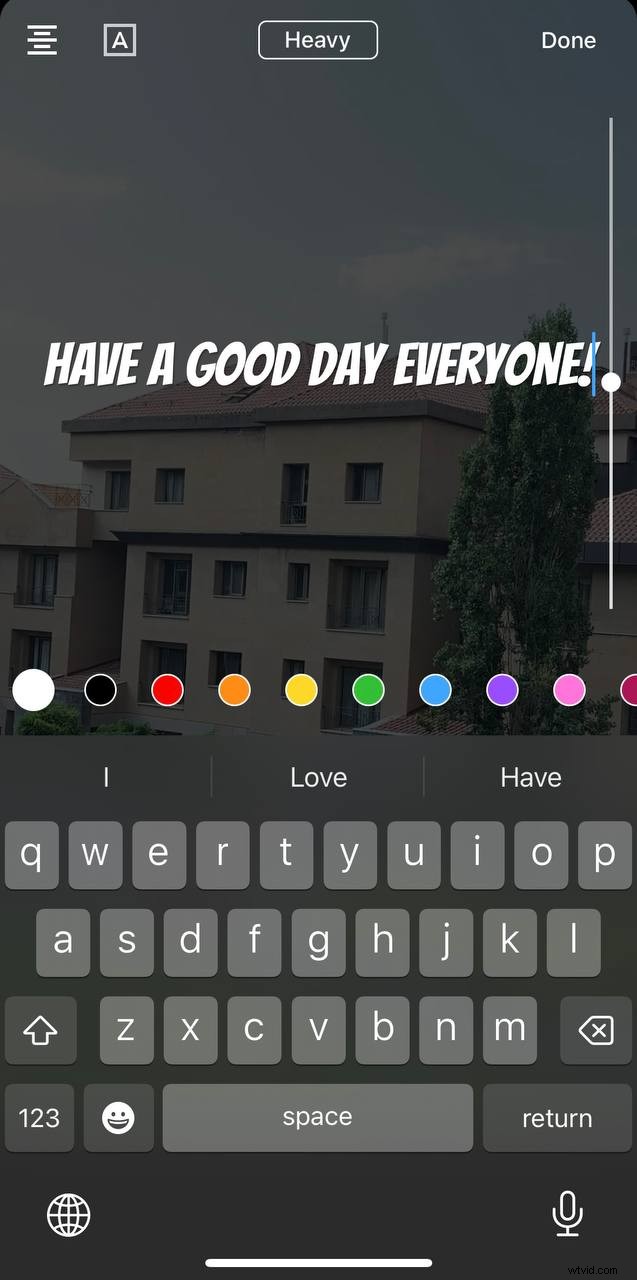
Use the “Aa” icon to overlay text—customize font, color, and placement. Add stickers or animations via the effects icon to enhance visual appeal.
Step 9: Preview your Short
Watch the full clip to ensure timing, text placement, and flow are spot‑on. Make adjustments as needed before proceeding.
Step 10: Add details
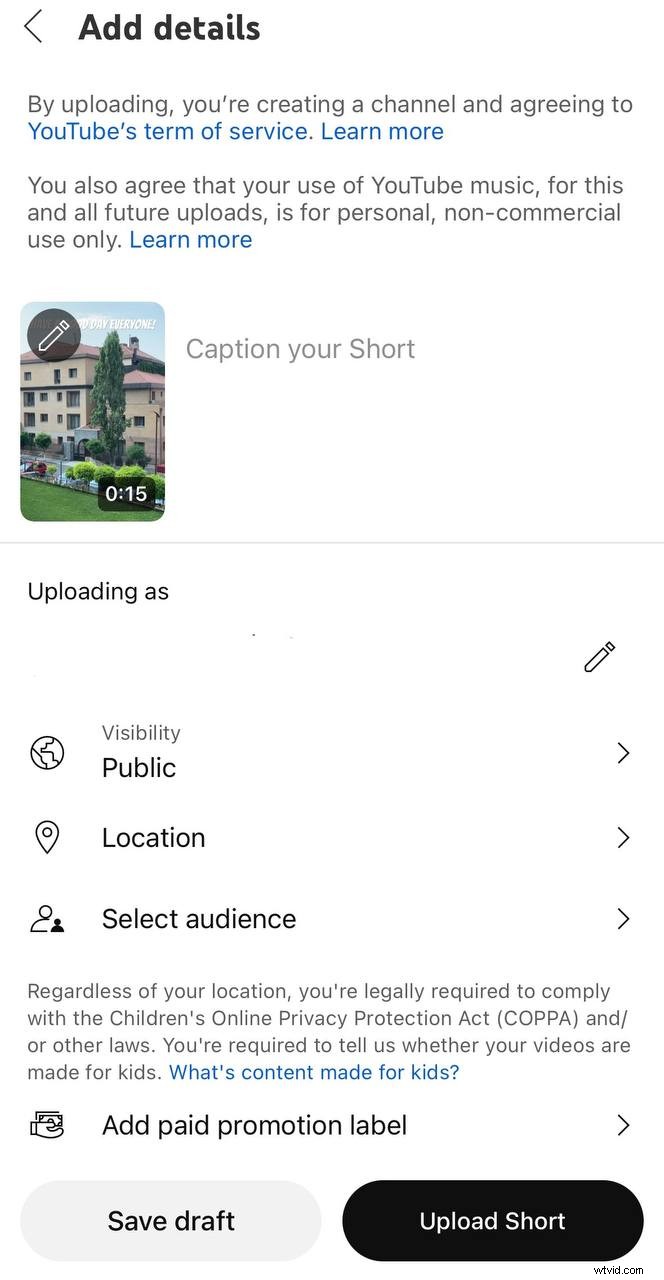
Tap “Next” to enter title, description, and hashtags. Use keywords for discoverability. Set visibility (public, unlisted, private) and toggle comments.
Step 11: Upload your short
Tap “Upload Short.” The video will process and go live. Promote it across social media or embed on your website to broaden reach.
How to make YouTube Shorts with Renderforest
Renderforest offers a suite of templates that simplify Short production. Follow these steps to create a professional‑grade Short ready for upload.
Step 1: Select a template
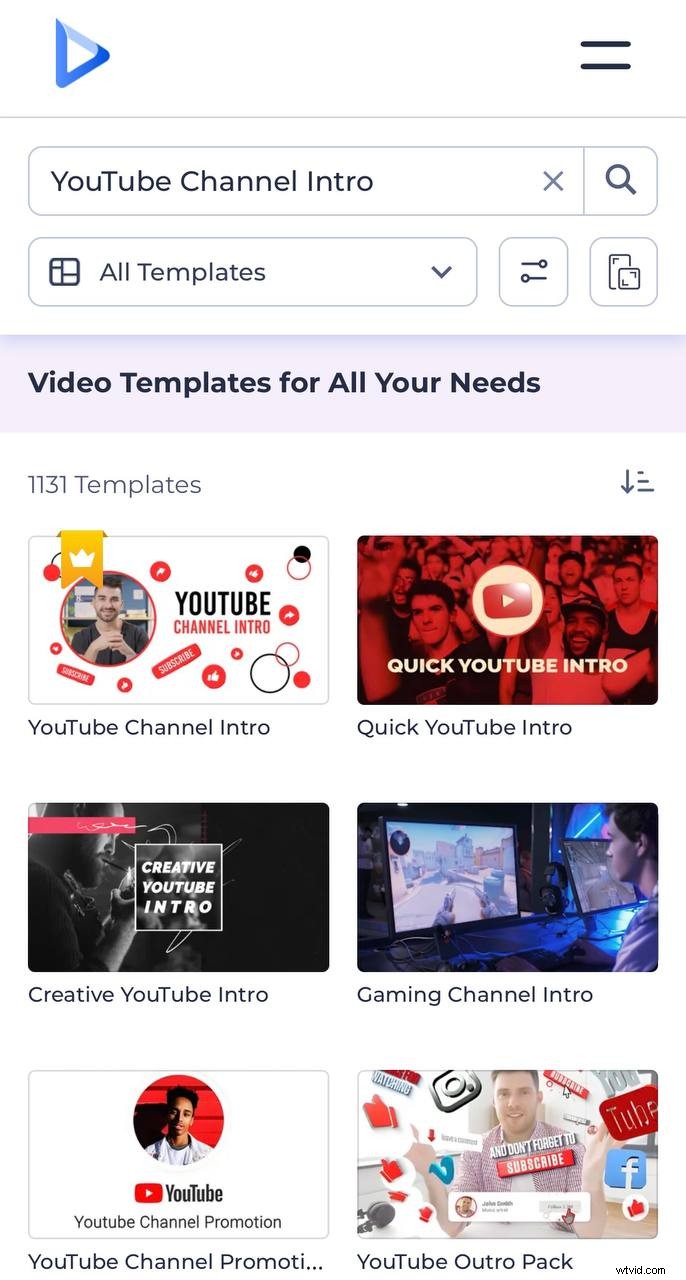
Choose a portrait‑format template suited for Shorts, such as the YouTube Channel Intro. This ensures compliance with the 9:16 aspect ratio.
Step 2: Customize your video
Renderforest’s editor lets you:
- Add media. Upload logos, images, or video clips, or use the built‑in library.
- Edit text. Adjust font, size, and color for clear messaging.
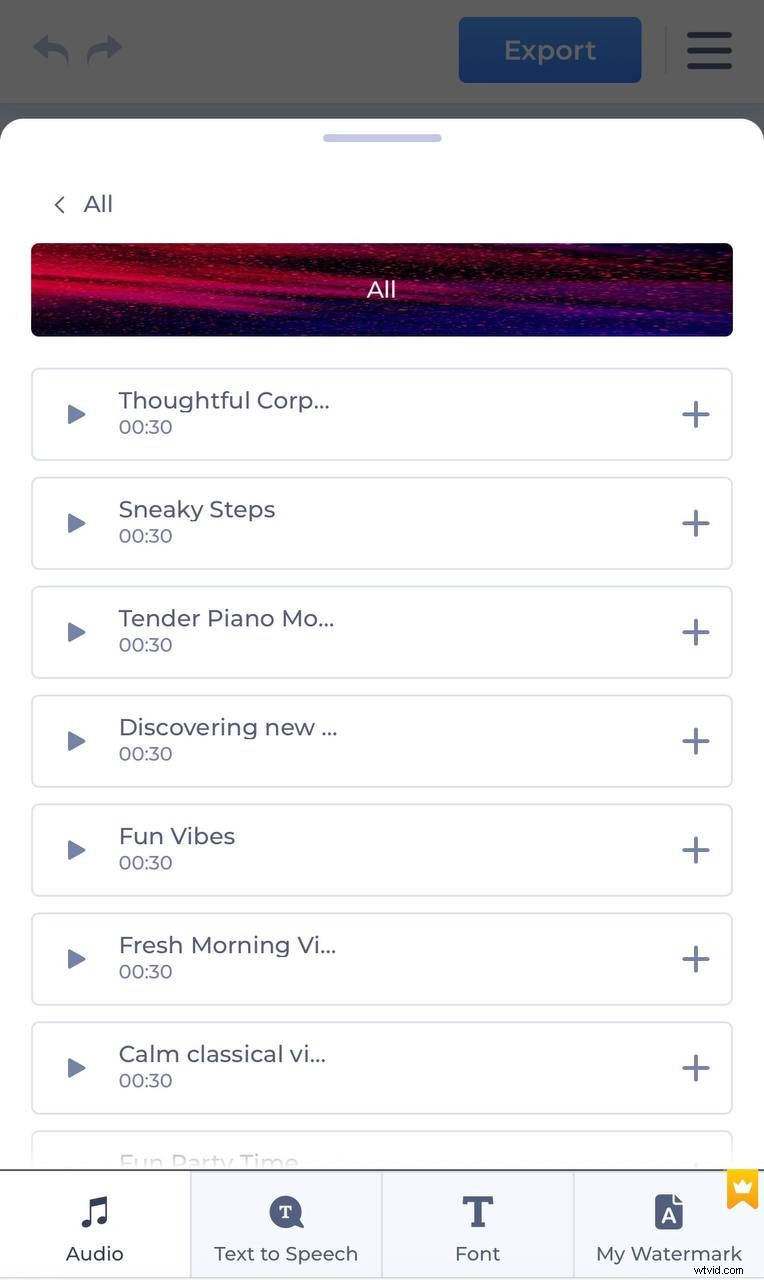
- Add music or voiceover. Browse the music library or upload a voiceover. Use AI text‑to‑speech for quick narration.
- Add a watermark. Protect your brand by inserting a logo.
- Preview. Review the composition before exporting.
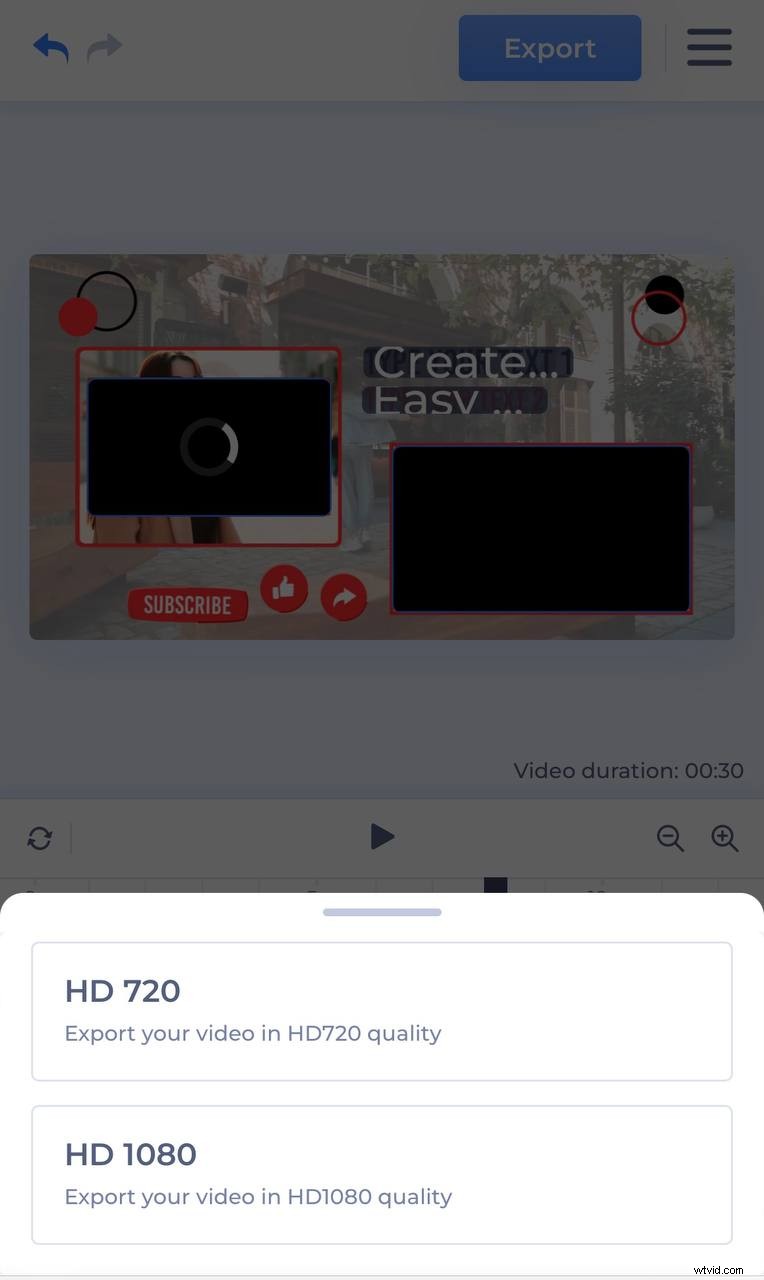
Step 3: Export and share on YouTube
- Export. Choose HD quality and wait for rendering.
- Download. Save the file to a known location.
- Upload. Use the YouTube app or website to upload the video. Add title, description, hashtags, and set visibility before publishing.
For long‑form projects, read our article on creating full YouTube videos.
Learning how to create YouTube Shorts
Creating Shorts is an engaging way to connect with audiences and expand your channel. Begin with a strong hook, keep content concise, and leverage YouTube’s built‑in tools and Renderforest’s templates to stand out. A well‑crafted Short can elevate your channel’s reach dramatically. Start producing today and watch your channel grow.
Related reading:
- How to make videos for Instagram
- How to make an outro for YouTube
- How to make an AI video
How to make a YouTube Short FAQ
How do you make a YouTube Short?
Begin with a concept that grabs attention. Record with a smartphone or camera, then trim and enhance using editing software or apps. Add music, text, and effects. Upload to YouTube, optimize the title and description, and use relevant hashtags to boost visibility.
How do you make a short clip on YouTube?
Open the YouTube app, tap the plus button, and select “Create a Short.” Record or import footage, edit with music and text, then click “Next.” Add a title, description, and hashtags before hitting “Upload.”
How do you make Shorts on YouTube from a PC?
Use editing tools like Adobe Premiere Pro, Final Cut Pro, or online platforms such as Renderforest to create a 9:16, under‑60‑second vertical video. Export in high quality, then upload via the YouTube website, marking the video as a Short.
Do YouTube Shorts make money?
Shorts can earn revenue through YouTube’s Shorts Fund—a $100 million pool rewarding high‑performing content. They also drive traffic to your main channel, where ads, memberships, and Super Chats generate income.
How do you make YouTube Shorts public?
After editing, tap “Next” to set the title, description, and visibility. Select “Public,” then publish. Public visibility maximizes discoverability and engagement.