
Research shows that 35.4% of all Instagram likes come from Reels. It’s clear: Reels are a pivotal part of any modern content strategy.
Before you start filming, invest a few minutes to understand the platform’s requirements. Doing so ensures your videos look sharp, upload smoothly, and perform well with Instagram’s algorithm.
Read on for a detailed overview of Reels dimensions, formatting rules, and best‑practice tips that will help you create professional‑grade content.
Why Reels Size Matters
Instagram’s app supports a handful of specific dimensions and file types. Adhering to these rules guarantees that your content remains shareable and avoids technical glitches.
More importantly, it shapes how your audience perceives you. Following guidelines signals expertise and professionalism, and delivers a superior viewing experience.
Videos that meet Instagram’s quality standards are favored by the algorithm, increasing the likelihood of being surfaced to a broader audience and boosting engagement.
Instagram Reels Dimension Requirements for 2026
Below are the key specifications you need to keep in mind when preparing a Reel. Adhering to these parameters will give your audience the best possible experience.
Resolution
Reels must be recorded at a minimum of 720 px and a maximum of 1080 px in height. Content below 720 px lacks high‑definition clarity, while files above 1080 px are compressed by Instagram, potentially degrading quality.
Staying within the 720–1080 px window ensures sharp visuals and efficient upload speeds, striking the right balance between quality and file size.
Aspect Ratio
The optimal ratio is 9:16, which fills the full height of a typical mobile screen. This vertical format aligns with how users consume Reels on the app.
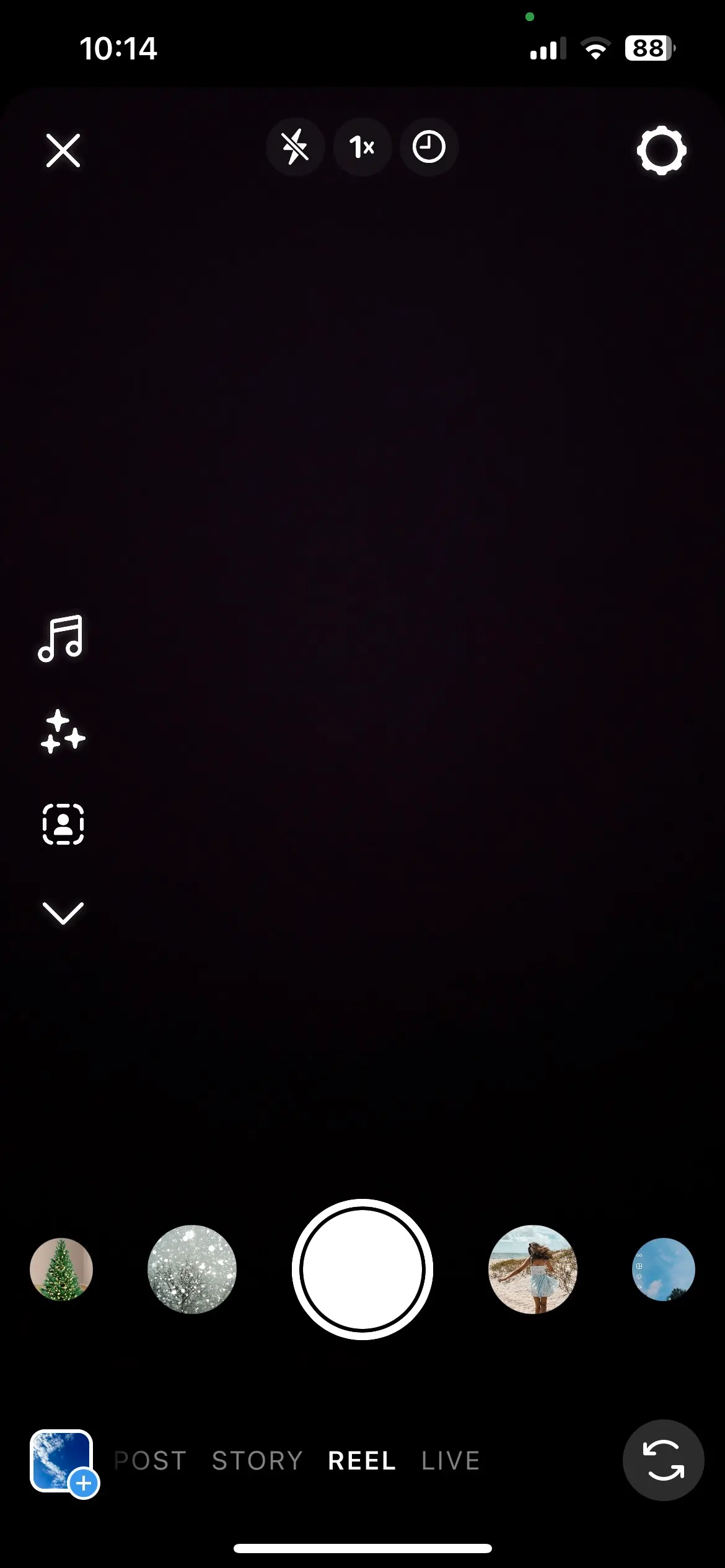
Using the 9:16 ratio not only guarantees compatibility but also delivers a full‑screen viewing experience, encouraging higher engagement.
Cover Image or Thumbnail
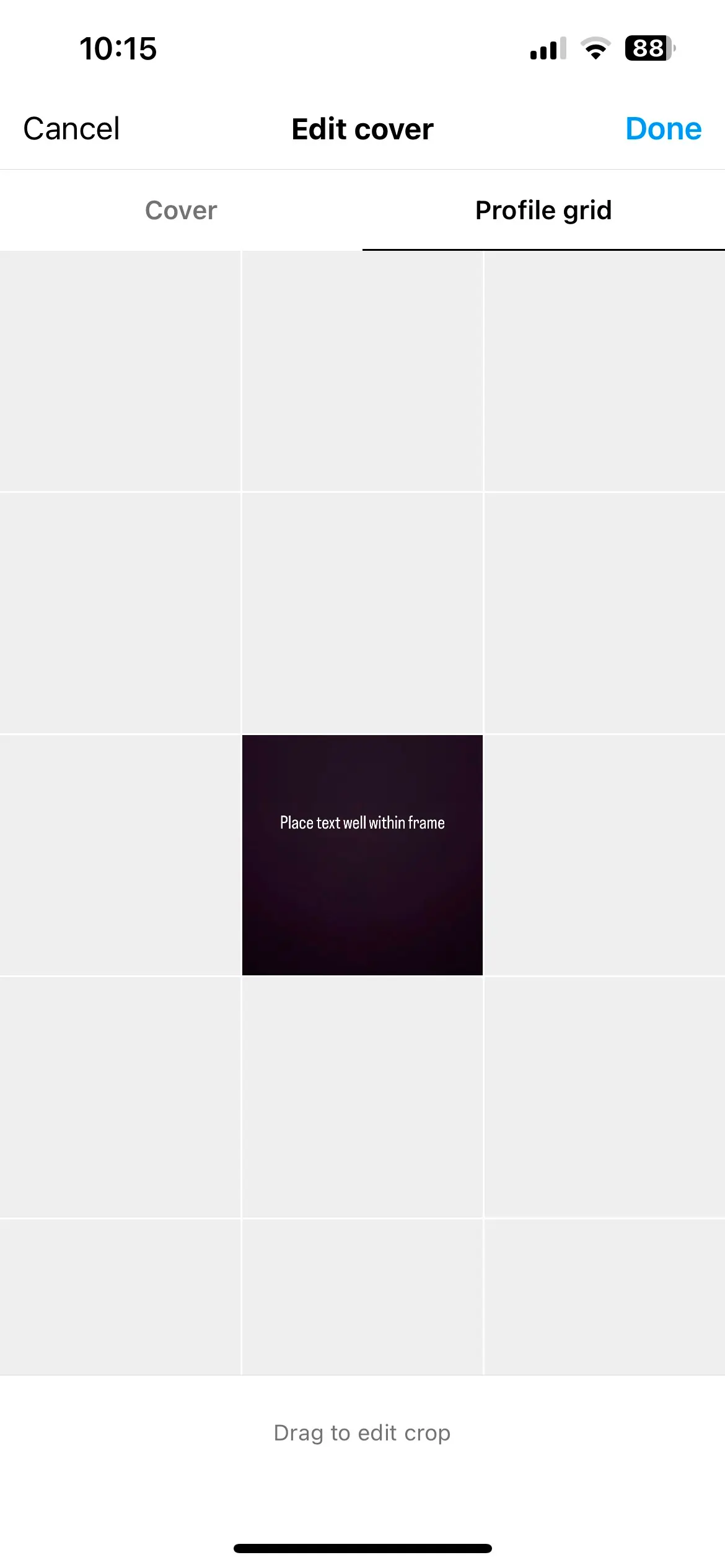
Each Reel can feature a cover frame chosen from the video or uploaded from your device. This thumbnail appears before playback and in your profile grid.
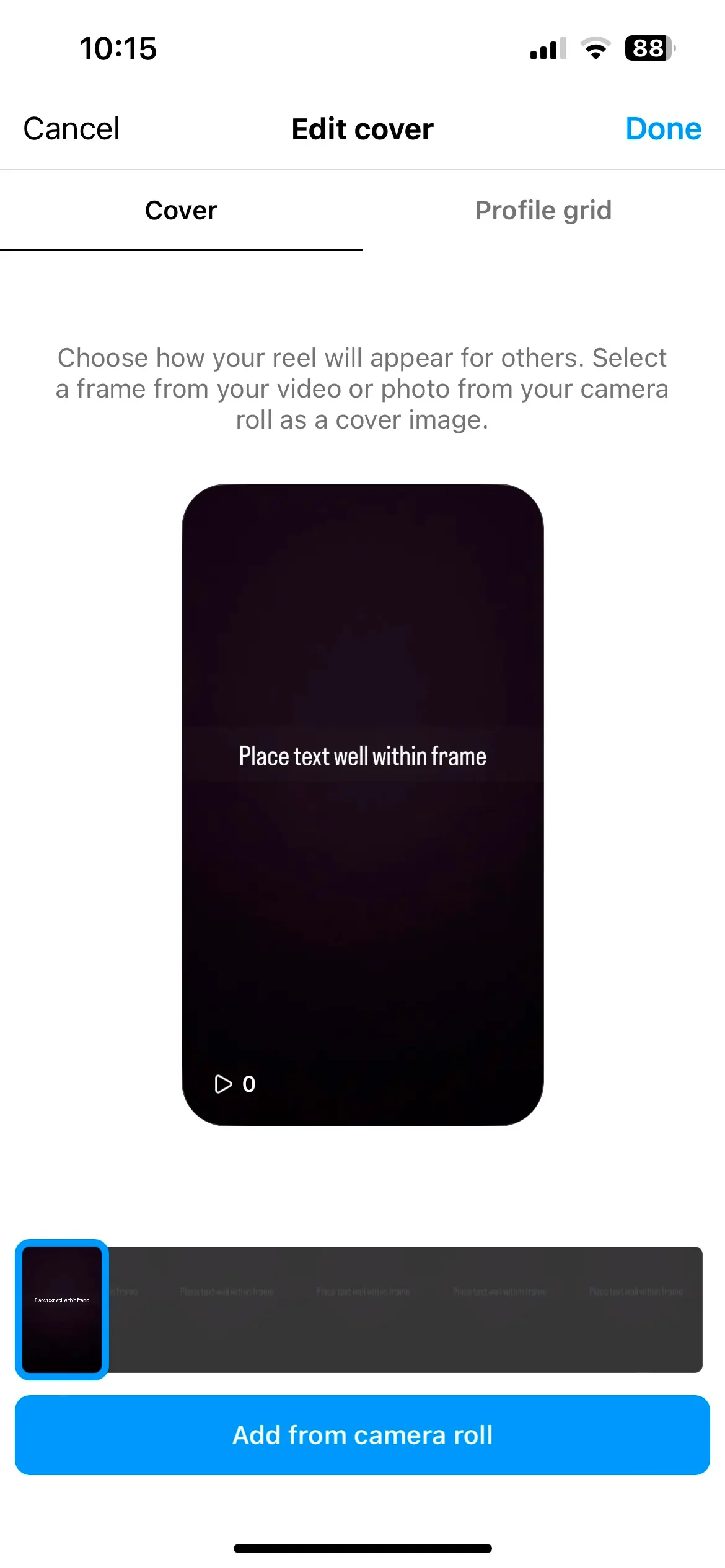
For a cohesive look, match the cover to the Reel’s 9:16 ratio. If you prioritize your grid appearance, a square cover works well, but ensure key details stay within the 1:1 frame.
Length
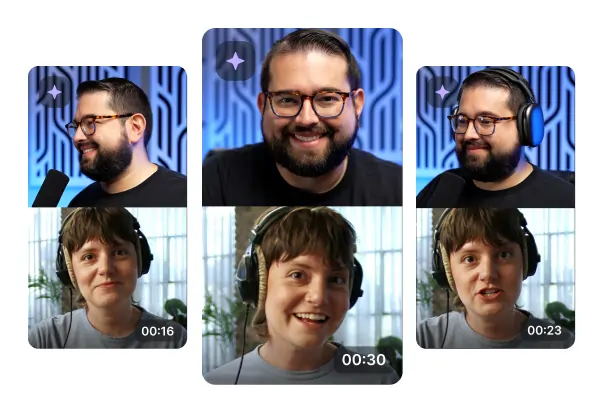
Reels can now run up to 90 seconds. While longer clips are possible, the most successful Reels are often shorter—just a few seconds can drive viral reach.
Use tools like Riverside’s Magic Clips to auto‑extract bite‑size segments from longer footage, keeping your content within optimal length without extra effort.
Key Considerations Beyond Size
Dimensions are crucial, but several other factors influence the final quality and reach of your Reels.
Understanding common pitfalls helps you avoid compromises and deliver content you’re proud of.
Text‑Safe Zones
Instagram partially obscures the feed view, so text or subtitles positioned too close to the edges may be hidden.
Place text within the 4:5 zone—centered and away from borders—to ensure visibility across all viewing modes.
Vertical Format
Reels are designed for vertical playback on mobile devices. Crop and trim your footage to match this orientation for the best impact.
Multiple Dimensions Across the App
Reels appear in different formats depending on the context: 9:16 in full‑screen, 4:5 in the feed, and 1:1 as a grid thumbnail.
Plan your content with all these variants in mind to maintain visual consistency and maximize engagement.
Best Practices for Reels Sizing
Feeling overwhelmed by the specs? Keep these practical steps in mind.
Prioritize Quality
High‑resolution visuals and clear audio showcase your production skills and make your content more enjoyable.
Always optimize for Instagram’s specs before publishing, but never sacrifice overall quality.
Check the Latest Specs
Instagram occasionally updates its requirements. Before filming, confirm the current resolution, aspect ratio, and file type guidelines.
Leverage Presets and Automation
Manual adjustments can be tedious. Use tools like Riverside to auto‑crop to 9:16, convert formats, and add captions, saving time while maintaining compliance.
Replay and Review
Preview your Reel in both feed and full‑screen modes to spot any issues. Adjust as needed before posting.
FAQs on Instagram Reels Dimensions
Are Reels 4:5?
Reels themselves are 9:16. However, the feed often displays only a 4:5 portion, so place critical elements within this safe zone.
What’s the horizontal size of Reels?
Reels are strictly vertical. If you have horizontal footage, crop or add borders to fit a 9:16 frame, or use a call‑to‑action to prompt users to rotate their device.
What file formats are accepted?
Instagram accepts MP4 and MOV files. These formats preserve quality while enabling fast uploads.
Is 4K supported?
Not yet. The maximum resolution remains 1080 px. Future updates may lift this limit.
Final Thoughts
Aligning with Instagram’s dimension guidelines is the foundation for successful Reels and an overall stronger presence on the platform.
Riverside’s studio‑quality tools streamline recording and editing, allowing you to convert long‑form footage into polished, Reels‑ready clips with our Magic Clips feature.
Ready to elevate your Reels? Try Riverside today!