
Creating an engaging and seamlessly edited video takes time, but there are a few hacks at your fingertips to help you produce something great in half the time. Edit your way to a better video with these five time-saving, value-boosting methods.
1. Utilize Color Presets for Consistency
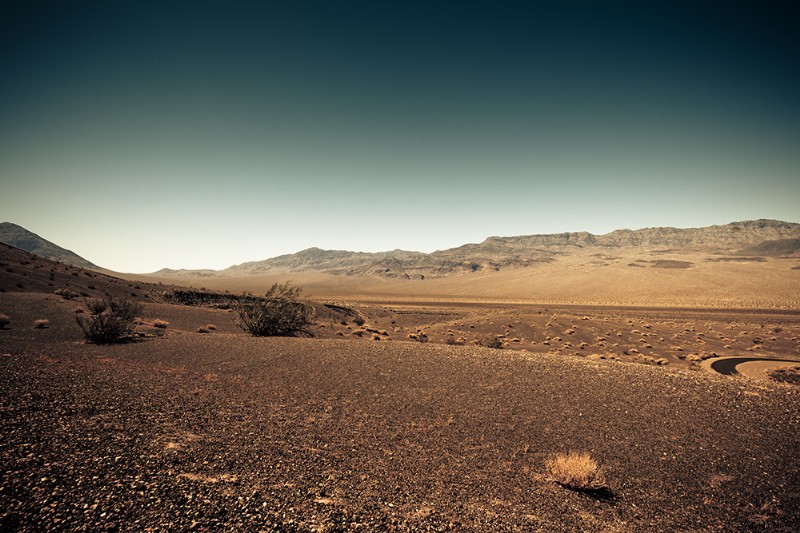
We won’t sugarcoat it: Professional color grading is difficult. Some editors simply skip this step in the video editing process, but to do so is a major mistake because color can set the tone for your movie and create cohesion across scenes. Though color grading can take years to master, you can achieve the same professional effect by using color presets in your video editing application of choice.
There are many color presets out there that can blend together mismatched footage and enhance the visual style of your video or film: Blue-toned presets are perfect for David Fincher-esque thrillers, while a yellow-tinged glow will give you the Wes Anderson nostalgia effect. Get started in the color grading process with Magic Bullet from Red Giant and PremiumGrades from PremiumBeat.
2. Punctuate with Simple Graphics
Your video doesn’t need complex animated graphics to look professional; simple fonts and shapes are a great option because they enhance your footage rather than distracting from it.
However, if your project requires the extra motion graphic goodness that can only be accomplished in professional motion graphic software, you can use simple templates from providers like Rocketstock. They have dozens of professional quality After Effects templates that can be easily customized and exported for use in your video application of choice. Below is a demo of one of Rocketstock’s most popular After Effects templates.
3. Pick Music Based on Emotion

The visuals of your film tell your audience what to think, but the sound in your film tells your audience what to feel. A good track can instantly enhance how your video is received.
It’s challenging to find the right track, especially because the music you listen to regularly is expensive and messy to license. Modern editors must look for their scores in the right place. Emotion is a guiding force in music and in film, and it’s a great place to begin your search. Check out Shutterstock music, which conveniently sorts music based on moods (as well as genres) and has thousands of hand-curated tracks that can be easily dropped into any editing project. You can download a watermarked preview that can be dropped into your project, letting you test out melancholic vs. reflective tracks before you commit to purchasing.
4. Cut to the Beat
An easy way to make your video seem more professional is to simply cut to the natural cues found in your music track. Percussion-heavy songs, like those with a good kick-drum, are easy to edit with because they have a very clearly defined beat. But you can find the natural cut points in any song: Simply drop your chosen track into your video editing application and set markers at points where you think a cut should happen. Most major editing applications allow you to set markers with just a keyboard shortcut — try closing your eyes and hitting the marker key when it sounds like there should be a cut.
While this technique certainly works for highlight videos and product videos, it isn’t always ideal if you feature someone talking in your video. In this case, add consistent pacing so that your video doesn’t become stale; typically, you don’t want to focus on a shot for more than five seconds.
5. Use Beautiful Establishing Shots

One of the fastest ways to captivate your audience is to introduce them into your scene using a beautiful establishing shot. Establishing shots are used in everything from commercials to Hollywood movies as a way to set the scene for an audience. However, establishing shots are time-consuming and costly because they require expensive film equipment and comprehensive legal agreements. Stock footage is a great alternative, especially because these collections include beautiful aerial shots and timelapses, which are difficult to produce independently.
If you’re looking for the perfect aerial establishing shot, check out our aerial section which includes shots from virtually every major city in the world.
Top image by bundit jonwises