
We see increasing demand for video. The rise of Internet video, mobile video, video advertising, paid TV — and the availability of inexpensive and easy tools to both create and edit video — have increased the sales potential of stock footage.
True, it requires an investment of time, talent, and equipment to shoot, edit, color-correct, transfer, and upload clips. However, there are rewards. Video has traditionally sold at a higher price point. Royalties at Shutterstock are as high as $23 per download for a standard license (and up to $120 or more for a Premier license), and your clips are up against less competition compared to still imagery.
So what can you do to take advantage of this opportunity? Many cameras these days are sold with HD video capability. A growing number of photographers are shooting both stills and video as part of their portfolio strategy, even during a single shoot.
Here’s what you ideally need to get started in professional video:
An HD DSLR, or a camera capable of creating HD video
You might already have this. The Canon 5D Mark II, 5D Mark III, Canon 7D, and Nikon D800 are popular Digital SLR cameras for creating HD video. Smaller “Micro Four-Thirds” cameras, and even compact cameras such as the wearable GoPro Hero, are also capable of shooting HD video. DSLRs will give you more control and more lens options, and they are typically more suitable for use with tripods and other accessories.
City pedestrian traffic in Brussels by Ben LynnA stable tripod with a fluid head
A photograph can be a snapshot of a fraction of a second. A video clip can last a minute or more. Professional videos are consistently stable and steady, even when panning. For hand-held shots, there are various stabilizers and brackets, as well as “build it yourself” options, to reduce the blur and vibration caused by camera shake.
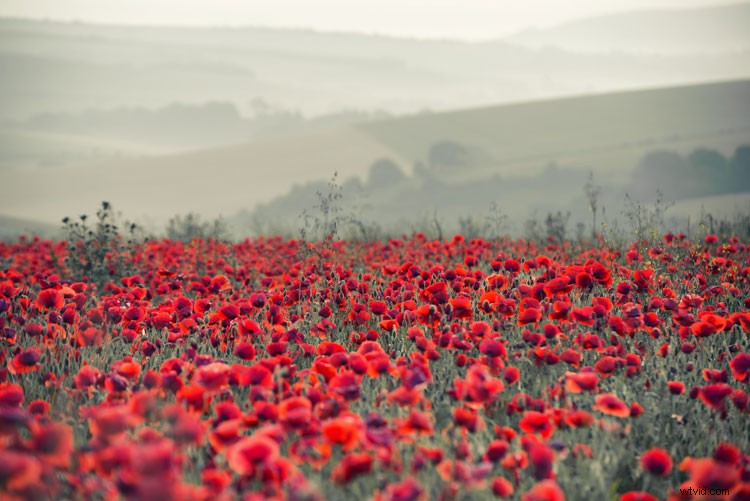
An extra viewfinder or an external monitor
Video is typically viewed through the small LCD of a DSLR camera. Unfortunately, that makes it hard to get precise focus as objects are in motion. There are many aftermarket accessories available for enlarging the view of the LCD screen. One such accessory mounts on the back of the camera and works like a large loupe or magnifying glass. Alternately, a small external monitor can also be used with a bracket. Both will give you more precise focus ability.
“Continuous” lights
Still cameras rely on a single “flash” of light. Video requires continuous lighting that stays on and stays cool. Lights can be rented or purchased, but you’ll want color-balanced lights that fit the above criteria. Popular models include camera-mounted LED lights and studio lights made by ARRI and KinoFlo. These kinds of lights can also be rented.

Audio recording devices: microphones and digital recorders
Shutterstock accepts audio with video clips, but only ambient audio and background noise. Music or audio provided by third parties (licensed or otherwise) is not allowed. That being said — even for ambient sounds — “on-camera” audio is typically poor quality. If you want the best possible audio, get a Zoom H4n or similar dedicated recorder — along with a quality, shotgun-style or omnidirectional microphone and a wind shield.
High-speed or high-capacity storage cards
Video files are very large compared to photos, often running a gigabyte or more per clip. When it comes to speed, most storage cards sold today are sold with video in mind. But it’s worth checking the speed and size of your cards to make sure you have enough storage and that they’re fast enough to properly capture and transfer video.
Hard-disk space
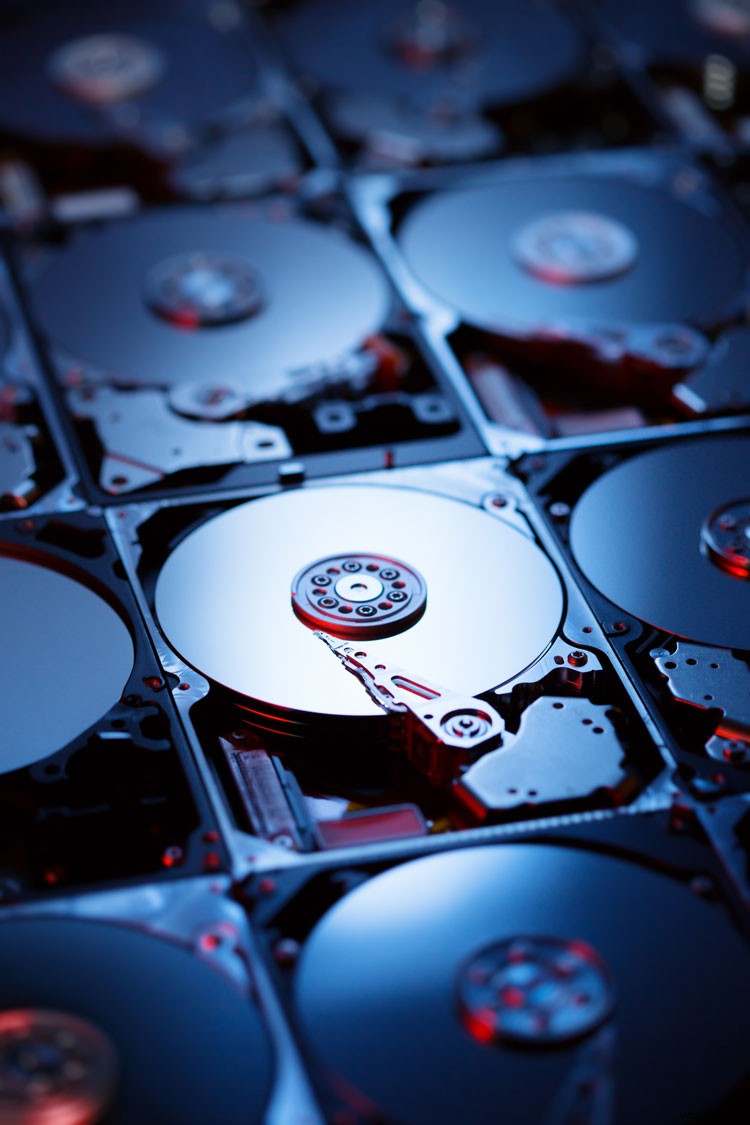
It won’t take much time to fill up your desktop or laptop hard drive with your clips. Having additional hard drives will allow you to offload your videos efficiently and will also allow you to move files between multiple computers. Always back up your data, too.
Video-editing software
There’s a variety of video-editing software out there. Some of the more popular packages are Final Cut Pro by Apple, Adobe Premiere, Sony Vegas Pro, Pinnacle Studio, and Avid Studio. In addition, packages like After Effects and Photoshop 6 Extended will allow you to apply filters or color-correct your clips. Research what you need before making a purchase.
This article is an excerpt from the Shutterstock Contributor Success Guide. To download the complete guide in multiple languages, visit this page.
Interested in becoming a Shutterstock Contributor? Sign up now »
Top image: Vintage video camera with light by Siarhei Tolak