
An external camera monitor is one of the first tools you should add to your equipment if you want to improve how your videos look. Let’s see what to look for when buying an external screen for your camera, and take a look at the best camera monitors for every budget.
What is an external camera screen?
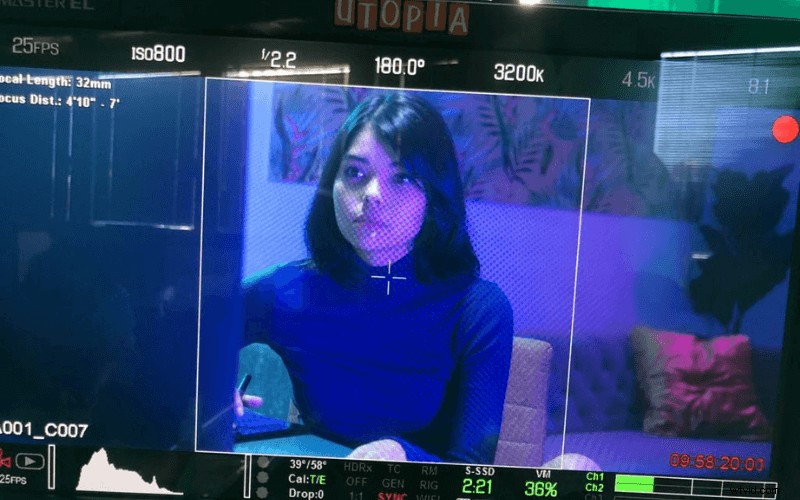
When we buy a camera, we can find different setups. Some cameras are ready to shoot and include a screen where you can access all the options, compose your shot and record. This configuration is typical in compact cameras and models like the Blackmagic Pocket.
Then you have cameras with a screen and an electronic viewfinder. A viewfinder is helpful because you feel more connected to the shot. With a viewfinder, you also avoid issues such as brightness, flares, etc. It adds another point of contact, which can be helpful for run and gun situations and solo shootings.
The problem with many cameras is that their viewfinder’s quality is not great. This is because they can lack features, resolution or both. Luckily for us, things are changing in the recent camera generations. Cameras, such as the Sony A7s III, come with viewfinders of outstanding quality.
Some cameras, like the Sony FX3, don’t have a monitor or viewfinder. They are brains, naked cameras ready to be customized to your liking. An external monitor or an external viewfinder is a must for these cameras if you want to see what you shoot.
However, cameras with an incorporated screen and viewfinder will also benefit from an external monitor, a perfect companion for custom configurations. It also comes with its own features, usually more advanced than the camera’s tools.
External camera monitor vs. viewfinder: what’s the difference?
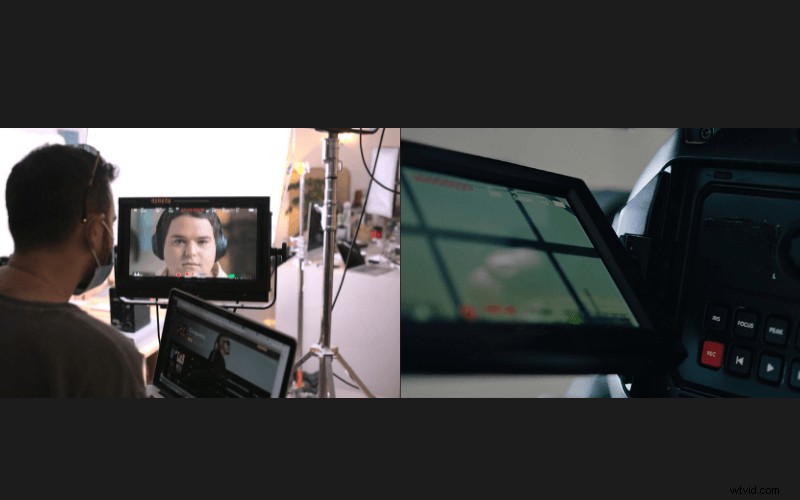
Depending on your shooting style and needs, you could decide between an external monitor or an external viewfinder.
While an external viewfinder gives you isolation, another point of contact and helps in bright sunlight, an external monitor gives you freedom. That’s because you don’t need to put your eye on it, which is perfect for gimbal work or self-shooting, for example. An external monitor will also benefit some shootings where you need your crew to check the frame.
If you choose to go the external monitor route, you can find a decent monitor without spending a fortune. However, prepare your wallet if you need a viewfinder with the same features and reasonable resolution.
Choosing one or the other will depend on your shooting style and your needs for a specific job. For example, some old-school filmmakers can’t separate their eye from a viewfinder. In contrast, modern shooters are more used to checking their frame on an external monitor.
External camera screen: Pros and cons
Pros
Independence
With an external monitor, you can visualize the shot without the need to be glued to it. On the other hand, a viewfinder requires an eye on it to compose the shot.
More tools
You will find more features on an average external monitor than on your camera, making our life easier to get the perfect shot.
Easier to see
Monitors are usually bigger than on-camera screens, making the shooting process more enjoyable, especially after long sessions.
Clients and crew can check
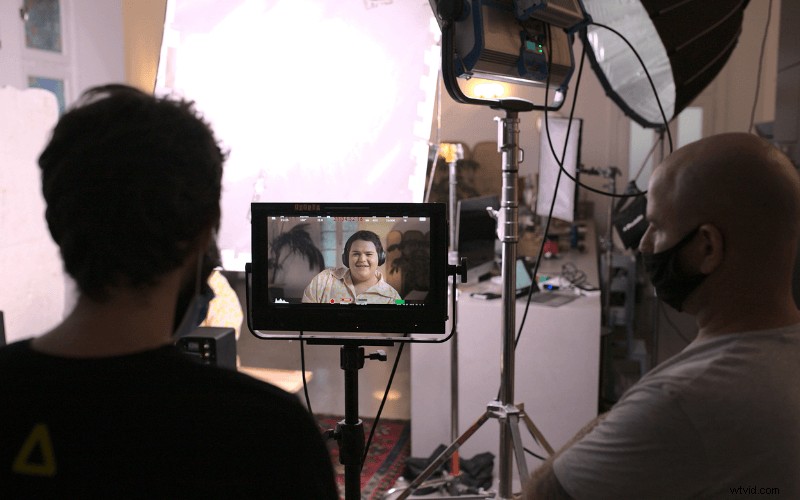
When you need to show a shot to a client or you need your art director to put something in the background, an external monitor will be a perfect choice. They won’t need to come to the camera to check the frame, which is helpful in these social distancing times.
Recording
Some monitors are also recorders that allow you to get your shots in professional formats, which many cameras don’t support.
Moving shots
An external monitor is a must for gimbal, Easyrig and Steadycam shots.
Cons
Bright scenes
You will need an external monitor with enough brightness to see the screen in sunny outdoor scenes. The brightest monitors are usually the most expensive. A viewfinder is generally better for these situations.
Get unlimited music
for your videos
Start Free Now
Pricing
Clients and crew can check
Sometimes, what you don’t need is 20 external voices giving you their opinion about the shot.
Bigger rig, more accessories
If you attach an external monitor, you will need an arm, rigging accessories, batteries, etc.
Stands out
A compact setup will be better if you are a street shooter looking for casual shots and who likes to go unnoticed.
Distractions
When you use a viewfinder, the external world does not exist. You are on the scene, focused 100% on the shot. When Using an external monitor, you need more concentration to avoid external distractions.
What types of creators could benefit most from an external monitor?
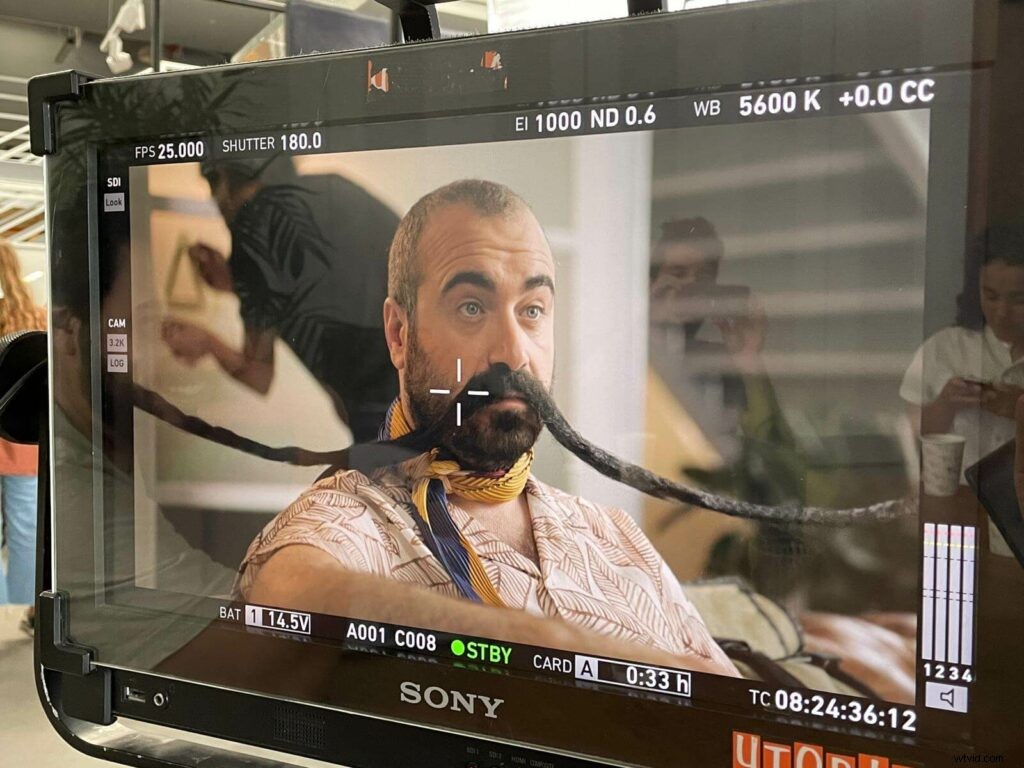
DoPs
If you are working with a crew, a monitor is a must. The director, the client and people from other departments need to see the frame. It will also help you in most scenarios.
Gimbal and Steadicam users
Creators shooting with these tools will need an external monitor. Even if the camera screen could do the job, external monitors will give you extra features and a bigger screen.
Content creators
Using an external monitor will open up your choices when buying a camera. Since you won’t need a tilt screen, you can search for cameras with other features and not be limited in your selection.
Handheld operators
An external monitor is an excellent tool if you use an Easyrig, shoulder mount, etc. It lets you separate your body from the camera, giving you more freedom to move and customize your rig.
Solo studio shooters
If you have more or less a consistent setup, a monitor will help you. You won’t need to check the camera screen every time you reframe or move something in the background.
What features to look for when buying an external monitor
Good resolution.
You need to be sure your monitor has enough resolution to judge if the framing is correct, in focus, etc.
Brightness
The brighter, the better. If you don’t have a bright enough monitor, it will be almost impossible to see anything outdoors on a sunny summer day.
Exposure tools
A good monitor should have good exposure features such as false color, zebras, histogram, waveform, RGB parade…
Peaking
Your frame needs to be in focus. Good peaking tools allow you to customize it until you shoot confidently.
LUTs
Importing your LUTs into the monitor is a must in these days of flat profiles.
Battery life
Everybody loves a long battery life.
Weight
Every gram counts after hours of shooting, especially handheld or with a gimbal.
Connectivity. Depending on your workflow, you will need HDMI, SDI, etc. Make sure your monitor of choice gives you good connections.
Best external monitor for each budget
Best budget external monitor (under 500$)
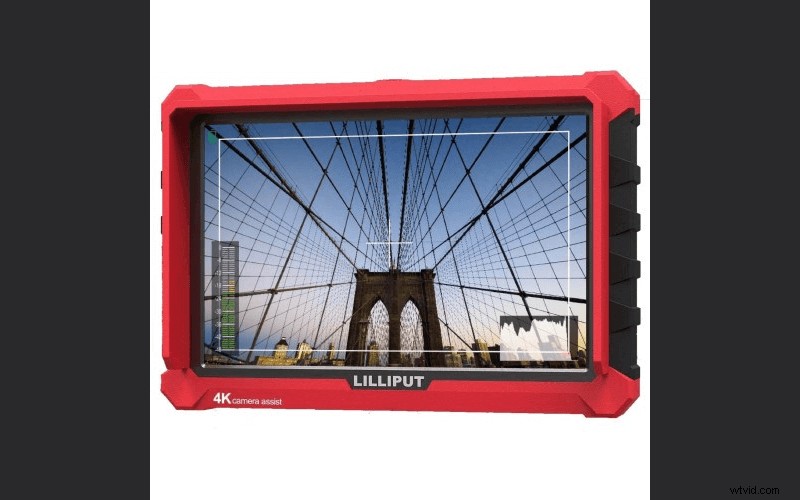
Lilliput A7S 7″ Full HD Monitor
Source: Lilliput
You can’t go wrong with this monitor, especially considering the price. For beginners looking for a decent monitor, this Lilliput offers essential tools such as Peaking, False Color, histogram, etc. It also provides a decent amount of brightness, and it comes with a sun hood for those bright days.
Best external monitor under 1,000$
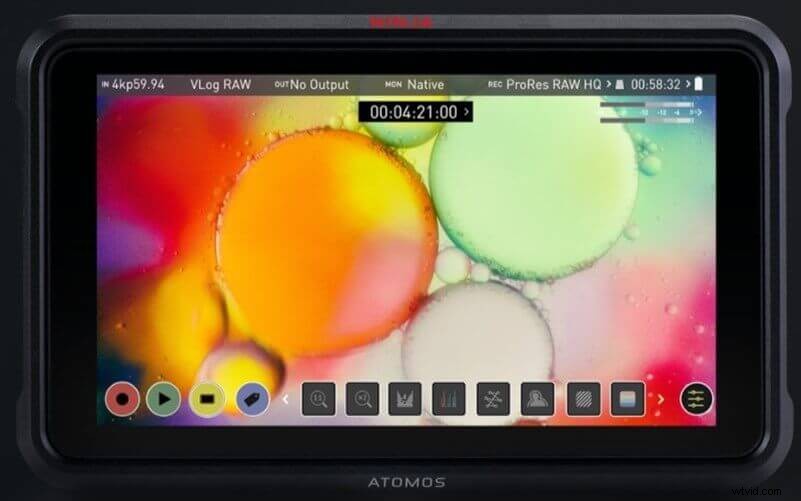
Atomos Ninja V 5″ 4K HDMI Recording Monitor
Source: Atomos
This 5″ monitor/recorder became an instant classic. If you are working with a mirrorless or DSLR system, this monitor could be one of the best tools to add to step up and raise the quality of your work. With HDMI connectors, endless configurations and tools, and recording in 10-Bit 4:2:2 ProRes, the Atomos Ninja V will substantially improve your camera’s potential.
Best external monitor under 3,000$
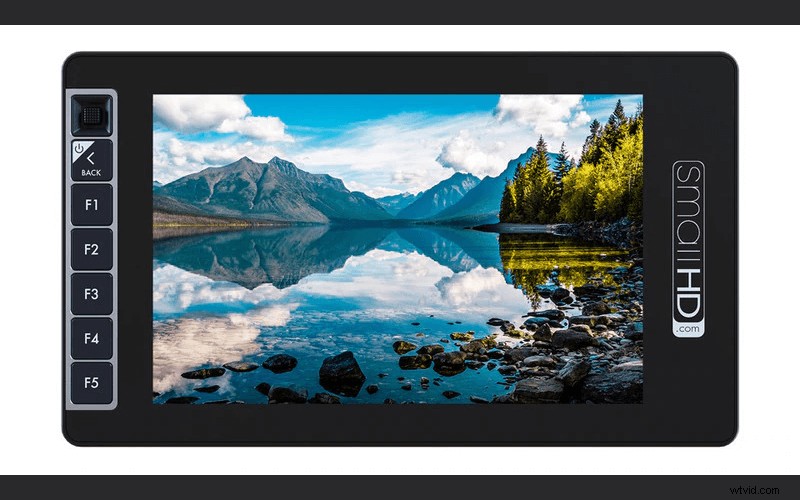
SmallHD 703 UltraBright On-Camera Monitor
Source: SmallHD
If you are looking for a top-quality monitor, this SmallHD will give you all you need. Excellent image quality, SDI connectors, brightness to film in every situation, 2 inputs at once… Despite being heavier than other models, it’s still small enough to use in a solo configuration.