
In this video tutorial, learn five ways you can capture stable and beautiful footage with a handheld gimbal.
Over the past few months, I’ve had the incredible opportunity to travel the world and film a wide variety of different subjects. From mini-docs to short narratives and commercials: I’ve realized that next to my camera, my go-to piece of gear has been my single-handed gimbal.
Its versatility and size make it a crucial tool for any run-and-gun production, and I feel like all filmmakers need this in their kits. In this video, I’m going to show you five ways I use a gimbal to capture cinematic footage. (For those interested, I’m shooting on the CAME-TV Optimus 3-Axis Camera Gimbal.)
Let’s hop into the video and see what kind of footage you can capture.
5 Ways to Use a Handheld Gimbal Stabilizer
Here are the five ways I like to use my gimbal.
1. Steadicam-Style Tracking Shot
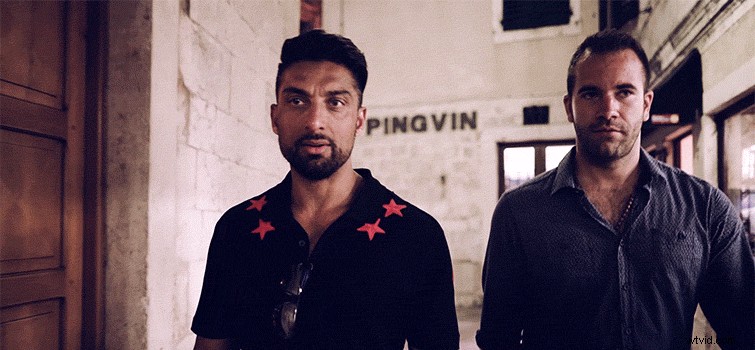
This is the most obvious one. Use the gimbal to follow your subject around to capture tracking shots. Try to keep your subject center frame while moving around to keep from seeing excessive bobbing up and down. It’s a trick to keep your audience from looking at the edge of the frame to see any up-and-down movement.
2. Smooth Pans and Tilts without a Tripod
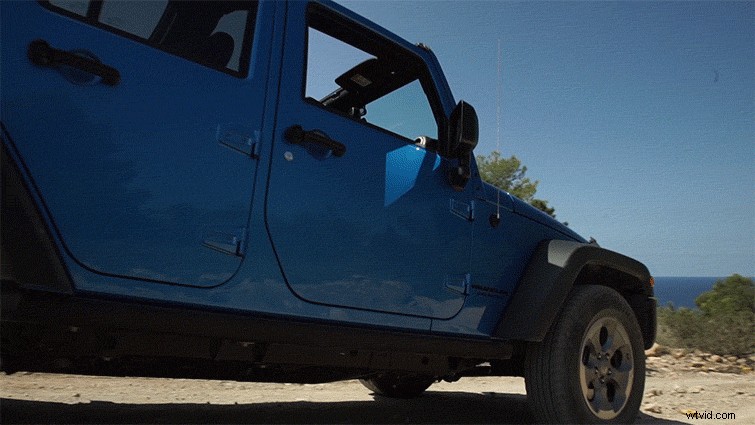
Use your gimbal like you would use a tripod. If you working on a run-and-gun project and have trouble quickly extending and moving a tripod, you can capture a lot of similar movements on a gimbal. You can shoot tilts and pans pretty easily. You don’t even have to use the gimbal’s joystick. For the best results, use your body to move the camera and gimbal system.
3. Steady Still Shots without a Tripod
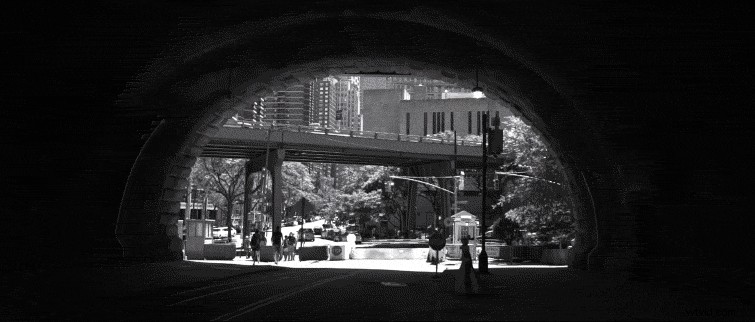
You can also use the gimbal to try to eliminate any movement, like a standard tripod shot. This requires you to be as still as possible, and if you notice a little bit of movement in your shot, you can apply a warp stabilizer.
4. Crane Shot
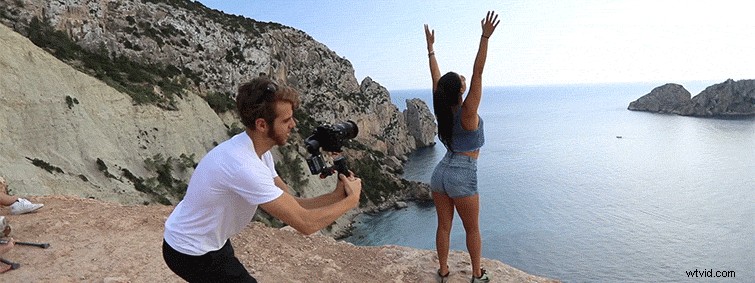
This is one of my favorites. Basically, I prop my body down in a squat, and then slowly stand up. It gets a really nice crane up shot.
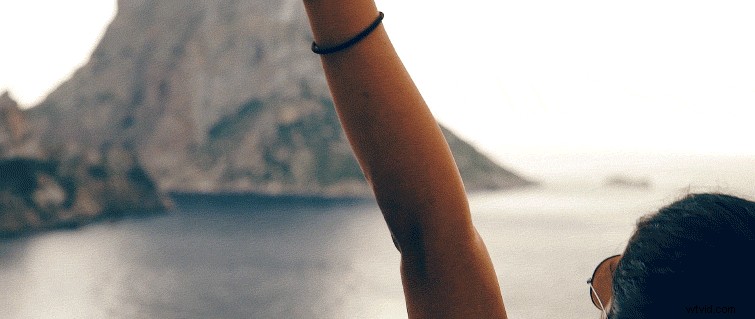
5. Slow Dolly / Push Over / Slider Movement
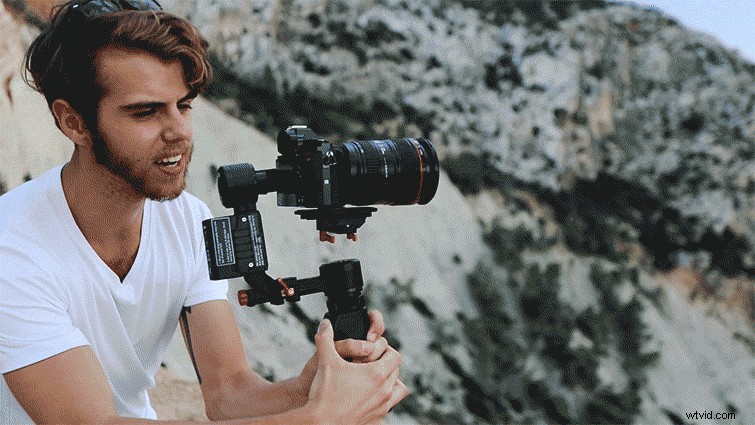
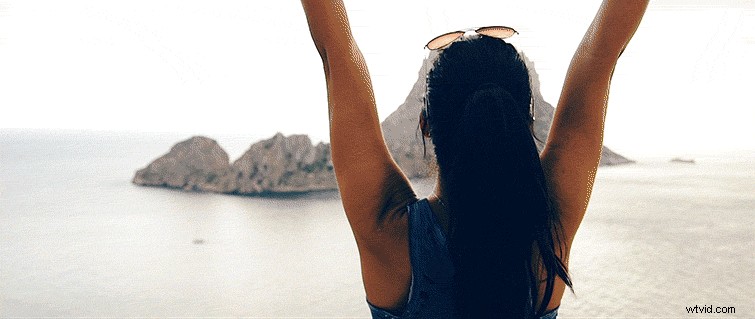
This is the shot I use the most with my gimbal. It’s very easy to get a simple push over, slider-like movement. And it’s so much easier than carrying around a slider or dolly.
Hope these tips help you out on your next shoot! Subscribe to PremiumBeat on YouTube for the latest tips and tricks.