
These techniques will help you simulate moving light from a television, computer, or phone on your next shoot.
When you’re trying to replicate the light from a screen, one of the key elements is the flicker created by changes in light between shots and scenes in a show, a movie, or streaming content.
There are several ways to achieve this look, so let’s have a look at a few.
Moving Gel
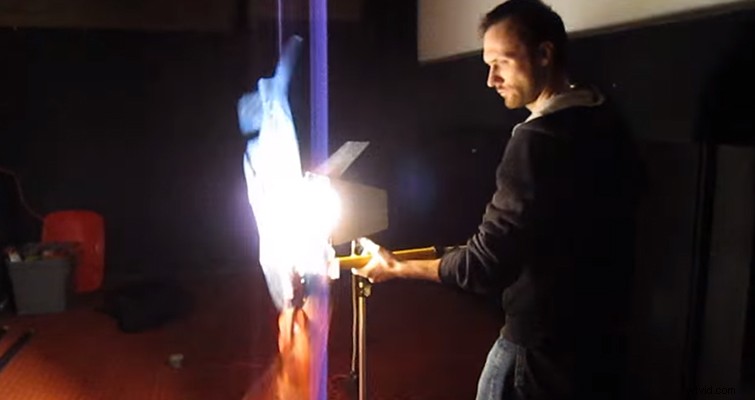
In this video from the NextWaveDV channel, the filmmakers created the TV light effect with only a few pieces of equipment from the most basic kits. They use a tungsten light corrected to daylight with the camera balanced at a tungsten setting. This results in the familiar blue light most of us are familiar with. The light bounces from a reflector, as the Fresnel on its own would be too powerful, and the lighting technician then frequently moves a CTO gel back and forth between the Fresnel and reflector to create the color flicker. The results at 3:12 are very convincing.
By taking a cue from Tom Antos’s video tutorial on the subject, you can place a set of light gels onto the bottom of a stand in separate sections. Then, rotate them rapidly to create the disjointed color and flicker associated with old projectors.
LEDs
Long gone are the days of LCD and plasma televisions. Most TVs on the market in 2016 are LED or OLED. Using a LED light panel is going to bring you one step closer to accurately replicating the look. Take the following still from Prisoners, for example.
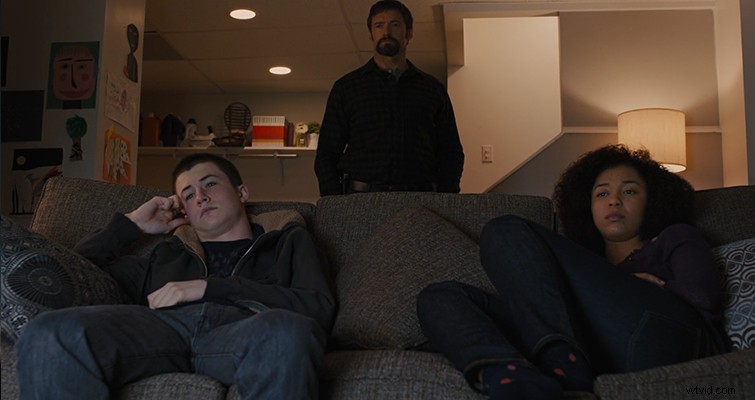
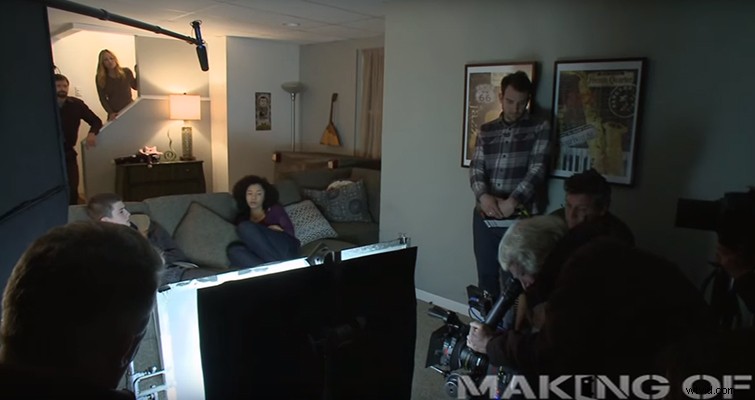
While it may look like the actors are watching TV, the light is coming from an LED panel. The crew increased and decreased the intensity of the light to imitate scene changes.
The Technique
You’re going to need an LED panel, diffusion (frosted glass, diffusion paper, or diffusion gel), a dimmer remote, and flags.
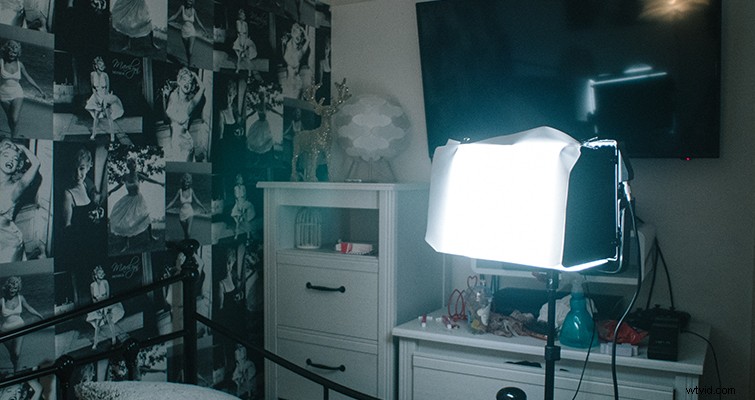
There are plenty of LED panels on the market, but I’ve had success with the Aputure LS1, primarily because it has a remote function. Many LED panels feature a knob or a set of buttons to alter the intensity of the light, but if you have to push buttons, there’s a chance you’ll move the light, which will ruin the effect.
Place your LED panel a few feet away from the actors, and then find your target exposure. Remember, the reason to use lights to replicate TV light is because the actual light from a TV isn’t sufficient or controllable, so you don’t want your actors underexposed by the LED panel. Place a single sheet of the lowest diffusion gel you have over the LED to remove the initial glare. Finally, for a test run, increase and decrease the intensity every few seconds to mimic a scene change on the TV.
The final result produces a much brighter (and controlled) exposure than an actual TV would offer.
What about phone screens?
While you won’t encounter a flicker problem with most modern smartphones, their light is often too weak if you want to use the phone light as the key. There are many LED lights on the market that are smaller than most smartphones. You can very easily conceal one with the phone screen.
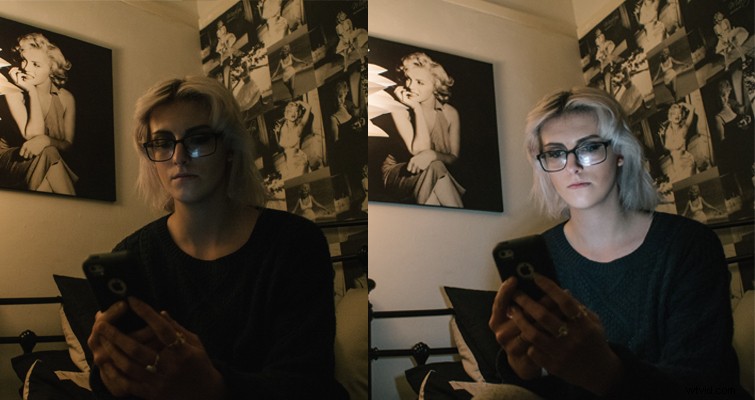
Do you have suggestions for simulating screen light? Let us know in the comments.