
Making the Made for Creators commercial was so much fun, so we wanted to share with you some tips on how to combine CGI and practical effects to create great VFX.
Let’s jump in.
The Camera Movement
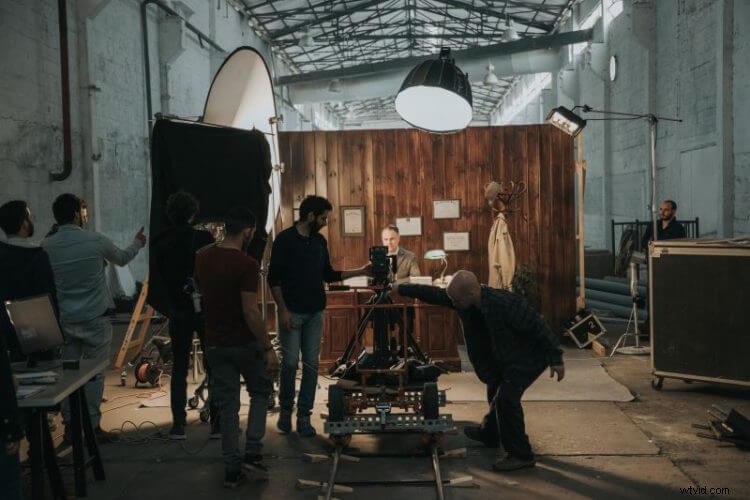
For the dolly movements, we used a doorway dolly with rails. We opted for a dolly-in movement for our establishing shot to pull in the viewer. We did all the following shots using a dolly-out movement with a centered object, to sooth the eye and give viewers the feeling of a continuous shot.
Gear & Lights
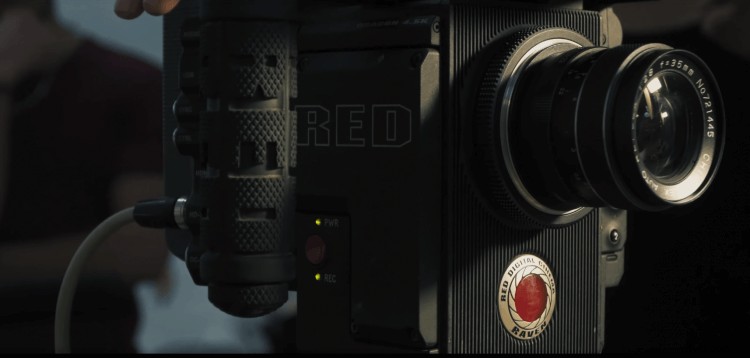
We shot the whole thing with the RED Raven to get that sweet dynamic range. As for the lighting of the lawyer’s office in the license shot, we used the Aputure 120D for the top light. and the Arri SkyPanel for the key light. We added a diffuser to get that nice soft look. As for the fill light, we used a tungsten Kino Flo, and we added a practical lamp to light the papers flying around the lawyer.
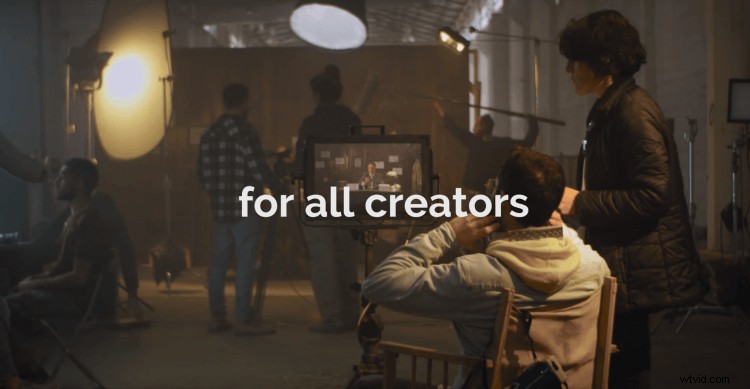
For the set scene, we used the Westcott RGB for the top light and a Fresnel to make our filmmaker stand out.
Now for the VFX
Two shots were done with visual effects. For the filmmaker shot, we set a green screen behind the actor. To increase the intensity, we shook his chair and desk. To simulate the CG album covers flying by him, we used flags in front of our lighting.
The background of the album covers was made with Cinema 4D and rendered with Octane. To tie it all up, we keyed out the filmmaker, added some shadows, reflections on his glasses and dust particles flying away from the camera to enhance the effect of speed and movement.
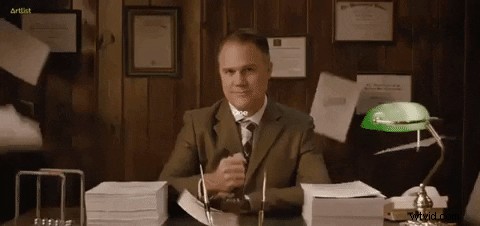
The second VFX shot was the music licensing shot. In fact, all the papers in the background are practical, we animated only the ones he stamps. To achieve that, we masked out the foreground elements, like the lawyer’s hands and the pens, then we added CG papers and shadows that fitted their movement in the frame.
That’s a wrap
Hope this BTS helped you understand how to combine CGI and practical effects when doing video effects so your shots turn out as realistic as possible. In case you missed it, check out our last BTS, where we explain how to create the perfect time-freeze effect. Come back to get more tips that will improve your filmmaking skills. As always, stay creative.