
With the rapid evolution of AI, transcribing audio into text no longer requires hours of manual effort. Automatic transcription tools convert speech into written content with remarkable speed and accuracy, enabling professionals—from journalists to educators—to focus on analysis rather than typing.
Below is a curated list of the top seven free tools that deliver reliable transcription results, each with unique strengths to suit different workflows.
In this article
- OTranscribe
- Otter AI
- Trint
- Express Scribe
- Transcribe
- Dictation.io
- Descript
1. OTranscribe
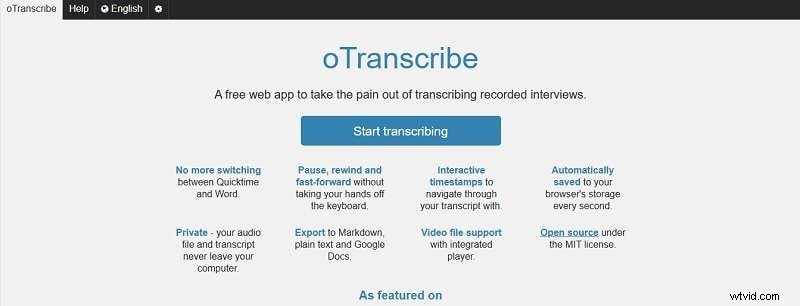
OTranscribe is a lightweight, browser‑based tool that eliminates the need for registration. It keeps the audio and the transcription editor in a single window, making it easy to pause, rewind, and type simultaneously.
- One‑stop workspace: audio playback and text editor in the same view.
- Data is stored locally, so you never lose progress.
- Supports common formats such as WAV and MP3.
Journalists and researchers often turn to OTranscribe for quick, low‑budget transcription of interviews.
2. Otter AI
Otter AI harnesses machine learning to deliver real‑time, word‑for‑word transcriptions. Its cloud integration lets you sync with popular conferencing tools.
- Live transcription with minimal lag.
- Shareable transcripts that update in real time.
- Built‑in collaboration for Google Meet, Zoom, and Microsoft Teams.
Otter AI is widely used for meeting minutes, lecture notes, and interview captures.
3. Trint
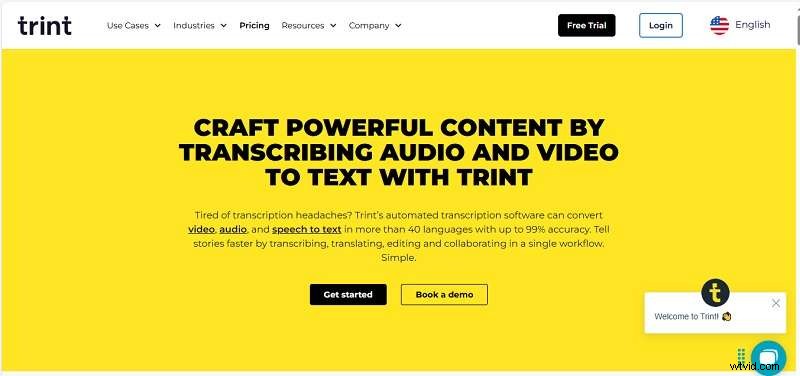
Trint blends AI transcription with a robust editing interface. It also offers subtitle generation in over 40 languages, catering to media professionals and global audiences.
- Collaborative editing and instant sharing.
- Automatic translation of transcripts into 40+ languages.
Newsrooms, legal teams, and educators frequently rely on Trint for accurate, multilingual transcripts.
4. Express Scribe
Express Scribe supports a wide range of audio formats and includes features that aid precise transcription.
- Multiple file types: MP3, WMA, WAV, and more.
- Playback speed control for better accuracy.
- Keyboard hotkeys and automatic file loading from email, FTP, and local drives.
Professional typists and transcriptionists use Express Scribe to streamline their workflow.
5. Transcribe
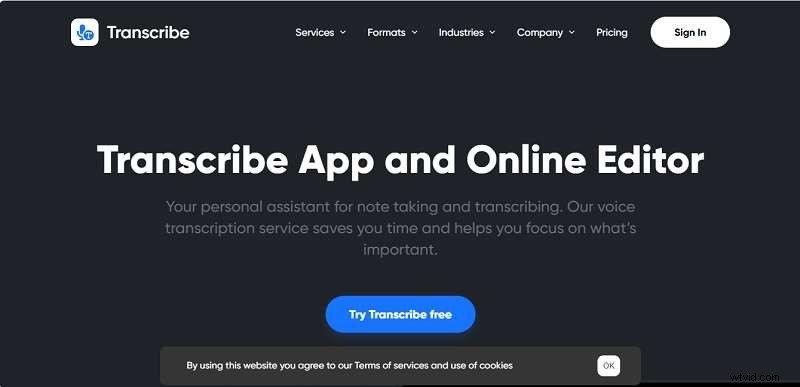
Transcribe offers both AI‑powered and human‑reviewed transcription, supporting over 120 languages and dialects.
- Dual transcription modes: AI or human.
- Export options: PDF, DOCX, SRT, TXT.
- Supports common audio files like WAV and MP3.
Academics and business teams use Transcribe for research notes and meeting documentation.
6. Dictation.io
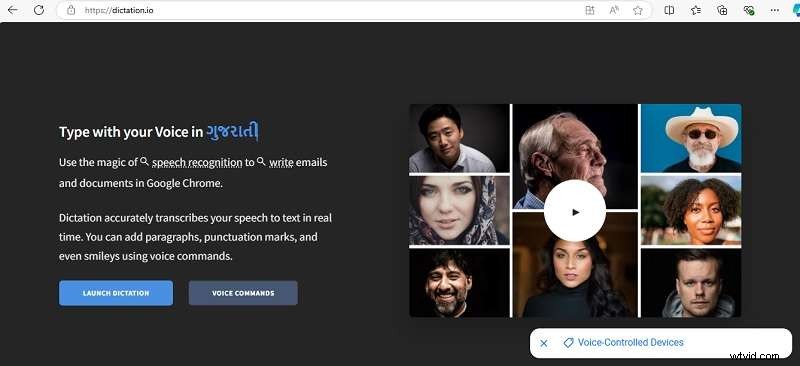
Dictation.io turns spoken words into polished text with punctuation, paragraphs, and even emojis—all via voice commands.
- Advanced speech recognition for clarity.
- Multilingual support for diverse users.
- Voice‑controlled punctuation and formatting.
Language learners and students often employ Dictation.io to practice pronunciation and writing skills.
7. Descript
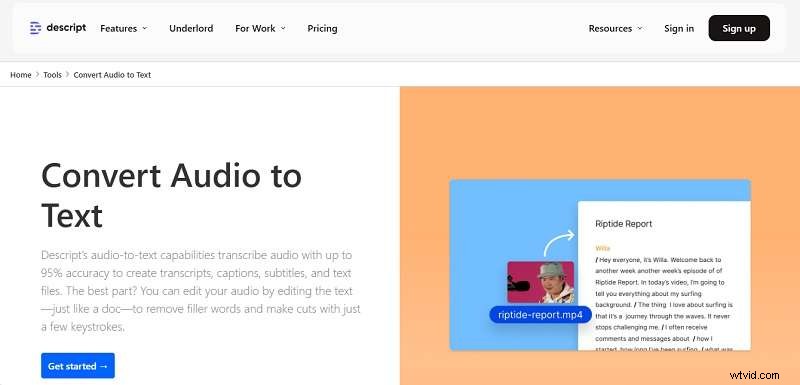
Descript uses AI to transcribe multi‑speaker audio into readable text and subtitles, ideal for podcasts and complex conversations.
- Speaker diarization for clear attribution.
- Supports 22 languages.
Podcasters and content creators rely on Descript for accurate, multi‑voice transcripts.
When Free Tools Are Sufficient
These free options provide a great starting point for users with modest transcription needs. However, they can produce occasional inaccuracies, have limited storage, and may slow down with large files. If your workflow demands higher precision or advanced editing, a paid solution will boost productivity.
Advanced Options for Professional Transcription
For users requiring premium accuracy and additional editing features, Wondershare Filmora’s transcription module is a compelling choice. Filmora not only converts speech to text but also offers comprehensive video editing tools.
Key benefits include:
- Fast, high‑accuracy transcription.
- Support for 27 languages, including English, Japanese, French, Arabic, and more.
- Seamless integration of captions with video edits.
Filmora’s tiered pricing plans accommodate individual creators, teams, and enterprises.
Conclusion
Free transcription tools are valuable for quick, budget‑friendly projects, but they come with limitations in accuracy and capacity. For professionals who need reliable, high‑quality transcripts, investing in a dedicated service like Wondershare Filmora is the most efficient path forward.