
Switching from Kajabi needn’t be a disruption. With a clear strategy, you can move your content, members, and revenue to a platform that scales with your growth. We’ve guided thousands of creators through the process, ensuring a smooth transition that keeps members engaged and revenue flowing.
For creators who prioritize video‑first memberships and recurring revenue, we’ll also explain why Uscreen stands out as a robust destination. For a broader view of migration tactics, explore our Platform Migration Strategy Guide.
Why Creators Outgrow Kajabi
Kajabi offers a comprehensive suite of tools ideal for early‑stage creators selling courses and digital products. As your membership expands, however, gaps become more pronounced:
- Limited Customization – Brand‑specific design choices are constrained.
- Support Gaps – Technical help is ample, but strategic guidance is often lacking.
- Scalability Issues – Email deliverability and platform reliability can falter under heavy load.
Additional shortfalls include:
- Community Features – Basic options that force users to maintain separate forums on platforms like Facebook.
- Live Streaming – No native solution; you must rely on third‑party tools.
- Mobile Apps – No branded app to retain engagement on smartphones or TVs.
These limitations can erode member experience and justify a move to a platform better aligned with your vision. Many creators find that a dedicated membership system with native community, live streaming, and mobile support offers far greater value.
How to Prepare for Your Kajabi Migration
Migration demands careful attention to several unique factors:
- Video libraries typically reside on Wistia, not within Kajabi itself.
- Member data and billing require meticulous handling to avoid revenue loss.
- Course structures may not map cleanly to a new platform’s taxonomy.
Support options:
- Kajabi Help Center – A starting point for exportable data.
- Professional Migration Services – Outsource the entire process for a seamless handoff.
- Uscreen Migration Team – For those moving to Uscreen, we manage videos, courses, member data, subscriptions, and app setup.
The core of the move is content and member data transfer. Accuracy in each step prevents friction for your community.
1. Proactively Communicate with Your Members
Members anticipate a familiar experience. Clear, early communication builds confidence and minimizes uncertainty.
Address these key questions:
- What changes, and what stays the same?
- What will the new experience look like, and how does it benefit them?
- How long will the transition take?
- What actions, if any, will members need to take?

Use multiple channels—email, in‑app messages, social posts—to highlight improvements, not just changes. A well‑timed announcement can also rekindle interest from former members.
2. Conduct a Detailed Technical Assessment
Before moving anything, audit what you’ll transfer:
- Member Data – Contact info, purchase history, engagement metrics.
- Course Content – Modules, lessons, supplemental files.
- Subscription Billing – Pricing tiers, recurring payment setups, active subscriptions.
- Wistia‑Hosted Video – Full library outside Kajabi.
Use Kajabi’s Help Center to explore export options. If switching to Uscreen, our team can outline the receiving side of the process.
3. Back Up Your Content and Data
Download your Wistia videos to a secure external location before starting the migration. Then export member and purchase data from Kajabi and store it separately. Early backups protect against data loss.
4. Build a Clear Migration Timeline
A structured timeline clarifies tasks and deadlines. Break the migration into stages:
- Planning
- Backup
- Data Export
- Content Export
- Data Import
- Content Import
- Testing
- Go‑Live
Our migrations team assigns realistic timeframes based on content volume and complexity. For instance, Liz Kohler Brown, with over 500 videos, relied on our end‑to‑end support to avoid hundreds of hours of manual work.
5. Prepare for Disruptions
Plan to minimize member impact. Consider:
- Schedule migration during off‑peak hours.
- Adopt a phased approach, moving non‑critical content first.
- Activate Uscreen’s churn‑reduction tools to re‑engage lapsed members.
Post‑migration churn is expected; our team advises on communication, automation, and remarketing to keep attrition low.
6. Optimize Your Content and Platform
Inventory everything: modules, videos, documents, digital products. Uscreen’s Netflix‑style catalog uses categories, playlists, and custom filters—different from Kajabi’s course hierarchy. Align your organization with this structure to streamline the transition and refresh outdated material.
7. Transfer Existing Subscriptions
Maintaining recurring revenue is critical. Coordinate with both platforms to ensure billing continuity:
- Notify members of any payment processing changes.
- Provide clear instructions for required actions.
- Ensure Stripe‑to‑Uscreen transfer preserves active subscriptions.
Our migration team handles subscription transfers securely, preventing service interruptions.
What to Look for in Your Next Platform
Choose a platform that delivers the following:
- Community Tools – Discussion forums, chat, and events that drive engagement.
- Native Video Hosting – Built‑in live streaming and on‑demand playback.
- Roadmap & Innovation – A product that actively evolves to meet future needs.
- User‑Friendly Interface – Easy navigation for creators and members alike.
- Onboarding & Support – Transparent reviews and responsive help.
- Migration Support – End‑to‑end assistance covering content, data, subscriptions, and app setup.
Why Creators Choose Uscreen After Kajabi
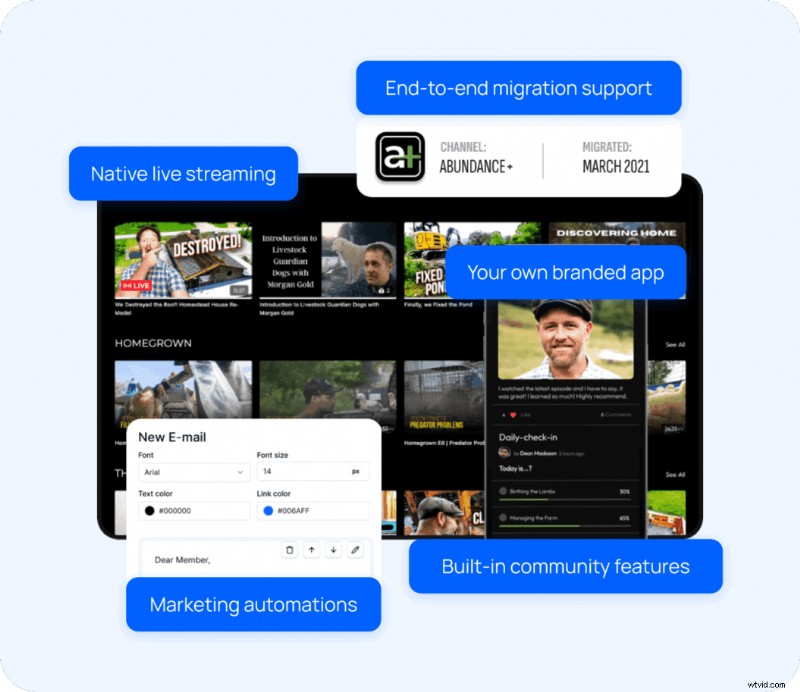
Uscreen is a video‑first, all‑in‑one membership platform built to replace the limitations of Kajabi. While Kajabi excels at marketing and course delivery, Uscreen delivers the full suite of features—community, live streaming, branded apps, and advanced marketing automation—without requiring third‑party integrations.
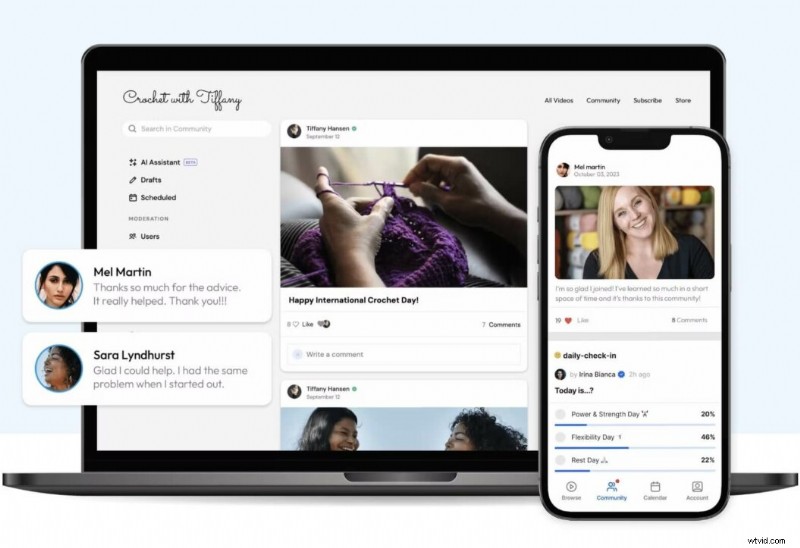
- Community Features – Native discussion spaces, member profiles, and chat.
- Live Streaming – Integrated events, coaching, Q&A.
- Mobile & TV Apps – Branded, Netflix‑style experience on every screen.
- Marketing & Retention – Email automations, abandoned‑cart sequences, churn‑reduction tools.
- Migration Support – Full technical handoff, ensuring a seamless switch.
Compare features side‑by‑side in our YouTube breakdown.
See a quick demo to discover how Uscreen can monetize your videos and grow your audience.
Pilates for Runners
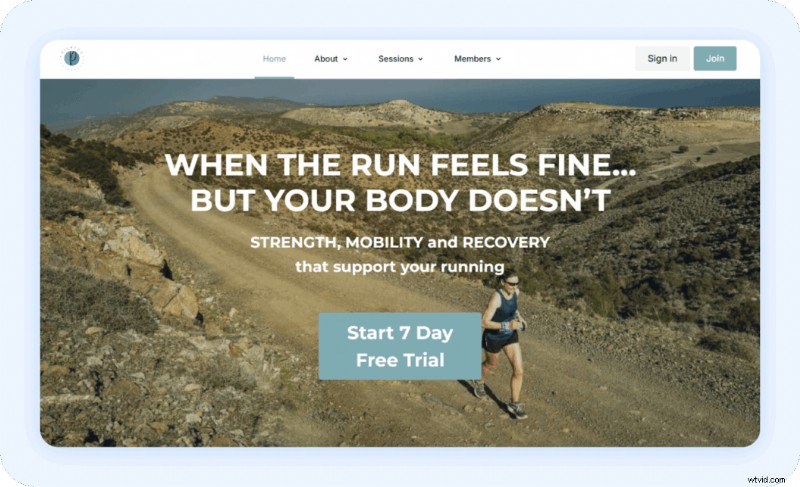
Liz Patient built a Pilates membership for runners on Kajabi, only to find the platform couldn't deliver the intuitive, engaging experience she envisioned. Transitioning to Uscreen gave her a self‑contained platform with community features and a branded app, boosting engagement and revenue.
Today, Pilates for Runners generates $6,600+ monthly recurring revenue, 540+ active members, and a 14.2% average monthly growth.
The Studio Membership

Liz Kohler Brown’s digital art membership grew beyond Kajabi’s capacity. Uscreen’s migration team handled 500+ videos and complex subscription data, enabling a smooth transition. Post‑migration, the studio now earns $75k monthly, with 1,800+ active members and 14% paid member growth over three months.
What to Do After Your Kajabi Migration
Use the new platform’s capabilities to enhance the member experience from day one.
Test With a Pilot Group
Invite a small group to test the new environment. Collect feedback via Google Forms or similar tools, then iterate before a full launch. Uscreen’s analytics reveal engagement patterns, enabling data‑driven improvements.
Create Onboarding Guides
Help members navigate the new system with step‑by‑step guides covering login, content browsing, community participation, app download, and billing management. Loom recordings or written walkthroughs work well.
Maintain Strong Communication & Engagement
Stay visible and responsive post‑migration. Use community tools and push notifications to answer questions daily, reinforcing trust and retention.
Ready to Make the Switch from Kajabi?
When you’re prepared, Uscreen offers a fully integrated solution—community, live streaming, branded apps, and advanced marketing—all backed by a migration team that handles the technical details.

FAQ
Which platform is better than Kajabi? It depends on your goals. Mighty Networks excels in community, while Thinkific or Teachable serve course‑focused creators. Uscreen is ideal for video‑first memberships with robust community and marketing automation.
What should I keep in mind for a migration strategy? Prioritize preparation, clear communication, and a realistic timeline. Back up all content, notify members early, and test thoroughly before launch.
What is Kajabi? An all‑in‑one platform for selling courses, memberships, and coaching, with built‑in email marketing and sales funnels. Its community features are limited compared to platforms designed specifically for engagement.