
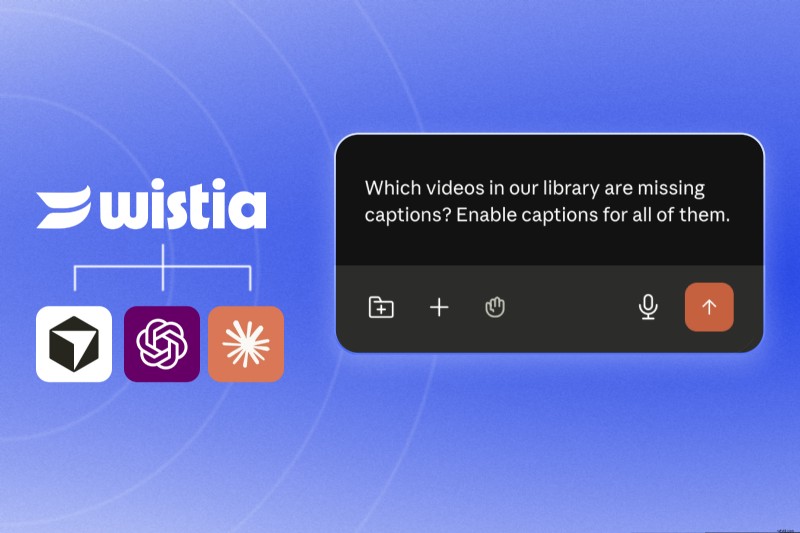
The Model Context Protocol (MCP) enables AI agents—such as Claude, ChatGPT, or Cursor—to interact with designated tools and execute actions inside your software ecosystem. By defining clear commands, the AI can perform tasks autonomously, eliminating the need for manual logins.
A video MCP follows the same principle but is tailored to video platforms. It outlines the set of video‑related actions an AI agent is authorized to perform, such as accessing libraries, managing uploads, and extracting analytics. Think of it as an on‑demand video concierge powered by AI.
What Your AI Agent Can Do with a Video MCP
Capabilities vary by platform and the scope of the MCP. In my testing with the Wistia MCP, I found these particularly useful:
- Add captions in bulk: “Identify all videos lacking captions and enable them automatically.”
- Upload and organize: “Place this video into the ‘Thought Leadership’ folder and schedule overdubs in Spanish, French, and German.”
- Generate performance reports: “Retrieve last month’s plays and engagement metrics for every video in the product folder, and highlight the top five.”
- Tag and classify: “Locate every untagged video from our 2025 webinars and apply appropriate tags.”
- Social content creation: “Extract the transcript from our latest webinar and draft five LinkedIn posts featuring key moments.”
- Webinar analytics: “Summarize last month’s webinar: registrations, attendance, and average watch time.”
Tips for Maximizing a Video MCP
- Start with read‑only access: Let the agent pull data and generate reports before granting write permissions. This low‑risk approach builds trust and allows you to validate accuracy—a top concern for marketers.”
- Be explicit: Clear, detailed prompts yield better results. “Pull engagement for the Product Pages Videos folder for May and list the top five by play rate” beats “How are our product videos doing?”.
- Integrate with your existing AI workflow: Leverage the agent’s prior conversations and tool connections so video tasks fit naturally into your current processes.”
Setting Up a Video MCP
Getting started is straightforward—even if you don’t code. Point your preferred AI agent to the MCP and follow the on‑screen prompts. For Claude, ChatGPT, or Cursor users, simply search the connections library for the relevant MCP and enable it.