

Shreshtra – July 7, 2025 – Your thoughts welcome. 6‑minute read
In today’s digital landscape, high‑quality narration can elevate any video or audio project. Whether you’re a solo creator or managing multiple campaigns, AI‑powered voice‑over tools let you transform text into expressive, studio‑grade audio without the hassle of mic work.
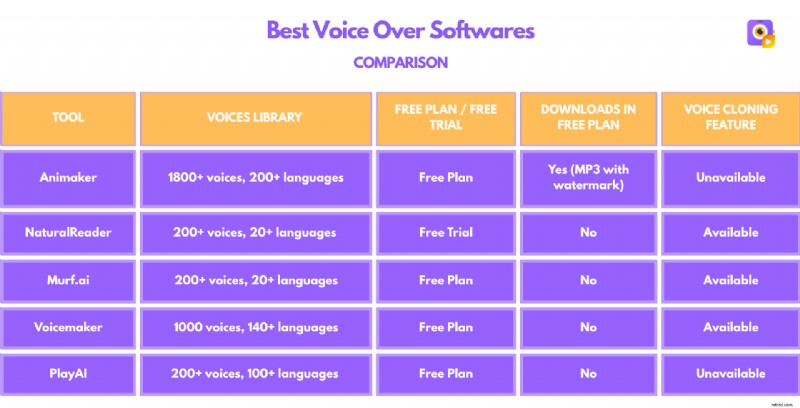
Below is an expert review of the five most popular online voice‑over solutions, complete with feature highlights, pros, cons, and a quick comparison chart.
1. Animaker Voice
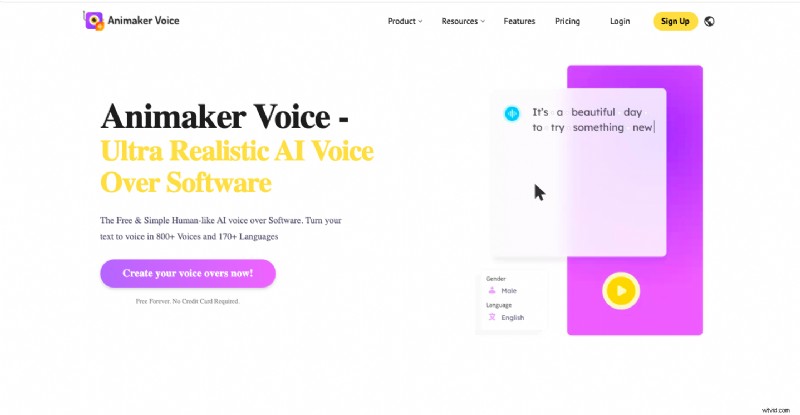
Animaker’s AI Voice Generator is a leading cloud‑based tool that turns written content into natural‑sounding speech. It’s designed for creators who need a wide range of vocal styles and robust multilingual support.
Key Strengths
- 1800+ realistic voices across 200+ languages and regional accents.
- Five voice categories: Narrator, Content Creator, Educator, and more.
- All‑in‑one platform with AI subtitles, character builder, and translation.
- Download options in MP3, WAV, and OGG.
- Free tier with limited credits for trial use.
Limitations
- Free plan includes a watermark on audio.
- Only one download format available in the free version.
Sample Voices
English: Ashley – human‑like, clear delivery. Korean: comparable naturalness. More samples can be accessed via the free trial.
2. NaturalReader Commercial
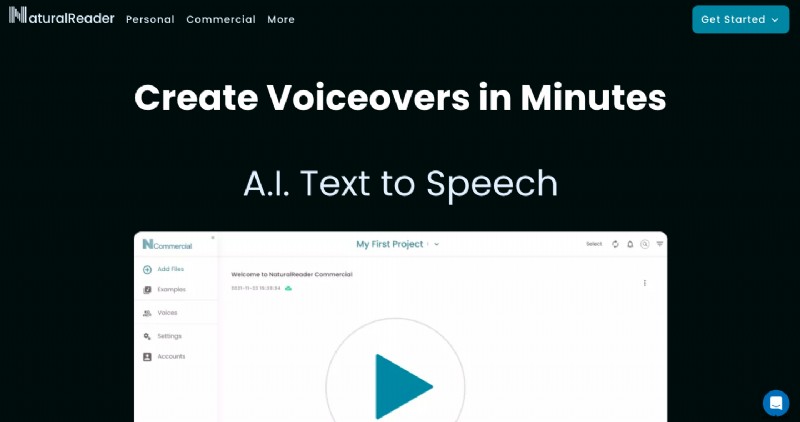
NaturalReader Commercial leverages Large Language Models (LLMs) to produce lifelike narration from text, PDFs, and scanned images. It’s ideal for businesses needing high‑quality voiceovers with full redistribution rights.
Key Strengths
- 200+ AI voices in 20+ languages.
- LLM‑based voices offer nuanced intonation.
- Multi‑platform access: web, mobile, browser extension.
- Advanced features: voice cloning, script assistant.
- Export to MP3, WAV, AAC, and OGG.
- Free trial with full feature access.
Limitations
- Trial period limits voice variety.
- No audio downloads during the trial.
3. Murf.ai
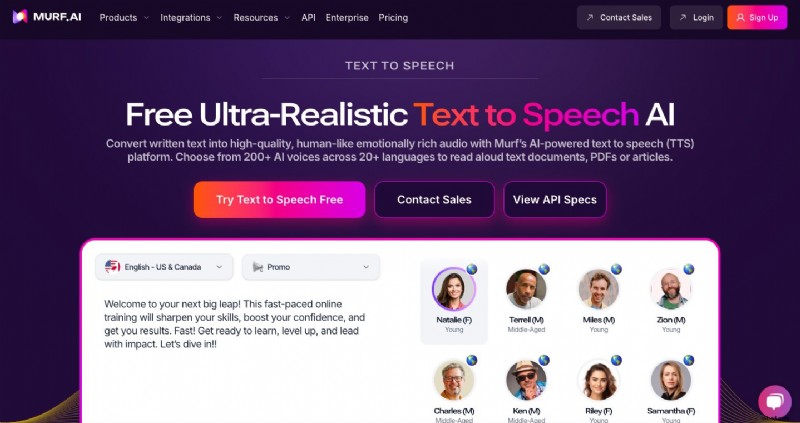
Murf.ai is a versatile, cloud‑based generator that offers detailed control over voice delivery, including pitch, speed, emphasis, and pauses.
Key Strengths
- 200+ realistic voices in 20+ languages.
- Voice cloning for personalized replicas.
- AI dubbing to streamline multilingual production.
- Seamless integration with Canva and Google Slides.
- Free tier available.
Limitations
- Free plan restricts voice generation and transcription.
- Audio downloads disabled on the free tier.
4. Voicemaker
Voicemaker is a browser‑based tool that supports over 1000 voices across 140 languages, organized into eight distinct categories such as Narration, Chatbot, and Audiobook.

Key Strengths
- Real‑time voice effects: pitch, reverb, character tone.
- Custom voice cloning from user recordings.
- Multi‑voice editor for simulating conversations.
- Export in MP3, WAV, OGG, and FLAC.
- Free tier with basic conversions.
Limitations
- Free plan limits total conversions.
- Pro voices consume character count quota six times faster.
5. PlayAI (formerly Play.ht)
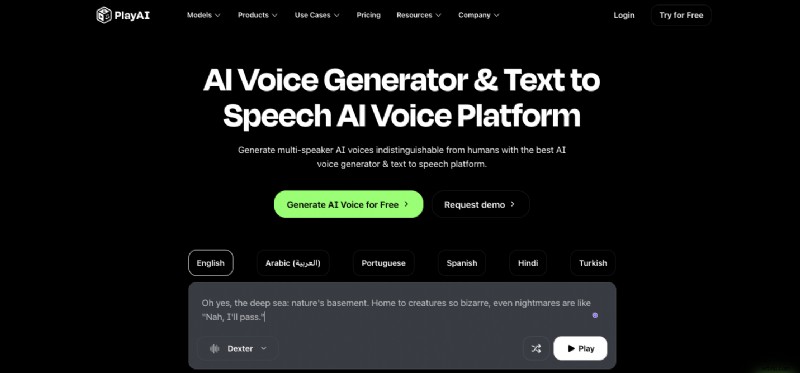
PlayAI delivers high‑quality, human‑like voiceovers with automatic language detection and built‑in editing tools.
Key Strengths
- 200+ AI voices across 100+ languages.
- Six distinct vocal styles for tailored tone.
- Speech editor and audio cleaner for polished output.
- Free tier available.
Limitations
- Free tier caps voice generation at 1,000 characters.
- Generation speed is slower on the free plan.
- Audio downloads not provided in the free version.
***
A powerful voice‑over can set the tone for audiobooks, explainer videos, or corporate training. With these tools, you no longer need a studio, a quiet room, or endless retakes to produce professional narration.
Explore the options above and choose the platform that best matches your workflow and style. A great starting point? Try Animaker’s AI Voice Generator and see the difference it can make.

Shreshtra
Shreshtra is a Content Marketer at Animaker, helping creators and businesses bring stories to life with 2D animation for over three years. She has authored clear, SEO‑driven guides that grew Animaker’s community from 18 M to 30 M+ users worldwide. Her work spans AI voice tools, subtitle generators, and the latest video‑creation tech, aiming to make animation accessible to all. Outside of work, she enjoys thriller novels and K‑pop playlists, believing that compelling storytelling and engaging audio connect people across the globe.