

Shreshtra - October 21, 2025 - Leave your thoughts. 11 min read
2D animation has evolved from hand‑drawn sketches to sophisticated digital productions used across films, games, advertising, and explainer videos. Modern creators now have access to an expansive toolkit that transforms ideas into polished, high‑quality visuals.
Choosing the right 2D animation software is critical: the right tool streamlines workflow, boosts productivity, and guarantees consistent output quality. It also ensures compatibility across desktop, tablet, or mobile environments.
In this guide we cover:
- Key criteria before selecting a tool
- A quick comparison table
- Top 11 software, ranked by G2 ratings
- Emerging trends shaping the future of 2D animation
What to Consider Before Choosing?
With many options available, the goal is to match a tool to your style, skill level, and workflow. Consider these core factors:
1. Skill Level
- Beginners: Intuitive drag‑and‑drop interfaces with built‑in templates.
- Intermediate: Greater control over rigging, layers, and effects.
- Professionals: Advanced features, studio‑grade performance, and extensive integration capabilities.
2. Animation Style
- Frame‑by‑frame: Ideal for hand‑drawn, traditional animation.
- Rigged/puppet: Perfect for character movement and explainer videos.
- Hybrid: Combines drawing, motion graphics, and AI‑assisted workflows.
3. Platform Compatibility
- Desktop: Full feature set and power.
- Tablet/Mobile: Quick sketching and on‑the‑go projects.
- Cloud‑based: Seamless collaboration and cross‑device access.
4. Pricing & Budget
- Free tools: Great for learning or small projects.
- Paid plans: Unlock advanced features, plugins, and priority support.
- Subscription vs. perpetual licenses: Choose based on project scale and duration.
5. Export & Integration
- Flexible output formats (MP4, MOV, GIF, etc.) for diverse publishing needs.
- Compatibility with video editors, design suites, and other creative software.
Quick checklist before finalizing your choice:
- Does the software match my skill level?
- Can it handle my desired animation style?
- Is it compatible with my devices and workflow?
- Does it fit my budget?
- Are the export options sufficient for my projects?
Software Comparison Table
This table offers a snapshot of key features across the top 2D animation tools.
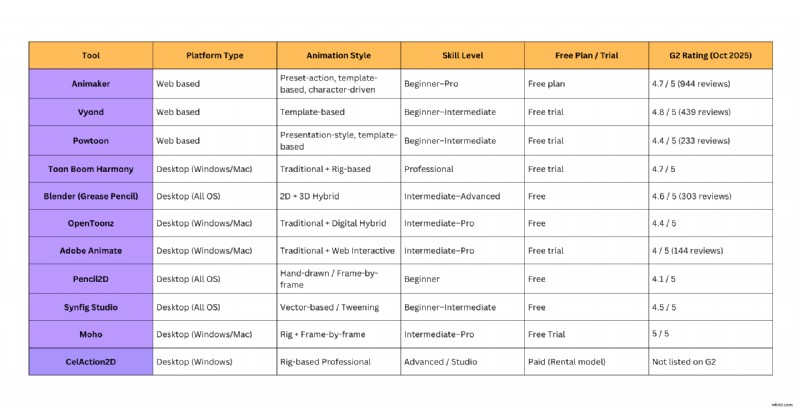
Scroll down for an in‑depth review of each tool.
Best 2D Animation Software – G2‑Rated
Below is our curated list of the most reliable 2D animation software, verified by real user reviews on G2.
- Animaker
- Vyond
- Powtoon
- Toon Boom Harmony
- Blender (Grease Pencil)
- Adobe Animate
- OpenToonz
- Pencil2D
- Synfig Studio
- Moho
- CelAction2D
1. Animaker
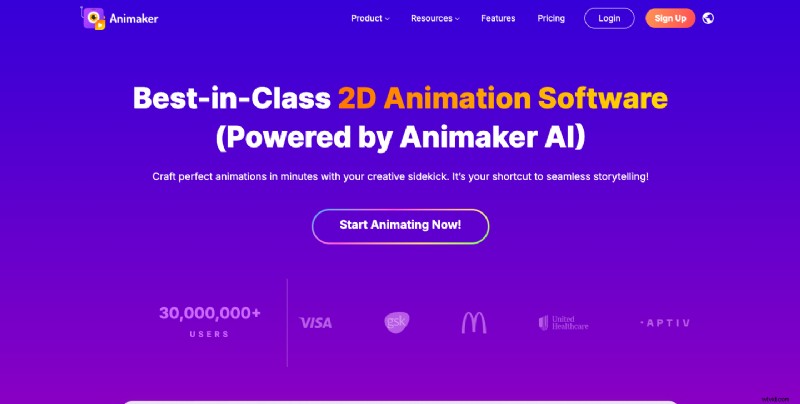
Animaker is an online platform that caters to both novices and seasoned creators, offering AI‑powered animation tools that transform text prompts into full videos with characters, voiceovers, and subtitles.
Key Features
- Drag‑and‑drop interface
- AI animation generator from simple text
- 1000+ ready‑to‑use templates
- Custom character creation
- 150M+ assets (props, backgrounds, music)
- 2000+ AI voiceovers in 200+ languages
- Auto‑subtitle generation in 130+ languages
- Automated lip‑sync for voiceovers
- Free plan; premium plans unlock advanced features
Best For
- Beginners & professionals seeking a fast, AI‑assisted workflow
- Explainer videos, whiteboard animations, marketing content, and character stories
- Teams favoring cloud‑based collaboration
G2 Rating (Oct 2025): 4.7/5 (944 reviews)
2. Vyond
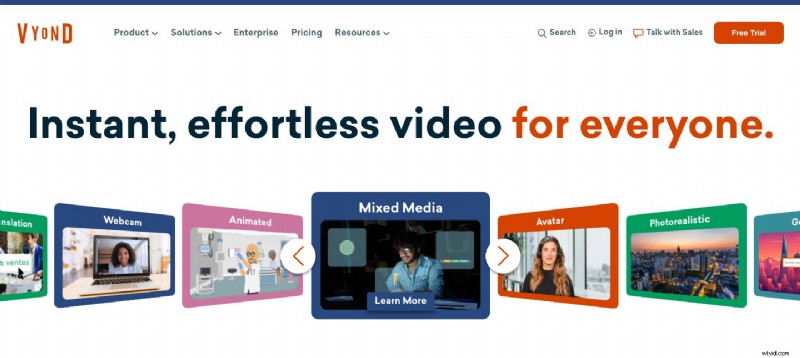
Vyond delivers a cloud‑based drag‑and‑drop solution for quick animated video creation, featuring multiple styles such as cartoon, whiteboard, and business.
Key Features
- Intuitive drag‑and‑drop interface
- Multiple animation styles (cartoon, whiteboard, business)
- Pre‑built templates and characters
- Lip‑sync and character animation tools
- Voice‑over & subtitle support
- Team collaboration features for agencies and enterprises
- Free trial; premium plans available
Best For
- Beginners & intermediates
- Marketing teams, HR, training, educators, corporate communications
G2 Rating (Oct 2025): 4.8/5 (439 reviews)
3. Powtoon
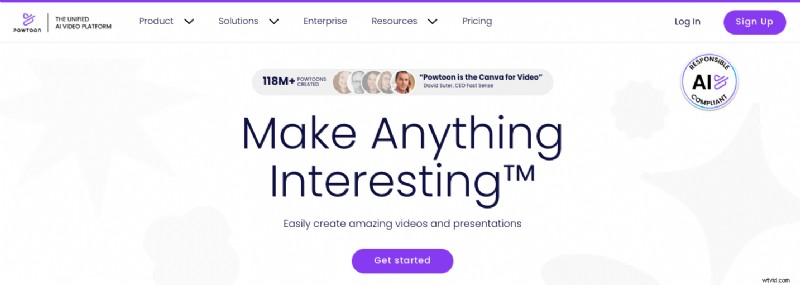
Powtoon blends simplicity with creative flexibility, offering cloud‑based 2D animation and presentation tools.
Key Features
- Drag‑and‑drop video creation
- Pre‑built templates & characters
- Cartoon & motion graphics styles
- Voice‑over & subtitle support
- Integration with PowerPoint and other productivity apps
- Cloud platform for easy access & collaboration
Best For
- Beginners & intermediates
- Animated presentations & explainer videos
G2 Rating (Oct 2025): 4.4/5 (233 reviews)
4. Toon Boom Harmony
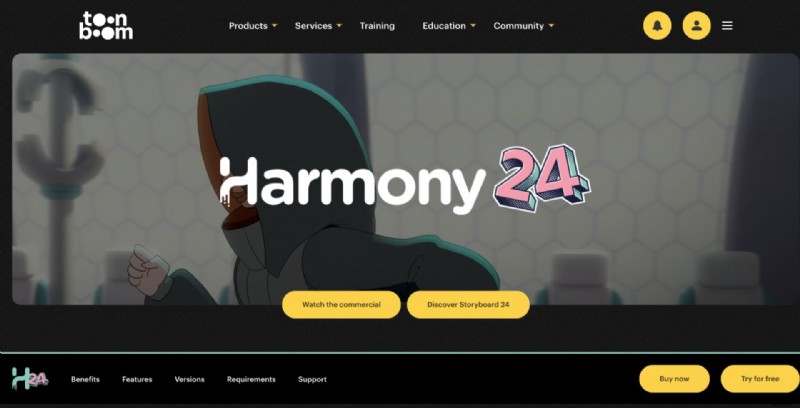
Toon Boom Harmony is the industry standard for TV shows, films, and games, supporting both traditional frame‑by‑frame and rig‑based animation.
Key Features
- Dynamic camera movements for depth
- Advanced frame‑by‑frame support
- Rigging tools for character animation
- Vector‑based drawing for scalable output
- Color palette system for consistent color management
- 21‑day free trial available
Best For
- Professional animators & studios
- High‑quality, complex animation projects
- Users preferring traditional workflows with modern rigging options
G2 Rating (Oct 2025): 4.7/5
5. Blender (Grease Pencil)
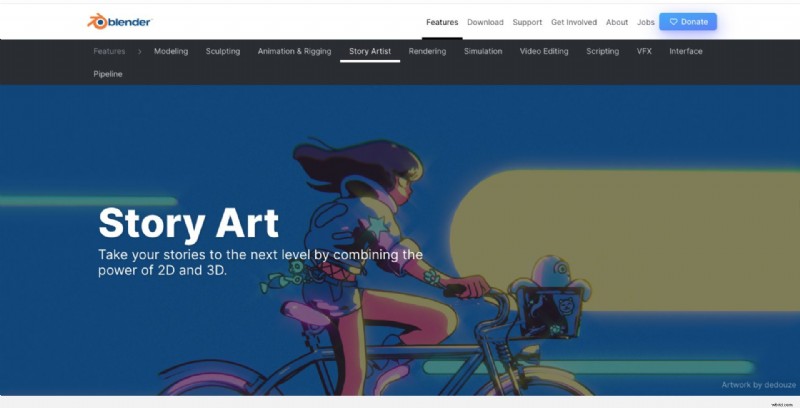
Blender is a free, open‑source platform renowned for 3D animation, but its Grease Pencil tool empowers creators to produce 2D animations within a 3D space, blending both realms seamlessly.
Key Features
- Grease Pencil for 2D animation inside 3D environment
- Pressure‑sensitive brushes & customizable tools
- Layer system for complex compositions
- Advanced rigging & animation controls for 2D characters
- Built‑in compositor for shadows, highlights, effects
- Free and open‑source
Best For
- Intermediate & advanced animators, illustrators, studios
- Projects blending 2D & 3D, concept art, experimental storytelling
G2 Rating (Oct 2025): 4.6/5 (303 reviews)
6. Adobe Animate
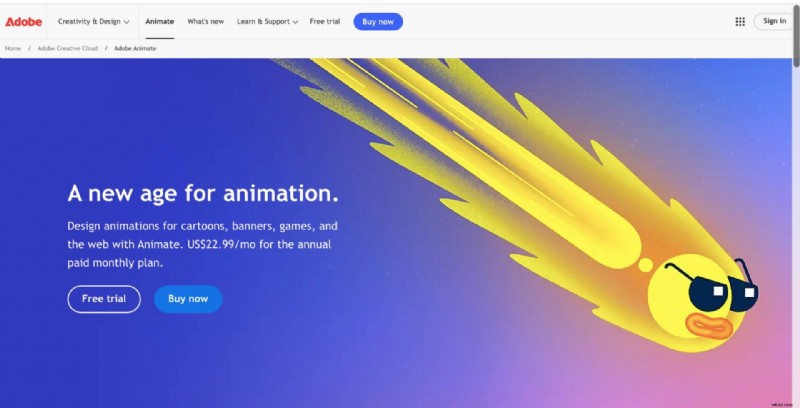
Part of the Adobe Creative Cloud, Animate is a desktop application that supports both frame‑by‑frame and tween‑based animation, ideal for interactive web content and traditional character animation.
Key Features
- Frame‑by‑frame hand‑drawn animation
- Motion & shape tweening for smooth transitions
- Extensive asset library (symbols, templates)
- Seamless integration with Adobe Creative Cloud
- Support for interactive animations (web, mobile)
- 7‑day free trial (requires credit card)
Best For
- Intermediate & professional animators, designers, web developers
- Animated videos, game assets, interactive content, web animations
G2 Rating (Oct 2025): 4.1/5 (162 reviews)
7. OpenToonz
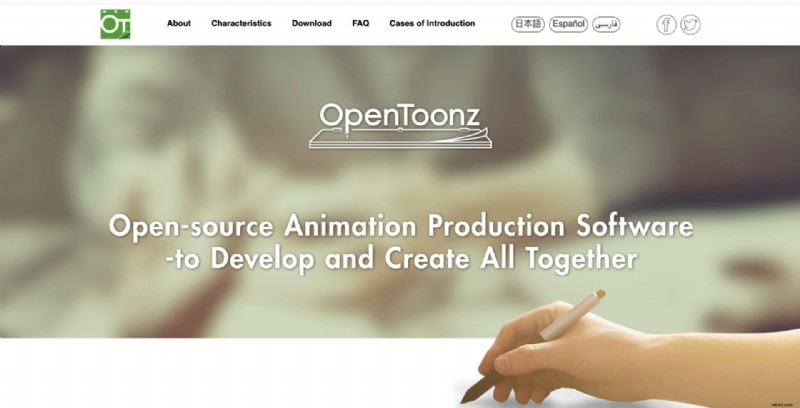
OpenToonz is a professional‑grade, open‑source tool famously used in Studio Ghibli productions, supporting both vector and bitmap workflows.
Key Features
- Vector & bitmap animation support
- Frame‑by‑frame animation with onion skinning & tweening
- Built‑in asset library (characters, backgrounds, effects)
- Hand‑drawn artwork scanning & digitization
- Advanced compositing & effects for professional quality
- Open‑source & customizable
Best For
- Intermediate & professional animators, studios
- TV shows, films, shorts, hybrid traditional‑digital projects
G2 Rating (Oct 2025): 4.4/5
8. Pencil2D
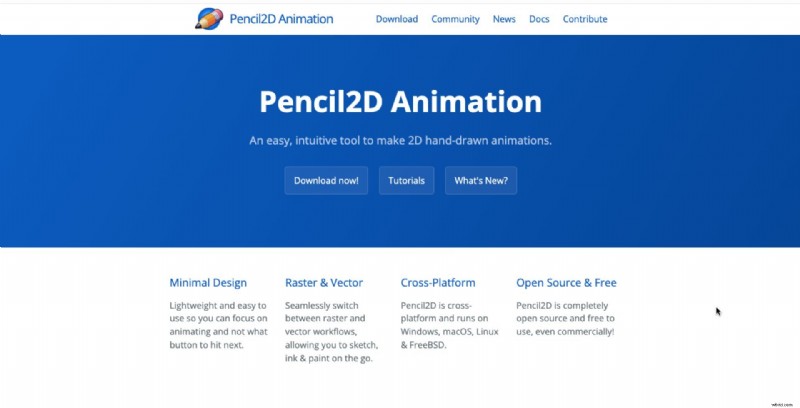
Pencil2D is a lightweight, open‑source application focused on traditional hand‑drawn 2D animation.
Key Features
- Clean, distraction‑free UI focused on drawing & animation
- Bitmap & vector workflow support
- Onion skinning & timeline editing for smooth frame‑by‑frame animation
- Lightweight and runs on most systems
- Free, open‑source with community support
Best For
- Beginners & hobbyists learning hand‑drawn animation
- Short films, basic animations, educational projects
G2 Rating (Oct 2025):
9. Synfig Studio
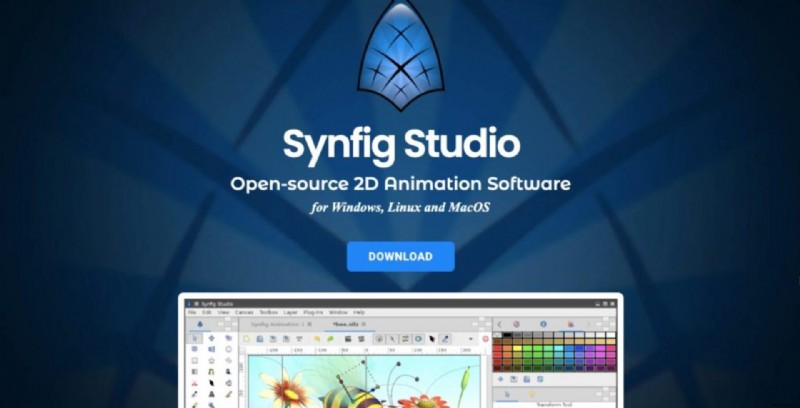
Synfig Studio is a free, open‑source tool that eliminates the need for frame‑by‑frame drawing by leveraging a vector‑based system.
Key Features
- Layer‑based system with multiple layer types (geometry, gradients, filters, distortions)
- Vector tweening for smooth keyframe transitions
- Bone & cut‑out animation support
- Advanced timing & interpolation controls
- Free & open‑source with active community
Best For
- Beginners & intermediate users wanting quick, high‑quality 2D animation
G2 Rating (Oct 2025):
10. Moho
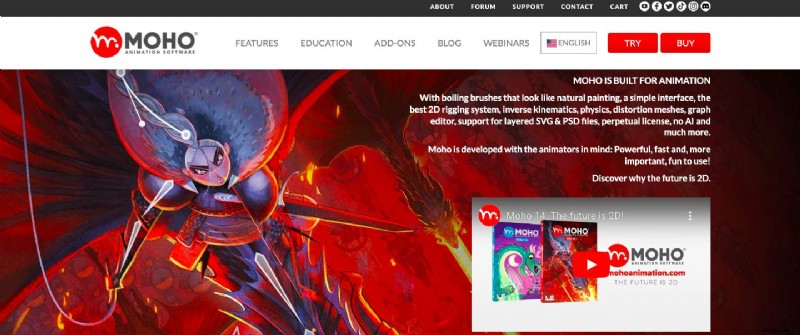
Moho is a desktop application offering a hybrid of rig‑based character animation and traditional frame‑by‑frame tools.
Key Features
- Rig‑based character animation with inverse kinematics
- Frame‑by‑frame support for traditional styles
- Vector & bitmap drawing tools
- Bone & smart warp tools for smooth motion
- Pre‑built assets & templates for workflow acceleration
- Timeline & layer management for complex projects
Best For
- Intermediate & professional animators
- Cartoons, short films, explainer videos, character‑based animation
G2 Rating (Oct 2025):
11. CelAction2D
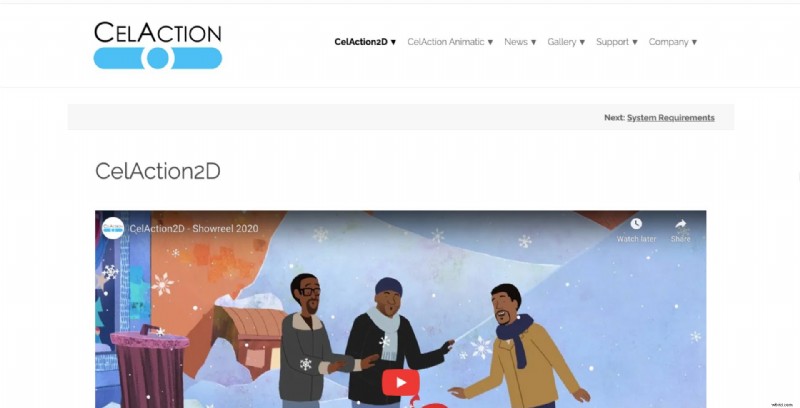
CelAction2D is a professional‑grade desktop tool renowned for its rig‑based system, used in high‑profile productions such as Bluey, Peppa Pig, and Mr. Bean.
Key Features
- Rig‑based animation system for efficient character animation
- Multi‑layered composition with dynamic camera movement
- Optimized for large, complex projects
- Rental model available (monthly or annual subscription)
- Advanced control tools for precision & speed
Best For
- Experienced animators & studios
- TV series, commercials, high‑end animation projects
G2 Rating (Oct 2025): Not listed on G2.
Emerging Trends in 2D Animation Tools
The 2D animation landscape is evolving rapidly, driven by:
- AI‑Powered Animation – automated lip‑sync, full‑scene generation, and AI‑assisted editing.
- Hybrid 2D/3D Styles – blending 2D characters with 3D environments for richer visuals.
- Cross‑Platform Compatibility – seamless delivery across desktops, tablets, and mobile devices.
- Real‑Time Rendering & Interactive Experiences – enabling immersive, interactive content.
- Cloud‑Based Collaboration – remote teamwork with shared assets and real‑time feedback.
These trends expand creative possibilities and make professional‑grade animation more accessible than ever.
With the right tools and a clear understanding of your needs, you can bring stories and ideas to life like never before.

Shreshtra
Shreshtra is a Content Marketer at Animaker, where she has helped creators and businesses bring stories to life with 2D animation for 3+ years.
Her work has driven organic growth from 18M to 30M+ users worldwide, focusing on AI‑powered voice tools, subtitle generators, and the latest video creation tech.
She explores how animation can transform learning & development, training, and corporate communication, making the medium simple, fun, and accessible.
When not writing, she enjoys thriller novels and K‑pop playlists, believing that a great video can connect people across the world.