
Nano Banana 2 is Google’s latest AI image generation model, engineered to deliver cinematic‑grade visuals at lightning speed while pulling real‑time web data for unparalleled accuracy.
It builds on the quality of Nano Banana Pro, adds 4K output, maintains character consistency across scenes, renders clear text, and is fully integrated into Google’s ecosystem—ready to plug into your workflow right away.
Key Features That Matter for Production Work
| Feature | What It Does | Why It Matters |
|---|---|---|
| Live Web & Image Search | Pulls current information and reference photos directly from Google Search during generation. | Ensures people, places, and products are up‑to‑date, reducing the need for manual research. |
| Accelerated Generation | Produces high‑quality images at roughly twice the speed of Nano Banana Pro. | Gives teams the bandwidth to test multiple iterations within tight deadlines. |
| Cinematic Visual Quality | Enhances lighting, textures, and detail for a polished, ready‑to‑use look. | Reduces post‑production polish and speeds approval cycles. |
| 4K & Multiple Aspect Ratios | Outputs resolutions from 512 px up to 4K in vertical, square, wide, and ultra‑wide formats. | Enables one creative concept to be repurposed across all platforms. |
| Character & Object Consistency | Tracks up to 5 characters and 14 objects across scenes. | Maintains narrative continuity in storyboards and campaign assets. |
| Text Rendering & Translation | Generates readable, localized text within images. | Streamlines ad mockups, packaging, and global content creation. |
| SynthID Watermark & C2PA Credentials | Automatically embeds AI watermarking and metadata. | Provides transparency, compliance, and easy traceability. |
| Semantic Prompt Understanding | Interprets complex prompts holistically, keeping all details intact. | Reduces incorrect outputs and speeds the idea‑to‑image workflow. |
Feature Deep Dives
1. Integrated Web & Image Search
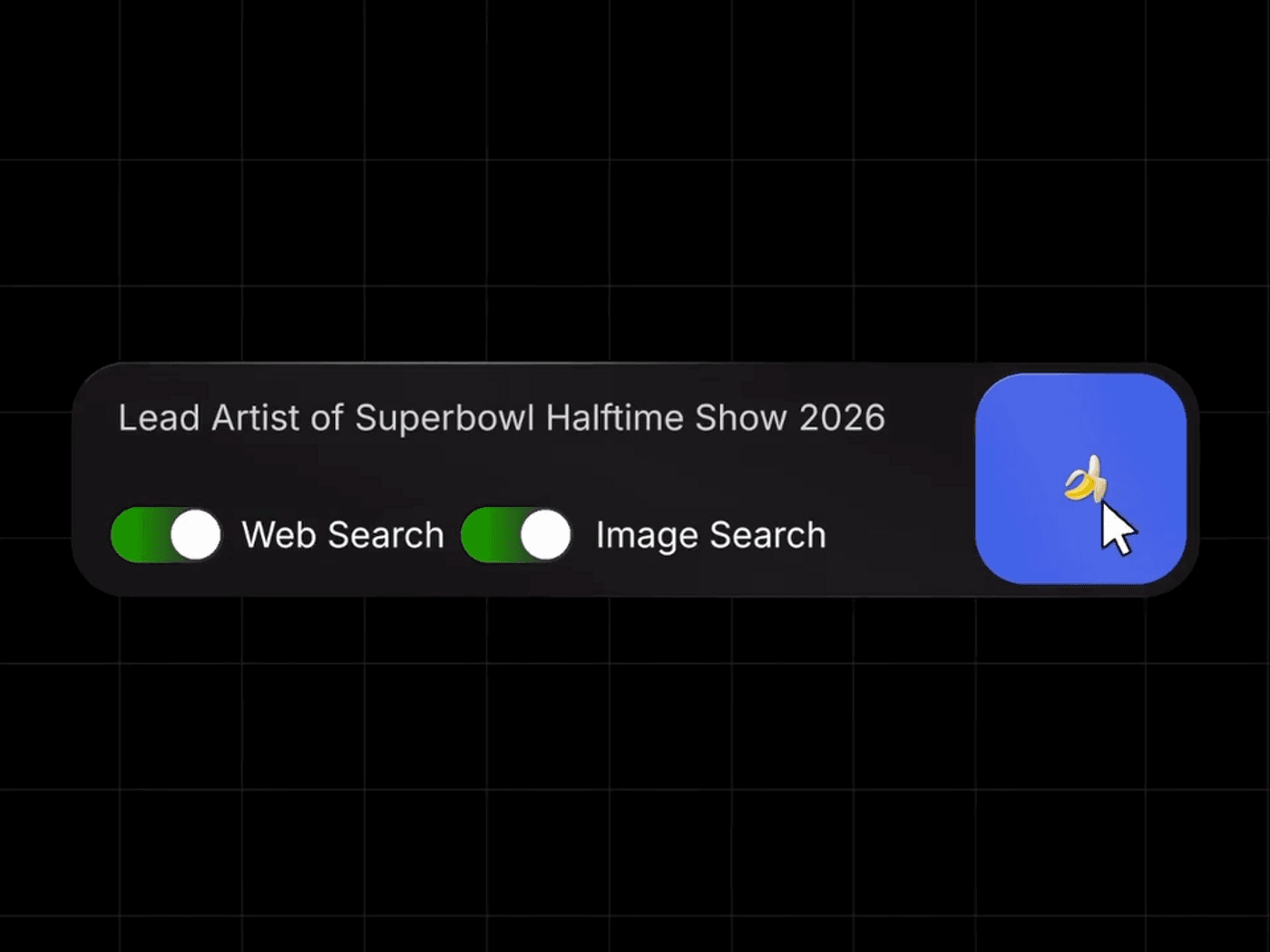
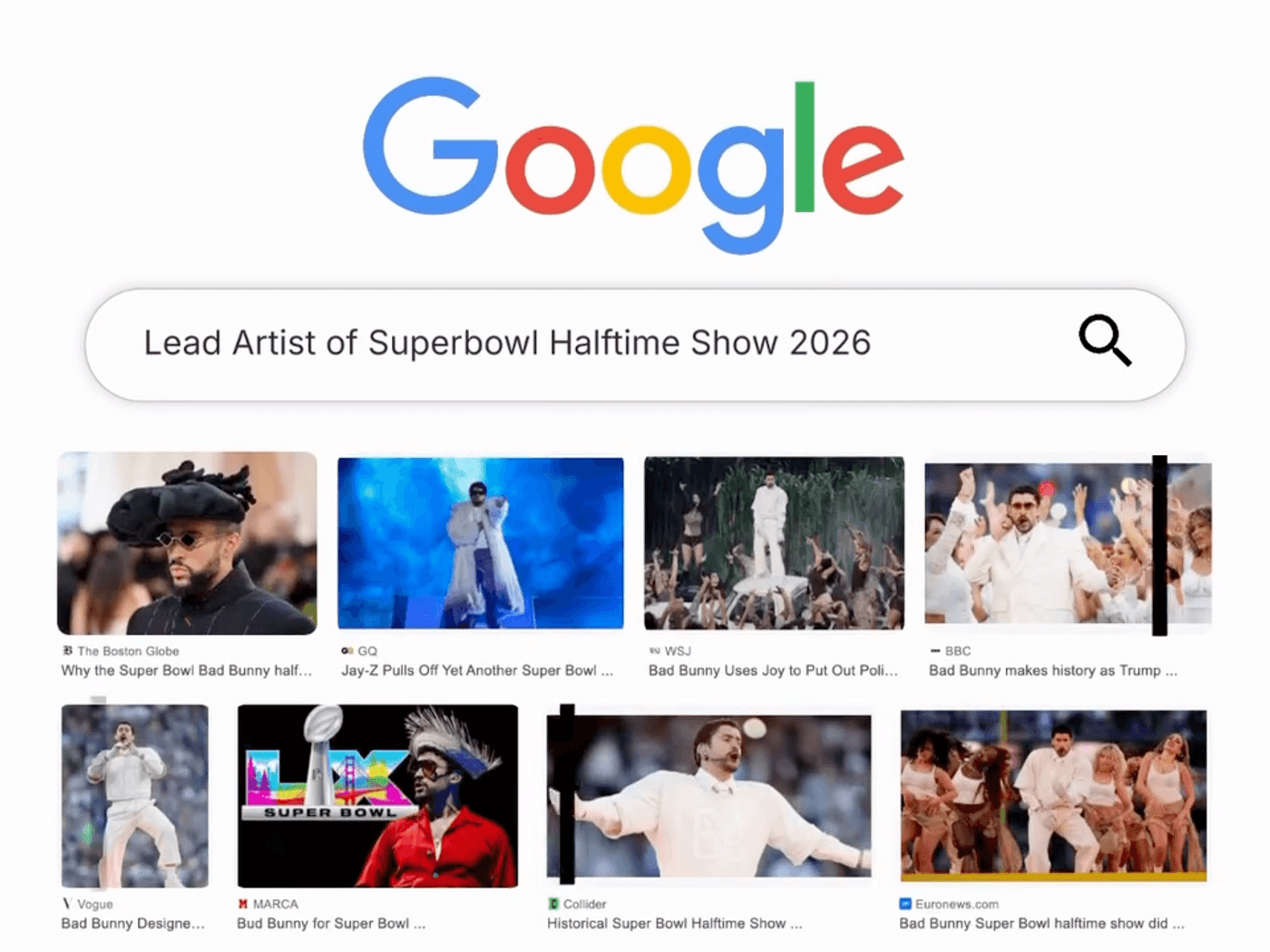
When enabled, Nano Banana 2 queries Google Search in real time to retrieve the latest data and reference images. Whether you need the current lead artist for a halftime show or a fresh snapshot of a landmark, the model uses live results to guide its output, cutting out guesswork and manual research.
2. Faster Generation Speeds
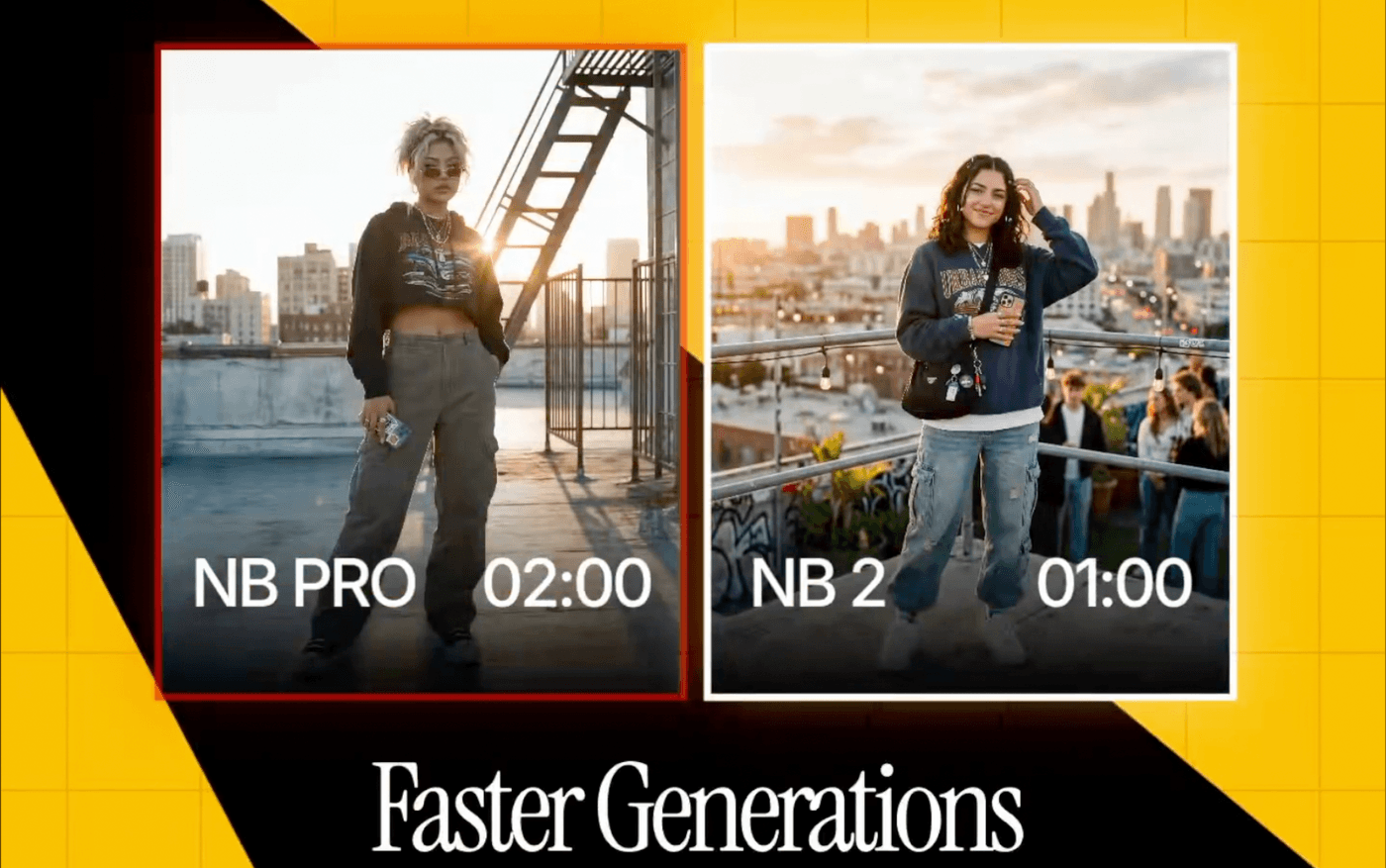
Nano Banana 2 delivers Pro‑level images in roughly half the time of its predecessor. For teams racing against deadlines, this means you can explore five different visual takes in the time it used to take to generate one.
3. Cinematic Visual Quality
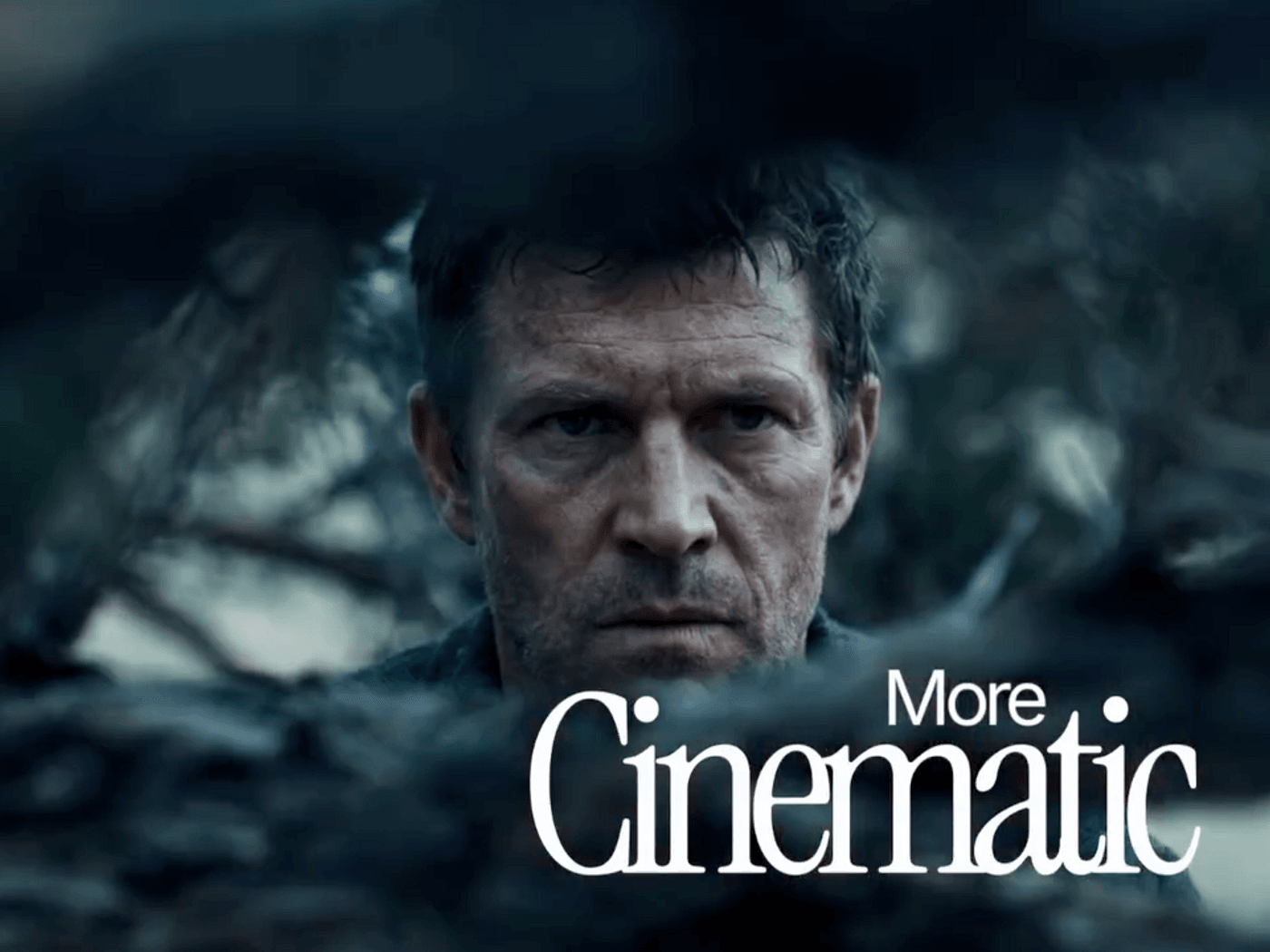
The model offers richer lighting, more realistic textures, and sharper detail. The first output is often ready for pitch decks, hero images, or ad concepts without needing a heavy post‑production touch.
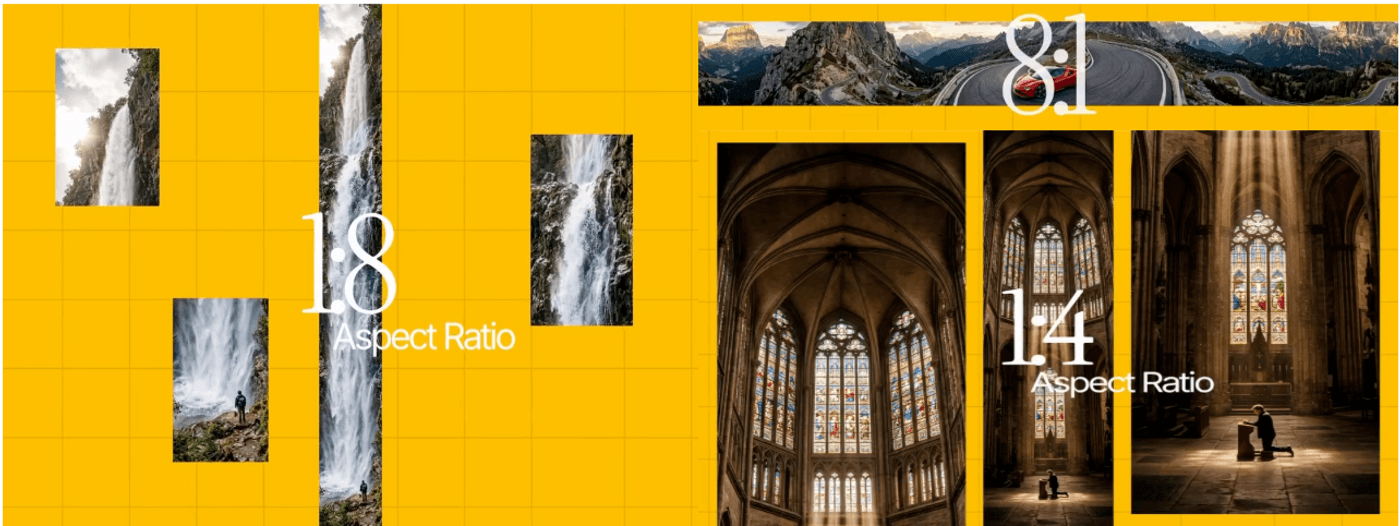
4. Versatile Aspect Ratios & 4K Output
From 512 px to 4K, Nano Banana 2 supports vertical, square, widescreen, and ultra‑wide formats. One idea can be adapted to every channel—mobile, web, or broadcast—without redesigning from scratch.
5. Consistent Characters & Objects
Track up to five characters and fourteen objects across your workflow. Once you define a hero or key prop, the model retains its visual traits in subsequent scenes, turning a single image tool into a storytelling engine.
6. Text Rendering & Localization
Generate clear, legible text directly inside images and translate it across languages. This feature is a boon for rapid ad mockups, product packaging, and global social posts.
7. SynthID Watermark & C2PA Compliance
Every image carries a SynthID watermark and C2PA Content Credentials, ensuring AI origin is transparent and compliant with industry standards.
8. Semantic Prompt Understanding
Nano Banana 2 comprehends the full context of your prompt—complex scenes, lighting cues, character actions—so you get the exact image you envision with fewer iterations.
How to Use Nano Banana 2
Nano Banana 2 is available across Google’s products—including Gemini, Search AI, Gemini API, Vertex AI, and Firebase. For immediate experimentation, start with those platforms. If you need a seamless integration into your video or content pipeline, invideo offers the model directly in its prompt box, with unlimited use for one year on all Pro plans.
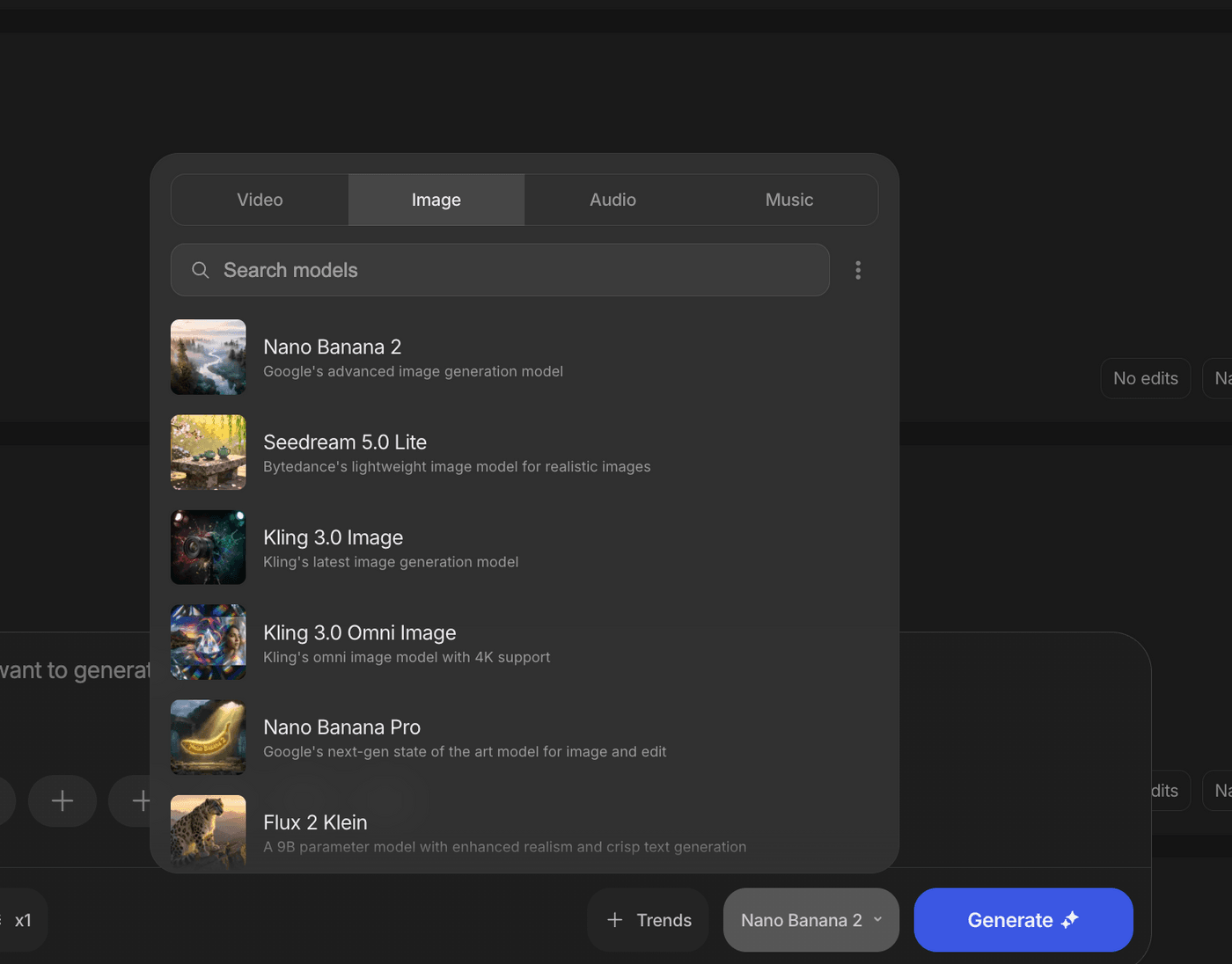
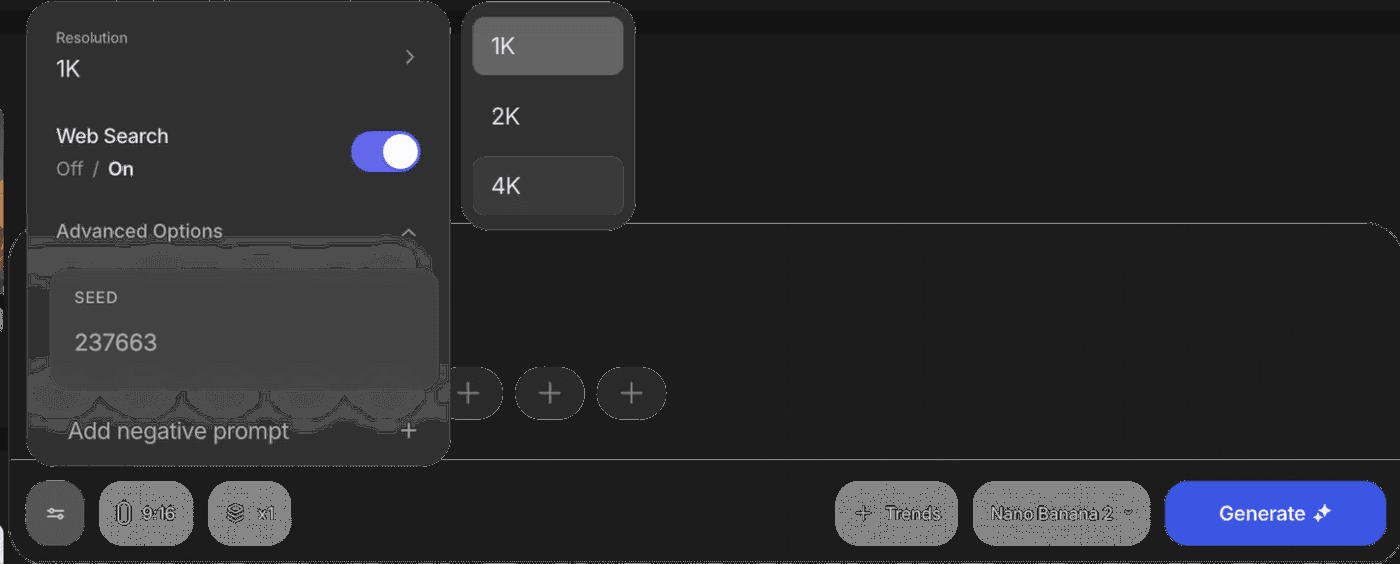
Within invideo, simply select Nano Banana 2 as your model, and you can switch between leading options like Seedream 4.5 or Grok Imagine—all in one interface—without locking into a single solution.
FAQs
1. What is Nano Banana 2 used for?
It’s a production‑grade AI image generator ideal for storyboards, marketing visuals, social media, and product mockups—delivering high quality, multi‑aspect, and 4K outputs.
2. How does it differ from earlier Nano Banana models?
It consolidates the best of Nano Banana Pro into one faster model, adds real‑time web search, improves instruction following, supports 4K, and offers better text and character consistency.
3. How does web and image search improve image accuracy?
Enabling these features allows the model to pull recent data and reference images from Google Search, ensuring visuals reflect current people, places, events, and products.
4. Can it generate clear text for ads?
Yes. Nano Banana 2 renders readable headlines, subheads, and CTAs within images and can localize that text for global campaigns.
5. How does it keep characters and objects consistent?
It tracks visual traits for up to five characters and fourteen objects per workflow, so repeating them in later prompts yields consistent results.
6. What image sizes and formats does it support?
Resolutions range from 512 px to 4K across vertical, square, widescreen, and ultra‑wide aspect ratios—covering all major social, web, and video use cases.
7. How do I start using Nano Banana 2 in invideo?
Open your workspace, choose Nano Banana 2 in the prompt box, and start generating. Existing projects remain unchanged; new generations will use the upgraded model.