
A compact kit for air-friendly travel
Our team offers a variety of services, from handling encoding to full multi-camera productions. Through almost a decade of providing on-site production services, we’ve learned that no matter how much pre-production you do, there are always those last-minute ‘Can you do this?’ requests. So our goal was to create a compact, airline-friendly kit that could handle whatever was thrown our way. We’re often hired to work in conjunction with other A/V vendors that are providing us some part of the webcast production, whether it’s cameras, audio, lighting, or all three. Depending on what gear those production partners have, sometimes there are limitations on what they can provide us. The key to this kit is that it’s flexible and modular. By itself, we can easily take in multiple feeds from an onsite production team, or we can add in our own camera packages and build out a full show.Meet our encoding kit
No live streaming equipment setup is complete without an encoder. Literally — it converts a live feed so that it’s viewable over the Internet via computers and mobile devices. The encoding kit is built around the workhorse Studio HD550 switcher and encoder. We bring two HD550s — a primary and a backup) on every production, which allows us redundancy and the flexibility to build upon even the simplest shows. I should note that only one HD550 fits in our kit, so we bring the second HD550 as a carry-on. This gives both peace of mind and covers our bases in the event that the airline delays your checked luggage. The rest of the kit is built out with adaptors and converters to help complete the setup:AJA HD5DA HD-SDI Distribution Amplifiers (2)
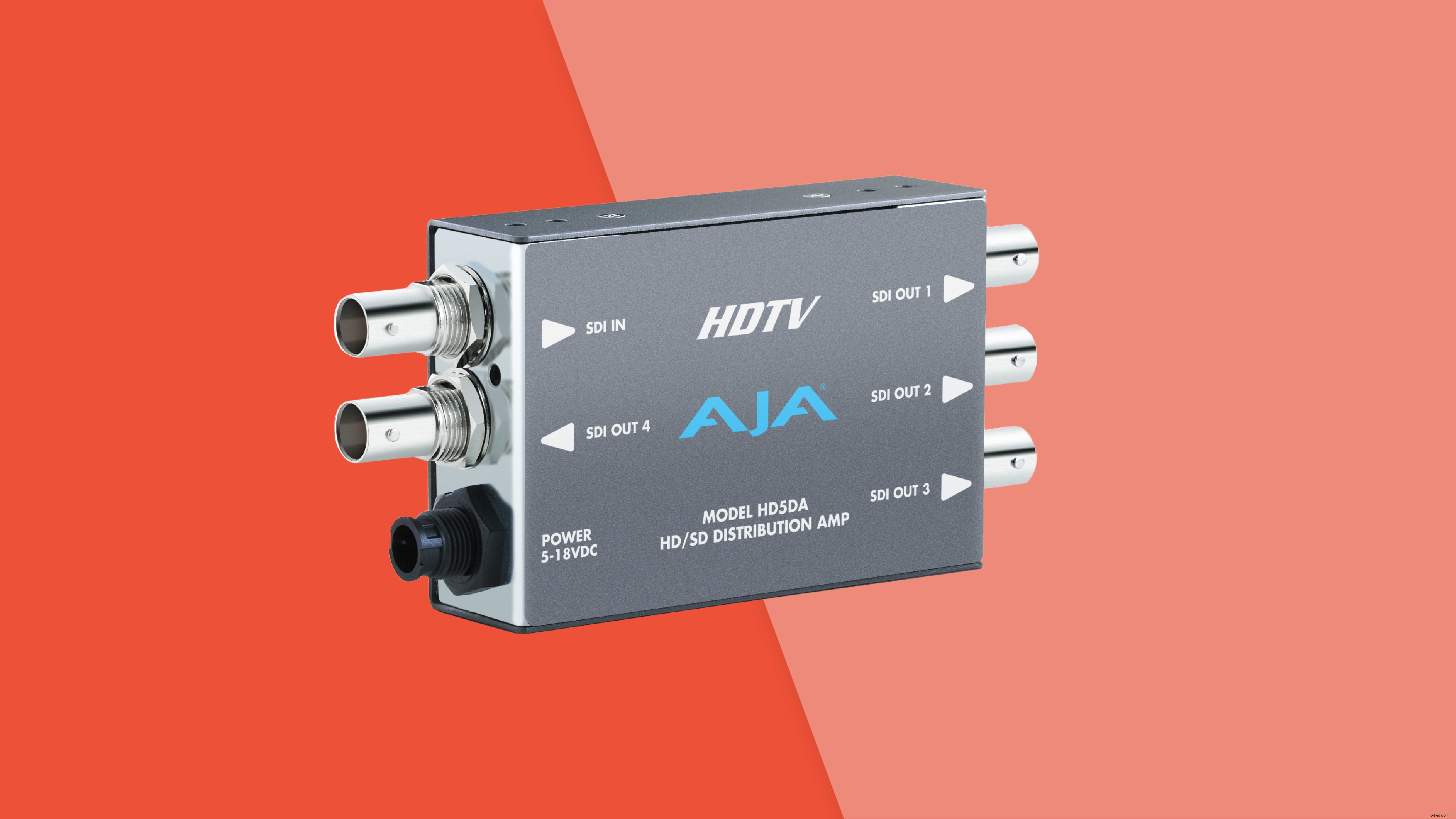 Distribution amplifiers allow us to split incoming video signals to each HD550.
Datavideo DAC70 Up/Down/Cross Converter
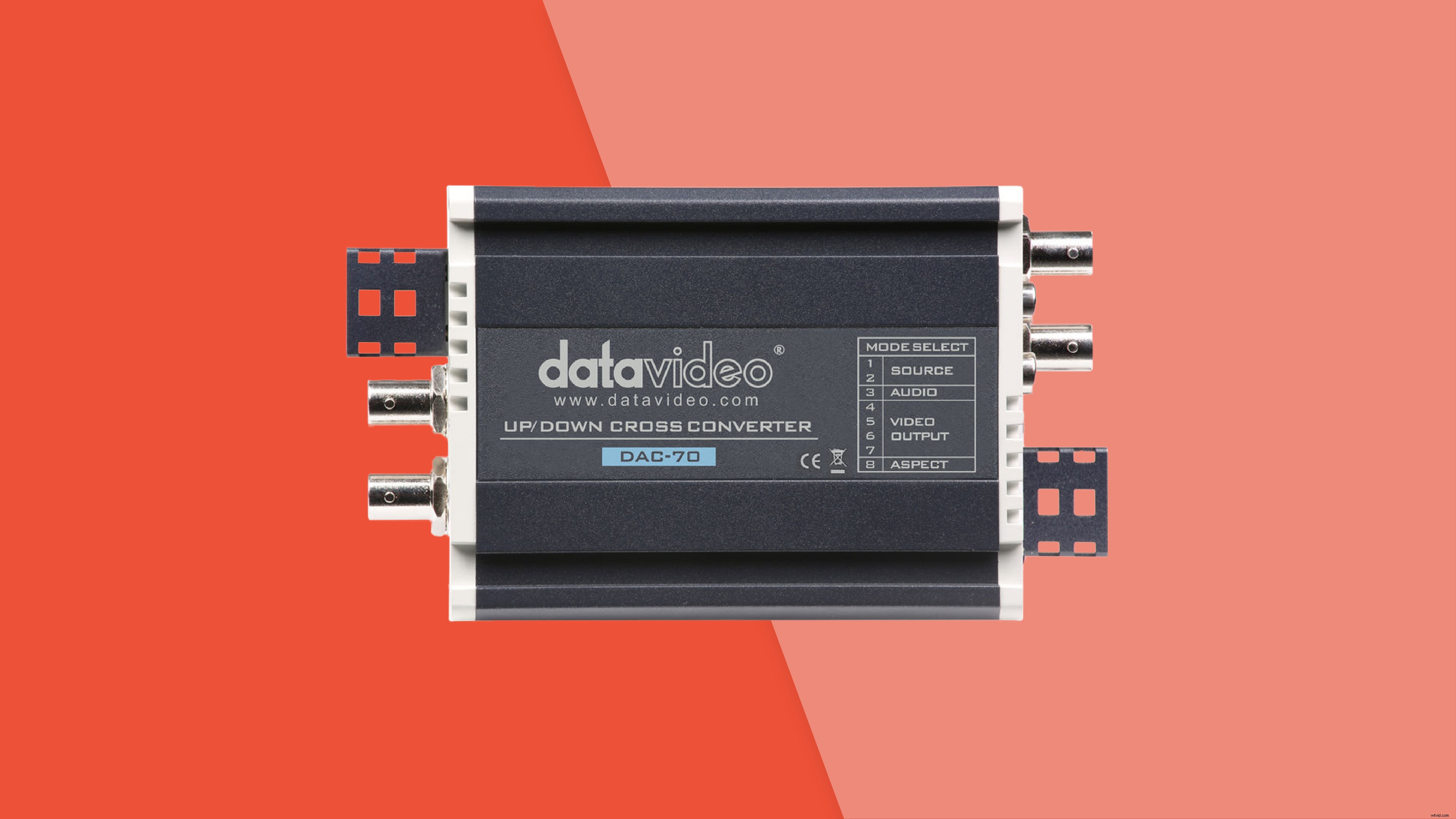 Scan converters allow us to bring in sources in other video formats, such as laptops. While the HD550 running Studio software does have signal converters on each input, a scan converter can help take the conversion lift off the computer’s CPU.
AJA HD10AMA Audio Embedder
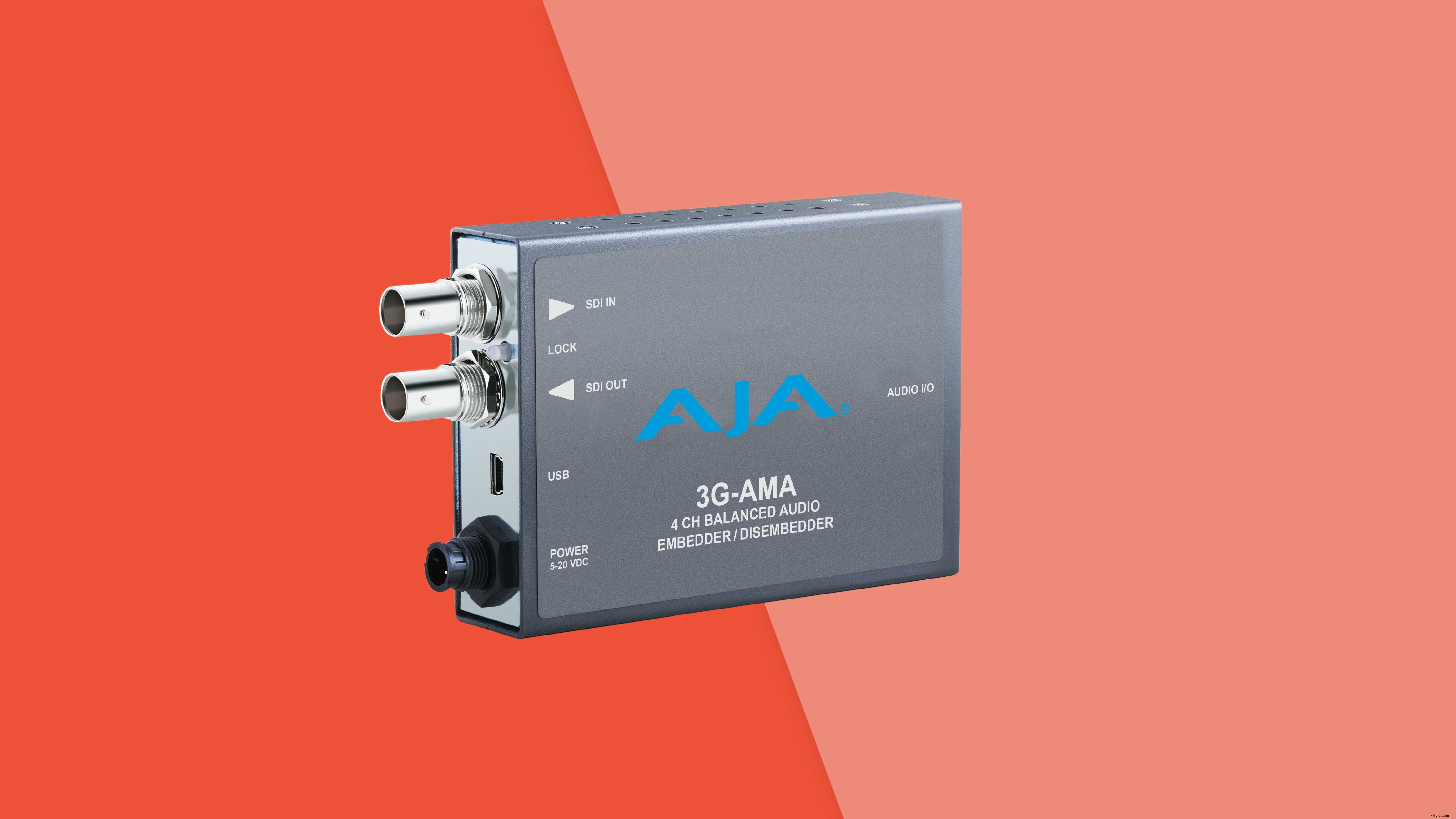 Sometimes audio is fed to us embedded on an HD-SDI. Other times, audio is handed off as analog XLR. The audio embedder allows us to be prepared for any situation.
Netgear GS105 5-Port Network Switch
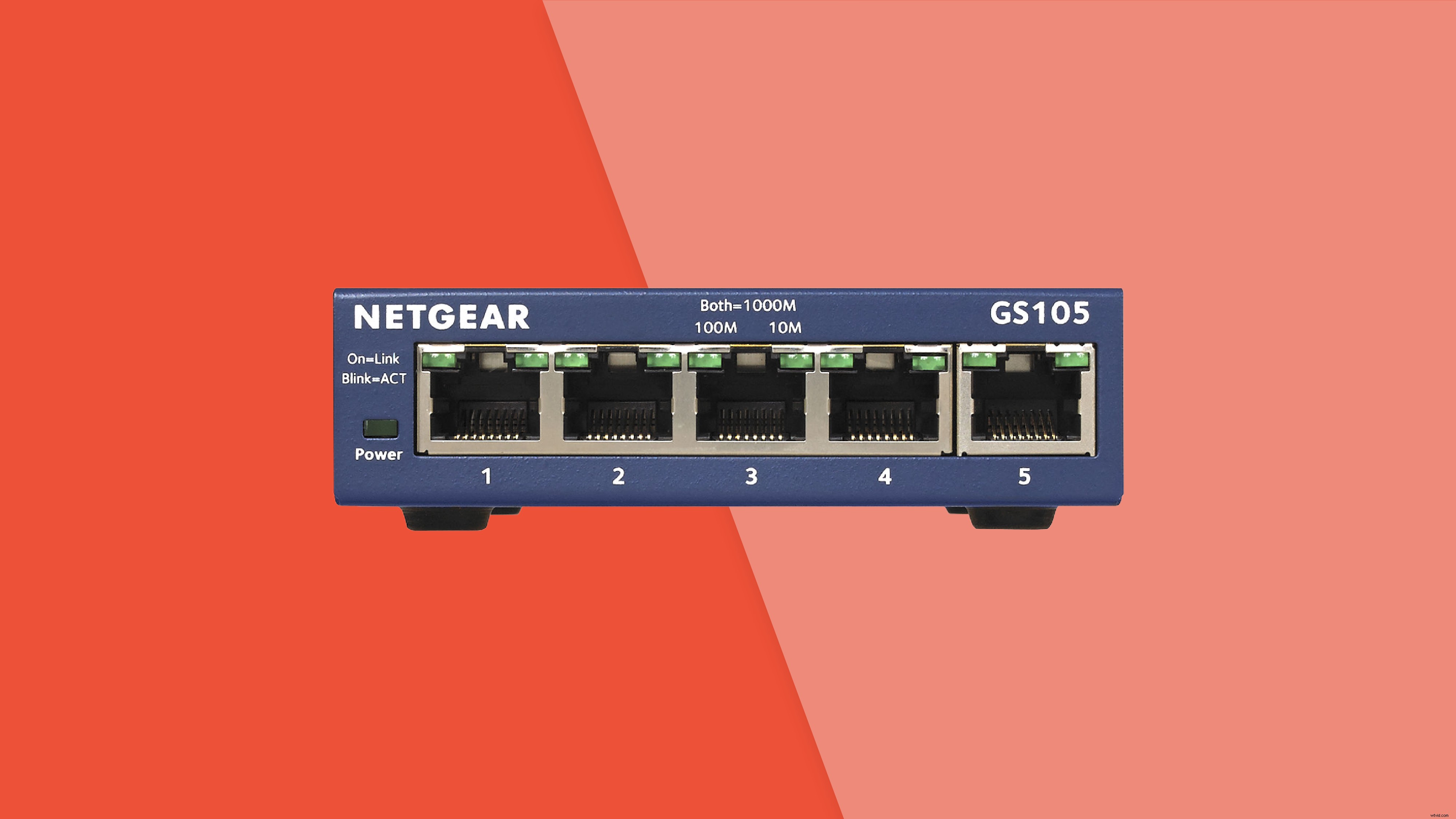 With two HD550s and a laptop for monitoring, the network switch allows us to split our Ethernet link across all our devices.
100’ BNC and Cat 6 cables
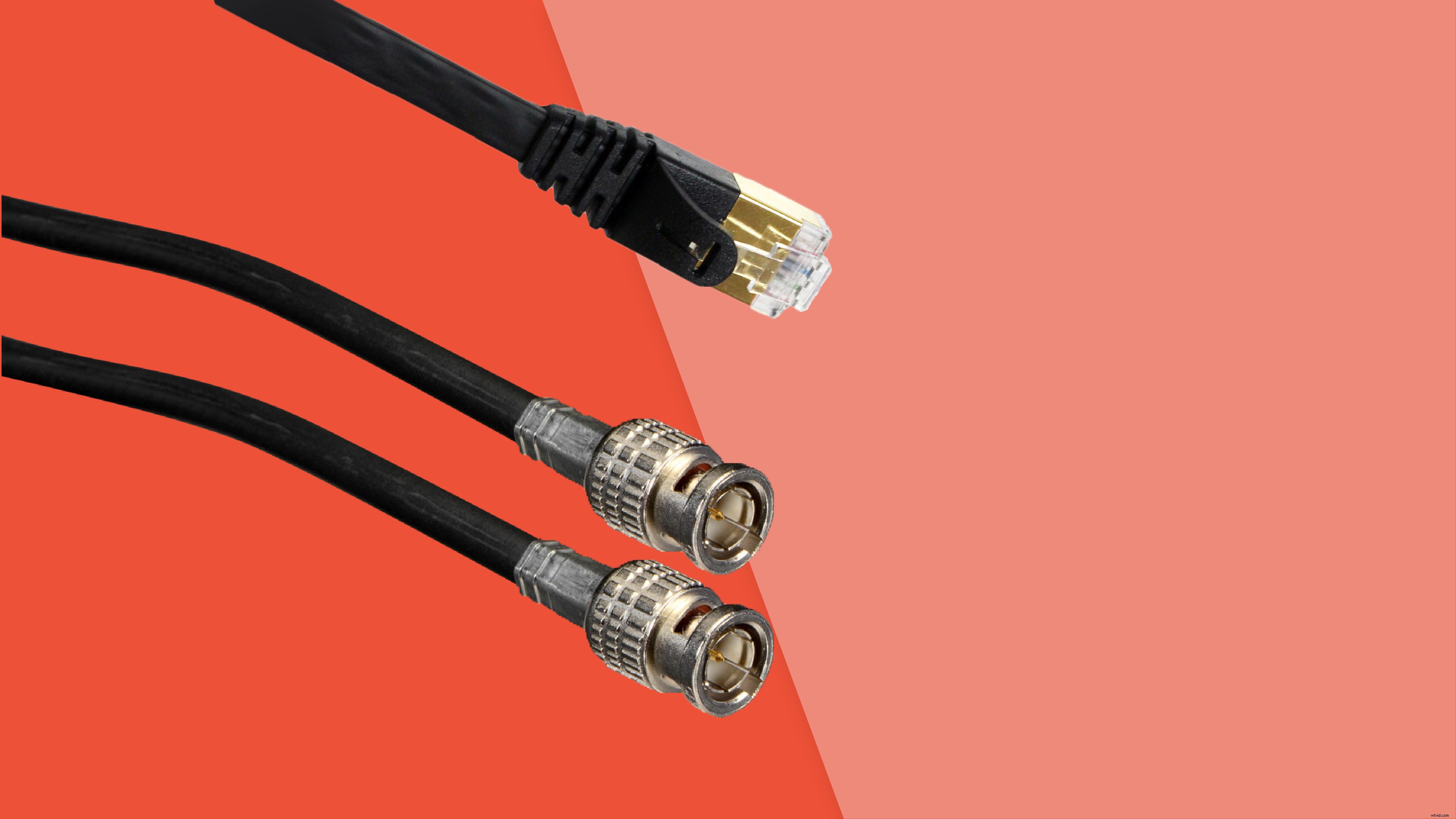 We included two long runs in the kit because you never know where your encoding setup and/or network drop will live.
3′ Cat 6 and HD-SDI cables (5)
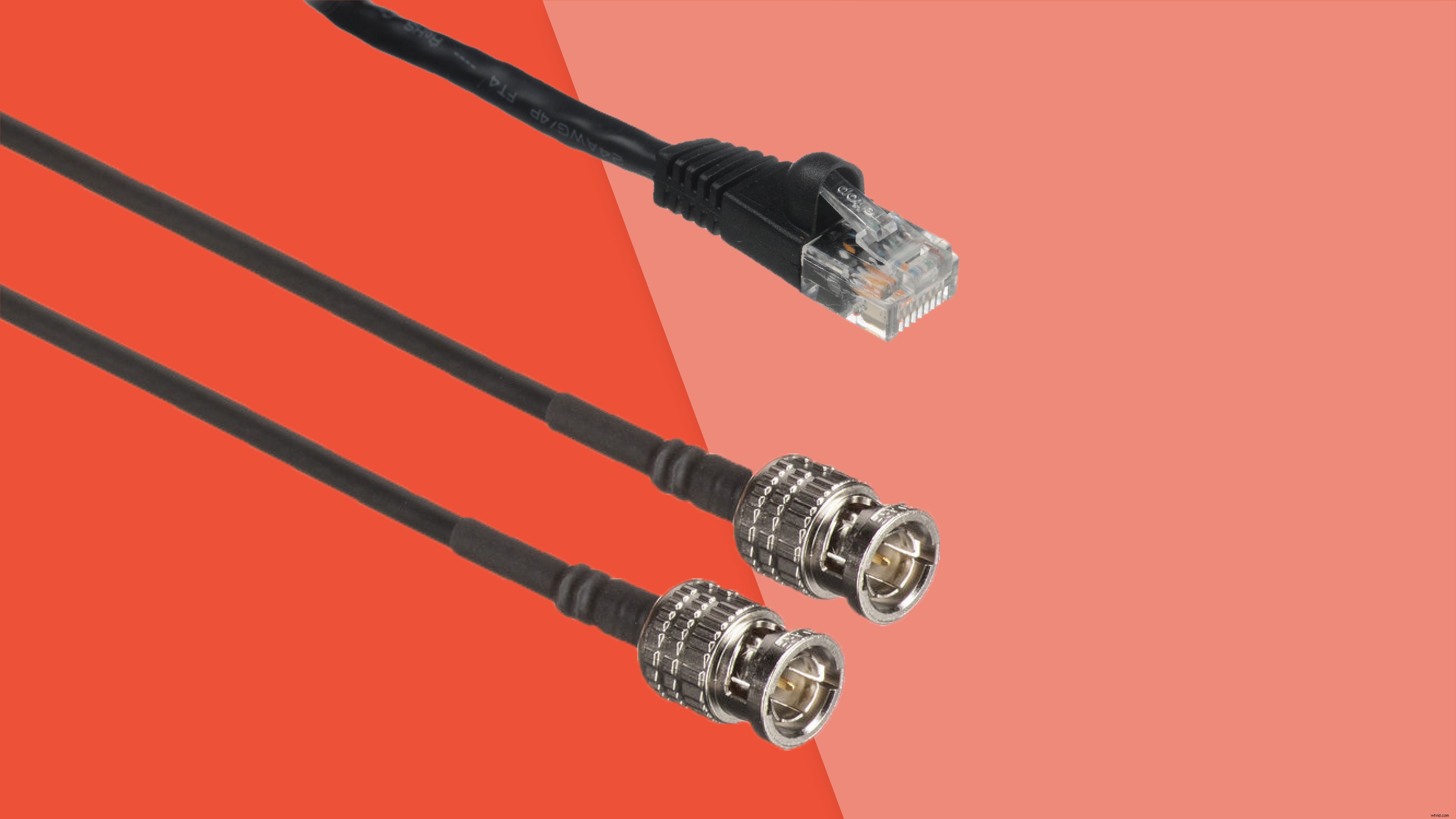 Multiple shorty cables allow your connections between DA & network switch to devices without creating a messy workspace.
All of this gear is packed nicely into a watertight travel case with a custom-designed foam interior that can withstand the rigors of airline travel while protecting our gear. The kit weighs in around 65 lbs, so there is still space to add additional items and still be within airline weight limits.
Of course, this kit is what works for us. Every production — and every production team — is unique and has its own needs. Hopefully this has given you some ideas about organizing and building out your own kit!
Questions about our kit or equipment? Want to see how we can help with your next live stream? Drop us a line and our team will follow up.
Stay tuned for more intel, tips, and tricks from the live production team soon. Happy streaming!
Multiple shorty cables allow your connections between DA & network switch to devices without creating a messy workspace.
All of this gear is packed nicely into a watertight travel case with a custom-designed foam interior that can withstand the rigors of airline travel while protecting our gear. The kit weighs in around 65 lbs, so there is still space to add additional items and still be within airline weight limits.
Of course, this kit is what works for us. Every production — and every production team — is unique and has its own needs. Hopefully this has given you some ideas about organizing and building out your own kit!
Questions about our kit or equipment? Want to see how we can help with your next live stream? Drop us a line and our team will follow up.
Stay tuned for more intel, tips, and tricks from the live production team soon. Happy streaming!