
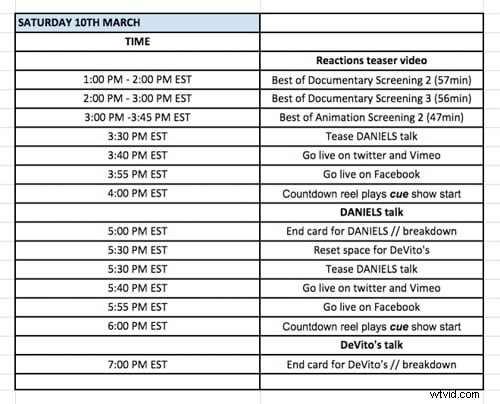
Because we included our rollout plans for social media, we were able to write up a list of assets we’d need. Social media was a big portion of these live events, because we pushed three of our keynote events to our community on Facebook and Twitter. We worked closely with our creative team well ahead of the event dates, so they could work toward a realistic, non-insane deadline.
Most of what we requested either went into our videos, or pushed our audience toward those events. We asked for: Thumbnails — we used before and after thumbnails on each video. The before image was heavily designed with information about the upcoming event. We sized these thumbnails for Facebook, Twitter, and LinkedIn, so they could be included in our social media efforts.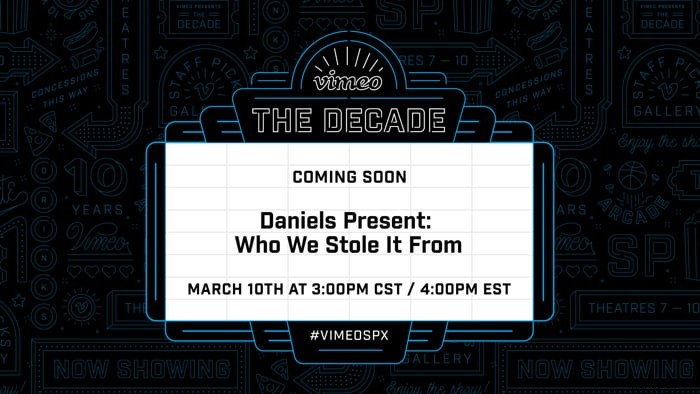 Afterwards, we altered the thumbnail design to include a shot from the actual live event.
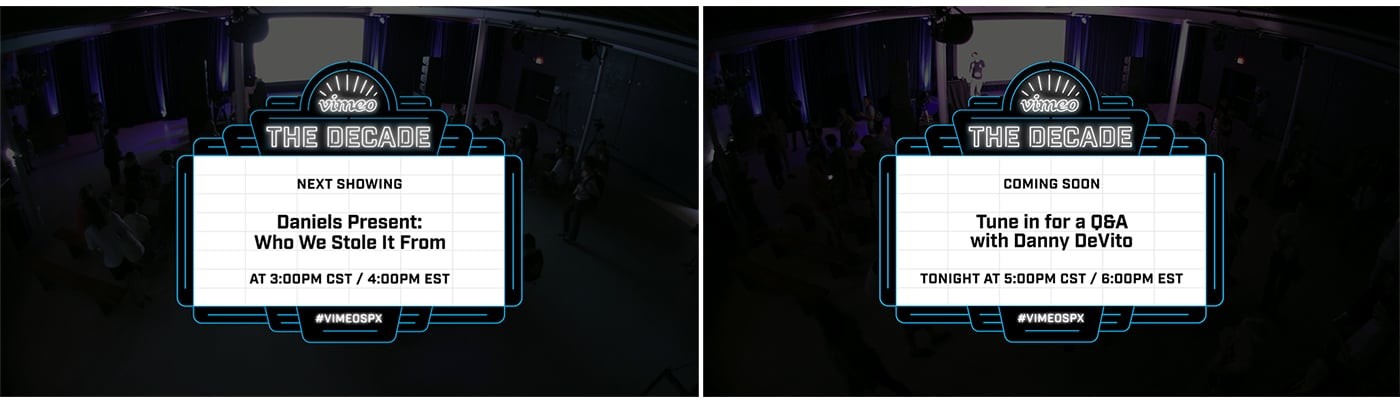
 Intro and end cards — these are great for boosting audience and engagement. For our intro cards we included some transparency on the background, so we could superimpose it over our live footage in the minutes leading up to our event. Once the event ended we cut to our widest shot, kept it running, and overlaid our end card — again, with a little transparency. This end card provided information about our upcoming events.
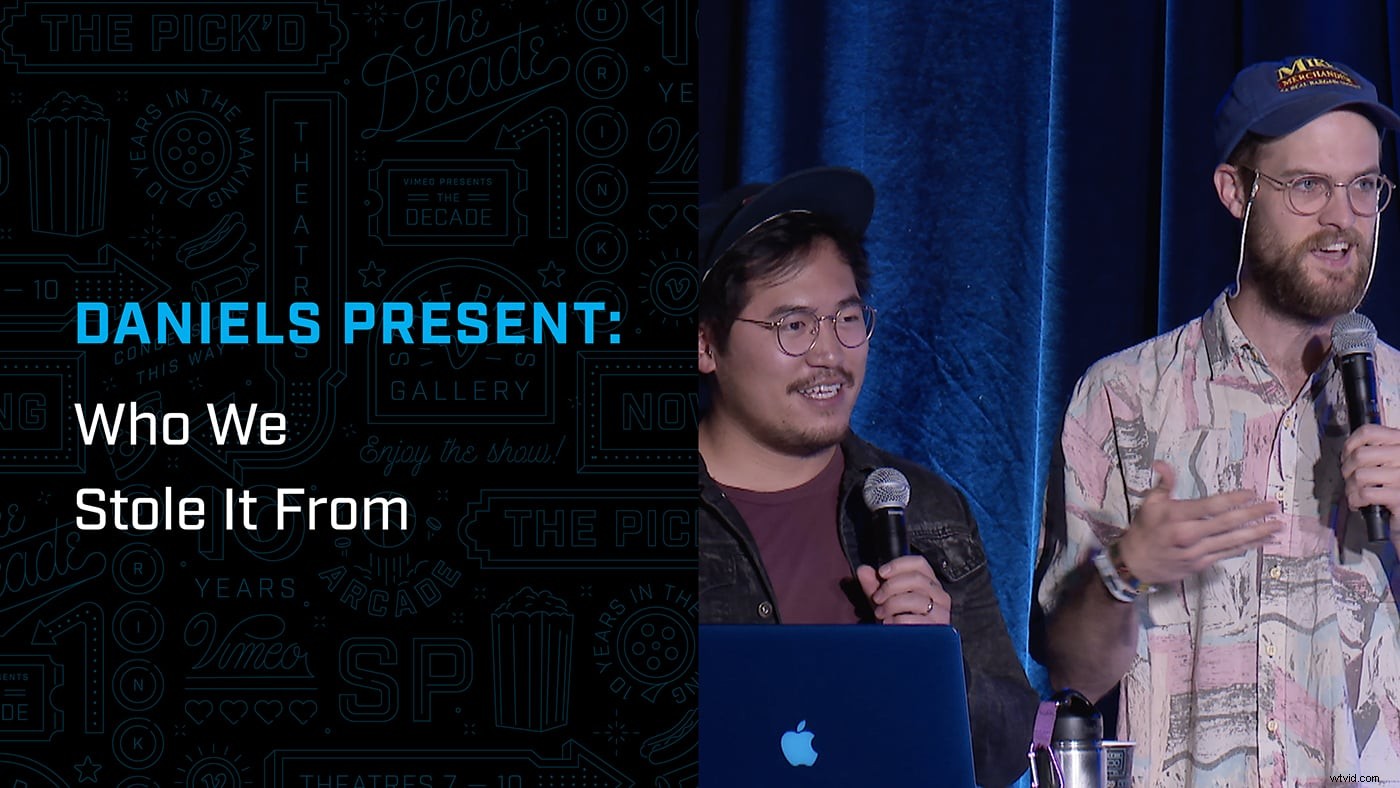
 Lower thirds — we made a list of individuals that were appearing on camera and animated minimally designed, easy-to-read lower thirds for everyone. We let them linger between 3-4 seconds and exporting a few seconds of “tail” so that our sequence didn’t loop too quickly.
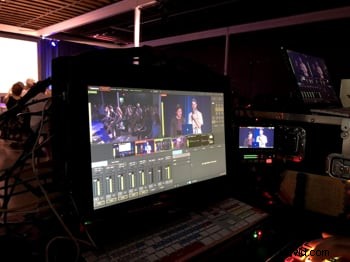
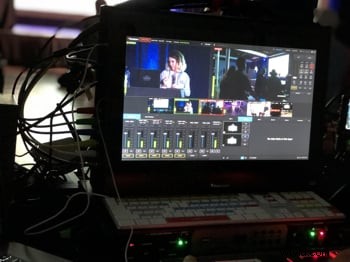
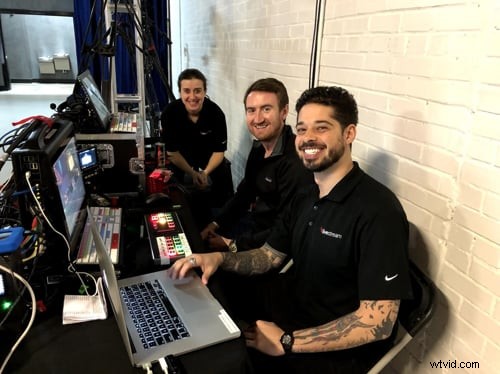 Our production crew loving those setup vibes.
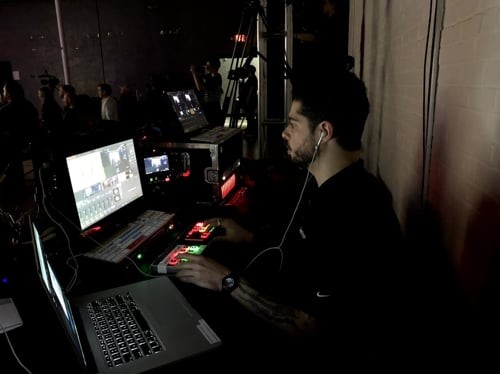
 Even with all of our planning, a live event reminds you that entropy is real. Something always goes wrong, and hey, that’s part of the excitement. In the middle of one of our broadcasts, our event space experienced a full power outage. Luckily we had already anticipated this and we were ready to act. We quickly switched to our backup generator, and the show went on without a hitch.
It ain’t over ‘til it’s actually over
As soon as we ended our streams, Vimeo automatically archived the raw stream files to our account. We kept these videos private so we could scrub through the footage at the end of the day and do some minor fine-tuning.
I downloaded the archived videos in full resolution, and brought them into Adobe Premiere Pro. I then trimmed the beginning and end to tighten up the flow, and checked for some good camera angles that we might’ve missed. (Worth noting that you can save all your previous versions, so we didn’t need to worry about losing anything.) When we finished editing, I replaced the file with the final version, and made it public.
Even with all of our planning, a live event reminds you that entropy is real. Something always goes wrong, and hey, that’s part of the excitement. In the middle of one of our broadcasts, our event space experienced a full power outage. Luckily we had already anticipated this and we were ready to act. We quickly switched to our backup generator, and the show went on without a hitch.
It ain’t over ‘til it’s actually over
As soon as we ended our streams, Vimeo automatically archived the raw stream files to our account. We kept these videos private so we could scrub through the footage at the end of the day and do some minor fine-tuning.
I downloaded the archived videos in full resolution, and brought them into Adobe Premiere Pro. I then trimmed the beginning and end to tighten up the flow, and checked for some good camera angles that we might’ve missed. (Worth noting that you can save all your previous versions, so we didn’t need to worry about losing anything.) When we finished editing, I replaced the file with the final version, and made it public.
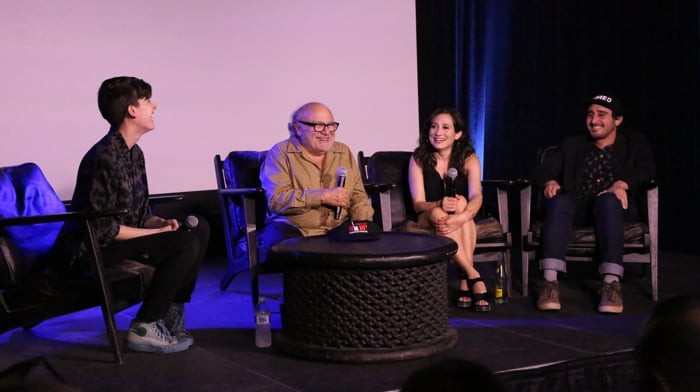 We also wanted to make sure that celebrating the history of Staff Picks didn’t end after one whirlwind weekend. We used these assets in emails, newsletters, social posts, in blogs recapping our events aheam like this glorious production takeaway, and we cut sizzle reels and recaps using the footage.
That’s a wrap
Live is so much more than a single event. Live streaming is about big picture thinking: beginning, middle, and end. Get all your little video ducks in a row, test everything, test it again, and think about creative ways to get the most mileage out of your events. And finally, don’t forget, your live event might take place on a single day, but you can use that content to engage and grow your audience for days, weeks, even months beyond.
Wanna get more eyeballs on your next big event? See our tips on maximizing your live audience.
We also wanted to make sure that celebrating the history of Staff Picks didn’t end after one whirlwind weekend. We used these assets in emails, newsletters, social posts, in blogs recapping our events aheam like this glorious production takeaway, and we cut sizzle reels and recaps using the footage.
That’s a wrap
Live is so much more than a single event. Live streaming is about big picture thinking: beginning, middle, and end. Get all your little video ducks in a row, test everything, test it again, and think about creative ways to get the most mileage out of your events. And finally, don’t forget, your live event might take place on a single day, but you can use that content to engage and grow your audience for days, weeks, even months beyond.
Wanna get more eyeballs on your next big event? See our tips on maximizing your live audience.