
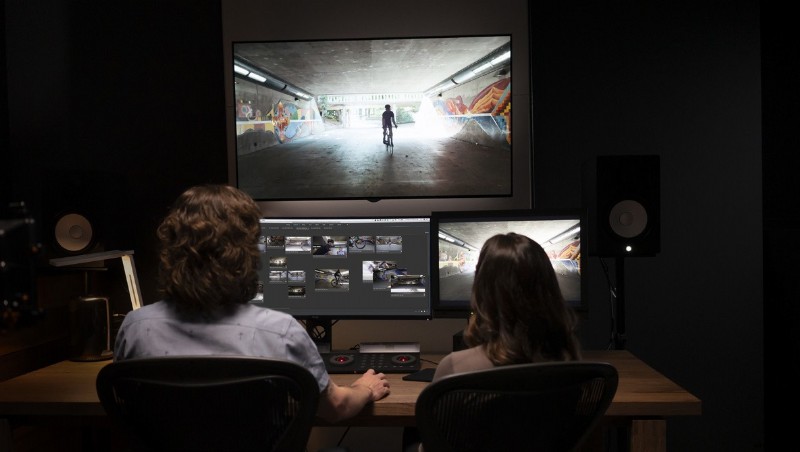
Adobe introduced a number of software updates ahead of the 2019 NAB Show. After taking some time to check out the updates and speak with the members of the team, I’m excited to see the future of Adobe’s video production tools.
Performance is a critical factor for professional tools. This update, along with a few new tools like Content Aware Fill for video, definitely emphasizes performance. Adobe claims anywhere from 5x to 38x improvements on tasks like exporting and mask tracking. Importantly, the software has greater support for hardware acceleration, increasing the value of a GPU upgrade for any user.
Greater GPU support and optimization is essential, in my opinion. For a number of tasks, they drastically outperform software or CPU based activities. The performance improvements include:
- Dual GPU optimization
- GPU acceleration of Change Color and Roughen Edges
- Dual GPU export
- Mask tracking at 4k+ resolutions
- Hardware accelerated previews with Metal, OpenCL, or CUDA support
The update goes beyond just performance improvements. A number of helpful features were added, with an emphasis on answering direct user requests. Content aware fill for video should sound familiar to any user of Photoshop. Within After Effects, the software can search the entire video for source material, enabling the intelligent creation of new replacement content. Adobe’s representative mentioned that this ability allows the software to “look behind an object,” basing the new content off information from an entirely different point in the video. Content aware fill can also be refined with a number of tools, if the initial prediction is inaccurate.
Rulers and guides have also been brought over, allowing for concise planning of motion graphics. Another new planning feature is the freeform project panel. This storyboarding view is a much more flexible version of the clip list or grid of other interfaces and can be a great way to brainstorm layouts.
One last tool, the Expressions Editor, is an important addition to After Effects. While the Expressions engine has been available since the Fall 2018 update, this new editor implements a full code development interface. Supporting full JavaScript, programmable and dynamic animations can be created. I'll be very interested to see what experienced users are able to create with this powerful tool, since anyone who has written code knows that a proper IDE can make a huge difference.
In my conversations at the conference, one point kept coming up: each of these tools and improvements is meant to empower creators to save time and focus on what matters. As Adobe continues to deploy AI powered tools, there is a concern of marginalizing the role of photographers, videographers, and editors. Having used the tools, I can see that that isn’t just talk. While these are powerful tools and require minimal input, they cut out the tedious tasks, not the creative ones. Instead of going frame by frame to mask and paint out an errant boom mic, users can focus on the decisions that matter.
I’m excited to see what the future holds, since if this update is any indication, GPU powered editing should unlock exciting possibilities. Have you tried the update yet?