
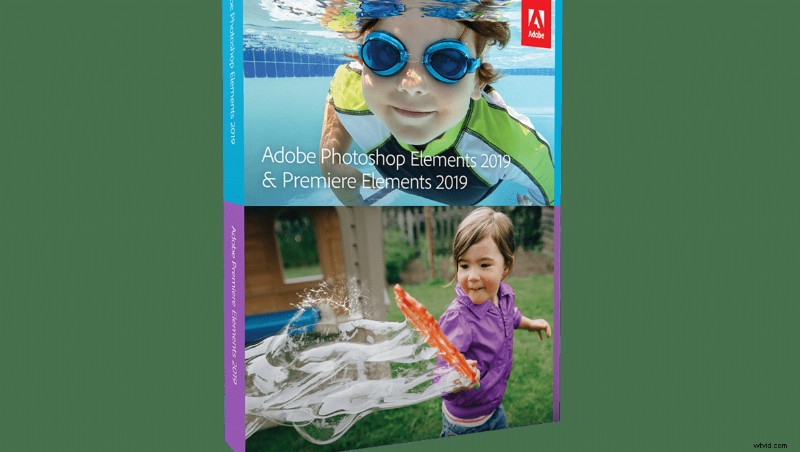
Adobe recently released their latest versions of both Photoshop Elements and Premiere Elements, which are entry-level versions of Photoshop and Premiere Pro. As expected, the 2019 photo and video editing versions have received a few upgrades.
Photoshop Elements users will now be greeted with a customizable home screen, the ability to edit HEIF images on macOS, and four new guided edits, now totaling 53. The new guided edits include: multi-photo text, which is essentially images inside text, memes, text and border overlays, and the ability to turn part of your image into a sketch. Adobe has also upgraded the software to include Adobe Sensei AI technology, which provides users with an automated slideshow of their most memorable moments upon opening the software.

Premiere Elements now features a new quick edit mode called Auto Extract, which is capable of finding your best footage automatically. The 2019 version also provides two new Quick Edits: glass pane effects and a Luma fade transition for a total of 20 Quick Edits. The glass pane effect "add[s] a video overlay to create a sleek wipe that makes it look like the action in your scene is taking place behind glass," while the Luma fade, "create[s] a dramatic scene transition by fading in the colors from darkest to lightest." The software is now capable of supporting VFR, the import and edit of HEIF images, as well as HEVC video (on macOS 10.13 and above).

Adobe claims both programs now boast faster download and installation speeds, as well as better editing performance.
You can purchase each product separately for $99.99, or as a bundle for $149.99.