
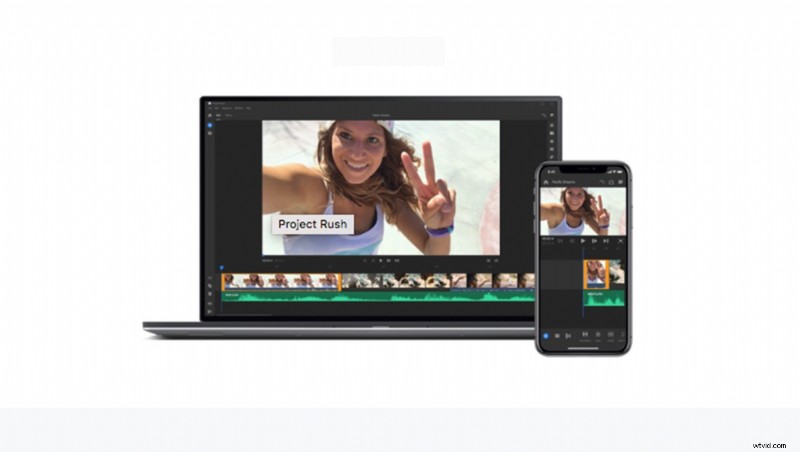
Adobe has realized the need to make video editing easier than it is with Premiere, After Effects, and the like. And they've now created Project Rush, a way to edit in the cloud using your desktop computer, phone, or tablet.
Adobe is trying to allow us content creators, photographers, and anyone in the non-video specific industries to produce videos we can share on social platforms using one app that syncs to the cloud.
It's also taking into consideration that we're professionals who don't want to upload amateur videos, so it includes things like brilliant titles and motion graphic templates in the app, and it really is quite easy to use.

What Excites Me
Video editing is a specific niche which often takes too much time as a photographer, although we all watch YouTube tutorials or BTS videos as part of being in the profession. It's a great way to show you know what you're talking about and how you go about working with clients. If Project Rush looks perfectly poised to remove the technical aspects of video production, make it quicker to create videos, and make it easy to showcase your work using video — all while on the go.

When Will It Go Live?
Adobe promises Project Rush will go live towards the end of the year, but a specific date has not been confirmed. It will form part of the Creative Cloud subscription and will also be available as a stand-alone app. If you want to enroll for the release of the beta, you can do so by following this link.