
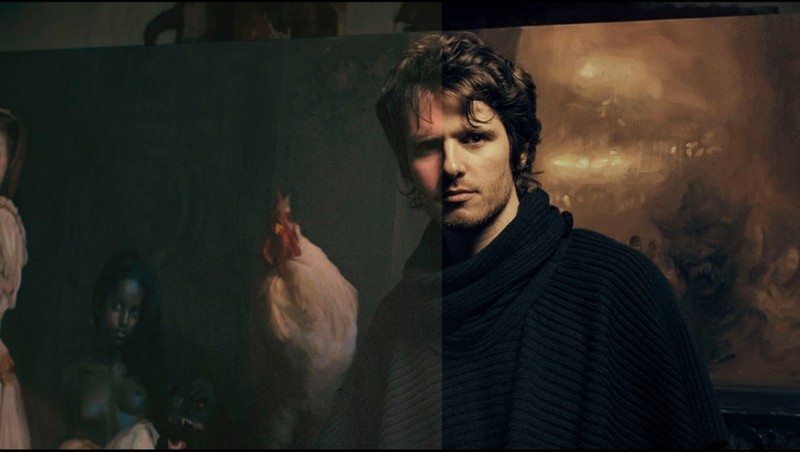
You want your pictures and videos to look like Oscar movies, but you’re not sure how to do that? Lutify.me has got you covered with its latest update adding nine LUTs and presets inspired by famous awarded movies.
A few months ago, I wrote a review about the Lutify.me LUTs and presets. But for those of you who missed it, it’s a collection of LUTs that’s also available as presets for Lightroom and Capture One. So no matter what software or combination of apps you use for processing your pictures and videos, with Lutify it’s easier than ever to keep the color grading uniform across your content. No need to try and recreate a LUT you liked, or a preset you have created to make it work in another app.
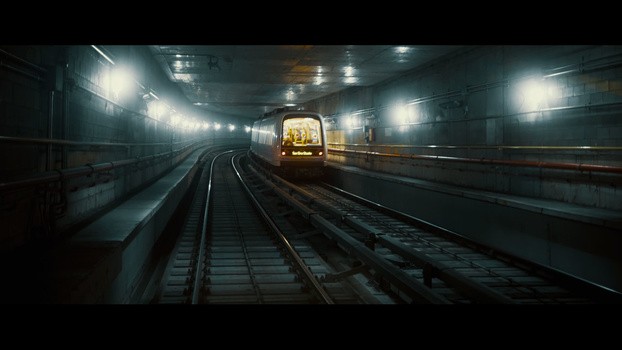
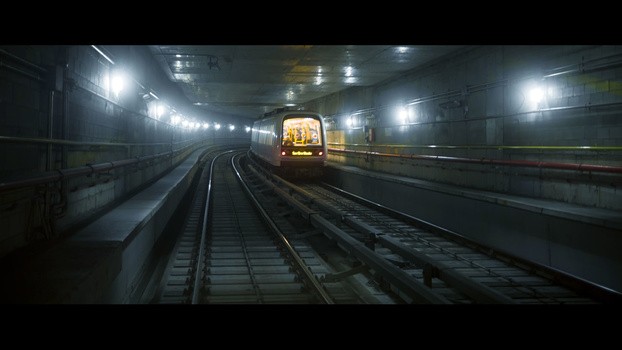
Lutify was already offering a few LUTs inspired by well-known movies, but the list was quite short. Today, they released an update to their Movies Inspired collection, and it comes with nine new styles, bringing the total of LUTs to 213. The new grades inspired by the following movies:
- Blade Runner 2049
- Call me by Your Name
- Darkest Hour
- Get Out
- Lady Bird
- Phantom Thread
- The Post
- The Shape of Water
- Three Billboards Outside Ebbing Missouri
All of these are available with the Professional package, and a limited choice with the Standard and Basic package. But, as a photographer, if you want to get the Capture One or Lightroom presets, the Professional one is a no-brainer anyway. In any case, these new styles look great — I’ve just tried them before writing this article — and will make anyone looking to give their images a cinema feel happy.
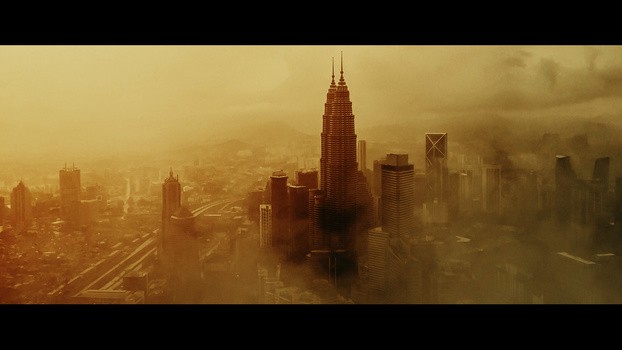
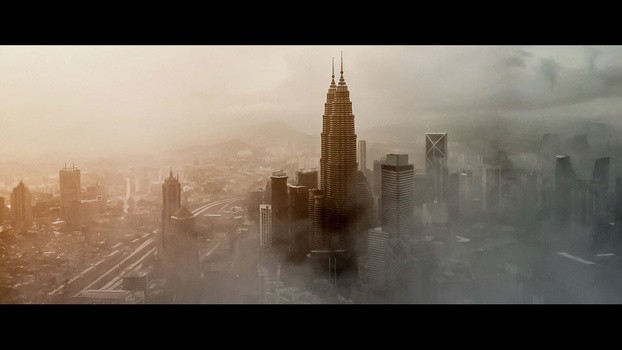
For more information regarding the new LUTs and the latest update, head over to the Lutify.me blog. Furthermore, if you want to see before and after images as well as details for when each LUT works best, visit the Movies Inspired collection page.
Lead image via Lutify.me.