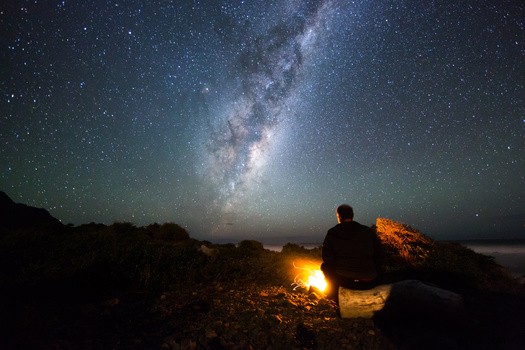
The Syrp Genie caught everyone's attention with its contemporary design and advanced automation features that made it a time-lapse photographer's best tool in the field. Today, photographer Mark Gee shares tips on how to set up and use the Genie while offering a few great suggestions that apply to all methods of landscape photography, from what apps he uses on his phone to help him plan every shot to how to edit for final output. Need to shoot a time-lapse soon? Whether you're experienced or just starting, there's undoubtedly something in here for you.
Gee is a landscape and time-lapse photographer/videographer based out of New Zealand, so it's no surprise he has plenty of fantastic content for us to gawk at throughout the video. You don't have to use these tools to shoot great time-lapse videos, but you'll want to once you start watching. Thankfully, a lot of the items mentioned are relatively low-cost apps and desktop applications (like Lightroom) that you likely already have. Gee used a Canon 6D, Canon 14mm f/2.8L, and the Syrp Genie Epic Kit including the Syrp Magic Carpet Slider, Syrp Ballhead, and Syrp Genie. Notably, there are a lot of great Canon deals, and even some of Syrp's most popular products are on sale at B&H or directly through Syrp today only. While there is certainly some time-lapse-specific gear in this list, it's clear that you can be ready to shoot the most professional time-lapse with a relatively stripped-down kit.
If you're interested in adding just a small, fluid panning movement to your shots, check out the Genie Mini, which allows for panning and can be doubled up with additional accessories (including with the Syrp Genie) for more complicated movements:
If you already have an editing workflow that you know you prefer and will never leave, it's easy to watch the first half of the video for the shoot setup while leaving the last editing half, and vice versa. Either way, with the video coming in at almost 30 minutes, you can be sure you'll get everything you'll need from it.
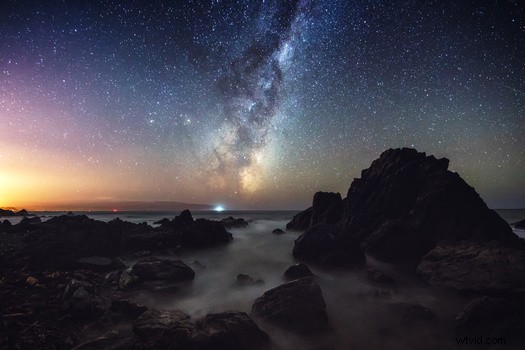
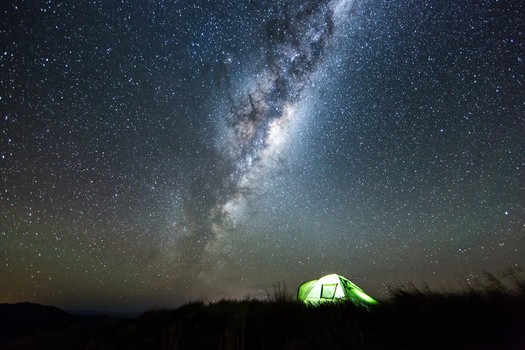
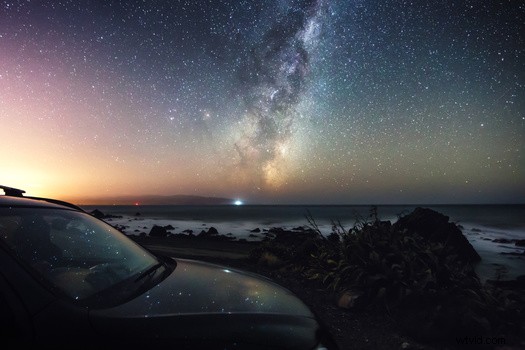
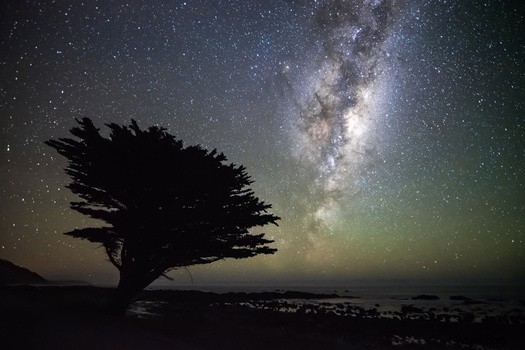
Meanwhile, enjoy some of Gee's images below, and feel free to share some of your time-lapse videos in the comments!