
When you add distortion to your video, it quickly makes your video look great. Earlier, the motion designers used to create video distortions in After Effects with their hands. But in recent times, you can turn to several tools in order to create distortion effects in videos. Do you want to use distort video easily? No need to go to After Effects to create distortion effect. Here are some great video distortion templates to use for making special and interesting videos.
1. Dojo Glitch Script
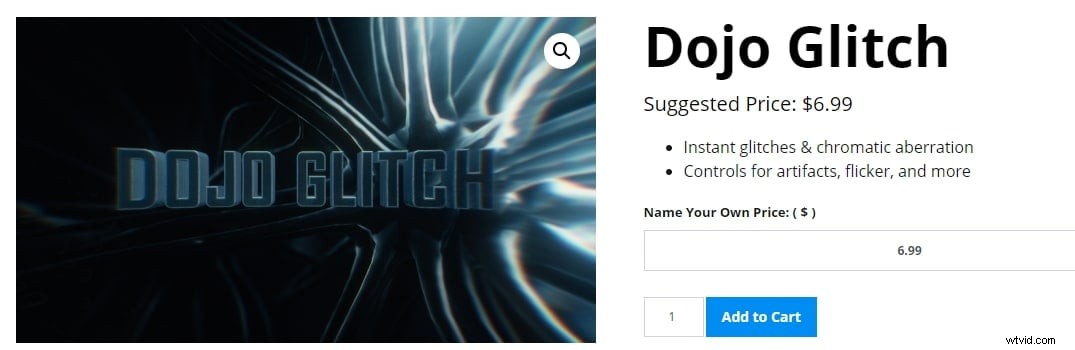
Dojo Glitch Script is one of the best video distortion tools that can create an immediate glitch in the video within After Effects. You can easily create chromatic aberration and split the RGB channels, add flickering, control the amount and glitch frequency, glitch many layers at one go, add digital artefacts with digital distribution, and more. You can use Adobe After Effects to make heat distortation if you like to have a try.
2. Twitch
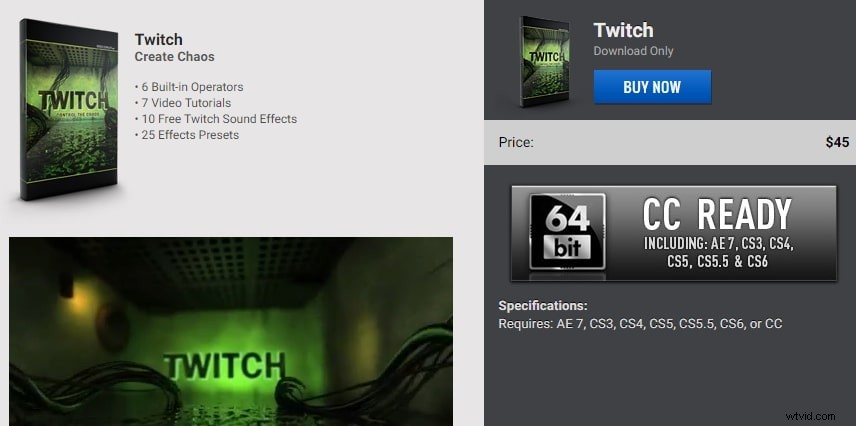
An After Effects plug in, Twitch harmonizes random video creators to make artistic video effects for motion graphics and visual effects. It is only available via download and you can find several other additional contents like tutorials and Sound FX along with the primary download.
3. HOLOMATRIX II
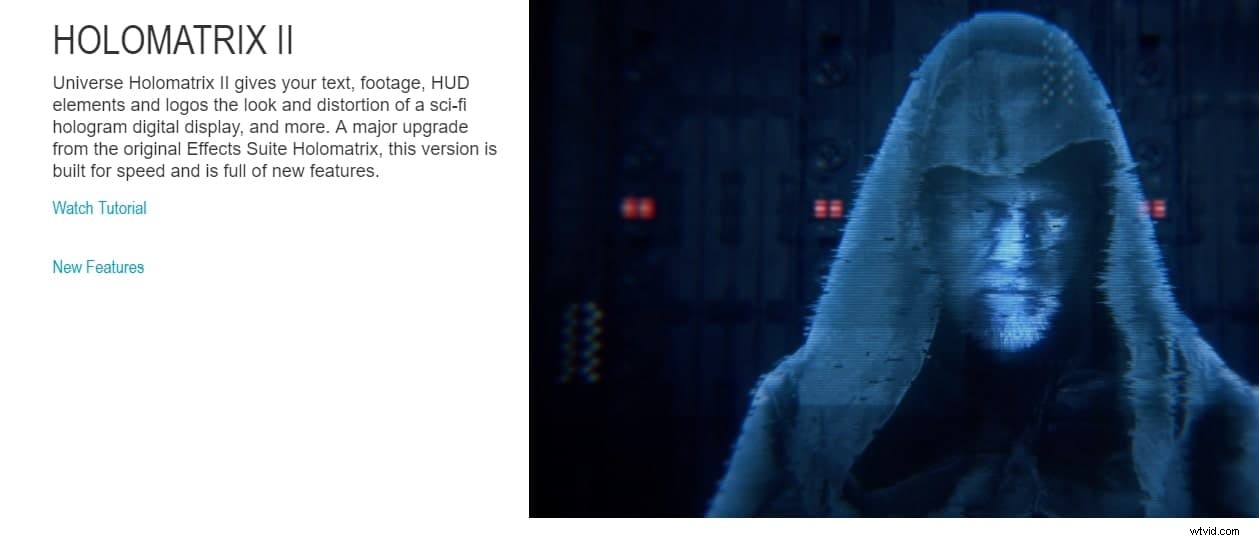
Creating video distortions with HOLOMATRIX II is a treat for the users and the outcome is a treat for the viewers. When you add this effect to your video, it gives your footage, text, logos, and HUD elements the distortion and looks of a sci-fi hologram digital display, and more. You can find several features like built in animation pre-sets that allow you to create great distortions in videos.
4. Glitch
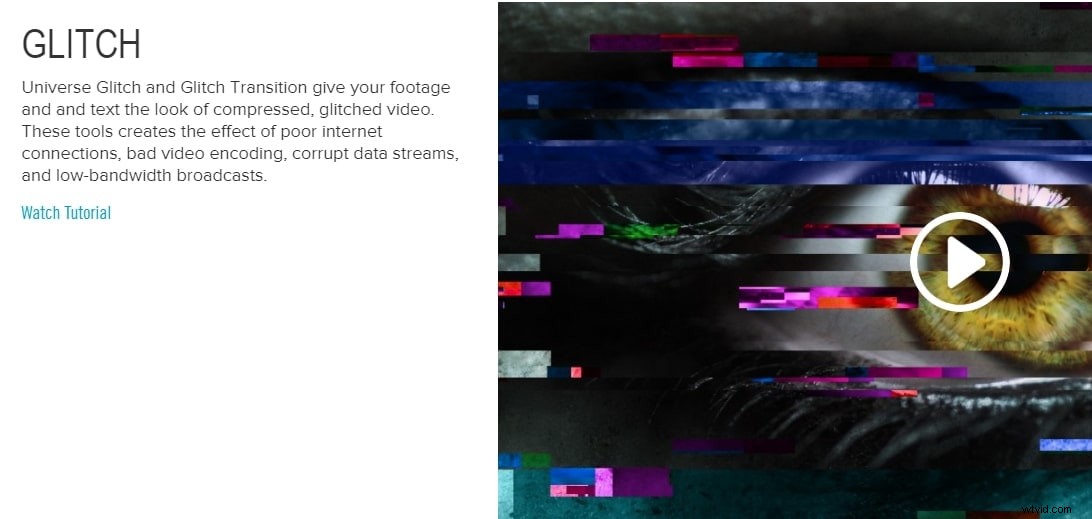
If you want a compressed glitched video look, turn to Glitch video distortion tool. From creating poor internet connection look and bad video encoding to giving low-bandwidth broadcasts and corrupting data streams, a Glitch is an amazing tool for video distortions. This tool also lets you create a tense logo and text treatments. You may also create motion graphics an unbalanced frenetic look. You can create minor or extreme damage look as the settings are keyframable.
You may also like : How to Add Glitch Effects to Videos without Downloading Plugins
5. Glitch Halo
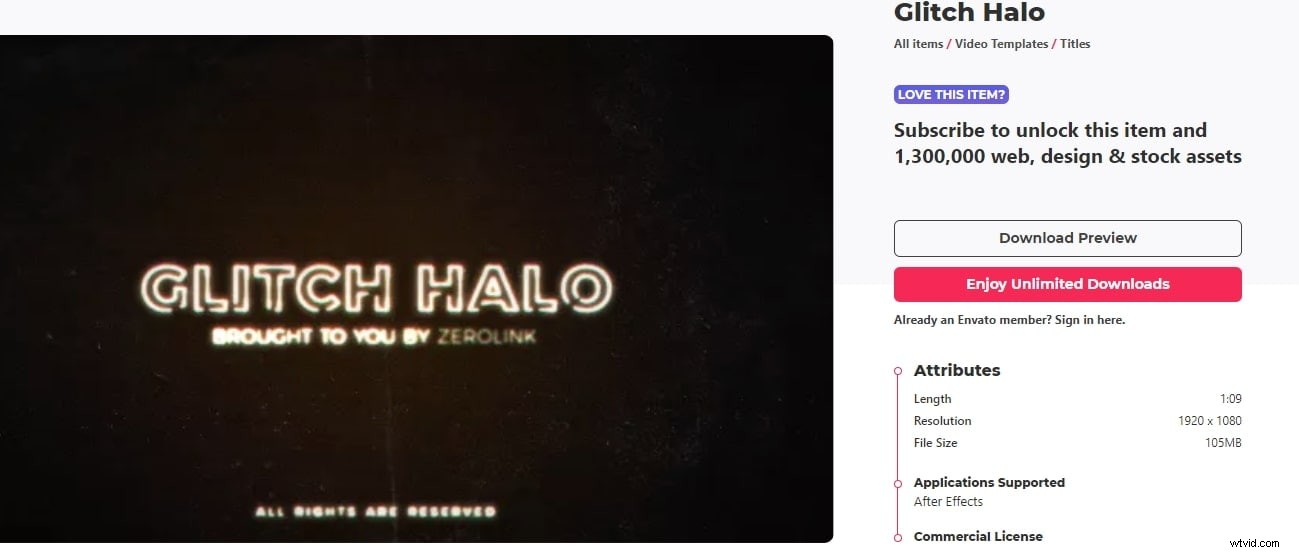
Glitch Halo is a great tool for video distortion that supports After Effects. It doesn’t require any separate plugins and works with AE CS6 and above. You may use any font you want and this tool includes video tutorials. With 1920x1080 HD resolutions, it works with any language in After Effects. You can subscribe to this tool and unlock 1,200,000 web, design & stock assets. This After Effects template is easy to use and offers a cinematic and retro glitch effect.
6. Media Opener
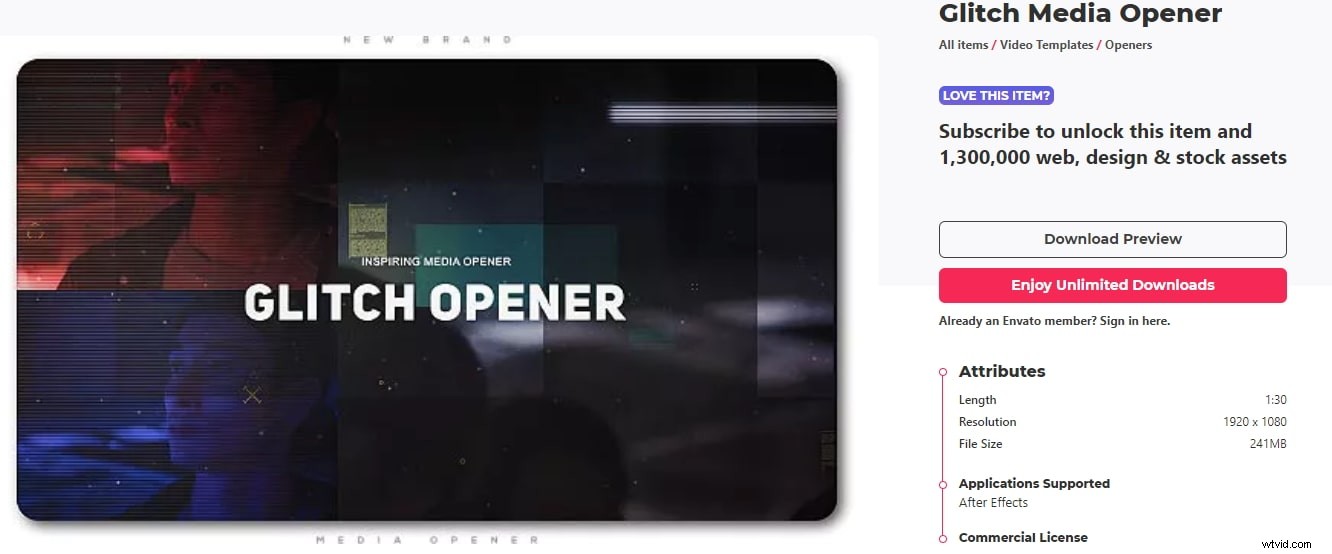
Glitch Media Opener is an effect template in After Effects that allows you to create a dynamic and grunge glitch. It is a modern and sporty media opener that is clean and simple, easy to use After Effects video distortion template. It will definitely spice up your video production.
7. Auto Generation and Typing
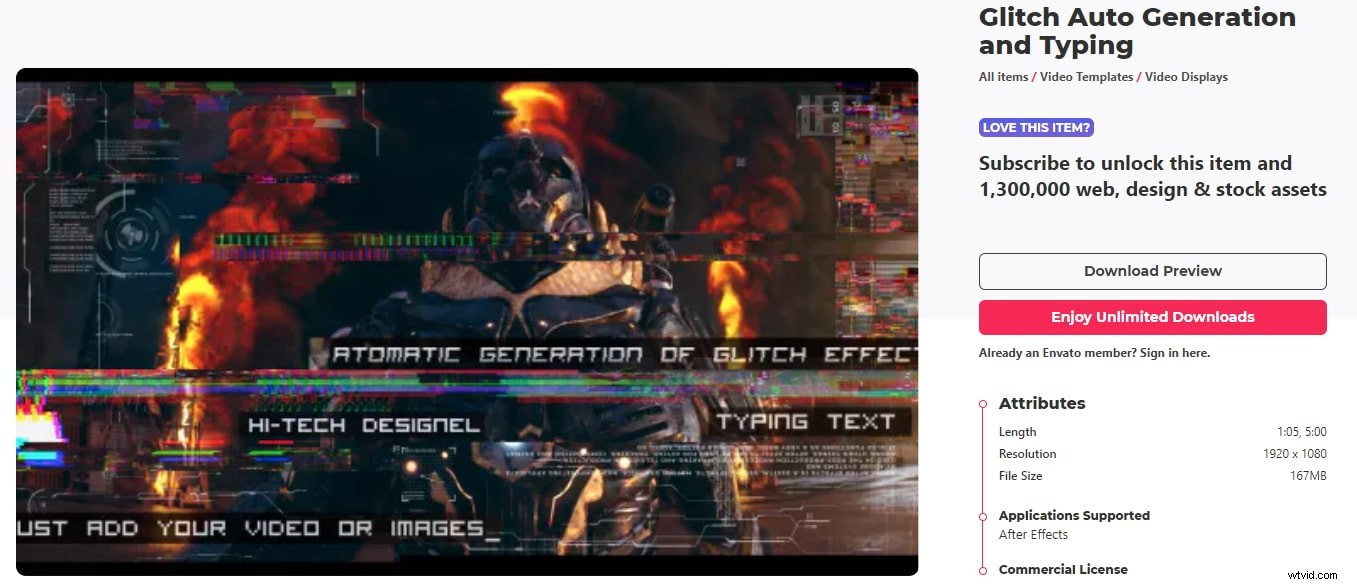
Auto Generation and Typing is an easily customizable video distortion After Effect template. You just need to add your image or video, set the glitch effect amount, personalize your text, and you are done. The sound effects are already included and it doesn’t need any plugins.
8. Corruption
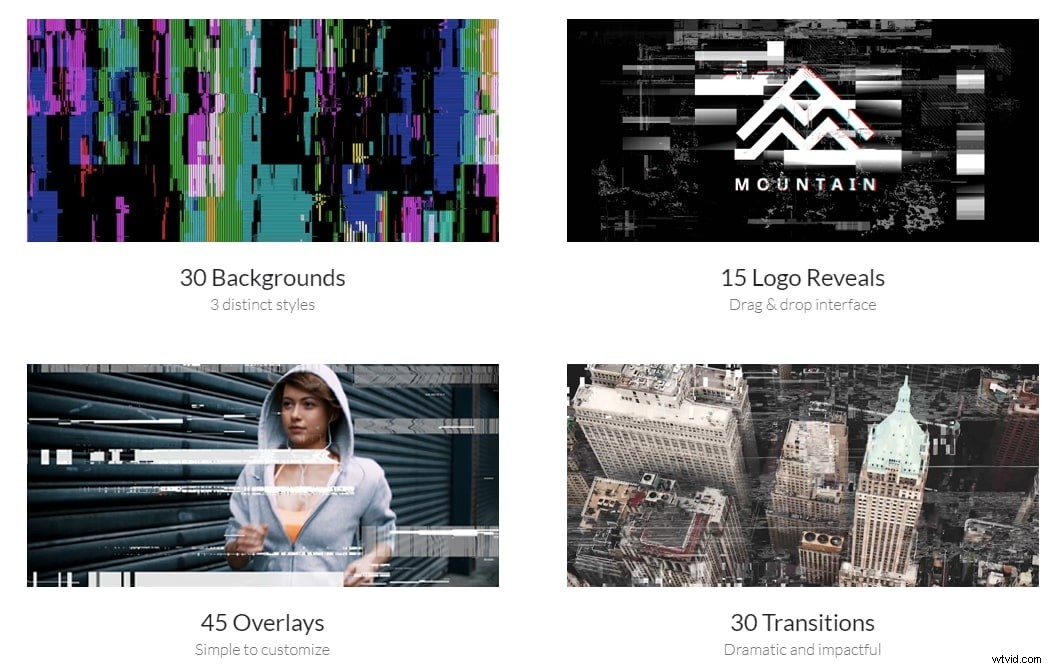
It is undoubtedly a cool and corrupt effect tool with gritty overlays, corrupted transitions, distorted logo reveals, and more. You can give a distorted signal look easily with the Corruption video distortion tool. It offers a 4K resolution, 20 glitchy SFX, and analog, digital and Sci-fi styles.
Conclusion
Now, make your videos interesting and completely suitable with the look and feel that it requires. The above video distortion tools can give your videos all the spooky, weird, glitch, and distorted look you have ever wanted to make your videos interesting.
Go on to read more about how to distort audio.