
Video calling software or open source conference software is easy-to-use on phone or PC. As the world goes a little stir crazy in self-isolation from Covid-19, it has become more and more apparent that online video calls are a great way to keep in touch. Talk with your friends and family using free video calls online, without even risking putting any bacteria from your phone against your face. In this article, you will learn 10 online free video call software.
Best Free Online Video Call to Use
1. Videolink2me Video Calling
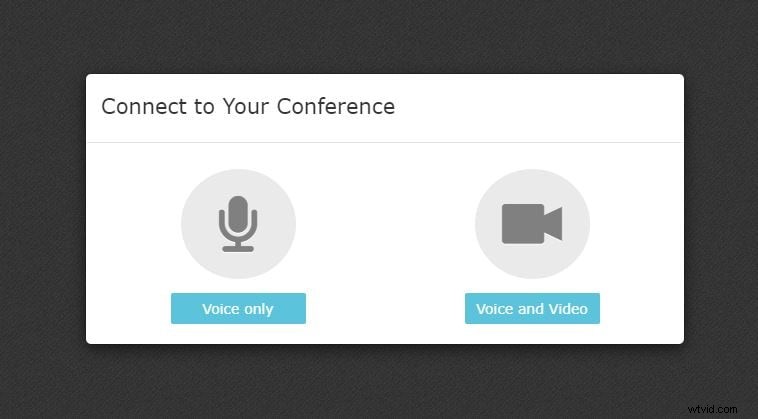
One way to get by the Covid-19 blues is with Videolink2me. This nifty piece of software lets you work from home, as well as allowing you to keep in regular contact with friends and family. You can schedule appointments, import contacts and even work with a shared screen without any additional plugins.
Favored Features of Videolink2me:
- Shared screen mode alongside appointment scheduler and contact integration allows for a good video workspace.
- Automatically invites anyone you want to have a conversation with.
- You can use it in minutes with no prior setup needed.
You may also like: 10 Best Video Calling Software on Phone and PC
2. Linkello Video Call Software
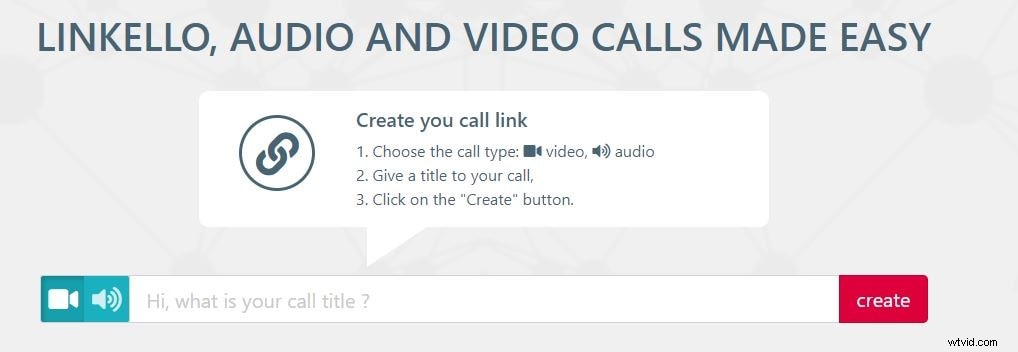
Linkello allows you to make both video and audio calls with your loved ones, while you are in self-isolation. Safely call from a distance to check on a relative by creating a call link, securely transferring information and files, and staying in each other’s lives without leaving the house.
Favored Features of Linkello:
- Audio or video chat in secure links.
- Create and name your own chat stream, invite non-members with a click.
- Screen sharing is possible, so you could use Linkello to work from home.
3. Slack – Video Conferencing for Work
If Covid-19 has you stuck indoors, working from home and trying not to turn your living room into your new office – then Slack is the online video call suite that you need. It’s easy to use, doesn’t take any special training, and works with a few short clicks. You can even screen share to pass messages to one another.
Favored Features of Slack:
- It lets you keep your office at the office, easily taking calls from your home laptop without being pressured by gimmicks.
- The screen share is exemplary… and we don’t use that word lightly.
- It’s easy to set up… so if there is a technophobe at the office, this is your best bet.

4. Roundee – A Business Online Video Call App
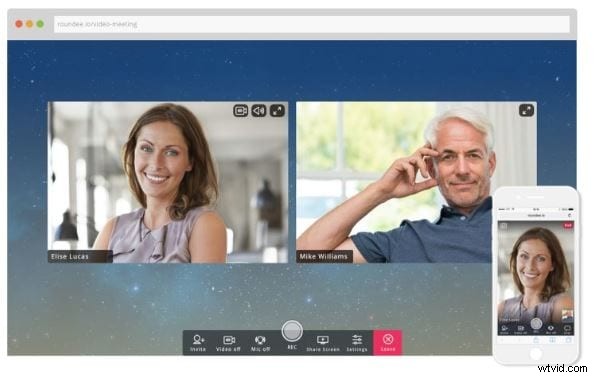
If you want to try something fresh,, new, and with a youthful perspective on things, then Roundee.io have the answers. They offer great features like multi-group chat, cloud recording, and screen sharing. Unfortunately, they don’t work with all browsers. If your PC is still in safe mode running Edge, then Roundee won’t work.
Favored Features of Roundee:
- Instant set up and access as long as you don’t use Edge browser.
- Browser based meetings that can continue as you work.
- Very much business orientated.
5. Google Duo Online Video Calling
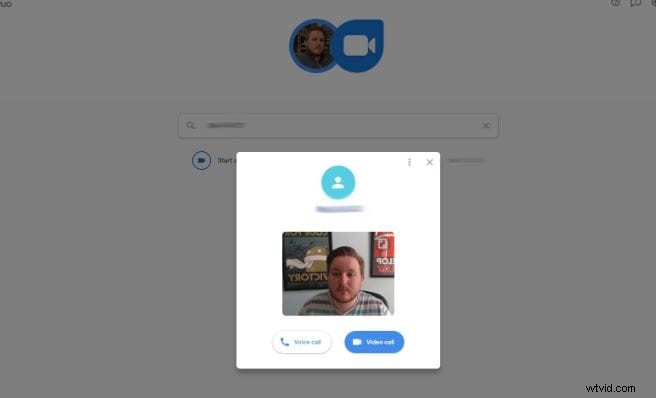
Obviously, one of the best things about Duo is that it is made by Google. You have that reliable stability behind it. You know if you send an error report it will improve the system. Duo works with you PC to create a crystal clear free online video call platform so you can keep in touch.
Favored Features of Google Duo:
- It comes with Google clarity and workmanship.
- Works across all devices so you can call a mobile from a laptop.
- Lets you group with 8 people and gives caller ID.
6. The Zoom Free Video Call Online Suite
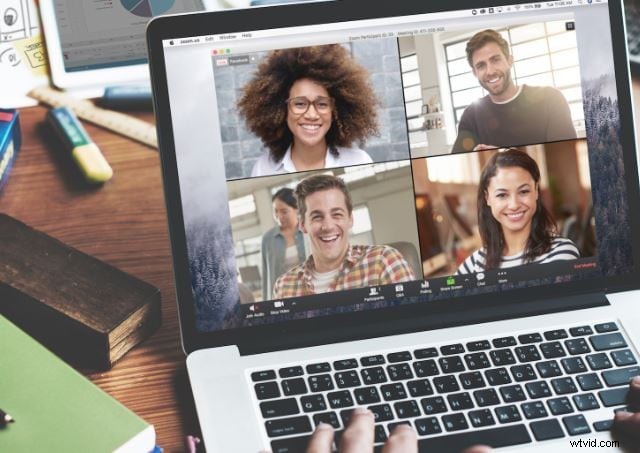
Zoom markets itself as a free video call online suite that allows businesses to connect to remote workers with minimal fuss. It’s free to sign up for, allows you to co-schedule and book meetings, and uses a single tool for navigation. It’s a complex system with simple instructions.
Favored Features of Zoom:
- Team chat for business with no extra training required.
- You can fit up to 100 participants into the team chat.
- HD audio and Video with low bandwidth compatibility.
7. Skype
Easily one of the best known names in online video calling software; Skype has been a market leader for some years now. The quality doesn’t always hit the nail on the head, but you can get a hold of anyone, no matter where in the world they are! If you want to record Skype video call, here are the steps to record video and audio calls on different platforms.
Favored Features of Skype:
- Skype were the trail blazers for free video call online work.
- Works browser to browser, or to mobile, or to any other device…
- Online Video Call software downloadable to your mobile phone as an app.

8. WeChat
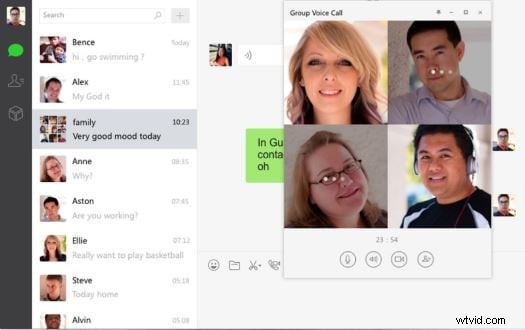
Available in both the App Store and the Android markets, a billion or more people have already downloaded WeChat to get in touch with the younger generation. What Skype was to Millennials, WeChat is to Gen Z. It can be used multiple ways and on all platforms.
Favored Features of WeChat:
- Simple to set up and find your friends on.
- Free voice and video calls and the ability to share on your moment’s timeline.
- Stickers, GIFs, this is like the free online video call social media app you never knew you wanted till now.
9. Messenger – the MSN Free Video Call Software
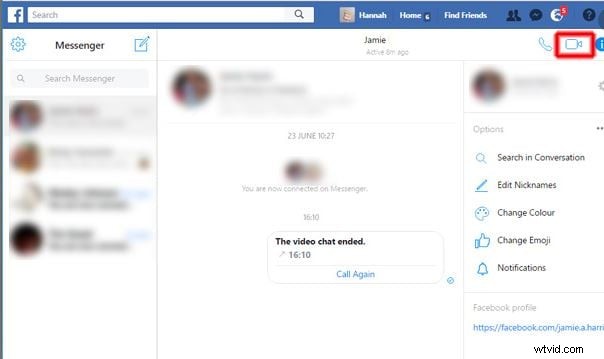
Once known as MSN, back-in-the-day, this is one of the first online chat systems that existed. Messenger has evolved from Microsoft’s original chat forums and survives to this day as one of the best ways to keep in touch long distance.
Favored Features of Messenger:
- Free day-to-day chatting with no ads.
- Nobody ever asks you for money.
- Best used for friends, family, and Facebook/
10. WhatsApp
While WhatsApp score highly as a communications App, their video calling software needs a little polishing. It isn’t bad, it is just being outshone by some of the other names on our list. WhatsApp, however, is the one you are most likely to have on your phone already!
Favored Features of WhatsApp:
- Many people use it because it is informal and very secure… you are less likely to have messages hacked.
- WhatsApp video quality is very good, they also offer a few filters to make you prettier.
- It’s simple to set up and easy to use. Also comes as a mobile app.

Conclusion
While Covid-19 has you trapped at home, why not give video calling a try? It’s fast, it’s free, and it means you save a fortune on your phone bill. Who uses landlines anymore… are we right? It’s time to go digital.