
In this video, we’re going to look at ten popular After Effects plugins you can use to create glitch effects!
Glitch effects are more popular than ever, but it can sometimes be difficult to discover how to create a specific glitch effect. (Especially if you don’t know what the glitch effect is called!)
In this video, we’re going to highlight ten different After Effects glitch plugins. We’ll preview each glitch effect, so you can find what you’re looking for on this list.
1. AE Pixel Sorter 2
AE Pixel Sorter 2 allows you to create a variety of pixel sorting effects. It’s great for quick glitch transitions and offers plenty of customization. It’s also simple to use, with most of the effect being controlled by a single “Threshold” setting.
2. Datamosh 2
Datamosh 2 allows you to create datamosh effects directly inside of After Effects. Datamoshing has become quite popular in music videos. It causes the pixels of a video to melt or glitch together in a strangely organic way.
If you want to know more about datamoshing, check out Datamoshing 101: How to Make Your Footage Look Trippy.
3. Signal
Signal emulates an analog television transmission. This gives your video a cool “90’s TV” look. The plugin has a ton of fine detail settings, so you can dial in the custom look you want.
It even has things like VHS tracking static and a “Destruction button,” if you want to get extra trippy.
4. Slitscan
The plugin Slitscan creates a digital slitscan effect on video footage. This results in some awesome time displacement visuals.
The effect that Slitscan creates can be difficult to describe, but I like to compare it to the effect of moving your hand across a scanner. You can also use it on photos for some unique pixel effects.
5. Modulation
Modulation creates a digital “waveform” effect on your footage. It can give your footage the look of a “retro video transmission.” It’s great for revealing images, or combining with other effects, like glows.
Check out our video tutorial on How to Use the After Effects Plugin Modulation.
6. Twitch
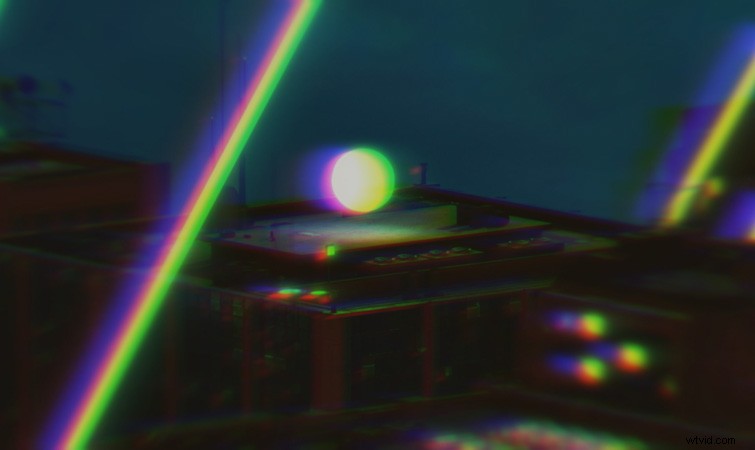
The next glitch plugin is a classic: Twitch from Video Copilot. Twitch allows you to easily glitch out six different settings on your footage. Easily create glitched animations using operators like Blur, Scale, and Slide, which features a distinct RGB split effect.
7. Data Glitch 2
Data Glitch 2 creates a variety of digital glitch effects on your footage. It reminds me a lot of glitch effects you’d see on mini-dv tapes.
The plugin features several different parameters you can adjust. You can easily change the percentage of which type of glitch you want to appear—perfect for really scrambling up your footage.
8. Bad TV
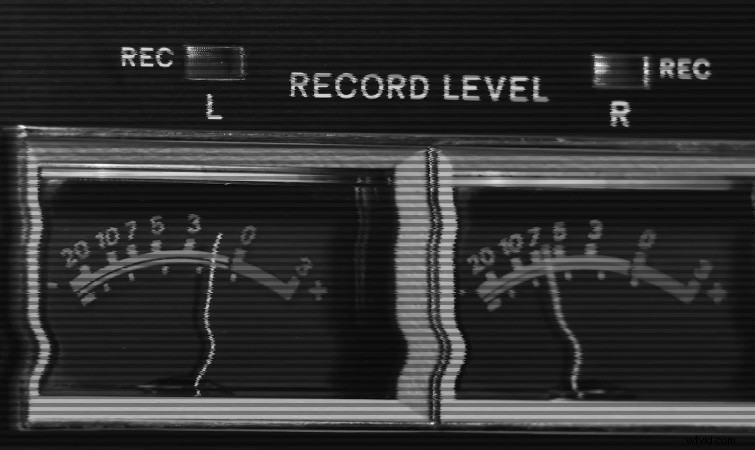
Bad TV creates all of the typical TV and monitor glitch effects you’d want. Effects like TV distortion, tape wrinkles, and scanlines. It’s handy to use in combination with other glitch effects.
It can also save you a lot of time because it renders so much faster than the TV presets built into After Effects.
9. Displacer Pro
Displacer Pro is a free plugin from Plugin Everything. It creates some stellar displacement effects. It’s described as a juiced-up version of the displacement effect built into After Effects, and features scale and rotation effects, as well as chromatic aberration.
10. Quick Chromatic Aberration 2
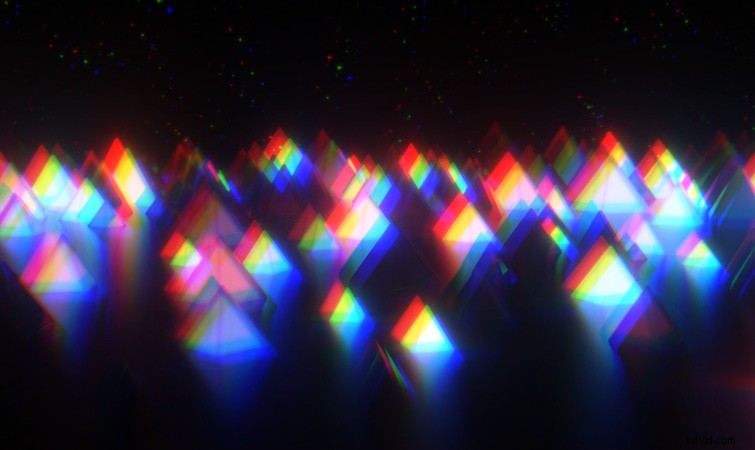
Quick Chromatic Aberration 2 is another free plugin from Plugin Everything. Besides chromatic effects, you can also use it for creating RGB split effects on your footage. Just crank up the position, rotation, and scale settings.
Bonus: Glitch Freebies and Tutorials
Need even more glitch effects? Check out our video tutorial for creating a Video Conference Call Glitch Effect in After Effects. No plugins required!
Need sound effects? You can also grab 10 Free Glitch Sound Effects from RocketStock. These FREE glitch sound effects are a small sample of those found in the Corruption distortion pack, which features 120 4K elements!
Interested in the royalty-free tracks we used to make this video? Give them another listen:
- “Sakura Dragon” by Hybridas
- “Start New Game” by Montee