
Download 21 FREE 4K fog overlays, perfect to use on footage or with motion graphics. From eerie vibes to beautiful atmospheres, this pack has it all.
PremiumBeat has bundled up 21 free 4K fog overlays for you to use in your videos and graphics. These overlays were all shot in a controlled studio environment and captured organically with real fog and haze. Download them now for your next video!
Featuring the song “The Future is Here” by Big Score Audio, and footage from Shutterstock.
Download the 21 Free 4K Fog Overlays
To download these free overlays, simply click the button below. These fog overlays are free to use in any personal or commercial projects. By downloading, you agree not to resell or redistribute these free assets.
DOWNLOAD 21 FREE 4K FOG OVERLAYS
Using the 21 Free 4K Fog Overlays
Ready to add some fog overlays to your footage? Follow along with these steps for After Effects, Premiere Pro, and FCPX. Even though we are only covering these programs, the fog overlays are compatible with other NLEs.
Click the button above to download the pack of 4K overlays. Note that they are 4K, so it may take a while to download based on your internet speed.
Once you’ve downloaded the pack, unzip the folder. There you will then see the PB – Free Fog Overlays folder. Inside you will find the 21 free fog overlays and the license. By downloading, you agree not to repackage or redistribute these free assets (though you can use them in your personal and commercial projects).
Adding Free Fog Overlays in After Effects
1. Open your After Effects project.
2. Import the fog overlays.
3. Add the fog overlay of your choice to your composition. Be sure to layer the fog on top of any existing footage you want to use.
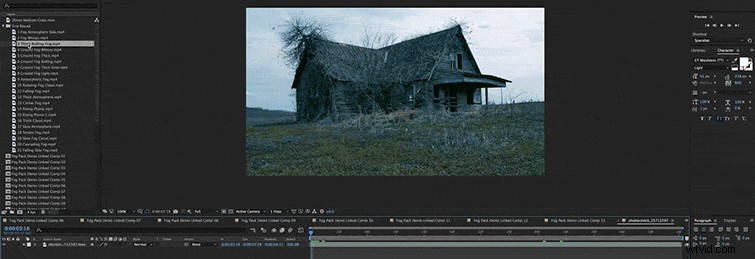
4. Scale the fog overlay to meet your needs.
5. Change the Mode of the fog overlay to Screen.

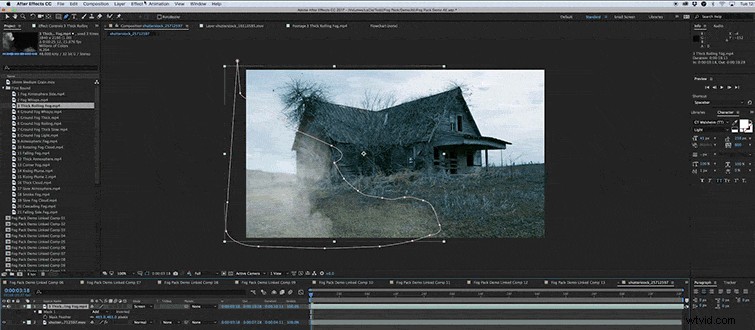
6. Use the Pen Tool (keyboard shortcut: G) to create a Mask around the portion you want to use. Feather the mask for the appropriate look.
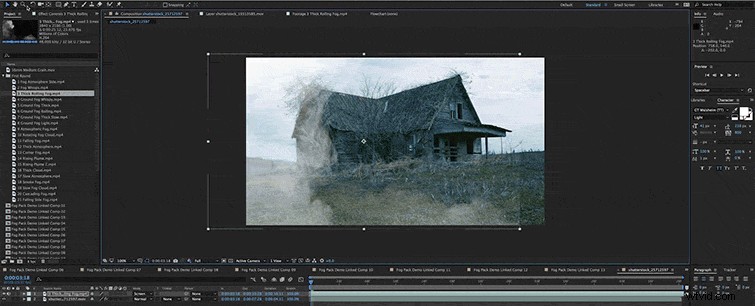
7. With the fog overlay selected click on Effect > Color Correction > Curves. Use the curves to color grade the fog to match your footage.
Adding Free Fog Overlays in Premiere Pro
1. Open your Premiere Pro project.
2. Import the fog overlays.
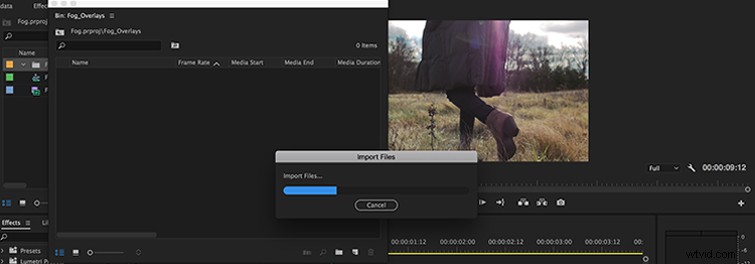
3. Add the fog overlay of your choice to your project timeline. Be sure to layer the fog on top of any existing footage you want to use. (If you are using these in a 1080p project or a sequence smaller than 4k, right-click the overlay in your timeline and select Scale to Frame Size.)
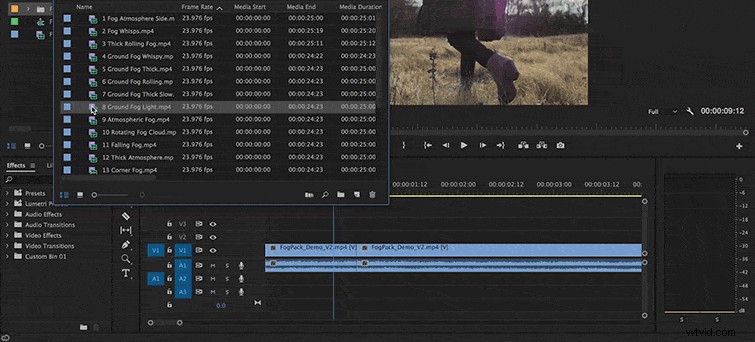
4. Go into the clip’s Effects Controls, and change the Blend Mode to Screen.
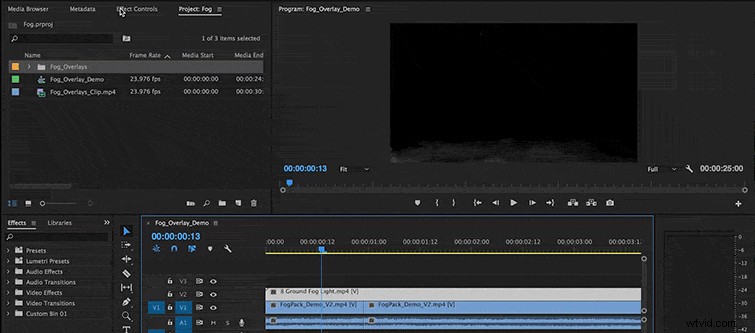
5. You can make further adjustments by changing the scale, position, and speed of the fog overlay. You can also use mattes and color grading for a more authentic look.
Adding Free Fog Overlays in Final Cut Pro X
1. Open your Final Cut Pro project.
2. Import the fog overlays.
3. Add the fog overlay of your choice to your project timeline. Be sure to layer the fog on top of any existing footage you want to use.
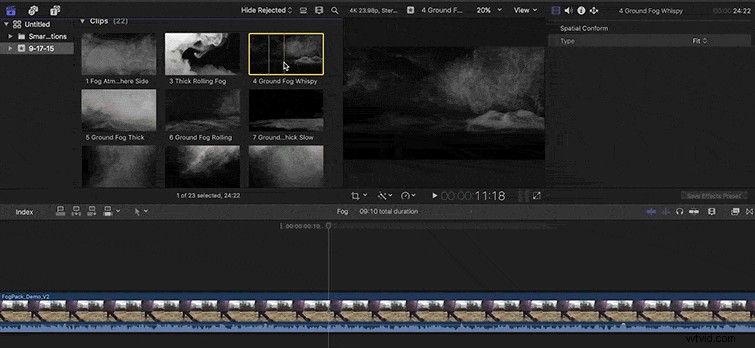
4. Go into the Inspector, and change the Blend Mode to Screen.
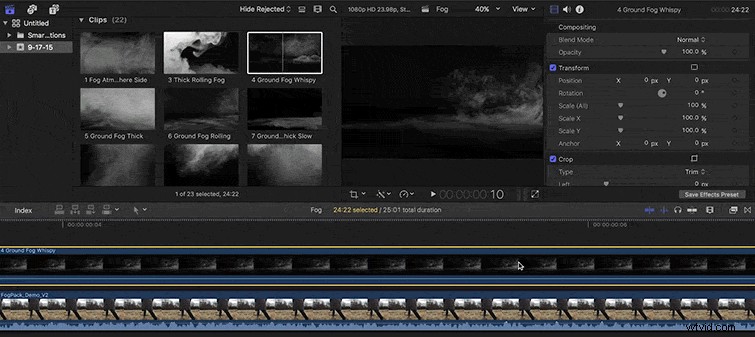
5. You can make further adjustments by changing the scale, position, opacity, and speed of the fog overlay. You can also use mattes and color grading for a more authentic look.
Bonus: 29 More Free Overlays from RocketStock
Want more free overlays? Check out this pack of 16 FREE Volumetric Light and Dust Overlays from RocketStock. Also, be sure to check out all of RocketStock’s monthly freebies. You’ll get free After Effects templates, and other overlays and video elements like 13 FREE 4K Light Leaks.
- 16 FREE Volumetric Light and Dust Overlays
- 6K FREE Fog Overlays from FilmBodega
- 13 FREE 4K Light Leaks
You can learn how to use overlays in this blend modes tutorial from PremiumBeat and RocketStock.