

Nov 18, 2025 • Proven solutions
When you’re gearing up for a business meeting, a polished presentation is your most powerful tool. A well‑structured slideshow not only communicates ideas with clarity but also establishes credibility and keeps your audience engaged. Below you’ll find a comprehensive guide covering everything from essential content to top‑rated templates, the best makers, and creative ideas that can elevate your next presentation.
- Part 1: What Should Be Included in a Business Presentation?
- Part 2: 15 Best Business Slideshow Templates and Examples
- Part 3: Top 4 Business Slideshow Makers for Every Need
- Part 4: Proven Ideas to Wow Your Audience
Part 1: What Should Be Included in a Business Presentation?
A strong business slideshow covers these core elements:
- Team Introduction
- Company Overview
- Industry Analysis
- Marketing Strategy
- Operations Strategy
- Financials & Forecasts
- Development Stage
- Capital Funding
- Executive Summary
Part 2: 15 Best Business Slideshow Templates and Examples
1. Business Proposal Presentation Template
Featuring 45 fully customizable slides, this template lets you swap text, images, and colors effortlessly, making it ideal for pitching new initiatives.
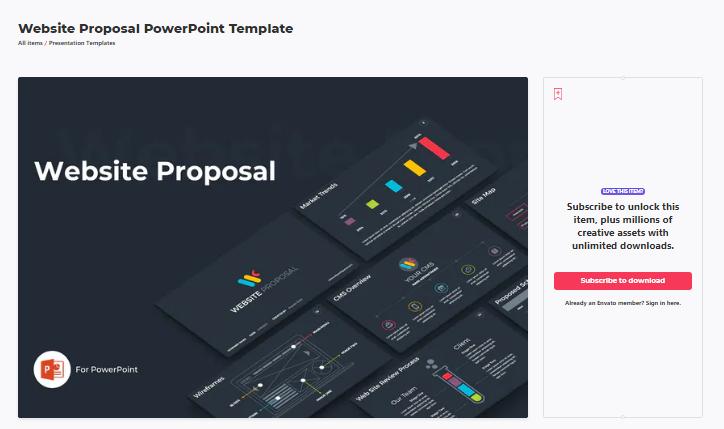
2. Website Proposal PowerPoint Template
Quickly deliver a polished proposal with editable images and data tailored to your client’s needs.
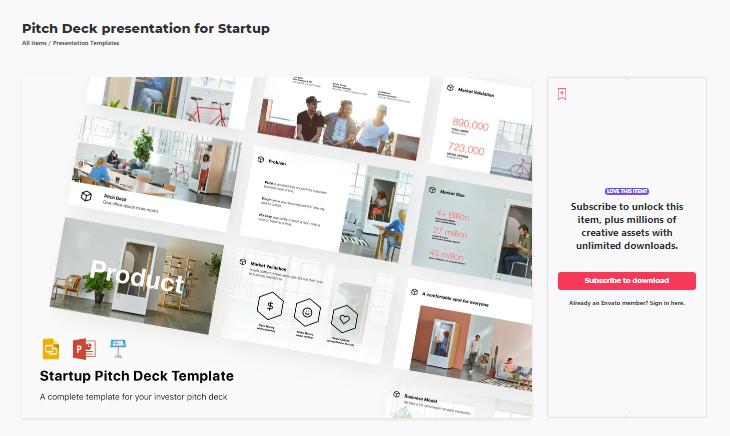
3. Pitch Deck Template
Craft a compelling pitch deck that showcases your company’s current stage and future vision. The design is professionally curated for impact.
4. Company Profile Google Slides Template
This template offers elegant, minimal layouts that work beautifully for a corporate portfolio or an executive overview.

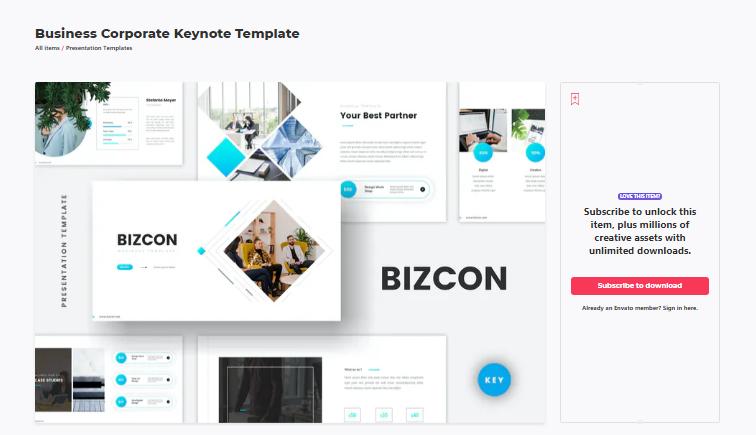
5. Business Corporate Keynote Template
With 30 widescreen slides, all graphics are resizable and can be dragged into place, giving you a polished look without extra effort.
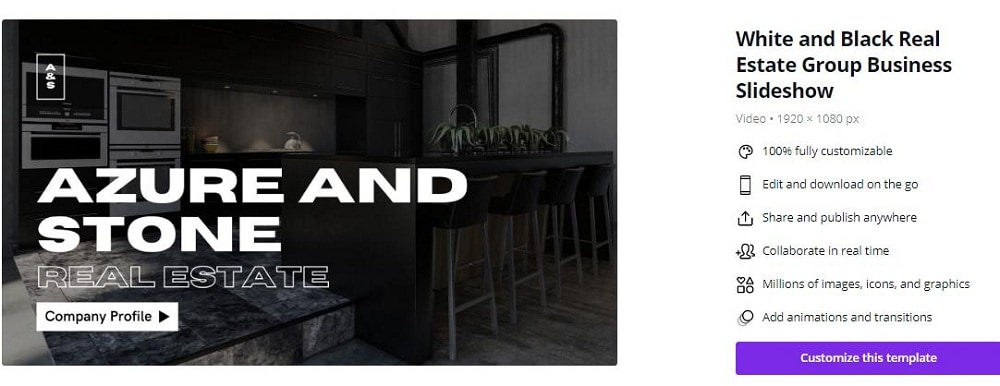
6. Real Estate Group Business Slideshow
Black‑and‑white design with 10 editable slides, tailored for real‑estate marketing and portfolio presentations.
7. Clean Informative Company Business Slideshow
Showcase roles and responsibilities clearly, a solid foundation for winning new projects.
8. Digital Project Report
Highlight the scope and outcomes of your projects in a clear, data‑driven format that speaks directly to stakeholders.
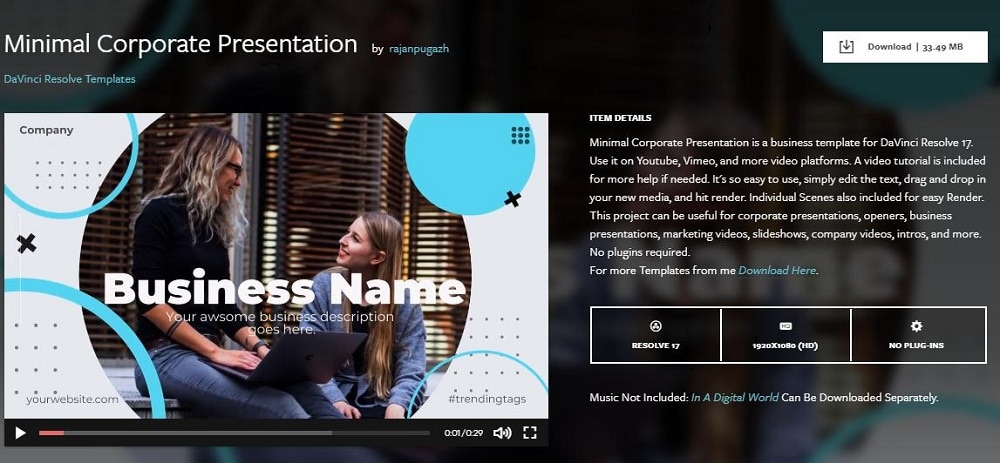
9. Minimal Corporate Presentation
Easy‑to‑edit text and drag‑and‑drop images make this template perfect for corporate decks.
10. Corporate Event Promo
Animate titles and overlays with editable assets to create a dynamic promo for upcoming corporate events.

11. Business Marketing Presentation Layout
Nine design variations with 1920 × 1080 resolution allow you to replace images and text seamlessly.
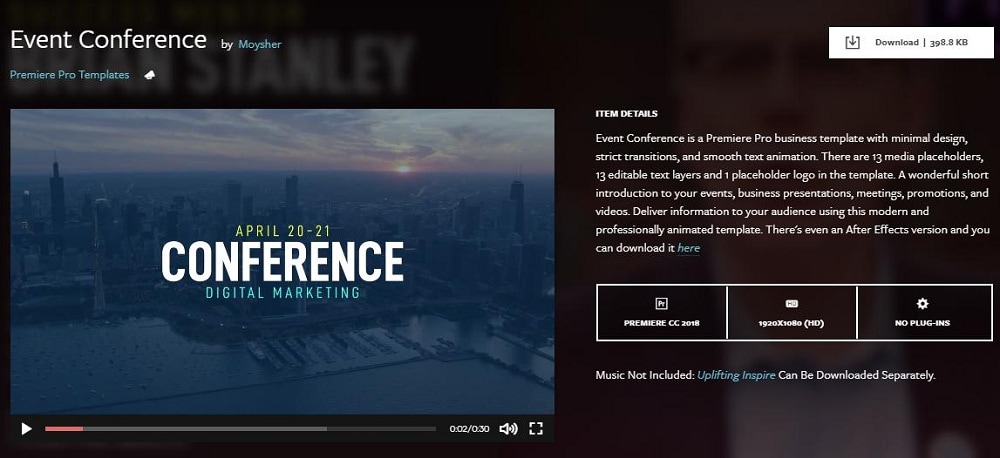
12. Event Conference
Promote international conferences with a slide deck that invites attendees and showcases speakers.
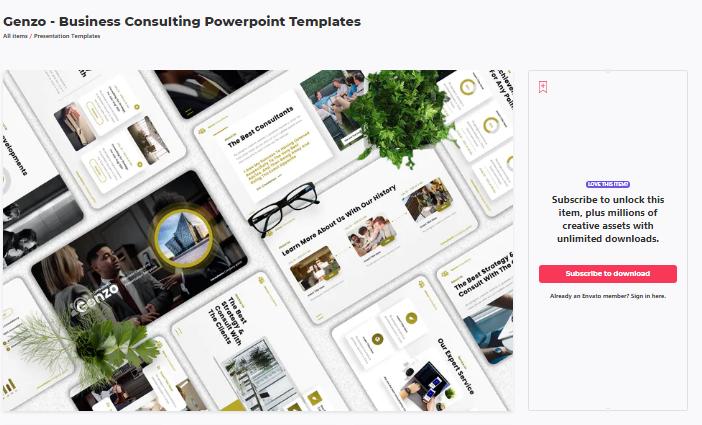
13. Business Consulting PowerPoint Templates
Professionally designed slides with editable graphics and color palettes tailored for consulting presentations.
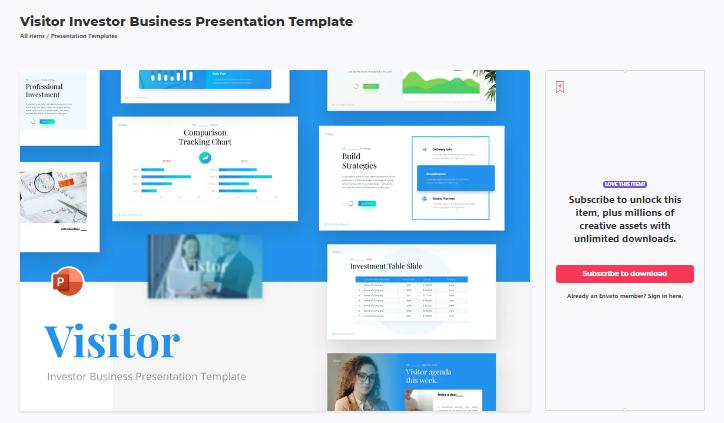
14. Investor Business Presentation Template
Dynamic charts, vectors, and varied slide layouts convey your company’s status to potential investors.
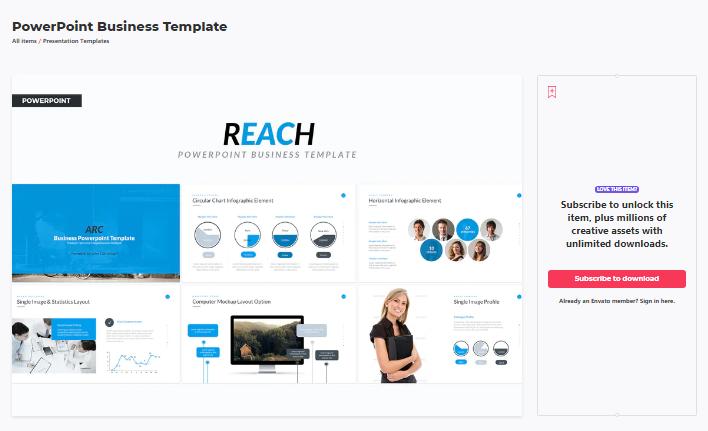
15. PowerPoint Business Template
Dual aspect ratios (4:3 & 16:9) make this template versatile for market reviews, product launches, and promotional decks.
Part 3: Top 4 Business Slideshow Makers for Every Need
Below are trusted tools that bring the templates to life.
1. Filmora Template Mode
Filmora’s user‑friendly interface means you don’t need advanced editing skills to build a compelling slideshow. Drag‑and‑drop images, video clips, text, and logos into pre‑made, fully customizable templates, and let the built‑in title styles highlight your products and services.


2. Visme
Visme delivers high‑impact templates for any business scenario. Replace chart data and infographics on the fly, and extend your decks to social‑media graphics and short animated videos—all on an intuitive platform.
3. Biteable
With built‑in stock footage and animation styles, Biteable lets you create polished business slideshows in minutes. Trusted by industry leaders such as Google, Disney, and Microsoft.
4. Google Slides
Google Slides offers a cloud‑based, collaborative environment. Choose from built‑in templates, embed videos, add transitions, and edit in real time with teammates through shared links.
Part 4: Proven Ideas to Wow Your Audience
Try these simple yet effective techniques when you design your slideshow.
1. Break It into Three Sections
Rather than dumping all information at once, structure your deck around three core themes. Keep transitions smooth and add subtle animations to reinforce each point.
2. Tell a Story
A narrative flow turns disparate facts into a cohesive story, making your message memorable.
3. Use Visuals
Convert key data into charts, graphs, or infographics so that complex figures become instantly understandable.
4. Highlight Key Points
Vary font styles, sizes, or colors to spotlight critical insights—such as revenue growth or market milestones—so they stand out in the viewer’s eye.
5. Add Background Music
Light background music can maintain engagement, especially during longer decks. Choose royalty‑free tracks that match the tone of your presentation.
Conclusion
With these templates, makers, and creative tactics, you’re equipped to craft a compelling business slideshow that captivates clients and opens doors to new opportunities.
Ollie Mattison
Ollie Mattison is a writer and a lover of all things video.
Follow @Ollie Mattison