You’ve spent time designing training content you’re proud to share with your team. You ask them to check the LMS and then… crickets. A few logins, completed a module or two, but not the kind of enthusiastic participation you were hoping for.
So what went wrong?
First, know that you’re not alone. Low employee participation in training programs is a widespread frustration. While it might be tempting to blame a lack of motivation, usually there’s more to it. Most employees want to learn and grow. What they don’t want is to feel as though they are wasting time on long, irrelevant meetings.
It’s time to build a training plan that employees not only show up for but actually get excited about.
Let’s explore the roadblocks to engagement and how to turn your training initiatives into learning experiences your team will actually look forward to.
Why employees might disengage from training
Employee disengagement doesn’t usually come from laziness. It’s about misalignment. When training programs don’t match what employees need or how they work, it becomes a burden instead of the benefit it should be.
Training feels disconnected from daily work
One of the quickest ways to lose employee engagement is to roll out a training program that is irrelevant to their actual responsibilities.
Training needs to be directly related to day-to-day work tasks, and if it’s not, then it is a distraction to your team. For example, a session on abstract leadership theory will fall flat for your employee who is juggling back-to-back customer support tickets.
Effective development programs tailor content to real-world applications so learners can immediately connect training to their current projects, skills, and ultimate goals.
Time constraints and cognitive overload
Even the most well-meaning team members will put training on the back burner when their to-do lists are full and their calendars are blocked.
During busy seasons or tight deadlines, lengthy training sessions are just more noise. During a 40-hour workweek, employees only have 24 minutes to learn. The truth is that training is the first thing to get bumped when employees have other work commitments to work on.
That’s why microlearning, short, focused bursts of content, has emerged as a solution for reducing cognitive overload and making training more manageable.
Lack of flexibility or async options
Not all employees thrive in the same learning environment. If employee training programs only offer live sessions at fixed times, they’re likely leaving out remote workers, global team members, employees juggling personal responsibilities, and many others.
Flexible, asynchronous training delivery supports inclusivity and access. That means that your employees will feel seen, no matter if they work best during lunch, late at night, or in five-minute intervals between meetings. Async video trainings are not only accessible for more employees, but also reusable across training programs with minimal updates.
The format isn’t engaging
You could be sharing information your team knows they need, but if your delivery is dull, then you’re fighting an uphill battle.
Text-heavy slides, monotone narration, or dry demos don’t spark curiosity from your team. Today’s learners are used to dynamic, fast-paced content (think TikTok, YouTube Shorts, Instagram Reels, etc), and your training content should reflect that.
Try to lean on a human touch to keep the connection between yourself and your trainees. TechSmith’s Advisory Board shared their 2025 training predictions and an expert, Tim Slade, highlighted that AI is a (very) helpful hand, but don’t forget that you are a human teaching another human about a human-created concept.
As more and more AI content is competing for our attention, content creators and people will gravitate towards those things AI can’t do: Share human stories, in human ways, based on earned insights and lived experiences.
Additionally, gamification, like quizzes, can be super helpful, as can be real-time feedback or interactive simulations. These small changes can transform the learning experience from passive to hands-on.
Ways to boost participation with smarter training delivery
Boosting employee participation doesn’t have to mean more work for training creators like you. In fact, smart delivery methods often make content easier to produce and more engaging for your learners. Let’s dive into some effective and low-lift strategies you can implement today.
Personalize training by role or need
Relevance drives engagement.
Instead of a one-size-fits-all approach, you send to every team member, break up your training content into job-specific modules. For instance, create targeted videos for sales workflows, IT troubleshooting, or customer support ticketing. Each team member will feel seen and catered to.
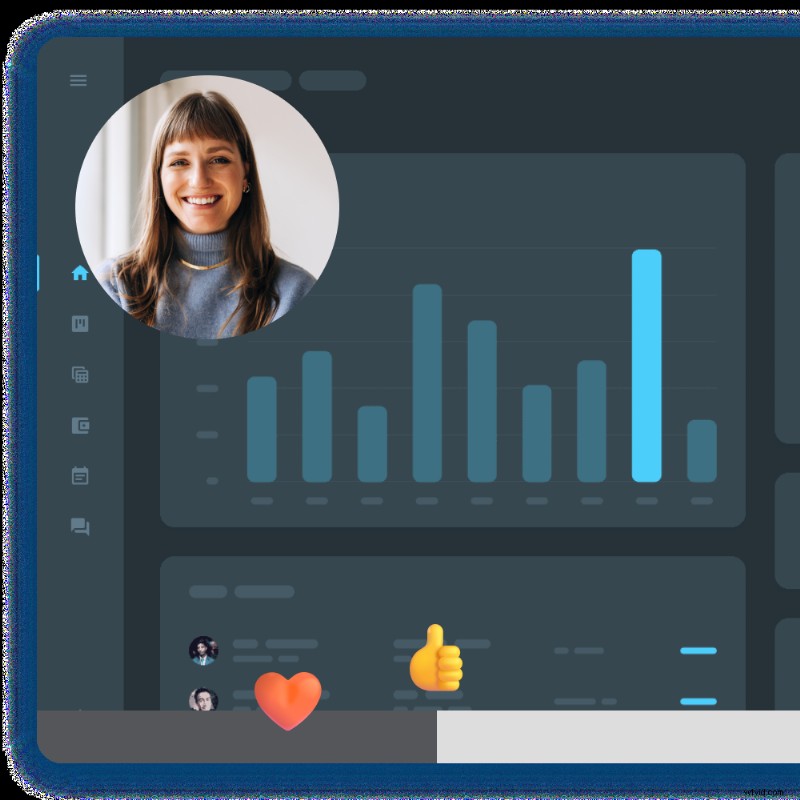
To make this easy, use an LMS or video-hosting platform like Screencast. You can order your videos in collections dedicated to each team member. Then, each team member can publicly comment and react to training videos, which creates a collaborative learning environment everyone can learn from.
To make the content very relevant, start by addressing frequently asked questions and key workflows. From there, you can expand based on your employees’ feedback.
Make the content flexible and async-friendly
Short, on-demand videos allow employees to learn at their own pace. A mobile learning model reduces the frictions of scheduling since employees can watch during a train commute, in between calls, or after hours.
Platforms like Screencast make it easy to create comment sections for questions and discussion between employees. By putting videos on a video-hosting tool, people can watch at their own pace, rewatch, and ask time-stamped questions. Your employees will be able to get their questions answered immediately, and others will be able to refer back to the conversation if they have the same questions along the way. It works for everyone.
Keep videos short and task-oriented
Aim for videos that are 5-7 minutes max, each tackling a single concept or workflow.
A “show, don’t tell” strategy works especially well for software training or problem-solving modules. It’s also easier to update short videos over time when tools or processes change, especially when using a multi-track screen recorder like Camtasia. Little updates will take no time and won’t compromise the rest of your video’s integrity.
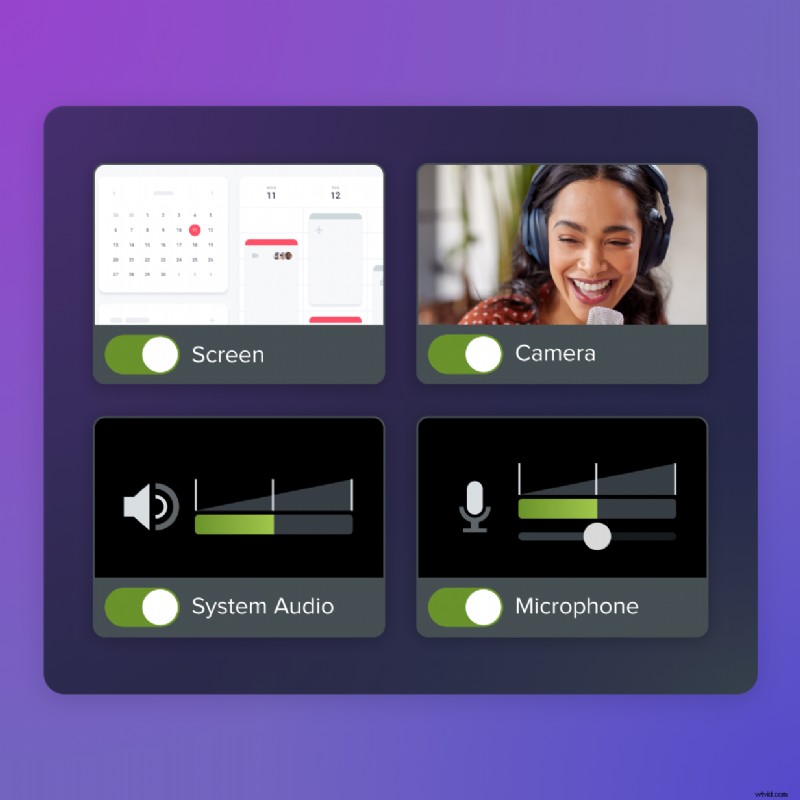
With a flexible screen recorder, you can record your screen, camera, audio, and cursor all on separate tracks. That means even if you mess up your words along the way, you can keep the recording intact and quickly swap out the faulty audio. Updates are quick and don’t lose any clarity during the editing process.
Highlight outcomes and purpose up front
Training participation increases when you detail to your learners why the training matters and what success looks like for them.
Open every training course with a quick breakdown.
- What will they learn?
- Why is it relevant?
- How will it help them succeed?
This applies whether you’re teaching new skills or reviewing company policies your employees have heard before. Link the training to their preferred outcomes, like career advancement or faster onboarding, to make the value more obvious.
How to encourage ongoing participation–not just one-time views
Initial clicks and views are a great start, but the real impact comes from sustained, long-term participation. The following strategies help integrate learning into your team’s habits and workplace culture.
Build training into team rituals and onboarding checklists
Instead of treating training like an optional extra, make it a natural part of your workflow!
You can include training habits into little aspects of your team’s workday. Include it in onboarding, add learning modules to your 1:1 manager meetings, create biweekly training blocks for departments, etc. By building out time, training will become a habit, and habits lead to more engaged employees.
Ask for feedback and act on it
Your learners know what works for them and what doesn’t.
Use pulse surveys, post-training quizzes, or even informal Slack polls to gather input along the learning journey. When employees see their suggestions reflected in future training programs, they’ll feel heard, which fosters a culture of employee development.
Pro tip: Create a highlighted “you asked, we delivered” board or update forum to showcase changes that were driven by learners’ exact feedback.
Recognize and reward participation
Luckily, incentives don’t have to be big to be effective.
Completion badges, leaderboard shoutouts, gift cards, and even public praise during team meetings can dramatically increase employee participation. These small, yet meaningful, gestures reinforce that learning is valued, which fuels continued engagement and higher employee retention.
Create training people actually want to complete
At the end of the day, employee engagement in training starts with how useful, accessible, and enjoyable the content feels.
When you personalize modules, offer flexible formats, and highlight real-world value, you empower employees to say yes to learning and keep coming back for more.
With tools like Camtasia and Snagit, your team can create short, clear, and visually interesting videos that drive employee engagement. All without the need for a production team.
With Camtasia
Camtasia is your go-to solution to create quick, polished training videos. It’s perfect for microlearning modules, task-based walkthroughs, and entire e-learning courses.
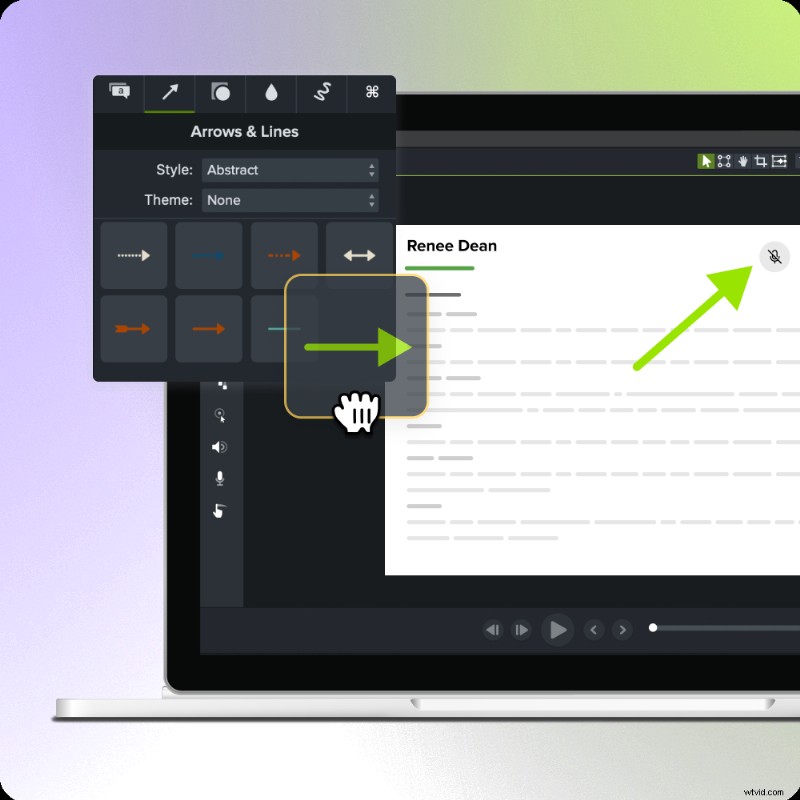
You can record your screen, add voiceovers, include animation, insert quizzes, and even highlight key areas using zooms and callouts. All in one user-friendly platform.
Camtasia shines for training. It is a tool that shows how to complete a process instead of simply telling. It enables you to make quick updates to videos when processes change, which supports continuous learning. And, it makes it easy to personalize your content by role or department with reusable and editable templates and visual branding.
Go from screen recording to polished video
A screen recording is just the start. Camtasia’s editor helps you add the callouts, animations, and edits you need to create a truly professional video.
Free Download
With Snagit
Snagit is the perfect tool to explain a process very quickly. Snagit grabs screenshots or screen recordings that are easy to turn into step-by-step instructions and helpful visuals with simple edits.
With Snagit, you can create job aids, quick-reference guides, and answer common questions via visuals instead of long texts. It helps you reduce these repeat questions from new employees by giving them access to annotated documentation. Specific features like Step Capture even allow you to click through a process, which is compiled into a step-by-step instructions template without any work on your part.
Snagit is built for the modern office, and helps you do it all.
Learn More
While these tools shine on their own, Camtasia and Snagit really shine together. They cover the full spectrum of training methods: video-based modules, visual documentation, quick refreshers, scalable onboarding content, and anything else you may need.
Check out all of TechSmith’s tools to support better training, higher employee satisfaction, and stronger outcomes for everyone. Boosted employee participation doesn’t require more content; rather, it requires better content.
Explore the full suite of TechSmith tools and start building training that works for you and your team here.
Looking for professional screen recording software?
From simple screen captures to polished video editing, TechSmith has everything you need to create professional-quality content.
Learn More