
Wondering to record skype call you just had with your boss because you missed few points sipping the coffee?
Yes, it happens a lot of times when we have to say yes even if we missed the most important points on the skype call but can’t ask to pardon.
Now, that you have realized the need to record calls on skype and you need an mp3 skype recorder to sync up with the important updates later.
An mp3 skype call recorder is a free to use tool that can record your important as well as high priority calls. Don’t struggle to record the most important office conversations and meeting, it could be easily done with the help of a skype call recorder. In this article, you will learn:
- Part 1: How to download mp3 skype record?
- Part 2: How to record skype call via mp3 skype recorder?
- Part 3: Where does mp3 skype recorder save files?
- Part 4: MP3 skype recorder alternative – Wondershare Filmora
Part 1: How to download mp3 skype recorder?
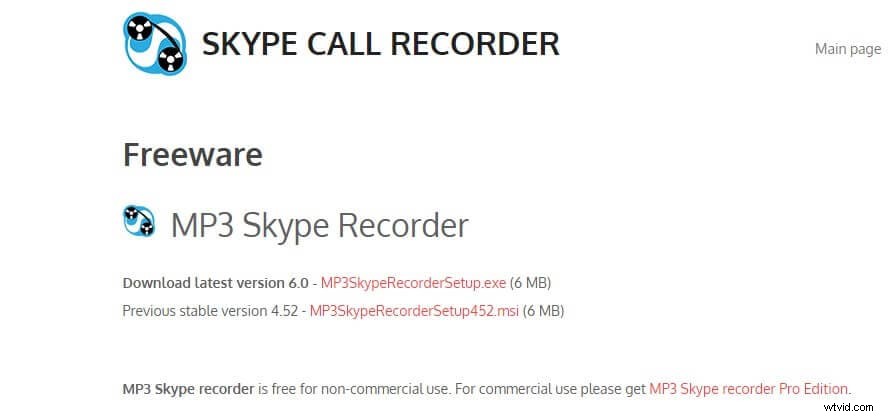
MP3 skype recorder is only compatible with Windows with a .Net framework preinstalled (if not then it would be installed automatically while installing mp3 skype recorder). You can click Here to download the free version of mp3 skype recorder.
Part 2: How to record skype call via mp3 skype recorder?
Though recordings are fully automatic on this tool however few steps are required to set up the recording to start on its own.
Step 1: Make sure the ON button is pressed and its green to start automatic recordings.
Step 2: Switch off the automatic recording button by selecting the OFF button if you are willing to record the calls manually. When the calls are ready to be recorded you can click on the ON button to reactivate the recording on the current call.
Step 3: As the process is automatic, whenever a call is detected mp3 skype recorder will start on its own and a small indication will be displayed when the recording is started. If you don’t need this alert then you need to buy the pro edition of mp3 skype recorder.

Step 4: To check if the recorder is working fine, you can check the recording status on the bottom bar of the recorder window. You will see that the current mp3 size is changing consistently and that indicates that the recorder is getting sound that is being encoded into a file.

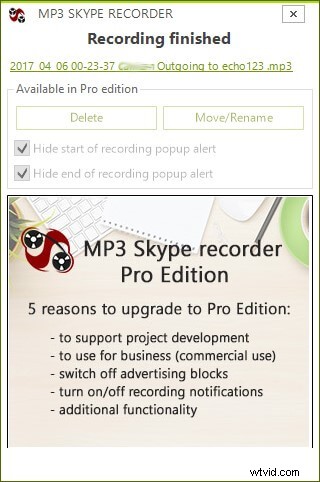
Step 5: Once the call is done, the recording will stop or you can stop it by clicking on the OFF button. After done with the call, it will show all the details about the recording like the file name, delete or move option. However, to rename, move or delete the file you need to purchase the pro edition.
Part 3: Where does mp3 skype recorder save files?
Don't know how to find the recording files from skype? Here are the steps for you:
Step1: Check recording folder

The easiest way to access your skype call recordings is to click the icon with a large folder & music note image on it. You will see this icon on the main screen of mp3 skype recorder.
Step 2: Recording path folder
You can check the folder where the skype recordings are being saved by clicking the recording destination folder located on the recorder’s window.

Step 3: Change the recording path
If you want to change the recording destination then click on the path and choose the folder where you want to save the recordings.
However, the recordings are kept in the user application folder by default as this path is recommended by Microsoft. If by mistake you have selected a different path then you can restore it to default by clicking on Restore default folder settings located on the right side of your recorder folder.
Note: All the images above come from voipcallrecordingPart 4: MP3 skype recorder alternative – Wondershare Filmora
Filmora is a wonderful tool that gives you a good hand on editing videos, adding transitions and special effects to your media files with a lot of other features. This tool is compatible with Mac and Windows and what makes it more reliable is that you don’t need to be a tech-savvy to operate this tool.
Filmora has a lot of cool features that are beyond recording the screen like you can create your projects and manipulate your media files any way you want them to be.
Steps to record skype call with Wondershare Filmora:
Step 1 : Download and install Filmora on your PC.
Step 2 : Open Filmora, then locate the record option and prepare it to record the computer screen.
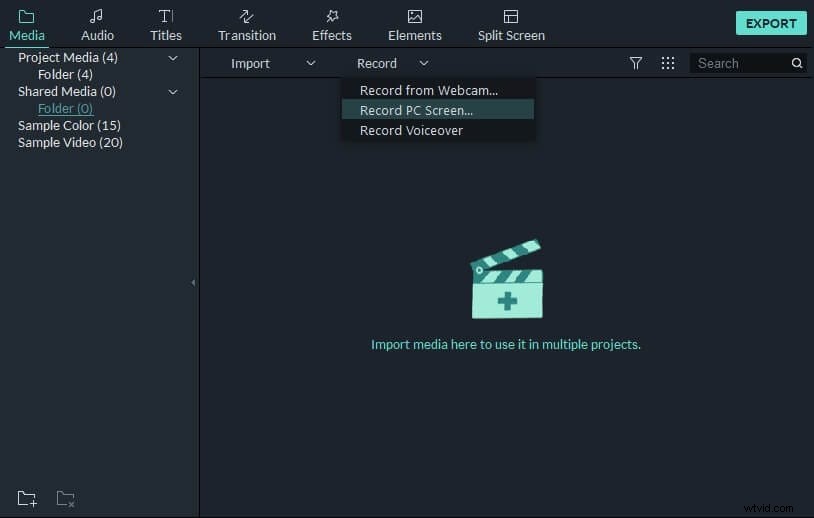
Step 3 : Prepare your skype call and start the recorder with audio option as given below in the screen.
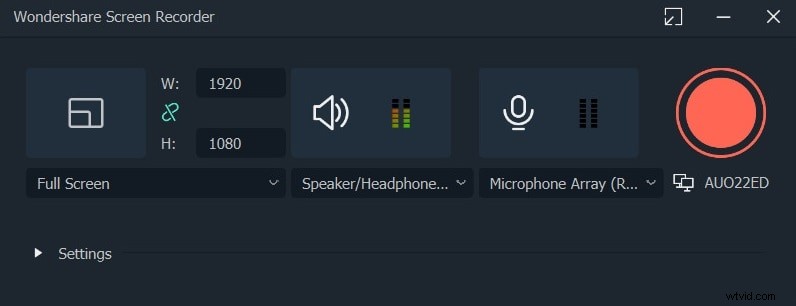
Step 4: Click the red button to start the recording.
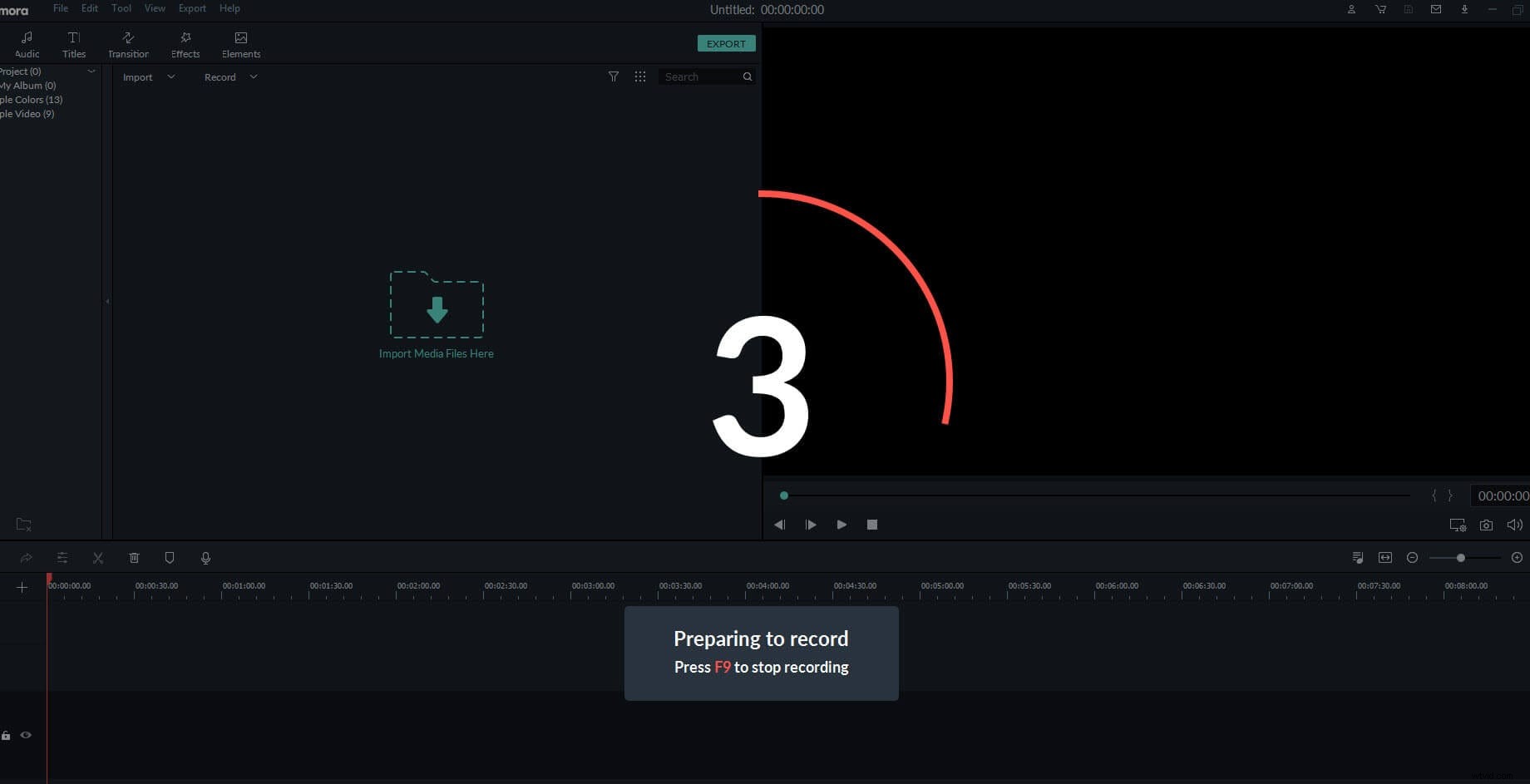
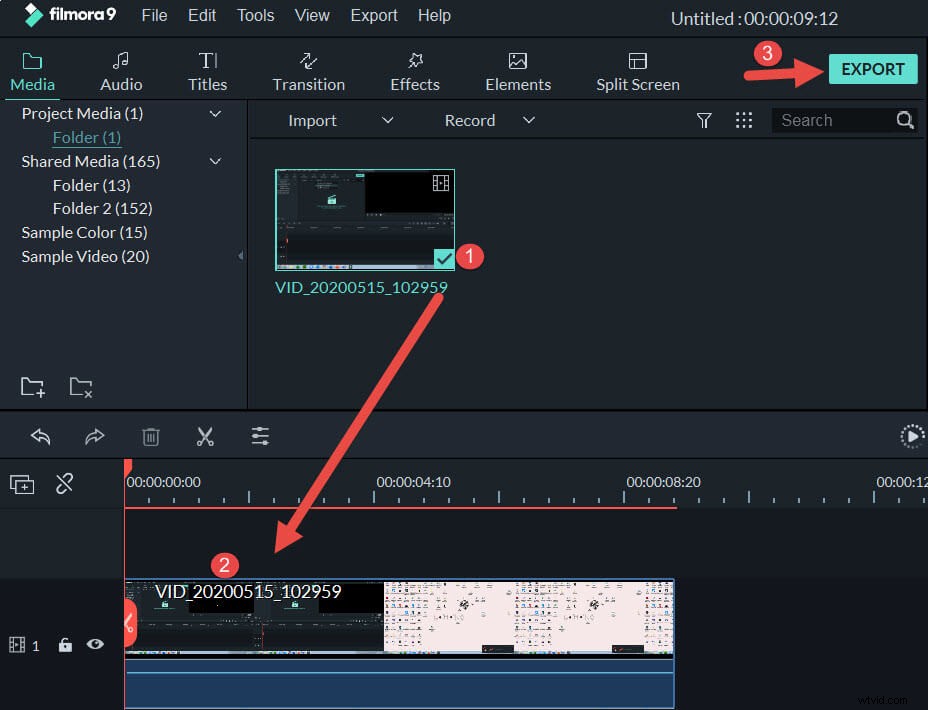
Step 5 : Once your call is done you can stop the screen recording and find the video file in the media library. Then drag and drop the video file to the timeline.
Step 6: Finally click on Export to save the audio version of your file. Now, you have your conversation saved in the mp3 format on your computer.
Conclusion
Today you learned a lot about mp3 skype recorder and to record skype call on your computer with easy steps. However, after reading this article you might be thinking about the compatibility of the software that only runs with windows as there might be a lot of users who operate the MacBook. So, to tackle that Filmora is the best solution that you can rely on. Be it your skype call recording or editing videos and adding effects, this tool is an all in one solution for your problems.
If you like Filmora and the features it provides then show some love in the comments and no doubt we would love to hear any type of suggestion that we could implement to make your life easier with our premium tools.