
Slack is messaging and interactive platform that helps people to communicate and work more efficiently. Slack video conference feature helps to communicate with the workers without any barriers and helps to hold meetings, presentations, etc. no matter where you are.
This application allows teaching a new guy how to use a tool, explain a complex project, and communicate in ways you can’t through emails or other social apps. The audio and video are of top quality and slack is being used by people in different fields all over the world.
There are several recording apps available in the market that allows you to record Slack meetings and watch them whenever you need them. This will help you go through the meetings, conferences, reports, etc. held through slack whenever you need and stay updated all the time.
Let’s have a look at some of the recording apps that helps to record slack meetings and calls.
- Part 1: FREE Recorder Apps for Slack Meetings on Desktop
- Part 2: FREE Recorder Apps for Slack Meetings on iOS and Android
Part 1: FREE Recorder Apps for Slack Meetings on Desktop
Slack can be used through any devices be it mobiles, tabs, or desktops. But the desktop is usually preferred more by professionals for slack video conferencing as it is easier to access other files, display presentations, etc. while video conferencing. So let’s have a look at some of the recording apps that can be used to record slack calls.
1.Wondershare Filmora
Wondershare Filmora is one of the widely used video editing applications that has all the necessary features to edit and create a wonderful video file. It can be used to create a pro-level video to GIFs. The recording feature in Filmora allows you to record the screen fully or partially and save it in any format you wish. It also has sound features that allow you to record Slack meeting in whatever way you choose.
2.Wondershare DemoCreator
Wondershare DemoCreator is another recorder app that has extensive screen recording features on your desktop. This app allows you to customize the frame rate and screen size before recording the screen, allowing you to record slack calls in different sizes and quality. Some of its extra features include real-time screen drawing, capturing through a web camera while capturing the screen, and recording the system and microphone sounds.
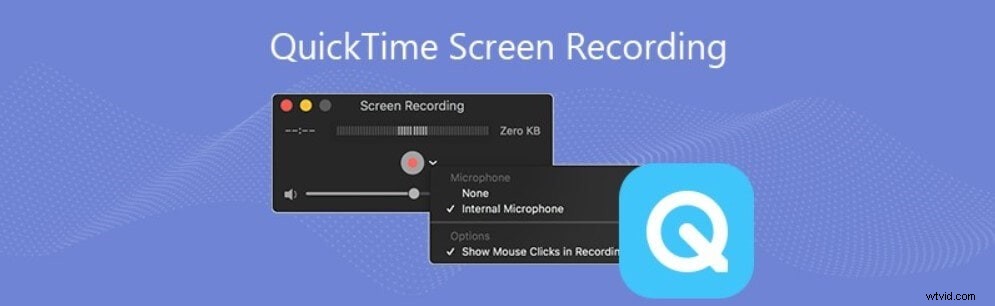
3.QuickTime Player
QuickTime is a video player that can be used to take screenshots or record the desktop screen while on a slack video conference. This is an easy to use application with a simple interface. Even though this application does not offer many features, QuickTime player can be used for a fast recording of the screen or a portion of it and for a quick save.
4.OBS Studio
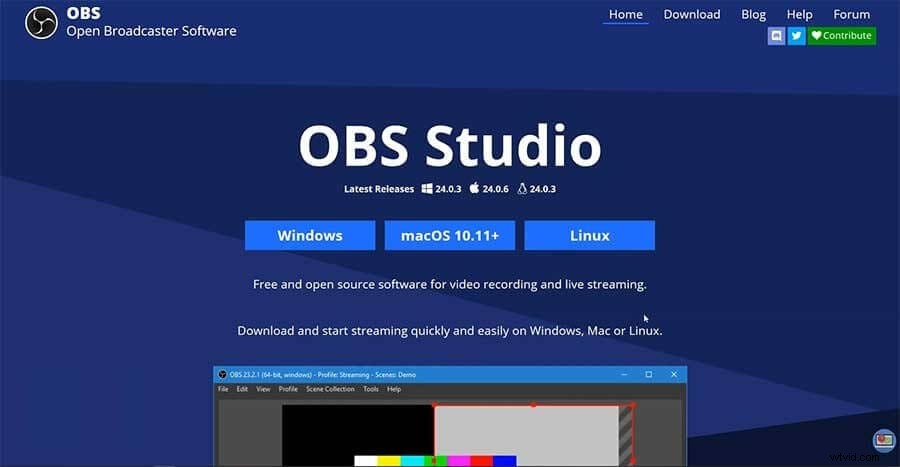
OBS Studio is a widely used application that is compactable with windows, macOS, and Linux and is widely used by broadcasters to stream on social platforms like Twitch, YouTube, and Facebook. This recorder app has extensive screen recording features that can be used to record slack meetings and calls in very high quality. It also has some built-in editing features that can be used if you wish to make your screen recording more attractive.
5.ShareX
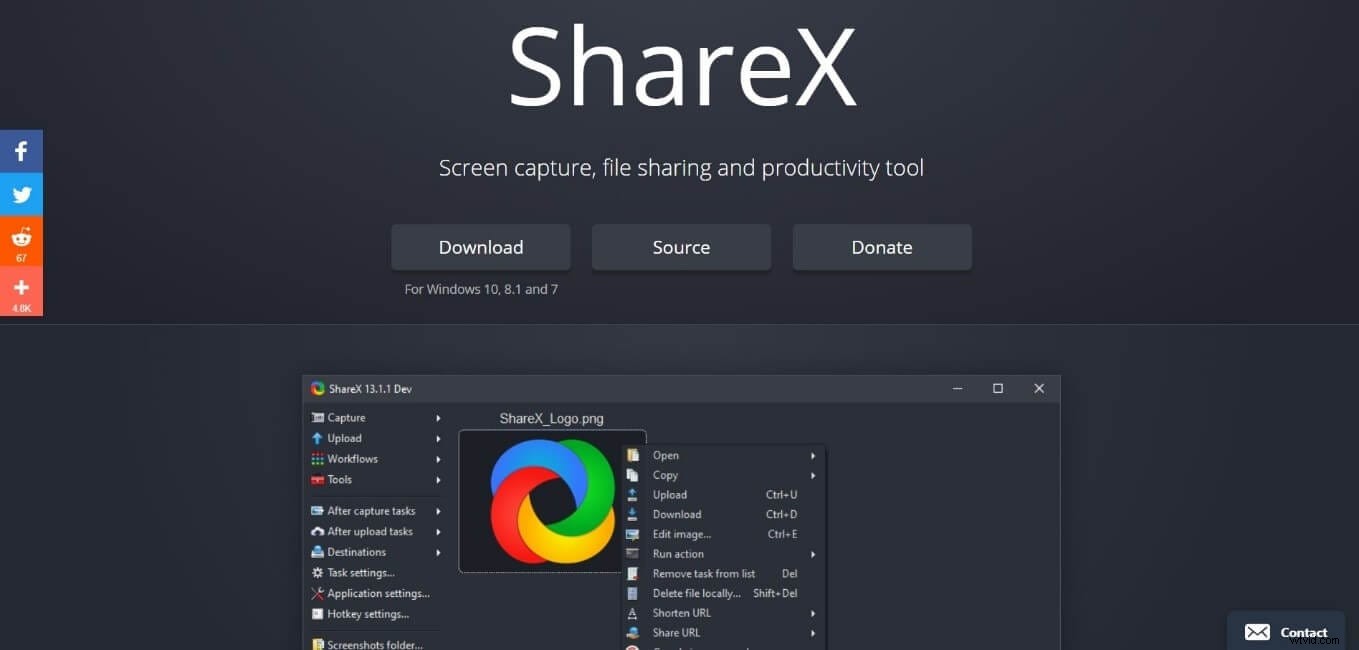
ShareX is an open-source recorder application that can be used to capture your slack meetings perfectly. This application is free, does not contain any irritating ads, and allows easy capturing of your desktop screen. ShareX has a lot of features that will help to record as well as extract info from the screen, which can help you a lot while having Slack meetings and presentations.
Part 2: FREE Recorder Apps for Slack Meetings on iOS and Android
Mobile devices are the most easily accessible means of communication no matter where you are in the world. The mobile application of Slack is filled with features that allow you to make group calls, hold meetings, conferences, etc. face to face even though you are far apart.
Slack is available on both Android and iOS devices which makes it possible to communicate with almost everyone. There are a lot of screen recording apps now available that can be used to record slack meetings, conferences, etc. even on your mobile devices and played back later whenever you wish.
6.AZ Screen Recorder
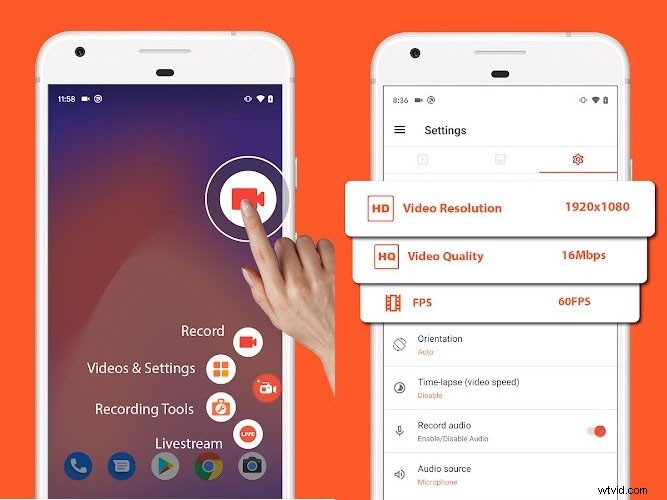
AZ Screen Recorder is an application that allows to record screen in 1080p and without any time limits. This recorder app can be used to record a stable slack video conference smoothly on your mobile device. This application also has a lot of features like screen capture, video editor, live streaming, etc. that can be used to record tutorials, meetings, presentations, etc.
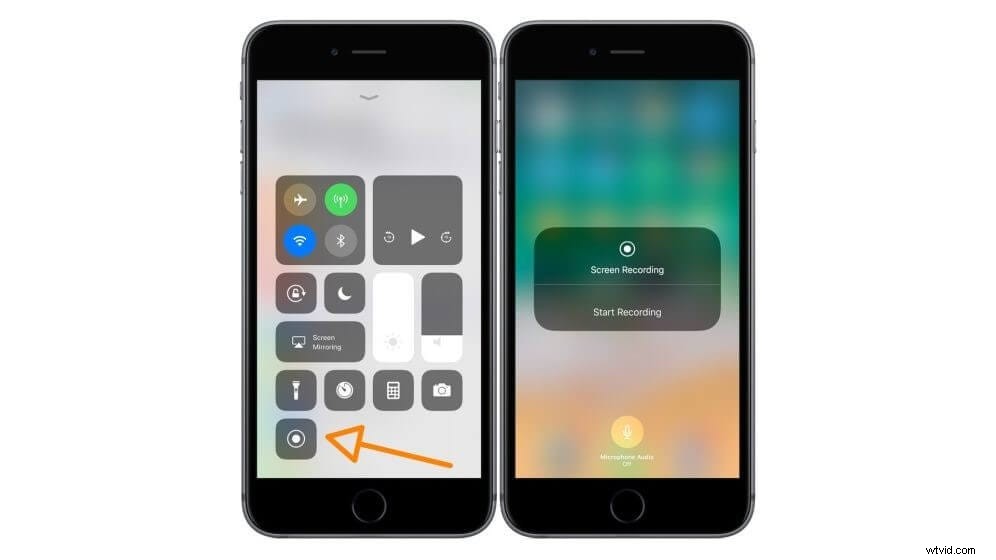
7.IOS built-in Screen Recorder
IOS built-in screen recorder is a built-in recorder tool for apple devices. It does not require any third-party application and can be recorded easily by simply pressing a button. This tool does not provide any special screen recording features but is enough to record slack class and meetings for later reference.
8.OneShot
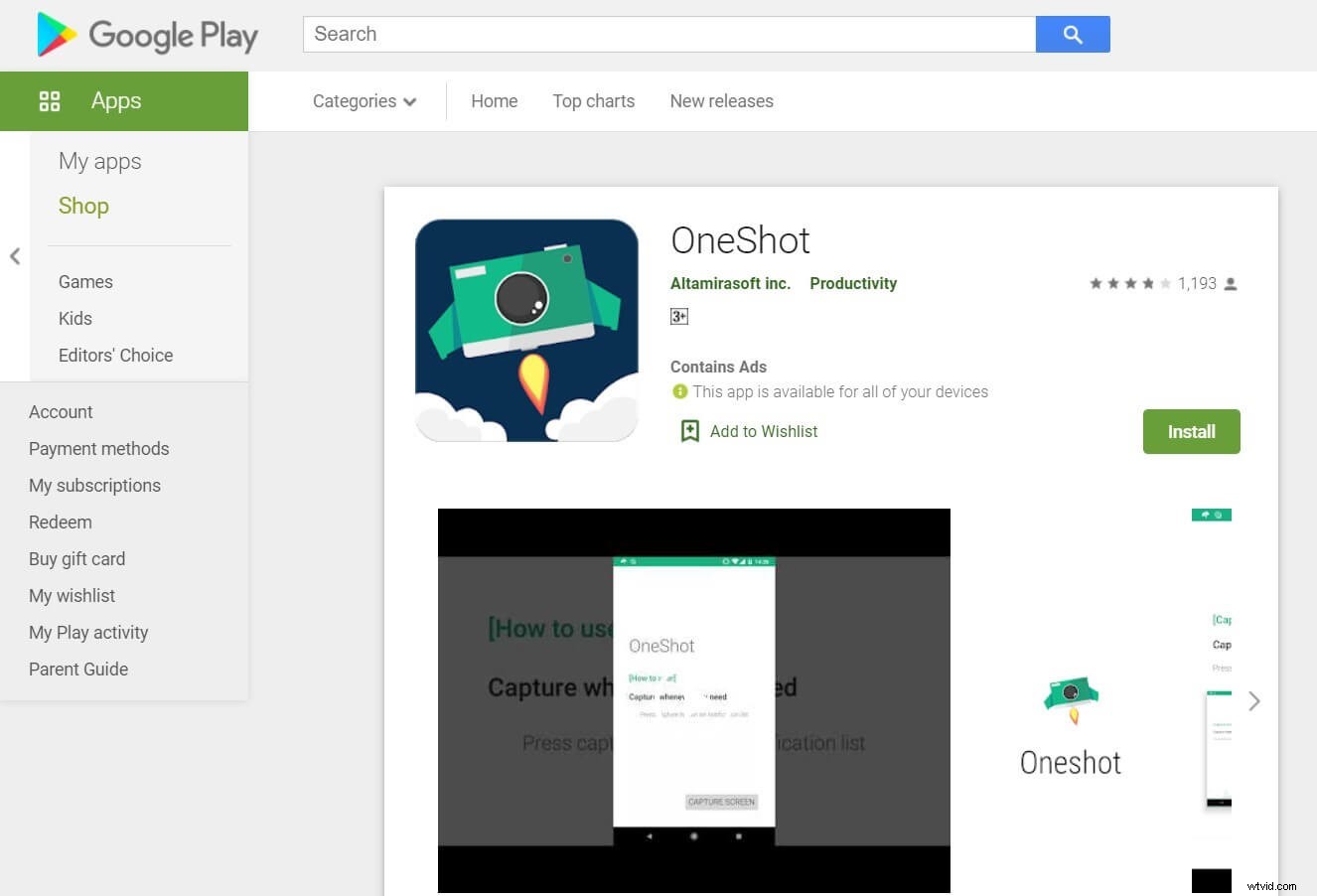
OneShot is a simple screen recording application that can be used to record your mobile screen easily. It does not have any options to edit or change formats but gets the job done well and fast. OneShot offers some filters that can be used to change the theme of your slack video while recording.
9.Mobizen
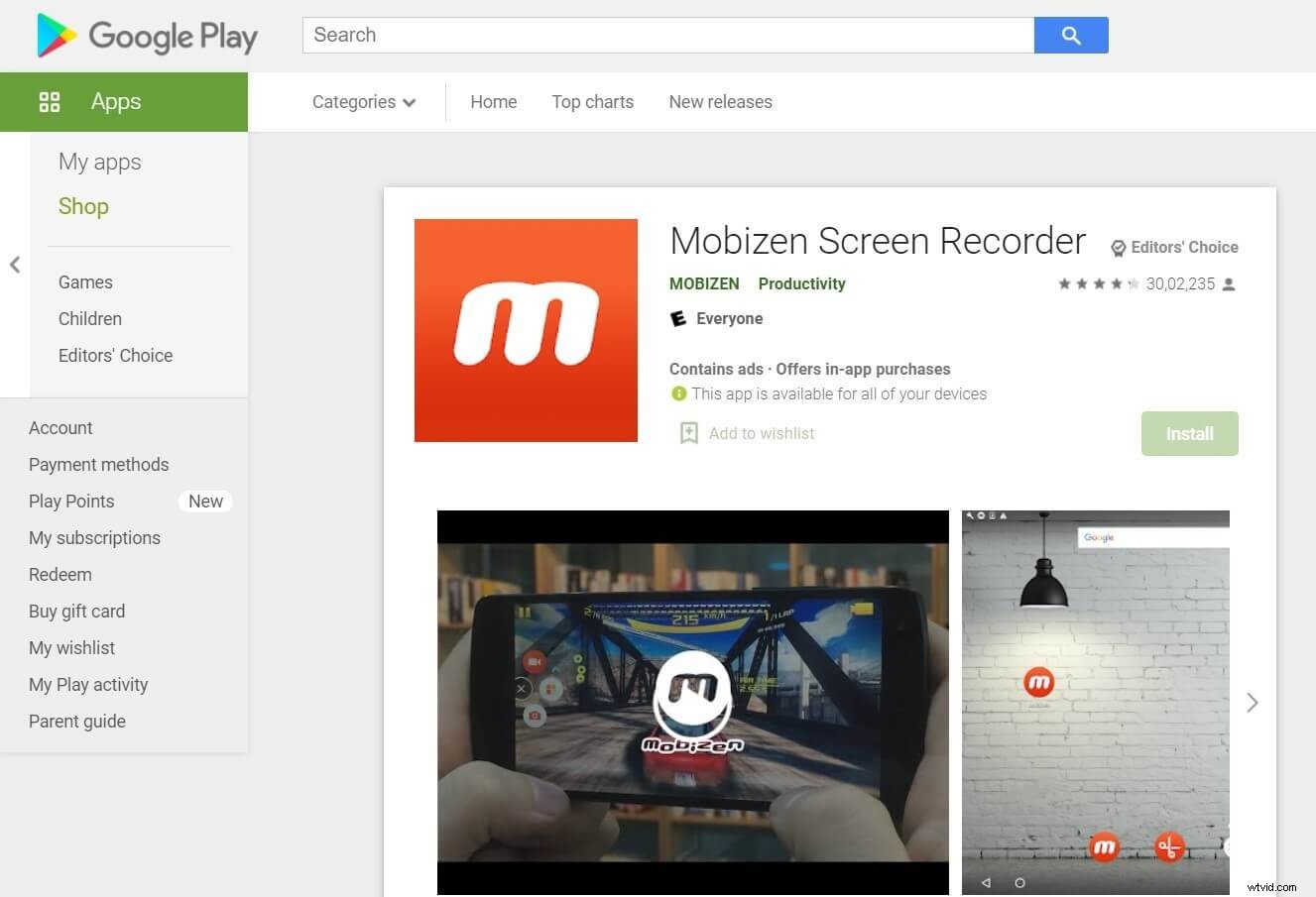
Mobizen is a convenient screen recording app that allows you to capture, record, and edit the contents on your mobile screen. This application does not require rooting to be installed and allows you to record your screen in Full HD. Your slack meetings and calls can be recorded without any watermark and saved instantly on the device.
10.Super Screen Recorder
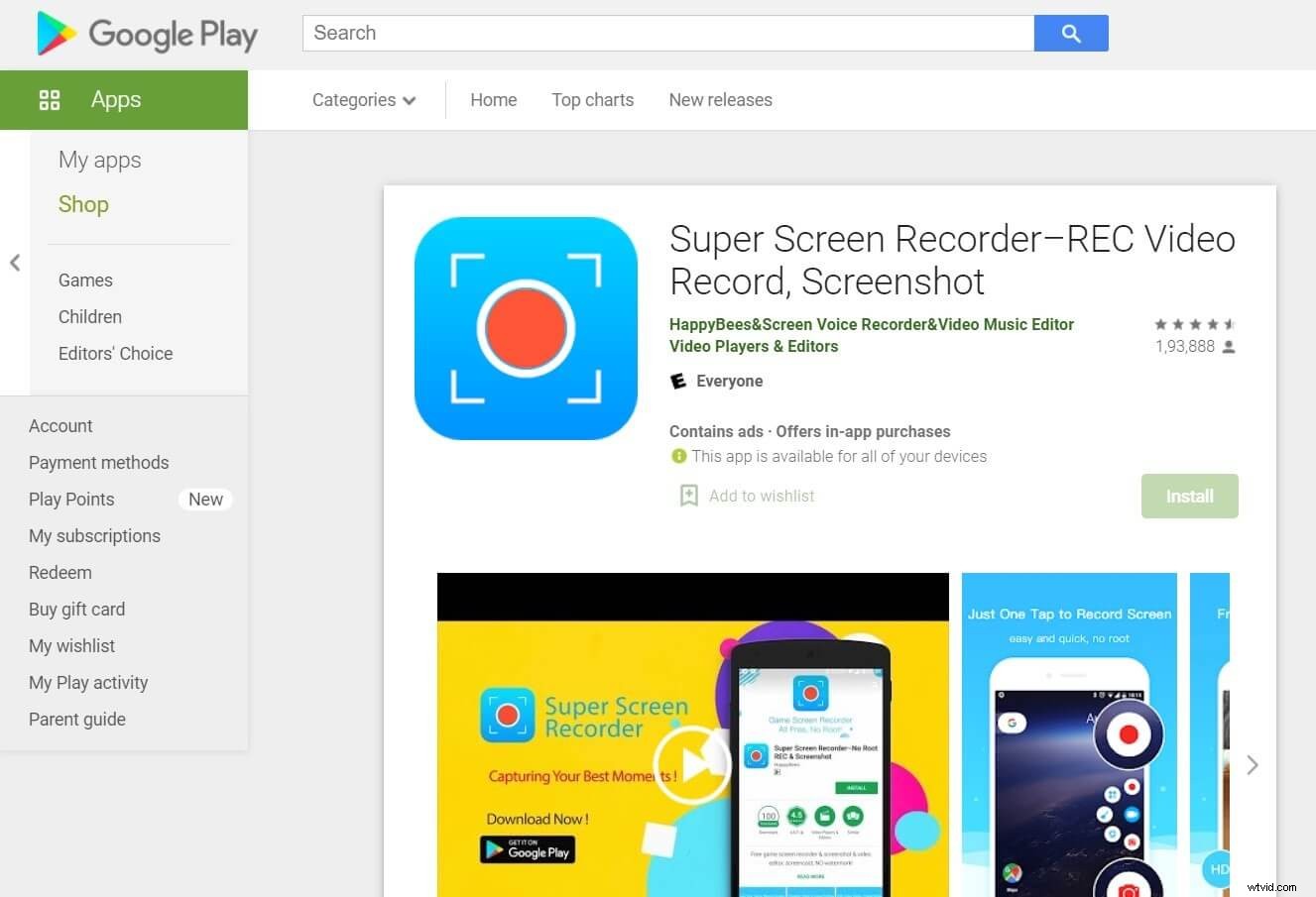
Super screen recorder in an app that allows the capture of your screen in 2K. This is a very user-friendly recorder app and allows you to edit as well as live stream your screen recordings. This application doesn’t put a barrier on recording time length and also does not leave any irritating watermarks while recording slack screen.
Conclusion
Slack is one of the widely used social applications for video conferences, meetings, and presentations. It is an application that helps the business or work to move forward even in the absence of some employees from the workplace. Recording the slack meetings and video conferences allows the users to access the information presented, whenever they need it and make notes from it very easily.
Recording and playing a slack meeting or conference helps to grasp the conveyed knowledge in a much better way, which is why there is a need for the best screen recorders. We have listed above the top ten screen recorders that can be used to record slack calls on any device. You can try it to have a better experience and record & save your slack meetings. Thank you.