
Apple’s macOS platform remains a top choice for audio professionals, delivering stability and performance while keeping the ecosystem tightly integrated. However, the recent shift to Apple Silicon has produced a wide range of options—from ultra‑compact laptops to fully‑featured workstations—each with distinct strengths and price points. This guide helps you match the right Mac to your workflow and budget.
- READ MORE: Which operating system is best for music-making in 2026?
All Macs sold directly from Apple come with pre‑configured components that cannot be upgraded after purchase. This means selecting the right specifications upfront is crucial. While the highest‑end CPU options focus on graphics for video work, audio production benefits most from ample RAM and reliable storage. The cost of additional RAM often far outweighs that of a larger SSD, especially since external drives remain a practical, cost‑effective solution.
Apple’s current Mac lineup is powered by the M‑series chips—ranging from the entry‑level M4 to the flagship M5 Max and Ultra variants. In general, the more powerful “Pro” and “Max” chips are found in professional models, while the “Ultra” tier is exclusive to the Mac Studio, Apple’s flagship workstation that succeeded the discontinued Mac Pro. Higher‑spec chips offer more CPU and GPU cores, support greater memory, and can drive more external displays—features that can be decisive for complex studio setups.
Below we detail which Mac best fits each production scenario, including upgrade tips to maximize value.
Best Overall: MacBook Pro

The MacBook Pro now embodies a mobile powerhouse, thanks to Apple Silicon’s efficiency and the new M5 chip family. The 14‑inch model with an M5 is the most affordable, but choosing an M5 Pro or M5 Max gives you extra headroom for larger DAW sessions and heavier plugin chains. The 16‑inch variant adds valuable screen real estate.
Each MacBook Pro includes Thunderbolt 5 ports (USB‑C compatible) for rapid connection to external drives and audio interfaces. Although RAM upgrades are pricey—adding 16 GB of memory can cost up to £400—this investment pays dividends in long‑term workflow stability. Opting for a larger internal SSD may seem tempting, but external SSDs provide the same performance at a lower cost and add flexibility.
Pros and Cons
- High‑end desktop performance in a portable form
- Impressive battery life under load
- Liquid Retina XDR display for color accuracy
- Solid selection of physical ports
- Upgrade costs rise quickly
- Base models are premium-priced
Check out the latest MacBook Pro deals for music makers at Guitar Center and Sweetwater.
Best Budget Mac: MacBook Neo

The MacBook Neo offers a breakthrough price—almost half the cost of the next most affordable Mac, the Air—while still running the same A18 Pro chip found in the iPhone 16 Pro. With 8 GB of RAM and a 256 GB SSD (upgradeable to 512 GB for £100), it’s the cheapest new portable Mac ever.
Its single USB‑C port supports up to 10 Gbps, and a second, slower port handles peripherals. It can drive one 4K external monitor. Real‑world performance matches base‑level M1 models, running Logic Pro and other DAWs adequately for modest projects. The limited RAM means larger sessions will feel strained.
Pros and Cons
- Most affordable new portable Mac
- Full macOS experience with extensive peripheral support
- Solid audio performance for light to moderate workflows
- 8 GB RAM can bottleneck larger projects
- USB‑C speed lower than higher‑end Macs
- No upgrade path beyond the SSD
Check out the latest MacBook Neo deals for music makers at Sweetwater.
Best for Professional Producers: Mac Studio
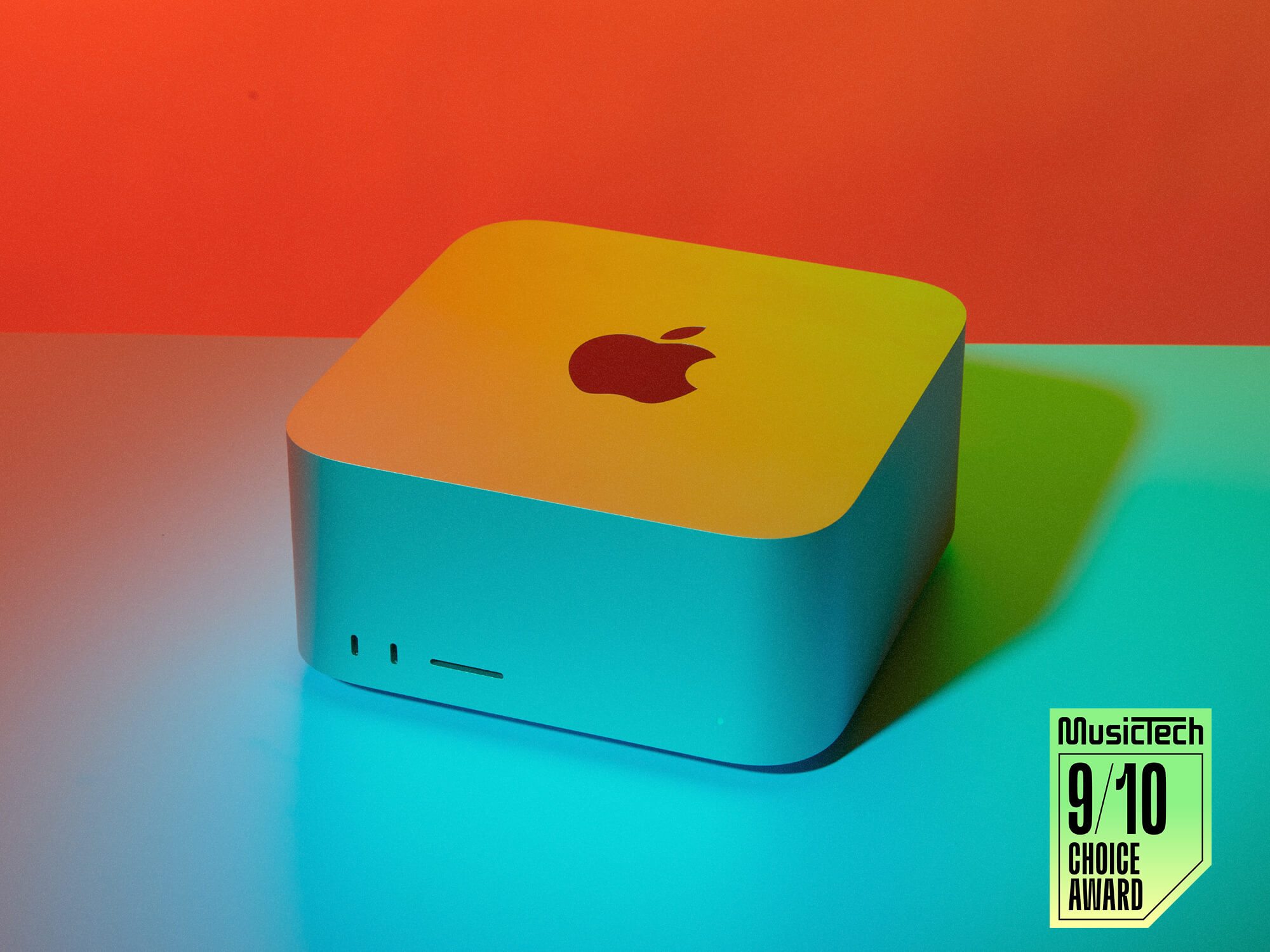
As Apple’s flagship workstation, the Mac Studio is engineered for studio environments. The M4 Max and M5 Max models deliver exceptional performance, while the M3 Studio Ultra pushes the envelope with even more cores and memory capacity.
With four Thunderbolt 5 ports (plus two more on the Ultra), the Mac Studio supports extensive external connectivity. The Max variant can drive up to five displays, and the Ultra up to eight, making it ideal for complex multi‑monitor setups. Powering the system from mains eliminates battery constraints, yielding silent operation even under heavy load.
Upgrading RAM is the most cost‑effective way to future‑proof the system; external SSDs remain an inexpensive expansion option. While the Mac Studio can’t accept PCI cards, Thunderbolt‑based enclosures provide compatibility with legacy studio hardware.
Pros and Cons
- Unmatched performance with negligible noise
- Maximum number of ports on any Mac
- Base models already offer high power at a reasonable price
- Supports extensive external display setups
- Component upgrades can be expensive
- Current models use slightly older CPUs compared to the newest MacBook Pro variants
Check out the latest Mac Studio deals for music makers at Sweetwater.
Best for Home Studios: Mac Mini

The latest Mac Mini offers a compact, cost‑effective alternative to the Studio. Powered by the M4 (and the more potent M4 Pro), it balances performance with a small footprint.
Front‑side USB‑C ports and back‑side Thunderbolt 4/5 ports provide fast connectivity to drives and interfaces, while Ethernet and HDMI add further flexibility. For larger projects, upgrading RAM to at least 24 GB from the base 16 GB is recommended. The M4 Pro raises the price but delivers quicker performance and supports up to 48 GB of RAM.
Pros and Cons
- Excellent price‑to‑performance ratio
- Compact, silent operation
- Scalable to high‑end specs via RAM and CPU upgrades
- Handles demanding DAW sessions with the M4
- Limited physical I/O compared to larger workstations
- Internal SSD upgrades are costly
Check out the latest Mac Mini deals for music makers at Guitar Center and Sweetwater.
Buying a Second‑Hand Mac for Production

Acquiring a refurbished or used Mac can offer substantial savings. Apple’s Certified Refurbished store offers modest discounts, but independent resellers or Apple‑certified partners may provide better deals, especially on high‑spec models.
Because these machines come pre‑configured, it’s essential to verify SSD and RAM specifications before purchase. Apple supports each device for at least five to seven years, ensuring that a recent MacBook Pro with an M2 Pro chip will run the latest macOS for many years. Even older M1 models remain capable, though they lag behind newer silicon. Prioritise Pro or Max configurations to offset older technology.
Pros and Cons
- Significant cost savings on slightly older technology
- Apple guarantees 5‑7 years of software support
- M2 or M3 Macs still offer powerful performance
- Older models are less powerful than the newest machines
- Refurbished or used units may have shorter warranties
- Hardware becomes obsolete sooner
Why You Can Trust MusicTech
MusicTech reviews hundreds of audio products annually, drawing on the collective expertise of producers, engineers, and enthusiasts with decades of industry experience. Our guides are authored by studio professionals who live and breathe music production, ensuring recommendations align with real‑world needs.
For additional buyer’s guides, click here.

Hollin Jones, a seasoned producer and author, has contributed to MusicTech since 2003. His extensive background in Apple and consumer technology, coupled with his photography work, brings a nuanced perspective to our reviews.