
I’ve spent much of the last few days at Fairport Convention’s Cropredy Festival shooting from the photographers’ pit. I was swapping between cameras, but I spent a lot of time shooting with the Sony A7 III and A7R III. It gave me the opportunity to experiment with cameras’ settings to find the best ones for shooting music.
- Camera Jabber Verdict: Sony A7 III Review
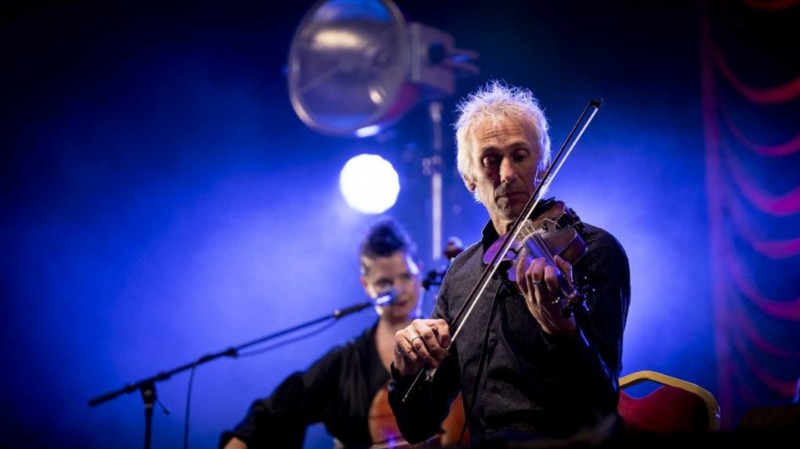
Exposure Mode and Settings
Flashing lights and dark backgrounds can confuse any metering system, so it’s best to shoot in Manual exposure mode.
With this selected, set the widest aperture you have available and a fast shutter speed such as 1/400 sec or faster if there’s lots of action.
During the day at a festival, you should be able to use low sensitivity such as ISO 100 or 200. As light levels fall, however, you’ll need to push up higher.
Aim to keep to the native ISO range 100-51,200. In very dim conditions (for example at a local pub gig) you may need to drop your shutter speed, though this will mean some movement may be blurred.
Take a test shot or two and adjust the exposure settings until the image looks right. From then on, the musicians should be correctly exposed and you can ignore the changing indications of the exposure meter as the lights flash on and off in the background.
- Camera Jabber Verdict: Sony A7R III Review
White Balance
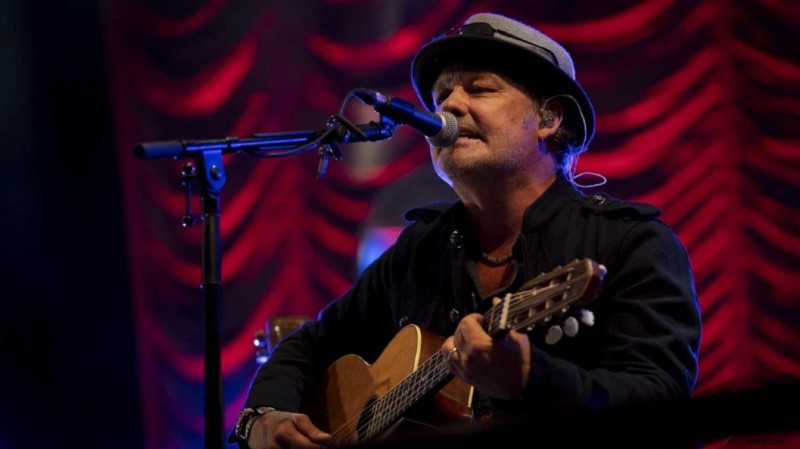
I usually opt for the Daylight setting as this captures the full impact of the coloured lights. However, shoot raw files so you can make adjustments if necessary.
- Which Sony A7 camera? How to choose the right model
Continuous Shooting
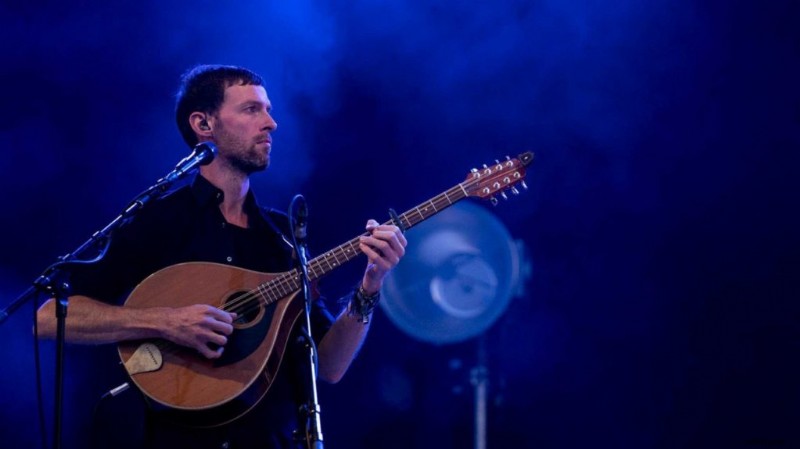
With the drive mode set to Continuous, you can shoot images in bursts without having to take your finger off (and on) the shutter release. However, the top rate of 10fps (frames per second) is a bit excessive for all but the most enthusiastic dancing. In many cases the Mid (6fps) and Low (3fps) rates are fine.
Autofocus
Set your camera to continuous autofocus (AF-C) so that it can adjust the focus as the subject moves.
The A7 III has a collection of Focus Area modes that determine how the AF points are selected. I find Lock-on AF: Flexible Spot works very well for gigs. As a rule, I use the medium (M) or small (S) option to target the most important area of teh scene.
However, where possible use Eye AF mode. By default, this is assigned to the ‘Center’ button on the back of the camera. You need to hold this in while you shoot in AF-C mode. When the camera identifies the subject’s eyes, a small green square will appear over one. It’s an extremely capable and useful setting that allows you to track the subject accurately.
If the eyes aren’t visible, or you want to focus on something else, release the Center button, and position the AF point as normal using your thumb on the joystick control or the screen.
- Sony A7R III Review
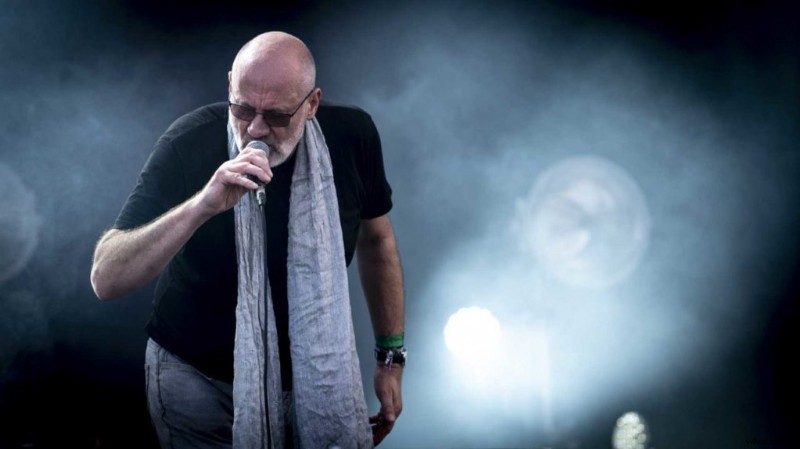
Summary: Which settings should you use on the Sony A7 III for photographing music?
- Shoot raw files.
- Shoot in Manual exposure mode.
- Set the widest aperture possible and a shutter speed that freezes any movement. This will dictate the sensitivity (ISO).
- Set the white balance to Daylight
- Set the Drive mode to Continuous Mid or Lo.
- Set the autofocus to continuous (AF-C)
- Set the Focus Are mode to Lock-on AF: FLexible Spot M or S.
- Use Eye AF