
You’ve spent ages getting that perfect shot with your DJI drone, but it still lacks a little something. This is how you can really make your pictures pop in your picture editor of choice.
First, you’re going to need to get some image editing software for your computer, phone or tablet. It doesn’t matter which one as they should all be ably capable of doing these steps. So get that photo editor and load it up.
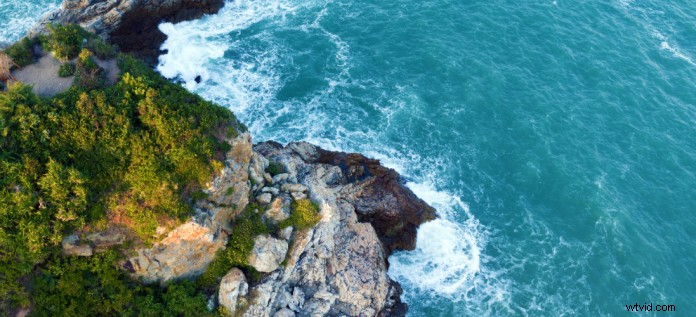
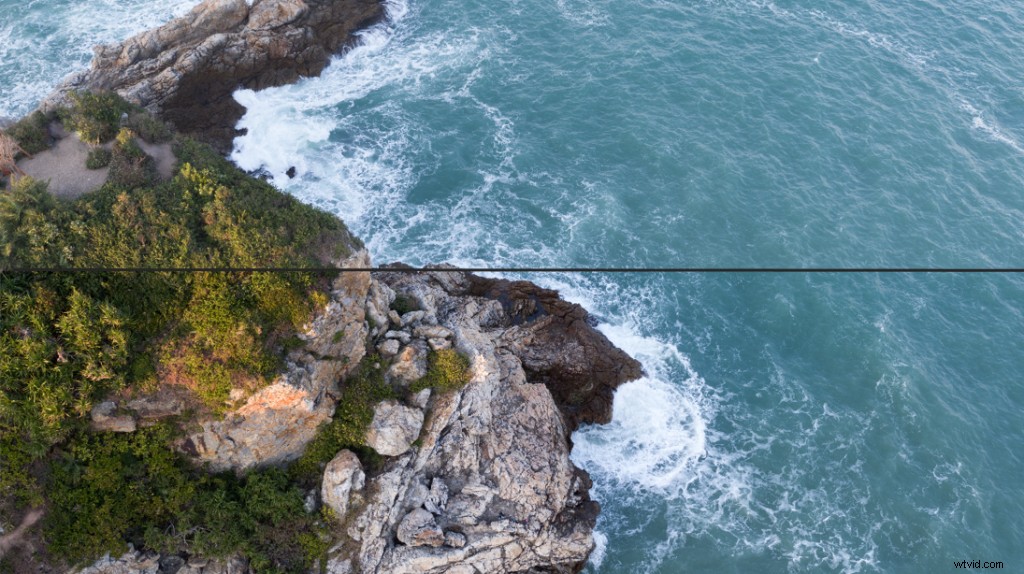
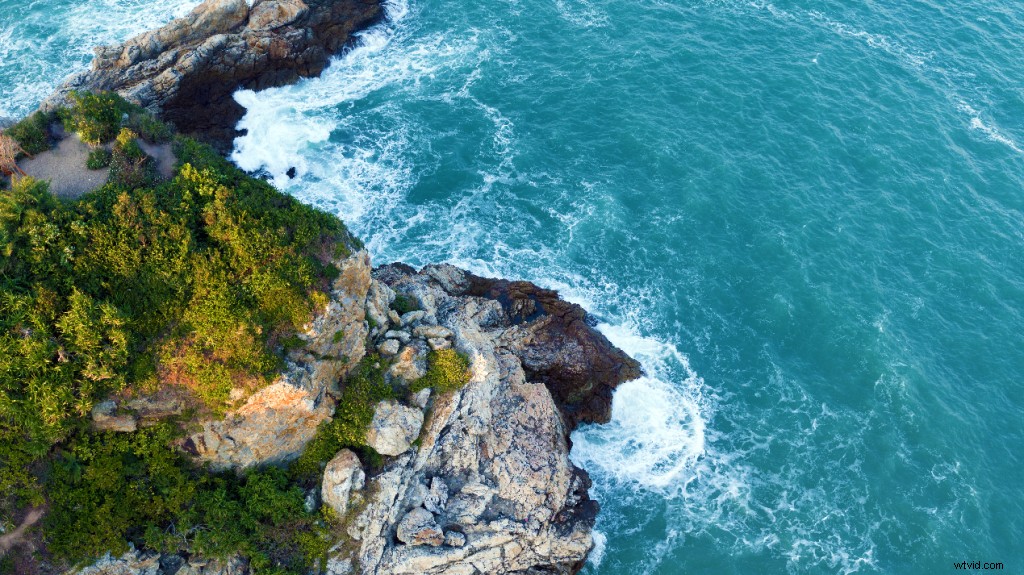
To start off, we have an unedited photo of the coast. It’s quite a striking photo, but it certainly could be improved.
Step 1: Crop that shot
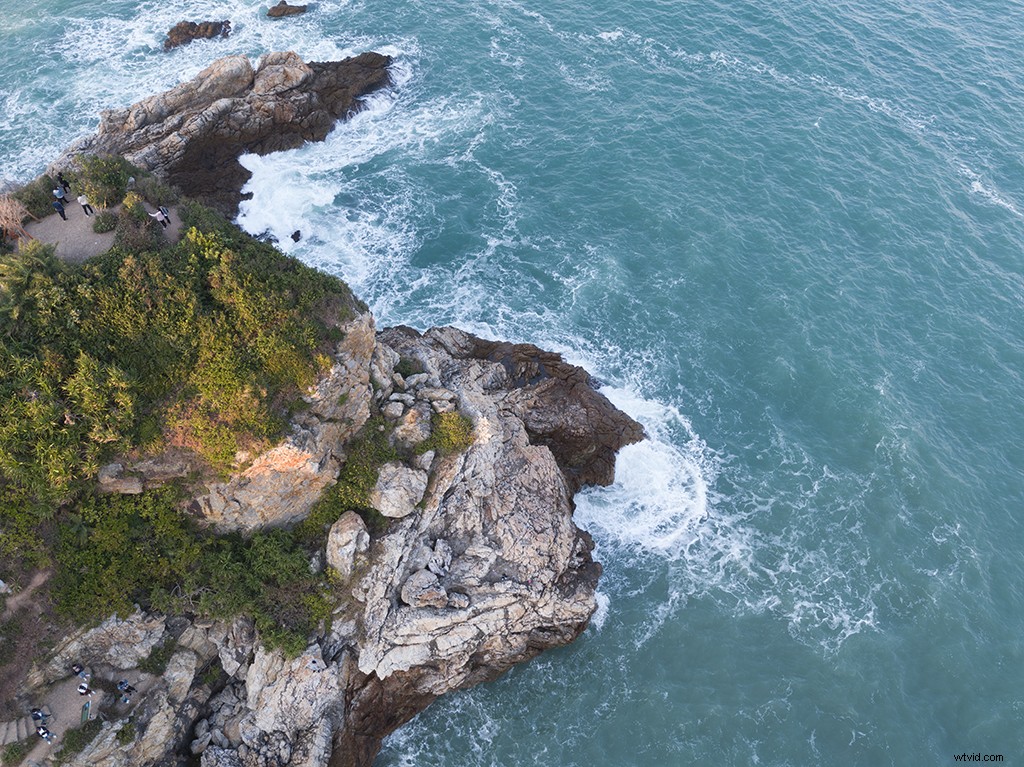
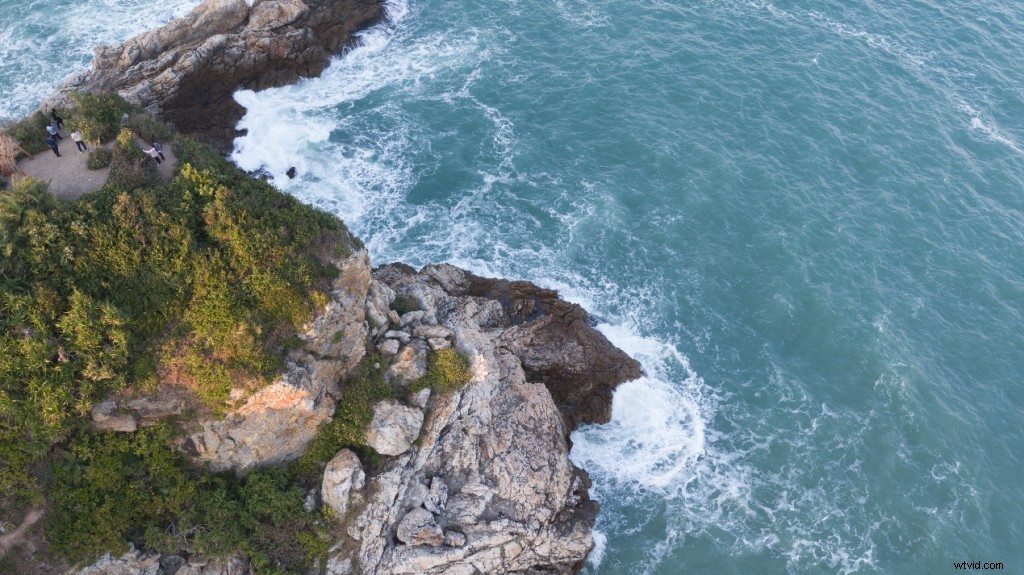
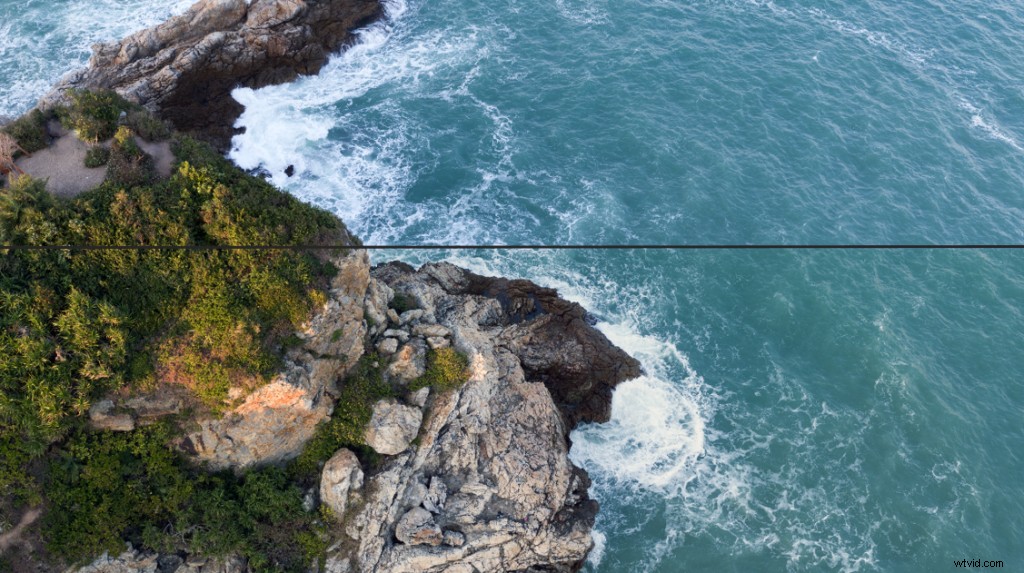
This simple action can have a dramatic effect on your images. All photos can benefit from this. In your picture editor select your cropping tool and choose your box’s position. When doing this think about the rule of thirds the goal of which is to place your focal point, along a vertical or horizontal line and a point of intersection.
Step 2: Crack out the healing brush
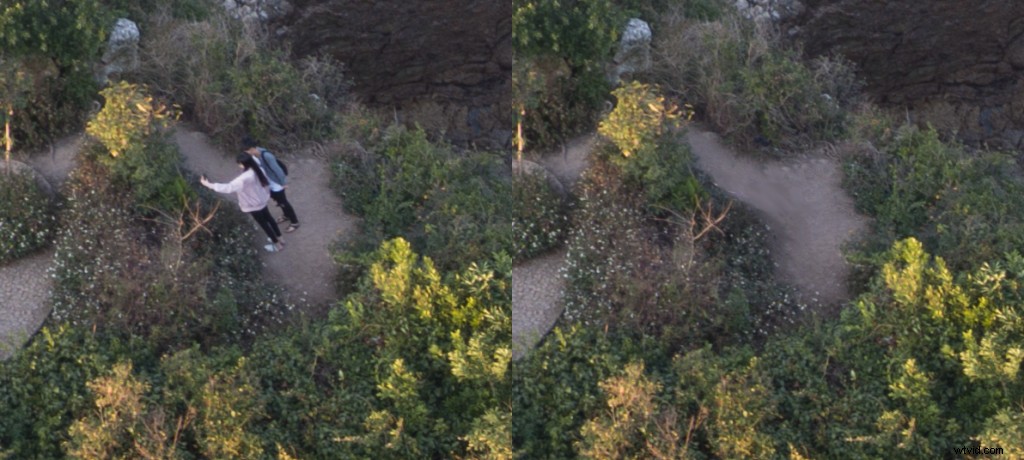
Sometimes the perfect picture can be ruined by ugly things that are impossible to remove when you’re taking the photo but fear not you can edit them out. So first you’re going to need to zoom in to see defects then select your Healing Brush and remove these blemishes from your developing masterpiece.
Step 3: Harmonize the levels
Grab people’s attention with a more prominent contrast in your picture. Go to the levels setting and have a look at the histogram and on the left of the histogram you have the light colors, and on the right, you have the dark colors. You’ll want to darken the shadows and brighten the highlights. Play around with this till you get the right balance.
Step 4: Tweak the saturation
Intense colors can help your photo to look more vibrant, so dive into the color saturation settings, but be stingy with the sliders as in the case of color saturation less is more and if you use too much it’ll look like something from the 80’s.
Step 5: Sharpen up
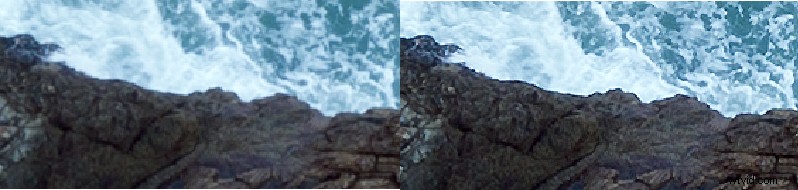
Highlight the edges in your photos with a bit of sharpening this helps to add a little more contrast to your masterpiece. Click on the sharpen image menu and fiddle away, but again use it sparingly as too much will cut your eyes. To see what this changes you need to zoom in 400%, but just because it’s a tiny change doesn’t mean it’s not an important one.
Step 6: Don’t use the same setting for each photo
Every photo is different, so what works well in transforming one picture into a thing of beauty may not work for another. Don’t be scared to play around with the settings you can always undo the horrors that you may inadvertently create.
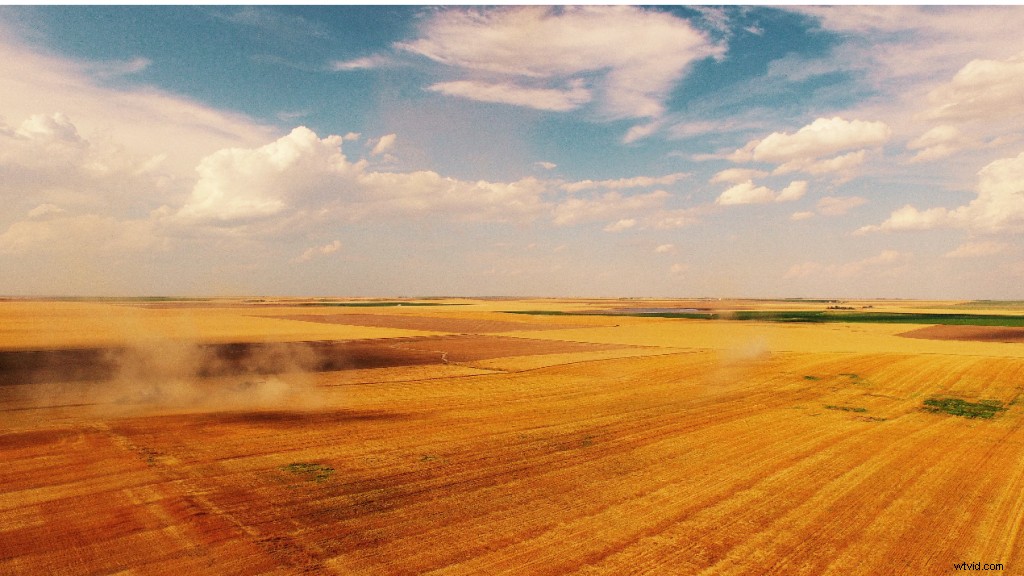
As you can see in this shot which used to be a beautiful bright golden image is now blue and depressing as I used the same settings.
So now you know how to give your photos some basic digital touch-ups, you’ll be able to wow your friends and family even more with your professional looking pictures.
Finally the finished photo.

Thanks for reading! See you next time!
Like DJI Support on Facebook!
Follow DJI Support on Twitter!
Subscribe to DJI Support on YouTube!