
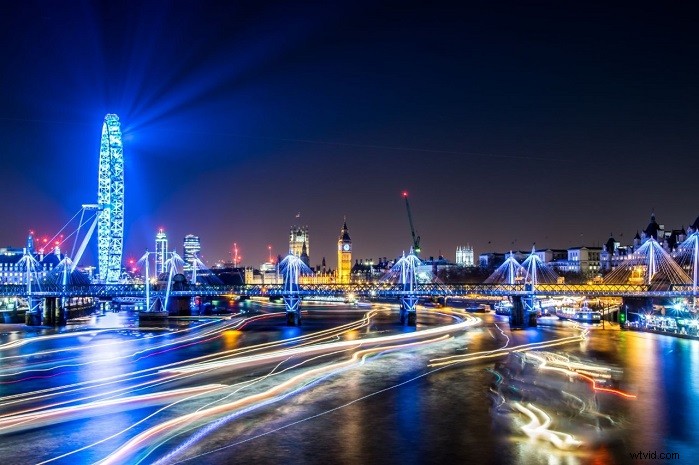
Long-exposure shots are relatively easy to take at night with a DJI drone since their cameras are stabilized. Just set a low shutter speed and press the shutter button. If you are capturing cars, boats, or any other illuminated objects moving at night, you will end up with some cool light trails like in the picture below.
But if you’ve tried taking a long-exposure shot during the day, you know that once you’ve set the smallest aperture and lowest ISO possible, increasing your shutter speed will inevitably overexpose your shot. This is where ND filters come in handy.
What is an ND Filter?
A Neutral-Density Filter, or ND filter, reduces the amount of light that enters a camera’s lens. Under bright sunlight, an ND filter allows photographers more leeway in selecting an aperture and shutter speed by preventing overexposure.
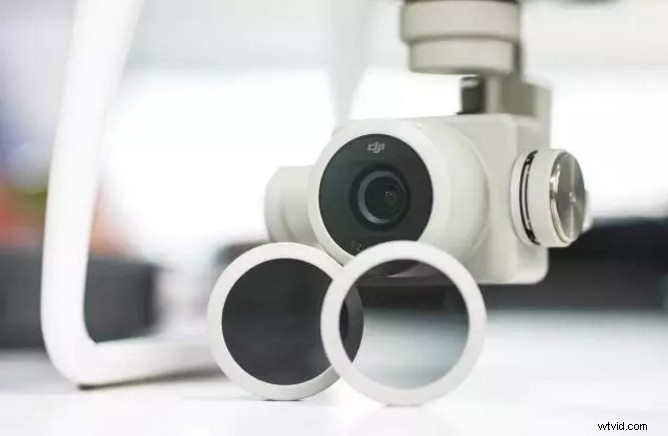 Phantom 4 Pro + ND16 Filter
Using ND filters
The photo below was taken with the Phantom 4 Pro and with the lowest ISO and smallest aperture possible. By reducing the shutter speed here, one risks overexposing the shot.
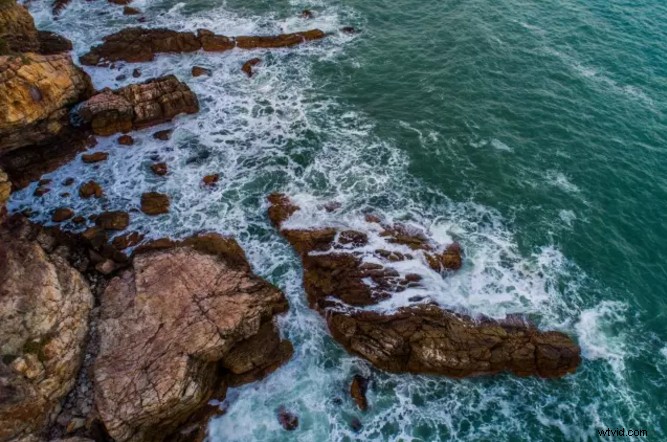
But with a Phantom 4 Pro ND16 filter, the amount of light entering the lens is reduced, and the shutter speed can be now lengthened to 1 second or longer. The picture below shows the result.
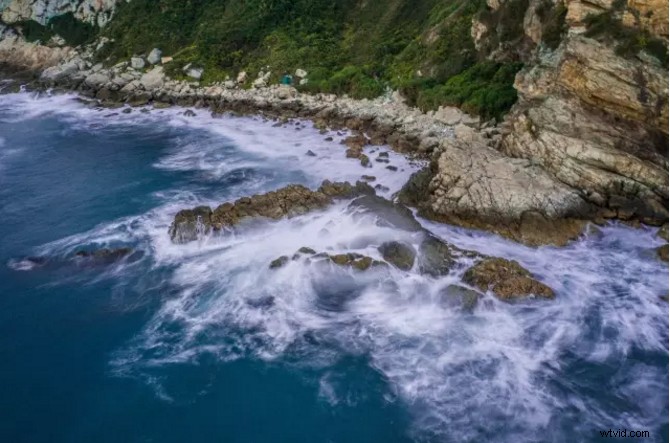
You can see that the waves are smoothed out and less well-defined. Using an ND32 filter and lowering the shutter speed can make the effect even stronger.
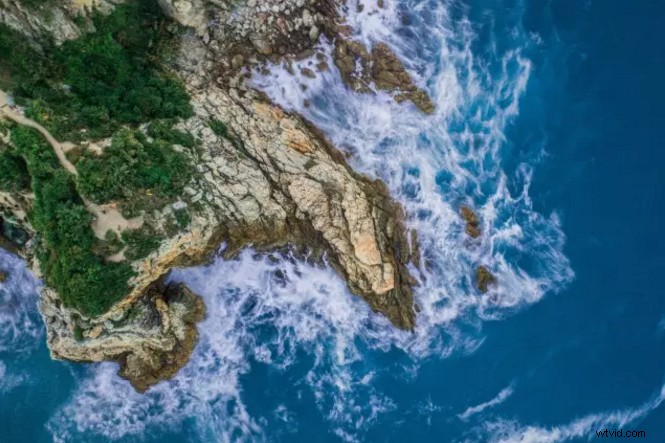
In addition to using ND filters for daytime water photography, they can also be used to take better urban landscape shots.
The shot below was taken with a relatively fast shutter speed. It looks a bit stiff and unnatural. The cars and people are moving, but there’s very little motion blur.
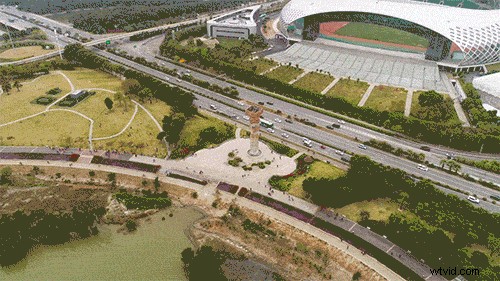
With an ND filter, we can lengthen the shutter speed and create some motion blur. Motion blur can give your photos a more lively and active feel, like the one below.
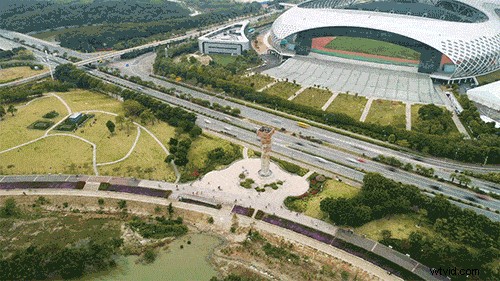
As you can see, by gaining more lenience to adjust your shutter speed, ND filters give you more creative control over your shots.
Choosing ND Filters
DJI has three official ND filters for their drones: ND4, ND8, and ND16. The number associated with an ND filter indicates that how much light enters the lens in terms of a fraction.
- ND4 reduces light by 1/4. An ND4 filter can reduce 2 stops of light, allowing you to slow the shutter speed from 1/100s to 1/25s.
- ND8 reduces light by 1/8. An ND8 filter can reduce 3 stops of light, allowing you to slow the shutter speed from 1/200s to 1/25s.
- ND16 reduces light by 1/16. An ND16 filter can reduce 4 stops of light, allowing you to slow the shutter speed from 1/400s to 1/25s.
Take the Phantom 4 Pro as an example. The screenshot below was taken without an ND filter and an ISO of 100, an aperture of F2.8, and a shutter speed of 1/200 seconds.
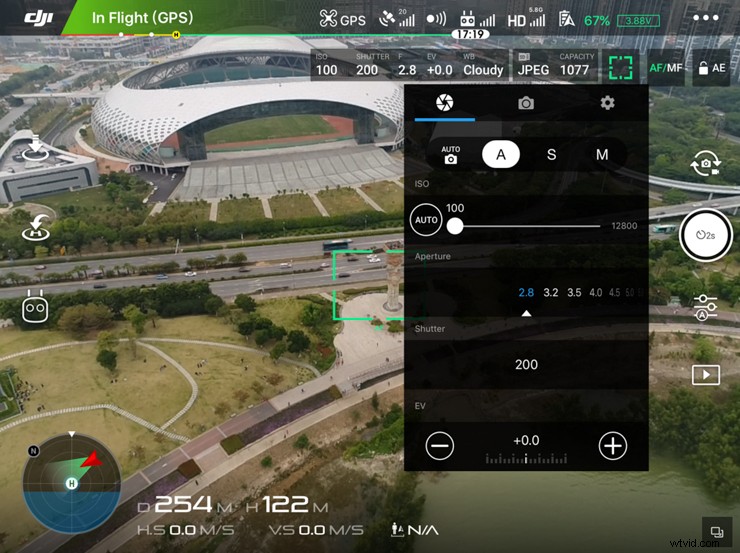
The screenshot below was taken with an ND16 filter attached. With ISO and aperture remaining the same, and the shutter speed can be set to 1/12.5 seconds.
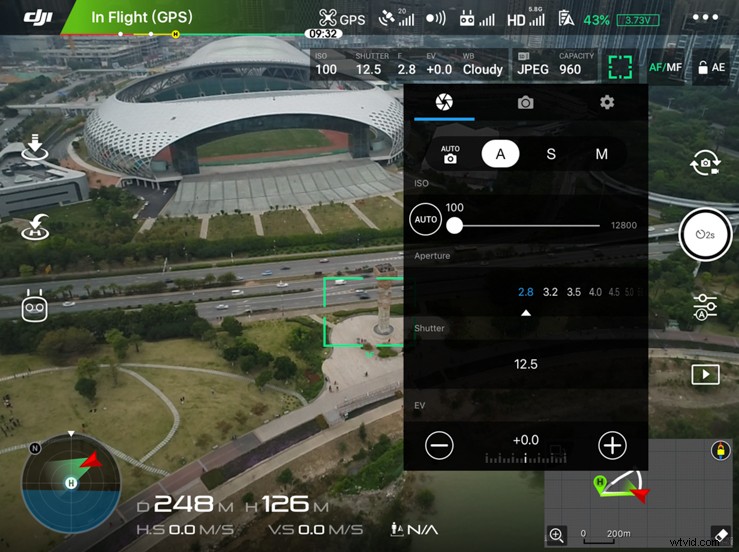
If you used a weaker ND filter in this situation, you couldn’t achieve the same level of motion blur. However, if you chose a stronger ND filter, too much light would be kept out, your image would be underexposed, and your ISO value would need to increase accordingly.
So what ND filter you should choose depends on the amount of light around your and the effect you want to achieve.
Please note that we recommend only using official DJI ND filters, as they are specially designed to work well with the gimbal camera’s center of gravity.
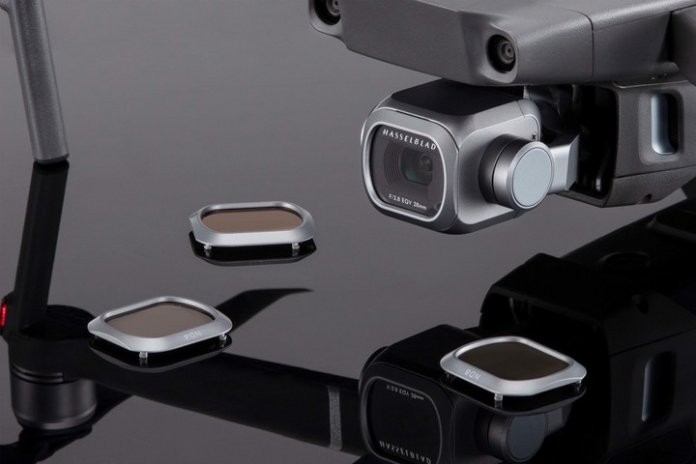
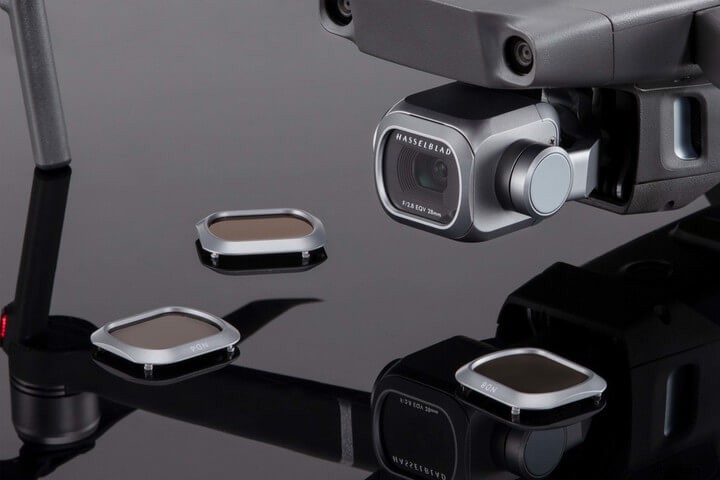
Find ND Filters Set For Mavic 2 Pro
Find ND Filters For Phantom 4 Pro
Find ND Filters For Mavic Pro
Thanks for reading everyone!You might be also interested in:
6 Things You Need to Know for Long Exposure by Filter
Gear Up! Top Drone Accessories for Every Pilot
6 Tips to Make Your Drone Photos Instagram-Ready
Comprehensive Guide: Essential Drone Travel Tips
Like DJI Support on Facebook! Follow DJI Support on Twitter! Subscribe to DJI Support on YouTube!