
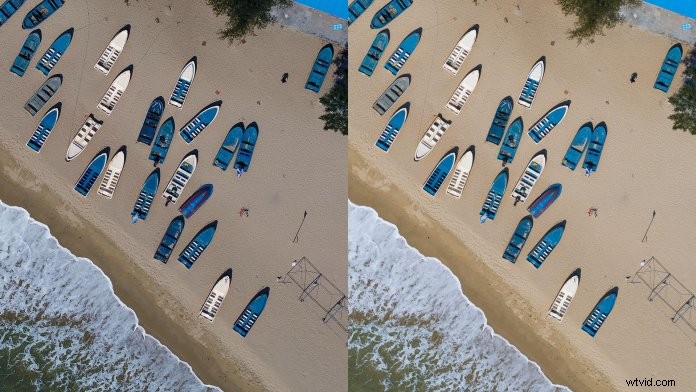
In DJI GO 4 under Camera Settings, you will see there are three options for photo formats: JPEG, RAW, and JPEG+RAW. What setting should you use? Let’s take a look at some advantages and disadvantages of shooting in JPEG vs RAW.
The Difference in Highlights and Shadows in JPEG vs RAW
The photo below was taken with the Zenmuse X5S in JPEG and RAW formats. The sun is a bit overexposed, and the foreground is a bit underexposed, so making the photo look natural will take some editing. Adjusting tones in each format gives us a clearer picture of how JPEG and RAW differ from one another.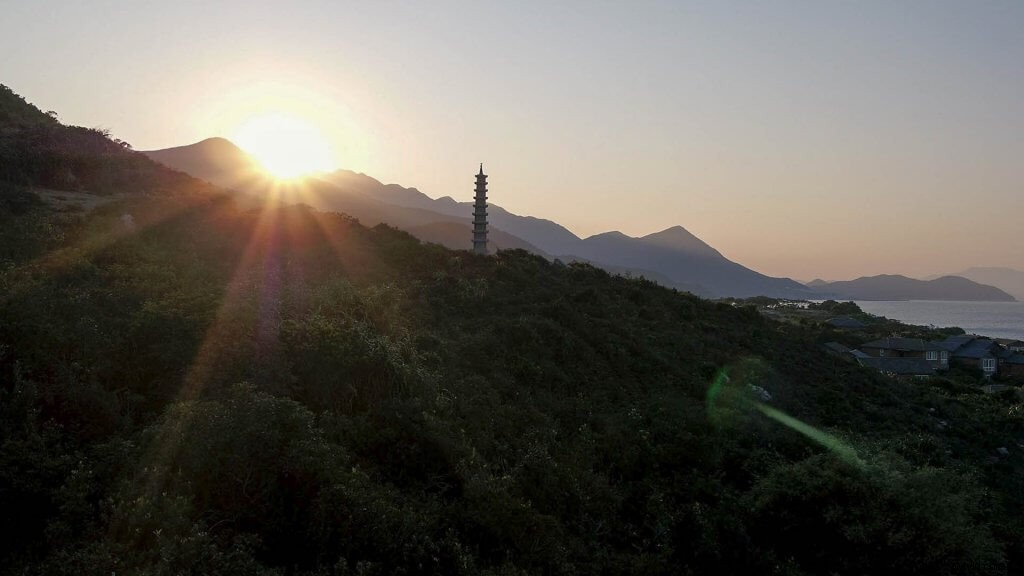
The main problem with JPEG images is that they are compressed, and the information is lost, so you don’t have as much control over how they look in post-production. Take a look at the edited JPEG image below. When shadows and highlights are reduced, the trees in the foreground look somewhat unnatural, and the sun still looks overblown.
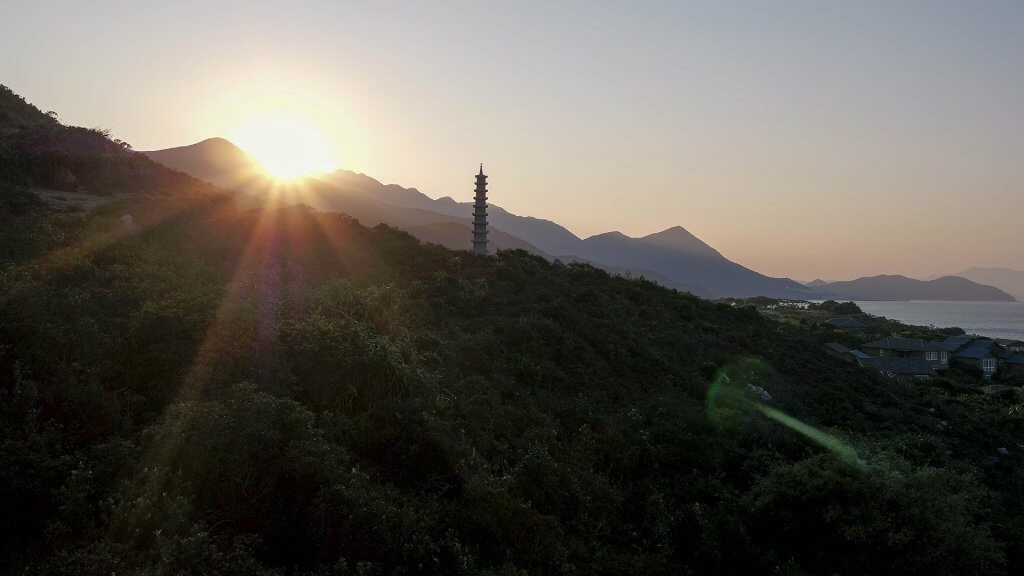
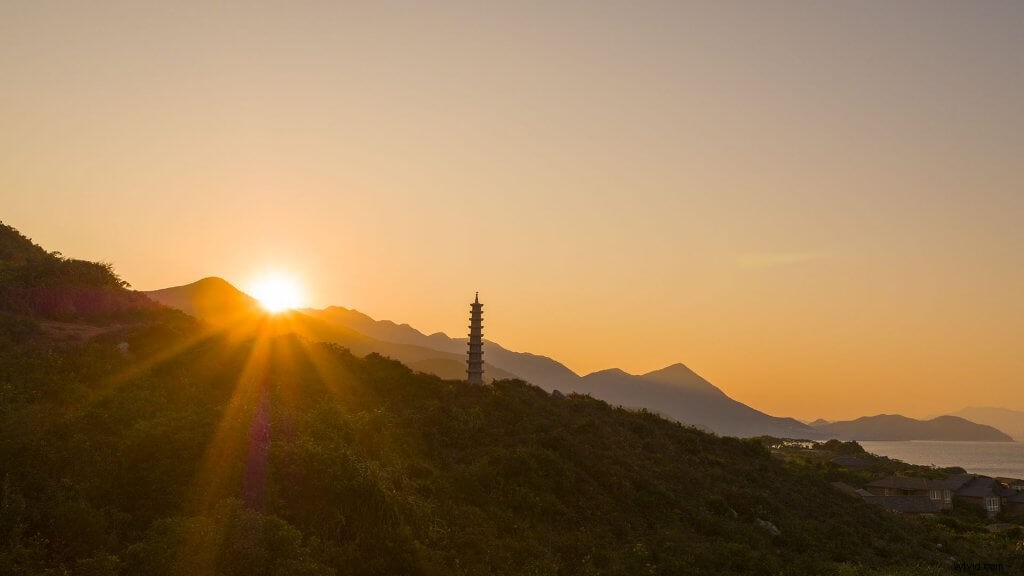
Since no information is compressed in RAW, RAW files retain more details than JPEGs. After the same toning, the RAW image looks much more appealing and natural.
White Balance
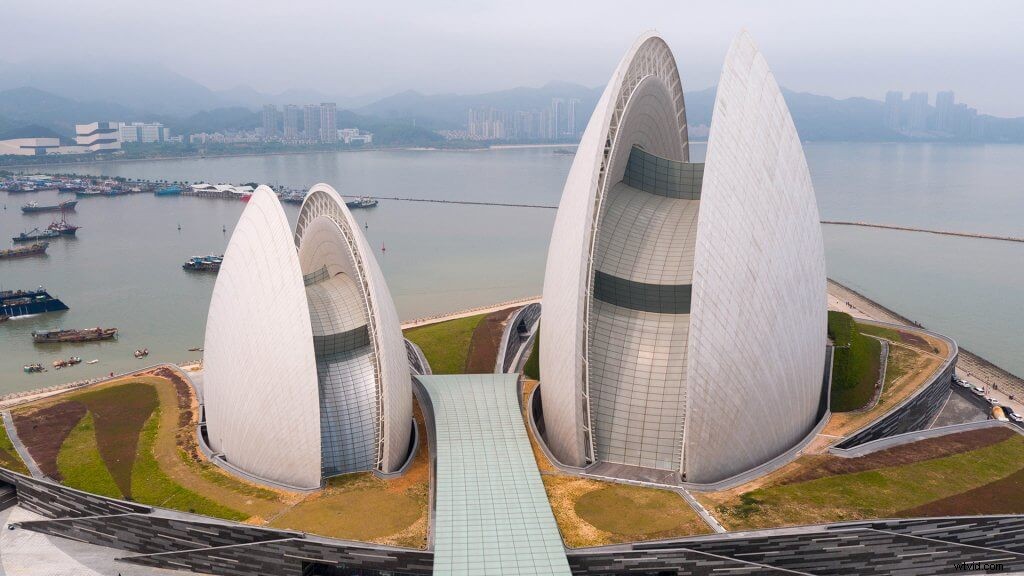
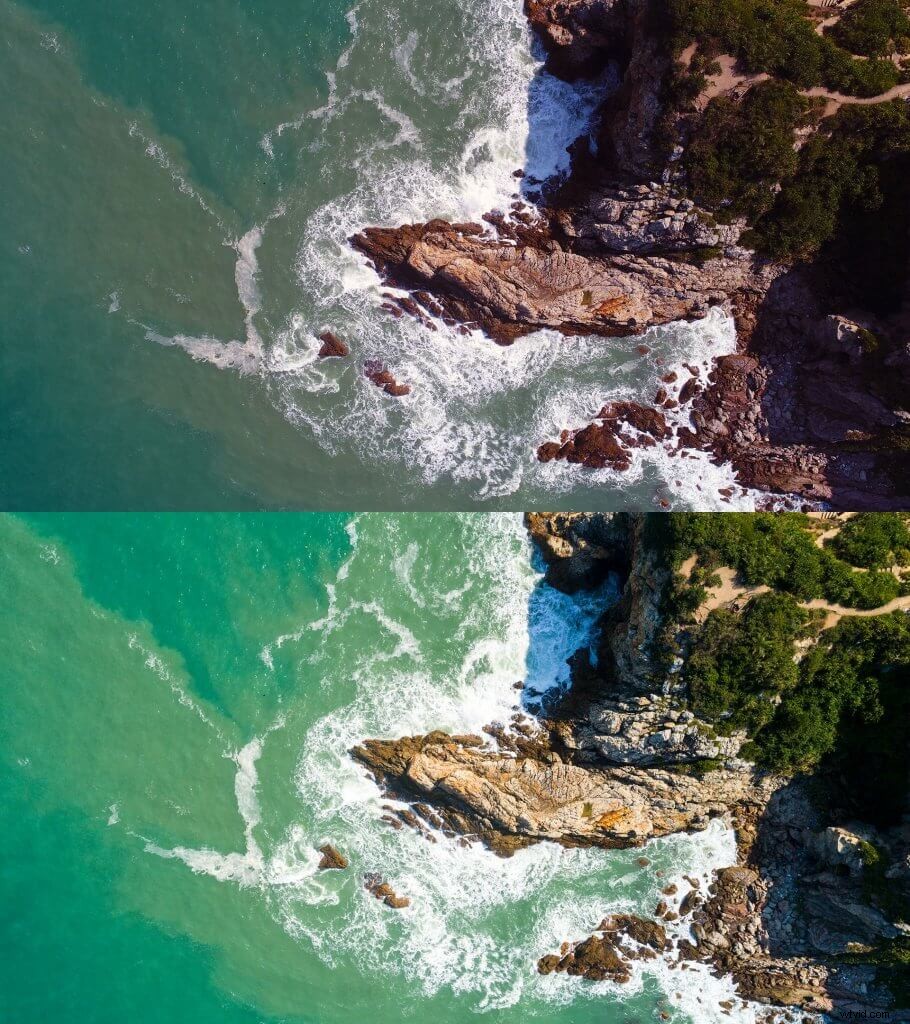
With RAW images, you can also more easily correct white balance issues in post. Depending on what type of light you are shooting in and your white balance settings, you may end up with a color cast: a tint that gives your image unwanted coloration. The photo below was taken with the Phantom 4 Pro in JPEG and RAW formats.
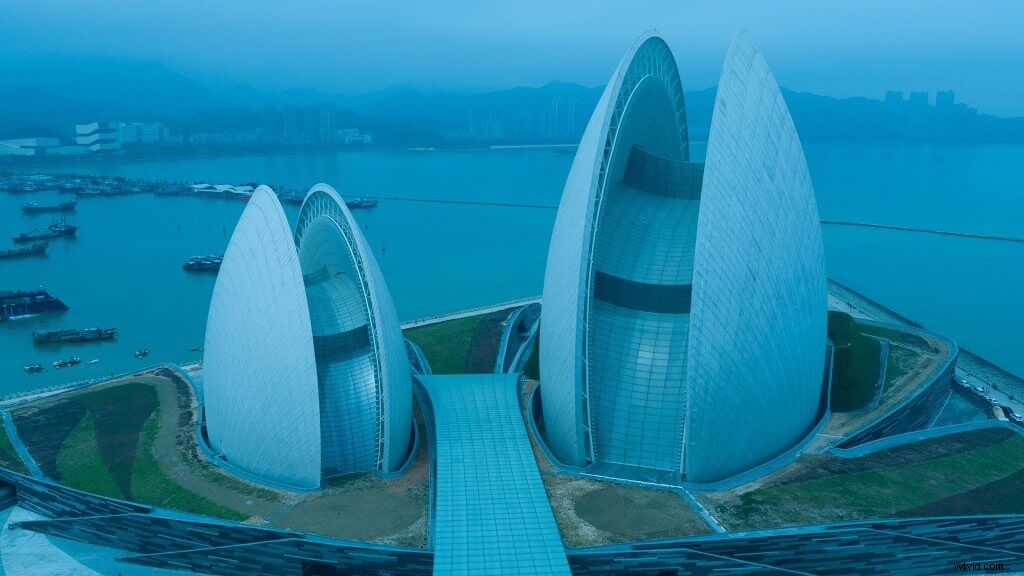
After adjusting the color temperature and tone of the JPEG file, the image still does not look very good.
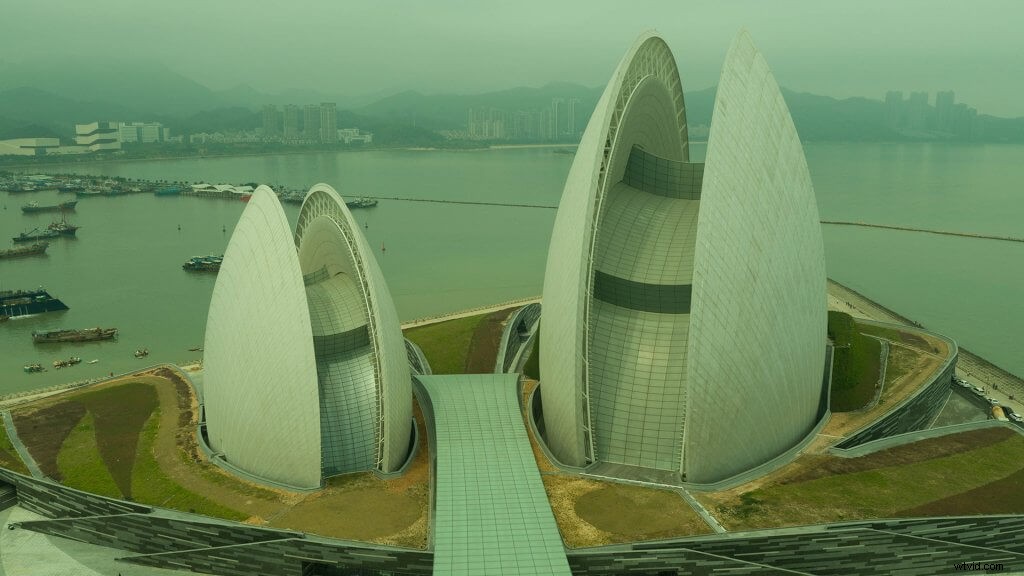
Since RAW files contain unprocessed grayscale data, you won’t be out of luck even if you set your white balance incorrectly during shooting. Shooting in RAW makes adjustment easier without a reduction in quality.
Viewing Files
While RAW images can be more easily manipulated during editing, they are not superior in every way. RAW images cannot be viewed without special imaging software, like Adobe Photoshop or Lightroom, on a mobile device or your PC, but JPEG images can! If you shoot a RAW photo with your DJI product, a low-resolution JPEG will be saved in DJI GO for you to view, even if you do not select RAW+JPEG. However, you won’t be able to view the RAW file without a computer.
File Sizes
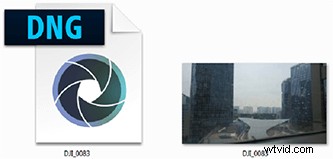
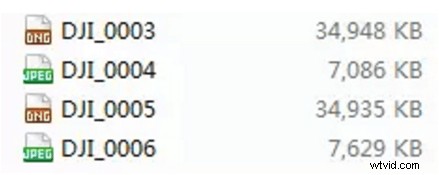
Additionally, when looking at JPEG vs RAW, it’s a good idea to talk about the file size as RAW files are five times the size of JPEG files. As you can see below, a Phantom 4 Pro DNG file (RAW file) takes up around 34,000 KB, while a JPEG is only around 7,000 KB
Timed Shots
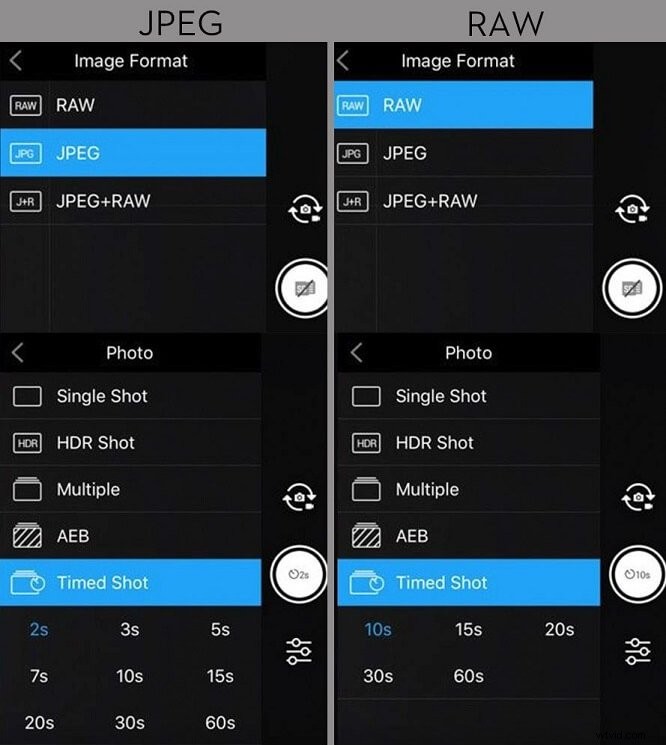
Also, since RAW files are larger, they take longer to process and save to the SD card. This affects the shortest interval at which you can take Timed Shots. The screenshots below are taken from the Mavic Pro.
Notice that the shortest Timed Shot interval is two seconds for JPEG images and 10 seconds for RAW images.
So is One Format Better Than the Other?
It depends on what you want to do. A clear advantage of JPEG files is that you spend less time in processing, and you can spend more time in shooting. When shooting in RAW, you get as much data as possible from the sensor, and you have more options during editing. Which one to use is up to you! Feel free to share your questions or comments with us here on the forum or social media.
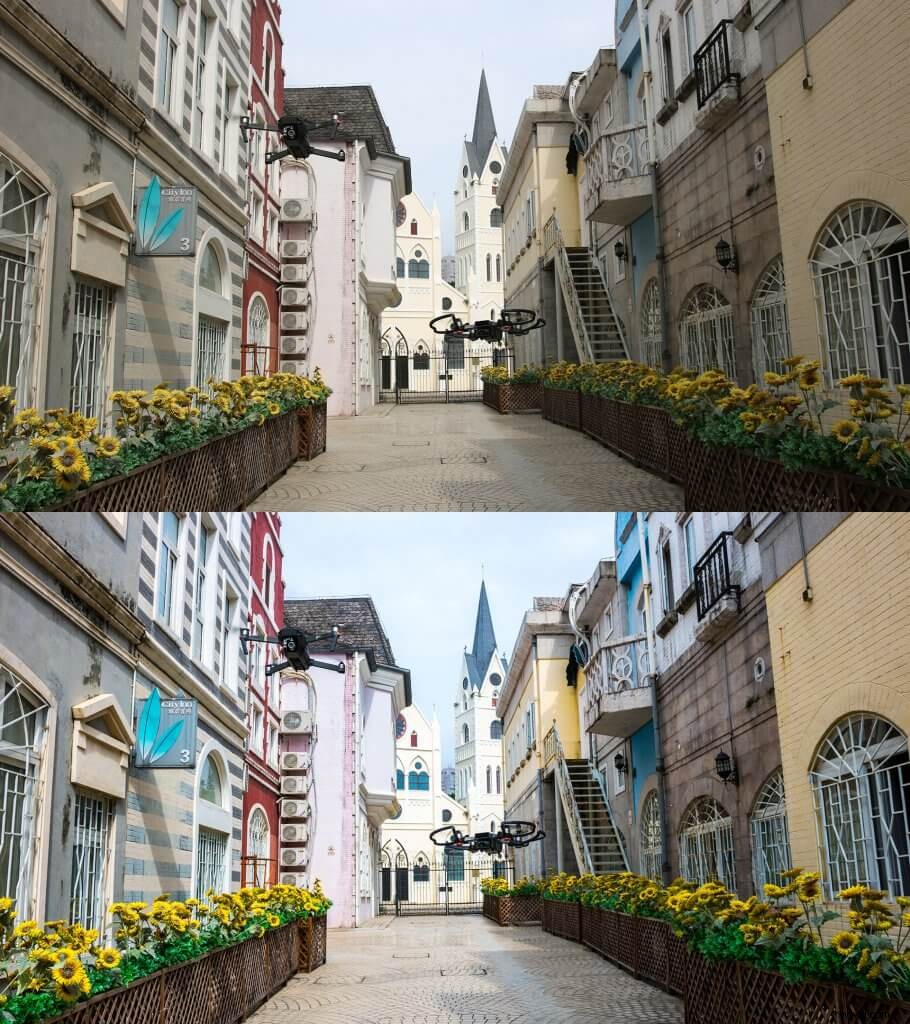
Can You Tell Which is Which?
If you want to know more about cameras check out these articles:
Drone Camera Settings: All You Need to Know
How to Shoot Horizontal Panoramas with your drone
Time-Lapse Photography – Turn Photos into Hyper-Fast Video
6 Quick Easy Picture Editing Steps to Make Your Photos Look Fantastic
For more from DJI Support:
Like DJI Support on Facebook!
Follow DJI Support on Twitter!
Subscribe to DJI Support on YouTube!