
In case you haven’t noticed, smartphone cameras keep getting better and better. Not only do they take better still photos, but they also record high-quality video. Many latest generation smartphones are equipped with image stabilization, focus tracking, and the ability to shoot in 4K.
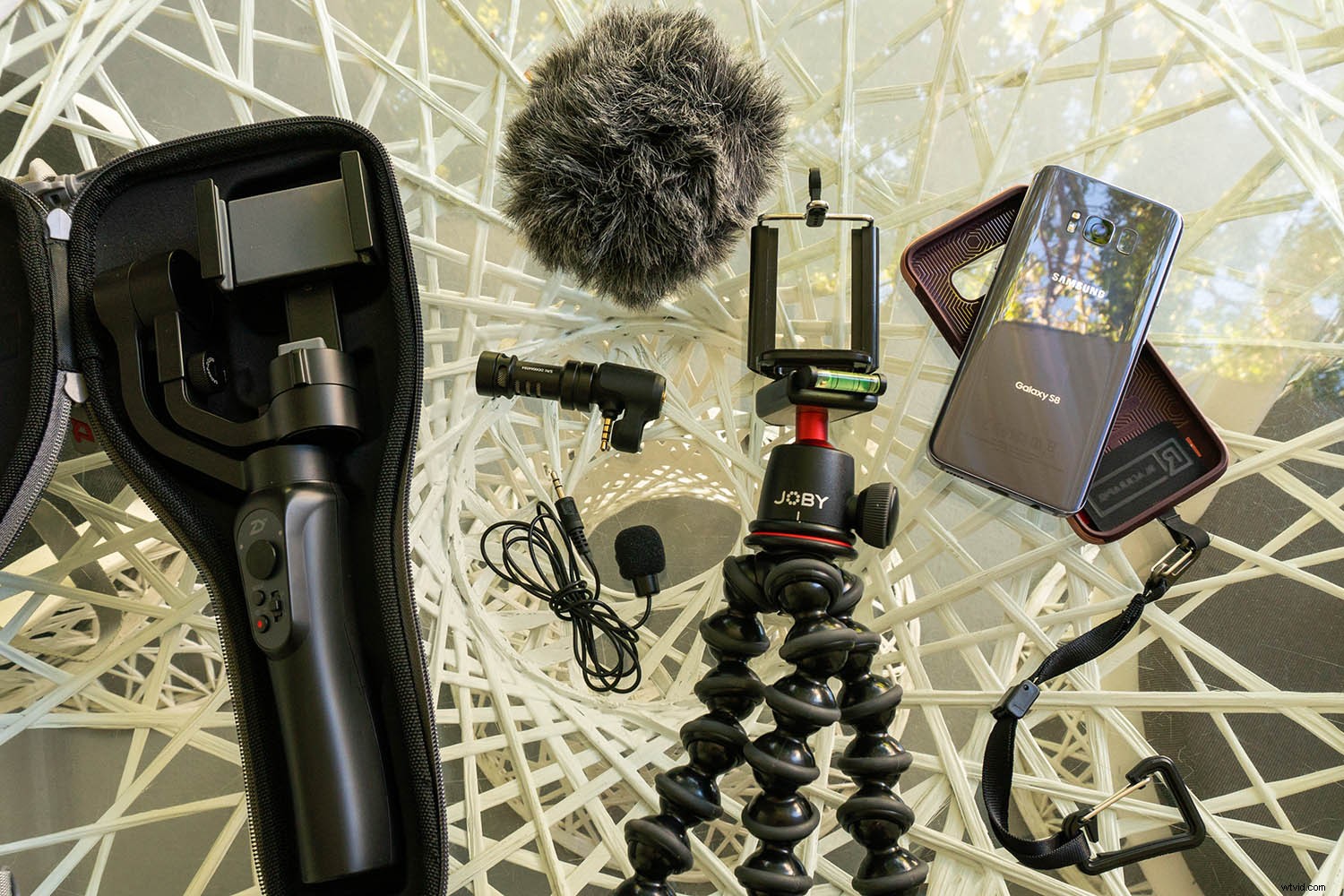
This is especially notable with the recent release of IGTV and social media platforms encouraging more video creation. With that in mind, it’s worth investigating how to use your smartphone to take better smartphone videos. As usual, it comes down to the tools you use. Here are several accessories worth investing in to take your smartphone videography to the next level.
A Way to Secure Your Phone
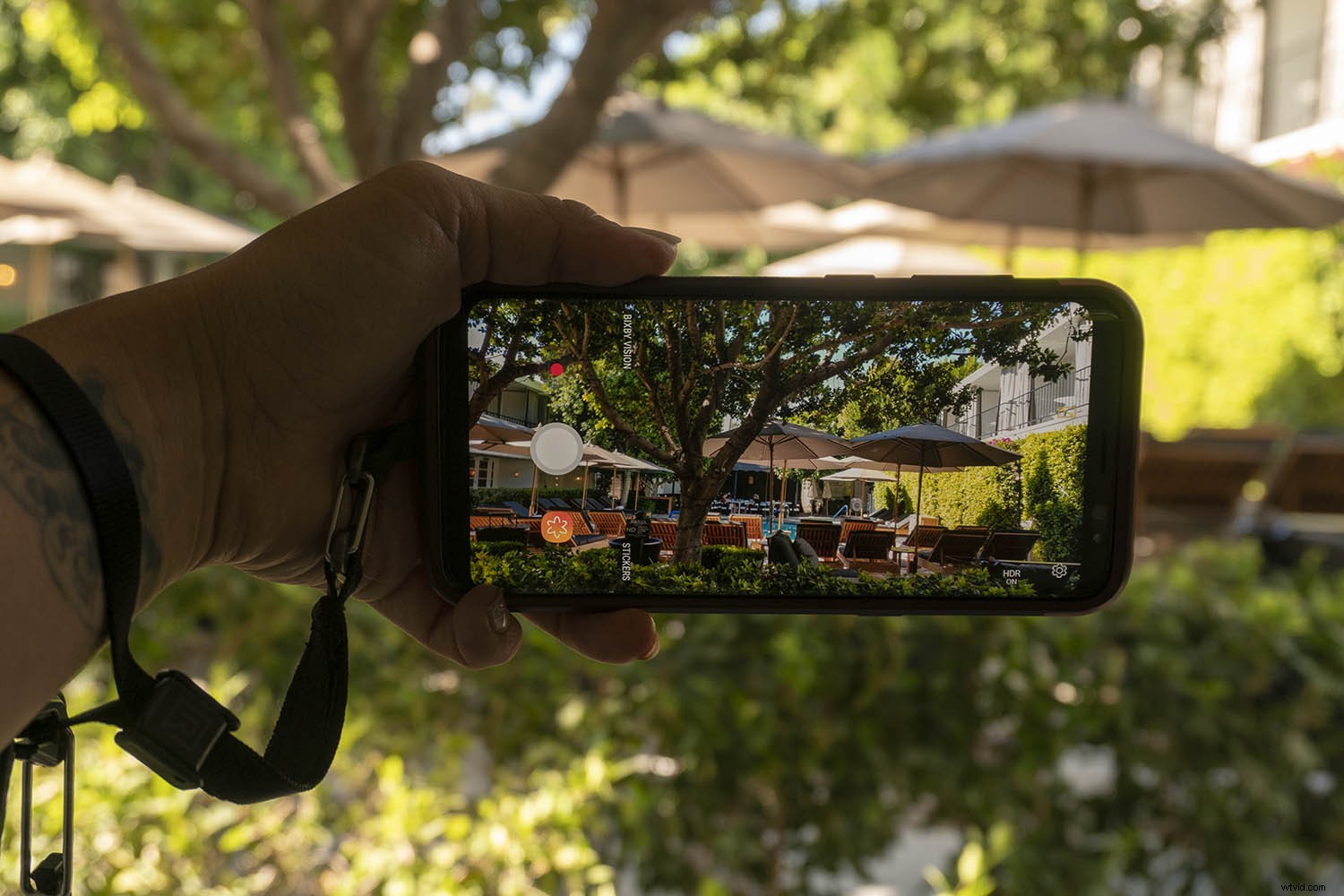
Smartphones today are being built tougher, but they still have a sleek body that makes them easy to drop. To keep your phone more secure, consider getting one of these accessories. This will help you take sharper and better videos.
Pop Socket
In case you’re not already hip to the Pop Socket, here’s why they’re so popular.

Image courtesy of Pop Socket.
These little devices look deceptively simple. They’re just a plastic backing that sticks to your phone and pops out to give you a better grip. This helps you hold your phone with one hand while taking selfies or shooting tricky angles. They are especially helpful while shooting video.
But there are some problems with the Pop Socket. For one thing, they’re bulky. Even when retracted, the Pop Socket sticks out just enough to make it a hassle to stick your phone in your pocket or put it into your car’s cell phone holder.
Secondly, Pop Sockets look about as cheap as they cost, at least in my opinion. This can ruin the aesthetic of the pricey phone you’ve invested in. Finally, these suckers are pretty permanent. Once they’re attached to your phone, they’re useless if you remove them. For that reason, I prefer using the next accessory to keep my phone secure.
Black Rapid WandeR Bundle

Image courtesy Black Rapid.
Black Rapid is known for their camera straps, but they also have a cool new product for smartphones. The WandeR Bundle is a nylon tether wrist strap that attaches to your smartphone’s case (above).
You can also use the included TetheR-Clip to secure your phone to a bag or camera strap (see below). It’s a simple concept that is very well executed and will make it hard to drop or lose your phone again.

Image courtesy Black Rapid.
A Smartphone Tripod
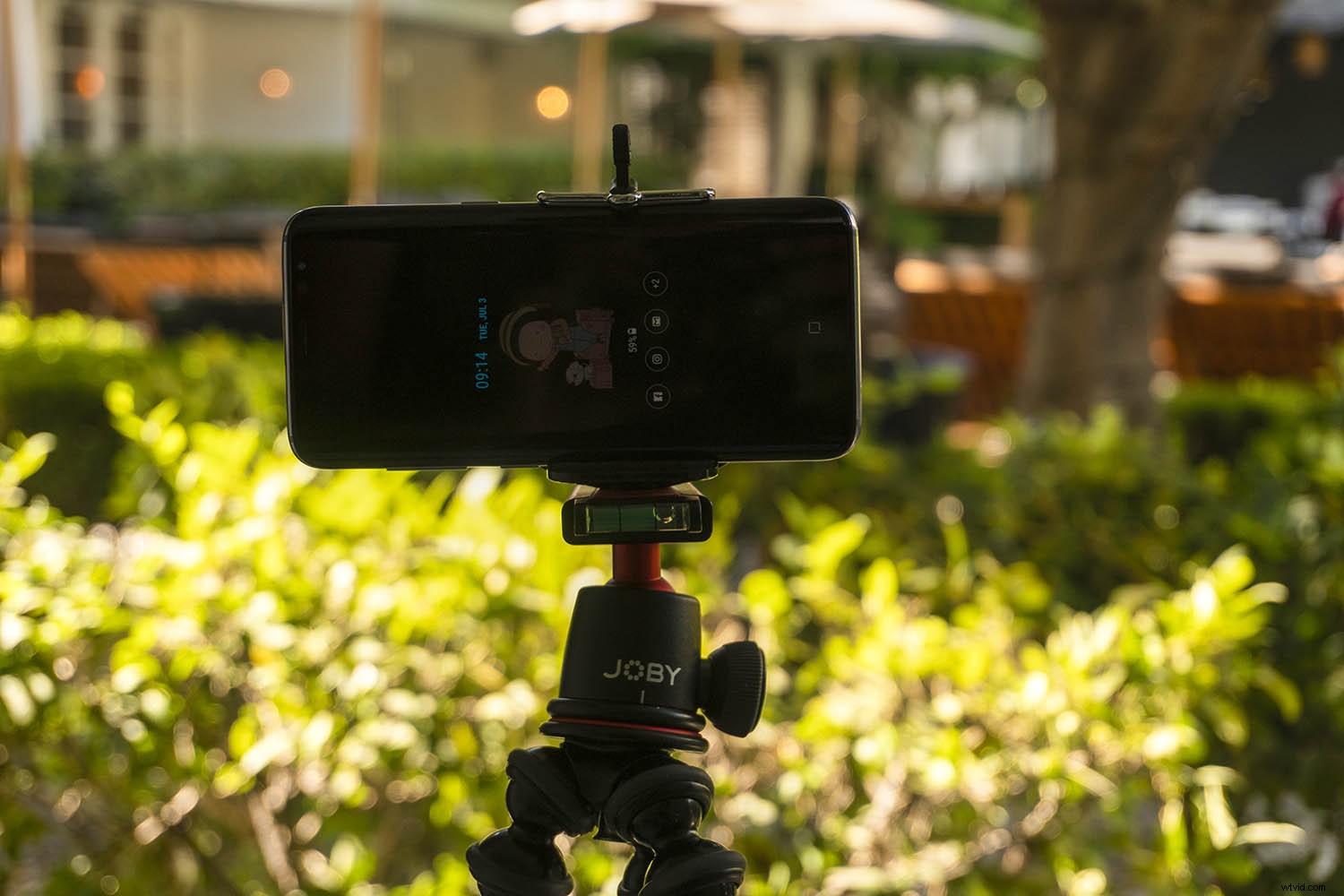
Like any other camera, there’s a time and a place to use a tripod with a smartphone, especially when creating videos. The good news is that you don’t need a giant tripod for your smartphone, although you can certainly adapt any basic tripod for use with a cell phone using an adapter (more on that below).
But if you want a more compact setup, consider getting a dedicated smartphone tripod. The Manfrotto PIXI EVO is a popular option, as is the JOBY GorillaPod Hybrid Mini. Both are small, yet sturdy enough to hold a smartphone or even a small mirrorless camera if needed.
No matter what kind of tripod you end up with, make sure you get a cell phone tripod adapter to properly mount your device.
External microphone
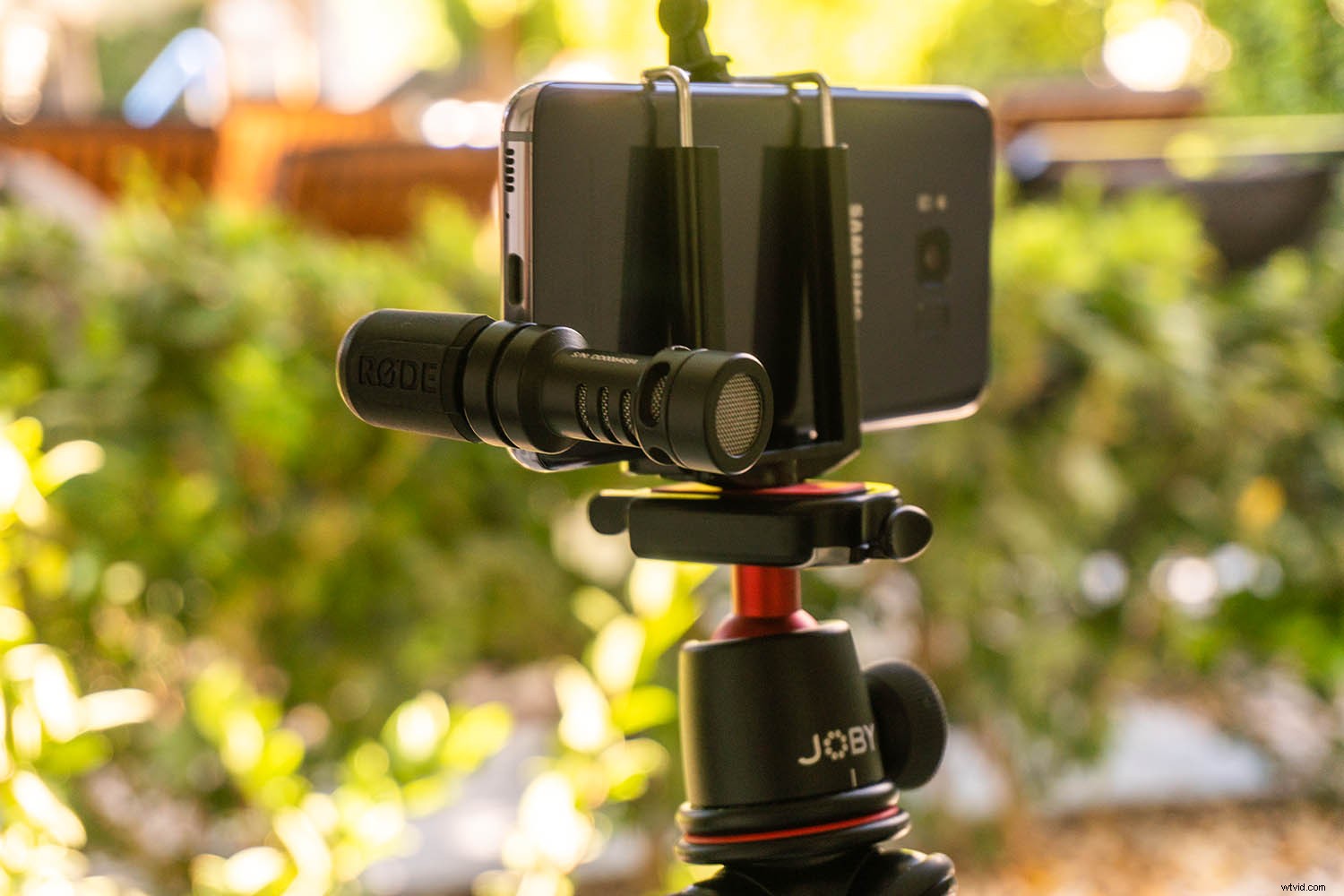
Most smartphones have pretty good built-in audio recording features. But sometimes you need an enhanced audio solution. Note that for both of these microphones, you may need a smartphone audio jack adapter if you have a phone without a traditional audio jack.
One of the best smartphone microphones out there is the Rode VideoMic Me microphone. It’s very compact and comes with a fluffy windscreen (also known as dead cat). To use it, simply plug it into your smartphone’s audio jack. It worked well with my Samsung Galaxy S8 but didn’t work at all with the Google Pixel.
The reason is the location of the audio jack. On the S8, it’s located on the bottom of the phone, on the opposite end of the cameras. The Pixel’s audio jack is located on top, next to the camera. Thus, the microphone was in the shot both with and without the windscreen. So check the audio jack’s proximity to your camera before investing in this mic.
Another type of microphone you may need is a lavalier (or lapel) mic. It is placed in close proximity to the speaker’s mouth to isolate their voice from environmental noise. Lavalier mics are generally wired, meaning they can be difficult to use when plugged directly into your video recording device.
So the most convenient setup is to record your visuals with one camera, and record audio with a lavalier mic plugged into a smartphone. You’ll need an audio recording app to do this. A top of the line lav mic option is the Rode smartLav+, or the more affordable Stony-Edge Simple Lav. Note that sound quality typically corresponds with price, but it truly depends on your budget.
Smartphone gimbal
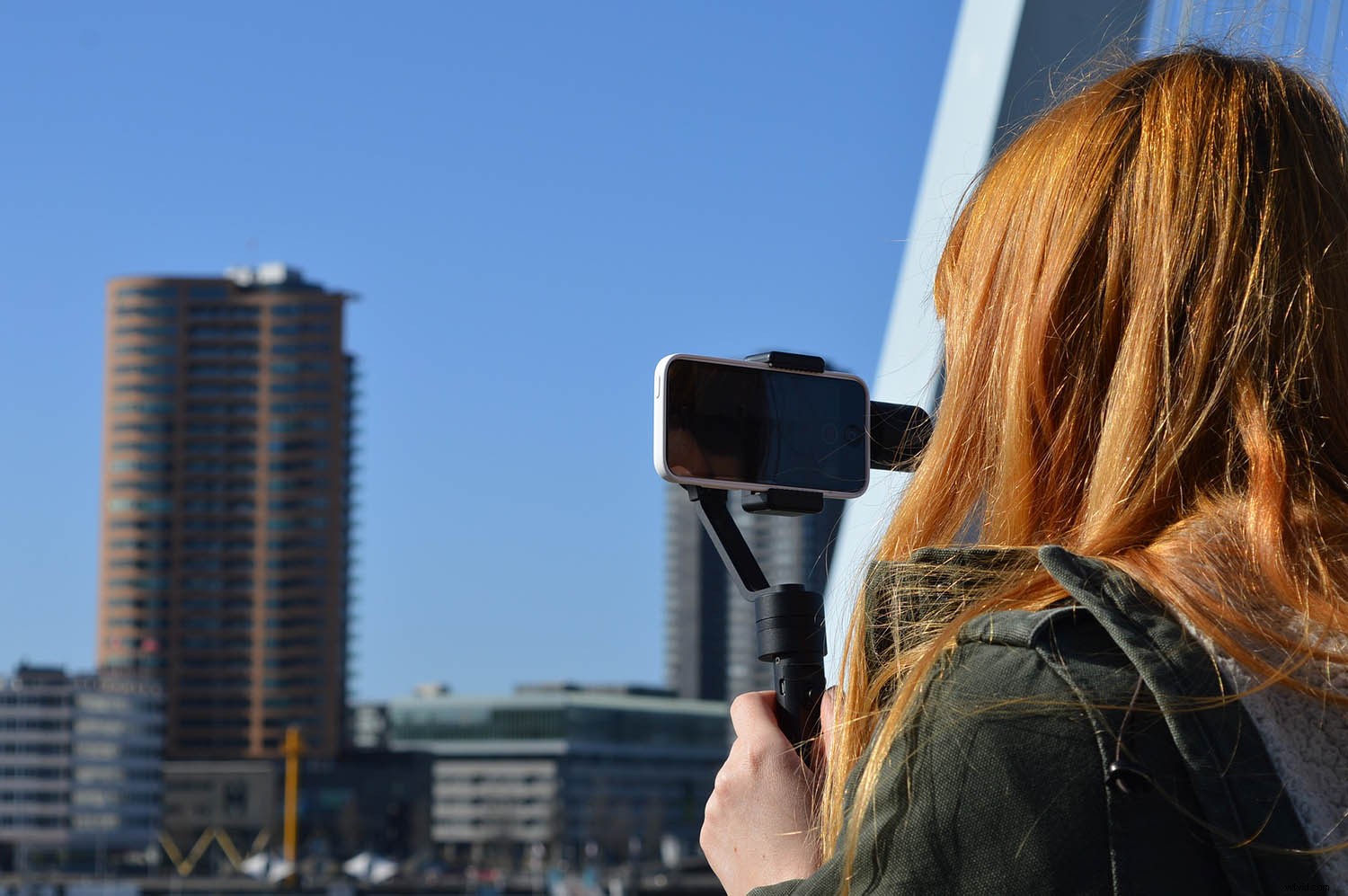
Many smartphones come with built-in stabilization that will help minimize or remove shake from your videos. However, you still need an extra tool if you want buttery smooth, cinematic video footage. The simplest video stabilization tool is an electronic handheld gimbal.
There are two main gimbals out there worth considering, and they’re very competitive in terms of features and price. One is the DJI Osmo Mobile 2, and the other is the Zhiyun Smooth Q. I’ve been using the Smooth Q for the past few months and have been blown away by how much my smartphone video quality has improved.
Best of all, a gimbal is easy to use and quite affordable for the features it offers.
Extra Power
While smartphone battery life keeps gradually improving, it’s still a good idea to bring a portable cell phone charger with you.
There are tons of external batteries on the market, but Anker is by far one of the more reputable brands. In particular, the Anker PowerCore 10000 is a compact, efficient, external battery. It can charge either your smartphone or electronic gimbal or both at the same time. Just be sure to charge the battery ahead of time and bring the right cables.
Over to You
In short, you don’t need a lot of tools to start using your smartphone to make better videos. However, if you add these tools to your kit, you’ll be well on your way to producing more professional-looking videos.
Do you have any smartphone video accessories? Let us know your essential tools in the comments below!