
We all know that our electronic devices, especially our phones, play an indispensable role in our daily lives. However, with technology advancing at an exponential rate, it’s easy to feel like you’re falling behind if you’re not constantly upgrading your phone and other devices.
Knowing when it’s time for a phone upgrade can be a daunting task, especially with the constant influx of new features and models flooding the market. That’s why we’re here to help!
Our motto is always “repair, don’t replace”, but there also comes a point where your best option might be to upgrade your phone, tablet, or computer. By understanding the signs it’s time for an upgrade, you can make informed decisions about when to purchase a new device.
Did you know that we regularly have refurbished devices you can purchase at The Lab? Stop by the shop on Center Street in Warsaw to take a look or click below for more information about our refurbished devices.

5 Signs It’s Time For An Upgrade
1. Sluggish Performance
If your phone, tablet, or computer has become noticeably slower than it used to be, taking longer to open apps, load web pages, or respond to commands, it might be time for an upgrade. Technological advancements in processors and memory can significantly improve overall performance.
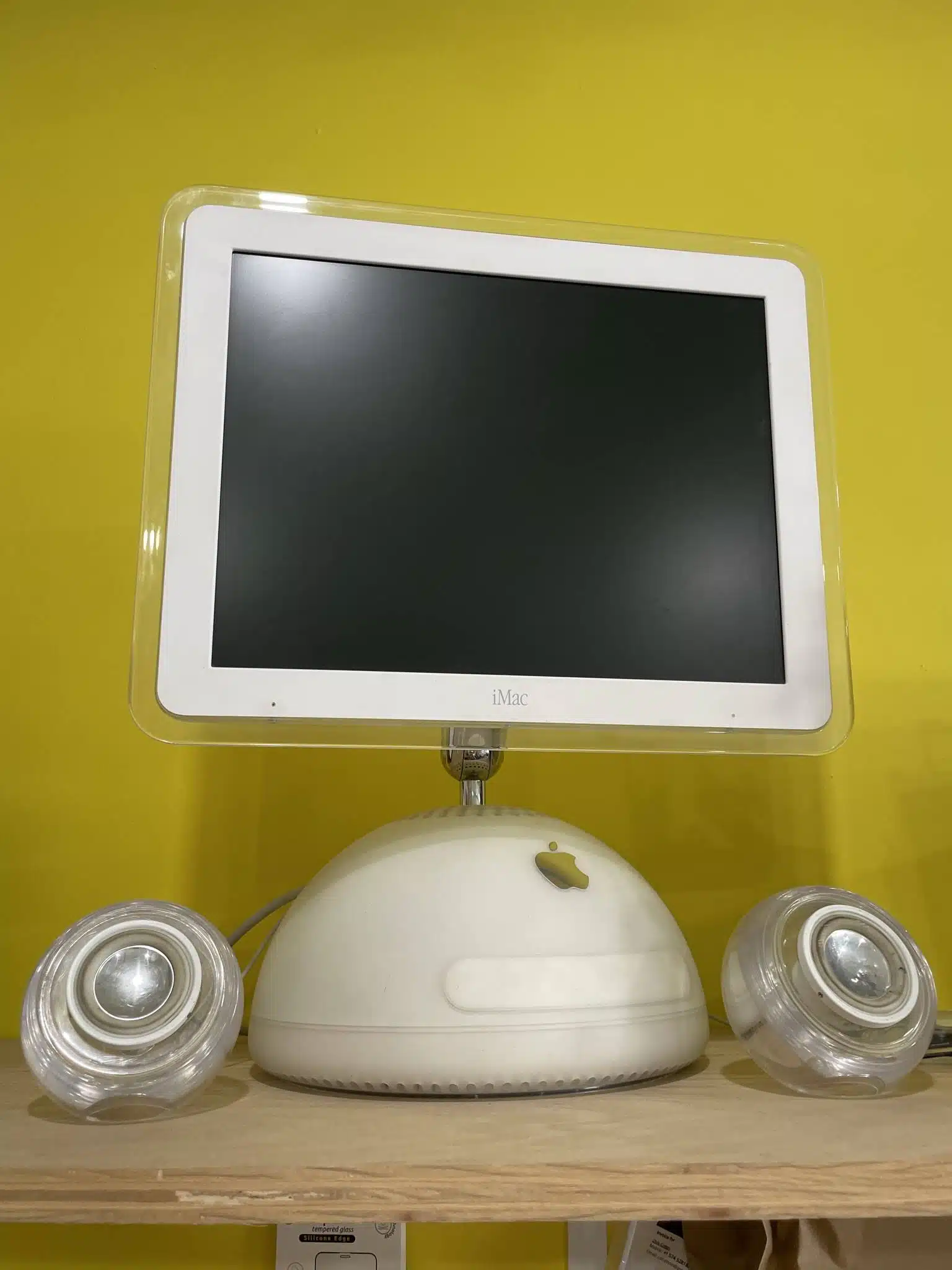
Before you decide to purchase a new device, bring your old one into The Lab and one of our repair technicians can assess it. You may just need to clear out old data, files, or programs that are slowing it down or running in the background.
2. Outdated Operating System
Manufacturers often stop providing software updates for older devices, especially phones, leaving them vulnerable to security threats and lacking access to the latest features and optimizations.
If your device is stuck on an old operating system version that won’t run the programs you need it to, it’s likely time for an upgrade.
3. Battery Life Degradation
Over time, batteries degrade and lose their ability to hold a charge, resulting in shorter battery life and more frequent recharging. If your device struggles to last through the day with normal usage, it could be a sign that the battery is reaching the end of its lifespan.
However, that doesn’t always mean you need to replace your entire phone, tablet, or computer. You could just need a new battery, which is a much cheaper solution. Our repair technicians at The Lab can easily check your battery and recommend a replacement for you.
Keep in mind that batteries will always reach the end of their lives before your device itself does, usually, you can make your device last longer by swapping out your battery 2 or 3 times before you upgrade.
4. Physical Damage
Cracked screens, malfunctioning buttons, or other physical damage can hinder the usability and aesthetics of your device. While much of that damage can be repaired, extensive or recurring issues might mean it’s time to invest in a new device instead.
Some of the most common repairs we do are screen repairs, so if you’ve been struggling with a cracked screen, bring your phone or tablet into The Lab for help!
5. Need For Better Security
Older devices may lack the latest security features and protocols, leaving them vulnerable to cyber threats and hacking attempts. Upgrading to a newer device with enhanced security measures can provide greater peace of mind and protection for your personal data and online activities.
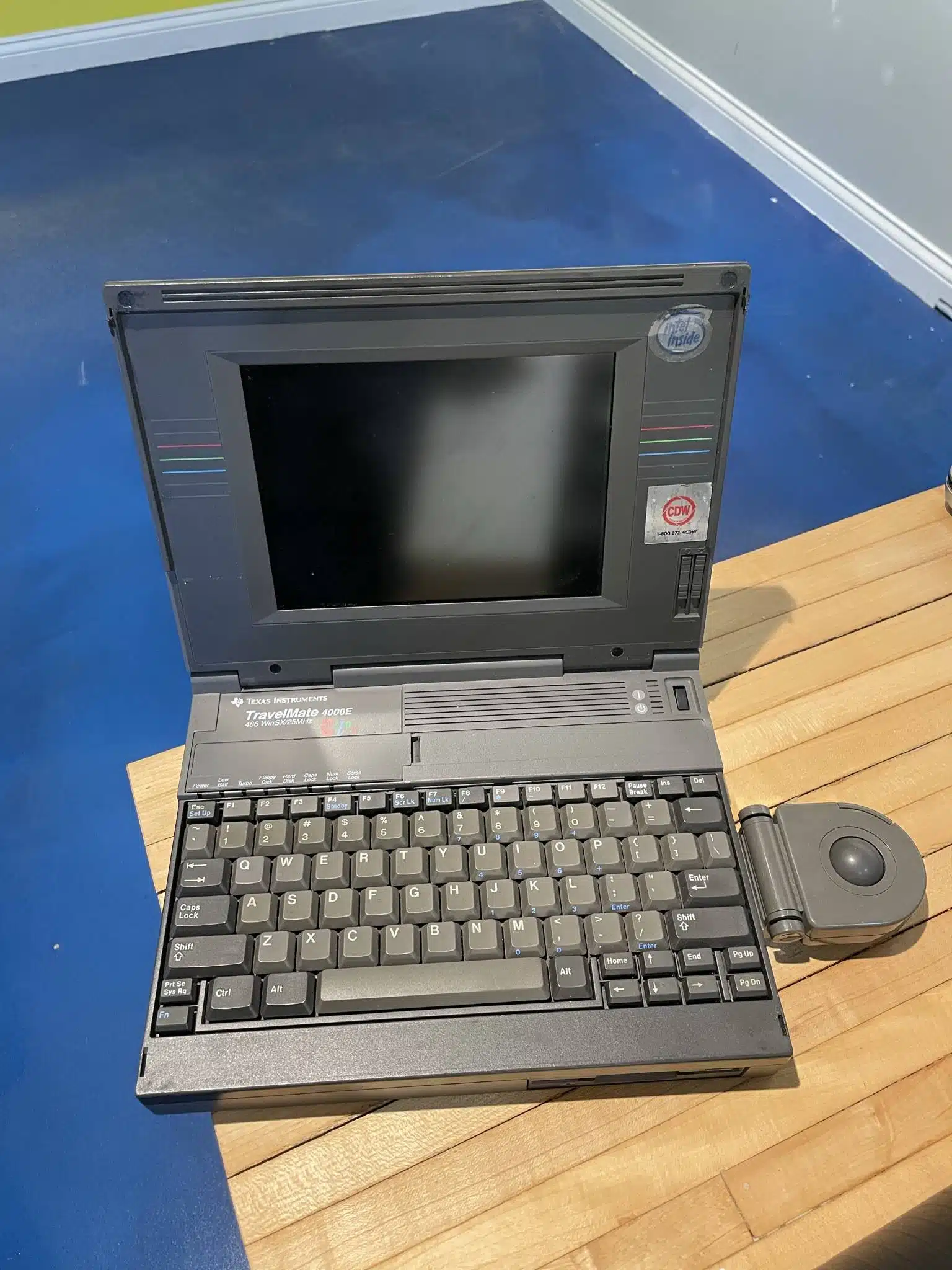
If you’re not ready to upgrade to a new device and are concerned about your data security, learn how to protect your electronic devices from malware and viruses.
Get Help At The Lab In Warsaw, IN
If you think your device needs to be upgraded, bring it into The Lab! Our expert repair technicians can assess your current device to see if it’s time for an upgrade or if a simple repair solution would be a better choice for you.
You can schedule an appointment online using the button below, or stop in and see us during regular business hours.
Our Hours
Monday: 10am – 5pm
Tuesday: 10am – 5pm
Wednesday: 12pm – 7pm
Thursday: 10am – 5pm
Friday: 10am – 7pm
Saturday: 10am-2pm
Sunday: Closed