
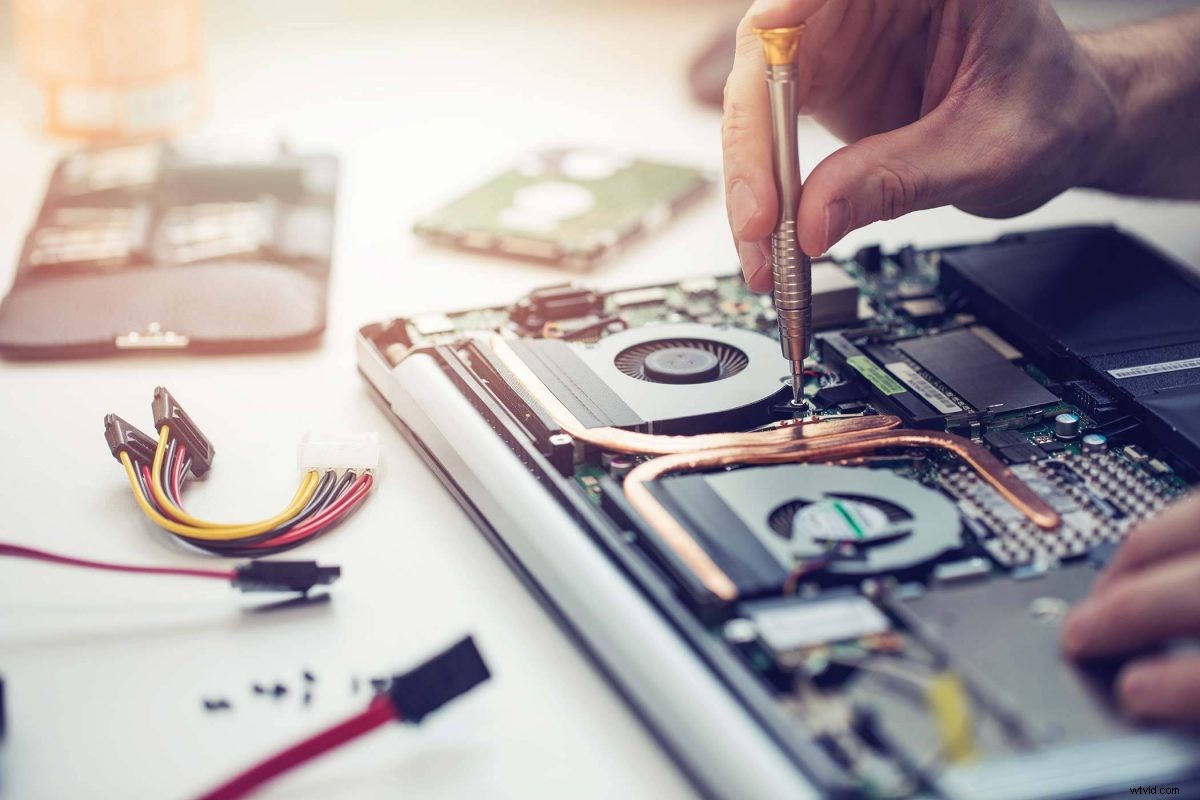
We’re committed to helping you repair your electronic devices instead of having to replace them. However, there comes a point where you inevitably need to upgrade to a new laptop or device. What do you do with your old one?
You can always recycle your old electronic devices (including laptops!) for free with us at The Lab. But if you’re looking for a more creative solution, here are a few of our favorite options.
Use It As An Additional Monitor
If you have a new desktop or laptop, you can use your old laptop as an external monitor. Having more than one monitor can be a great way to optimize your workflow and it’s easy to do whether you’re using a Mac or a PC.
Convert It Into A Game Server
If your old laptop still works, you can convert it into a server for online gaming. By creating your own gaming server, you and your friends can play multiplayer online games without having to connect to a server that is managed by the manufacturer of the game.
This can be an ideal solution if you have young gamers at home who should have more limited, protected access to online servers.
This is an easy switch, you just need to connect to the internet set your old laptop as the server before connecting it to your new laptop or desktop.
However, some laptops are too old to efficiently run gaming software, so this fix would only work with newer computers.
Use It As A Streaming Device
To do this, all you need is an HDMI cable to connect your laptop to the HDMI port on your TV. Your laptop can stream digital content directly to the TV, including websites that may not be supported by other streaming devices like a Roku.
Back Up Your Files
You can convert your old laptop into a storage device designed to host backups or image files. There are free software options available to do this, like TrueNAS Core that will give you detailed configuration and installation instructions.
Create A Wi-Fi Hotspot
This is a simple fix for an old laptop. It can be a great way to extend the wireless connectivity in your home if there are areas your router just doesn’t reach well.
Learn how to turn your PC in to a hotspot
Learn how to turn your MAC into a hotspot
Make A Chromebook
If all you need to use your laptop for access to a web browser and cloud-based programs, this could be a great fix. Chromebooks run a simple operating system that doesn’t have things like driver management and constant system updates.
Download the Chrome OS
PC World published a recent article explaining the process and how to make sure your old laptop meets the requirements: How To Turn An Old Laptop Into A Chromebook.
Turn It Into A Digital Photo Frame
This is one of the most popular DIY projects we’ve seen online. There are a ton of tutorials out there that show you how to turn your old laptop into a digital photo display.
We recommend using this one from inscrutables.com: Digital Photo Frame From Laptop that is complete with simple instructions and photos of the process.
Fix It Or Repurpose It?
If your laptop is acting up and you aren’t sure if it’s beyond repair, bring it into The Lab. One of our expert repair techs can run a diagnostic test and advise you on the best way forward.
You can always trust us to let you know if a simple repair is the best way to go or if it won’t be worth spending the money on in the long run.
We’re always here to help at our Warsaw location at 120 E. Center Street, Suite A. We’re open until 5pm Monday-Friday and until 2pm on Saturday.
Stop by during business hours or click below to schedule an appointment!