
Patrick David has created a 3D setup in Blender that allows him to preview just about any lighting rig for portrait photography
By Tim Barribeau | Published Mar 7, 2012 8:25 PM EST
We may earn revenue from the products available on this page and participate in affiliate programs. Learn more ›
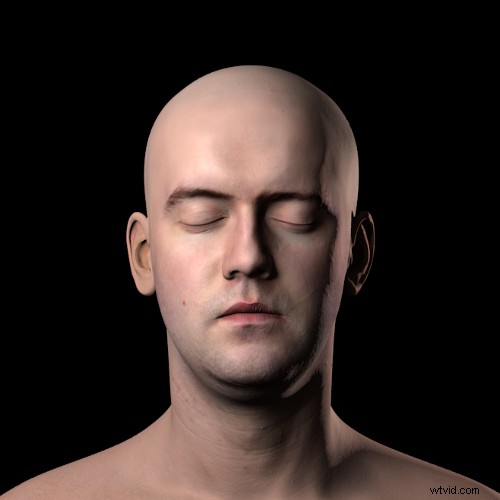
Visualizing how a lighting setup will affect a portrait subject can be tricky. Moving a single strobe just a few degrees can create a radically different effect. Patrick David decided to go a step beyond existing portrait lighting cheat sheets, and set up a 3D simulation with movable lights in order to see what the resulting photo would look like.
Using the open-source Blender software, and a high-quality 3D scan of a head released under creative commons, he crafted a simulated studio, with multiple light options. Using Blender, he set up softboxes, kickers, ring-flashes, and clamshells, all of which could be set at different distances from the model, and at different power levels. Even cooler, he’s released the .blend file, so anyone with a passing knowledge of Blender can use it. And if you don’t know how to use Blender, he’s also released a series of softbox cheatsheets, taken at 5° rotation increments around the subject.
That means you can get a general idea of what various lighting setups will look like before you head into the studio, and without forcing your subject to sit patiently for an eternity while you adjust strobe heights. It might not match the final results precisely, but it’ll get you close enough to make further tweaking easy.
[via Reddit]